

xrecode3
About xrecode3
Audio collections accumulate formats the way attics accumulate boxes, FLAC albums here, ancient APE rips there, a folder of WAV masters, and a car stereo that only reads MP3. xrecode3 is the converter built for clearing that entire attic in one pass.
It reads and writes practically every audio format that matters, from the lossless family, FLAC, ALAC, WavPack, Monkey’s Audio, TAK, through the lossy staples, MP3, AAC, OGG, Opus, out to studio-grade DSD, and it converts them in parallel, every processor core carrying its own file, so a thousand-track job finishes while single-threaded converters are still warming up.
The parallelism is the personality. Point it at a whole music library, choose a target format, and watch the grid chew through dozens of files simultaneously, which turns library-wide migrations, the kind people postpone for years, into an afternoon with a progress bar.
The CUE problem, solved properly
Ask veteran collectors what actually brings them here and the answer is CUE sheets. An entire generation of album rips exists as one giant lossless file plus a .cue index describing where tracks begin, a format modern players and phones handle badly. xrecode3 splits those albums into proper individual tracks, tags carried along, gaps honored, in whatever output format you choose, and it processes a folder full of such albums in one batch.
The same machinery runs in reverse. Multiple files merge into a single continuous file, with a CUE sheet generated to preserve the track map, which is exactly how audiobook chapters become one clean file and how gapless live albums are kept intact for archival.
Between splitting and merging, the program owns the album-file territory that ordinary converters ignore.
Everything between the formats
Conversion here means more than changing extensions. Sample rates and bit depths convert with proper dithering, multichannel mixes fold down to stereo for the headphone world, and ReplayGain values calculate during the pass so the resulting library plays at consistent loudness. Audio extracts directly from video files, pulling the soundtrack out of a concert recording or a lecture without a video editor in sight, ready for trimming afterward in an audio editor like Audacity if the take needs surgery.
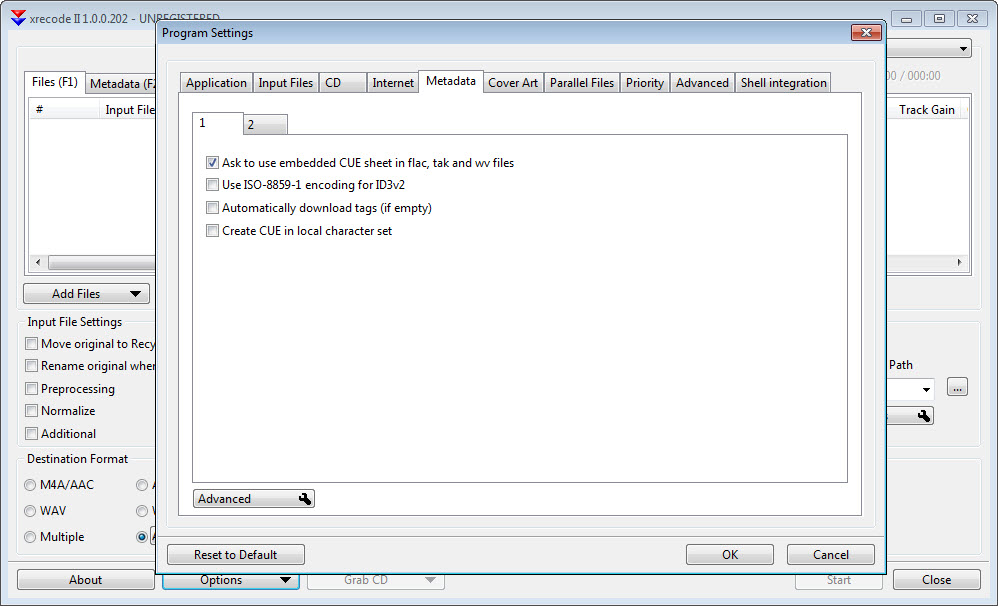
Metadata survives the journey, tags and cover art copy from source to output, with editing available in the grid before conversion starts. Per-format encoder settings expose the real dials, bitrate modes, compression levels, quality targets, and sensible defaults cover everyone who never opens that panel.
For the deep tag-cleaning session after a big migration, Mp3tag remains the natural next stop, the two tools bracketing the library-maintenance workflow neatly.
CD ripping and the batch temperament
Discs rip directly into any supported format with metadata lookup filling in titles, which covers the shelf of CDs still waiting for retirement. The ripping is honest and convenient rather than forensic, and the archivists who verify every extraction against error databases maintain their specialized rippers for that ceremony, using this program for what follows.
The batch temperament shows in the details that matter at scale. Output naming builds folder structures from tags, artist, album, numbered tracks, so ten thousand files land organized rather than dumped.
Conversions can preserve the source folder hierarchy, watch folders automate recurring drops, and the grid reports per-file status so one corrupt input doesn’t mystify an entire job. These are the touches that separate tools designed for libraries from tools designed for demos.
The fine print, fairly stated
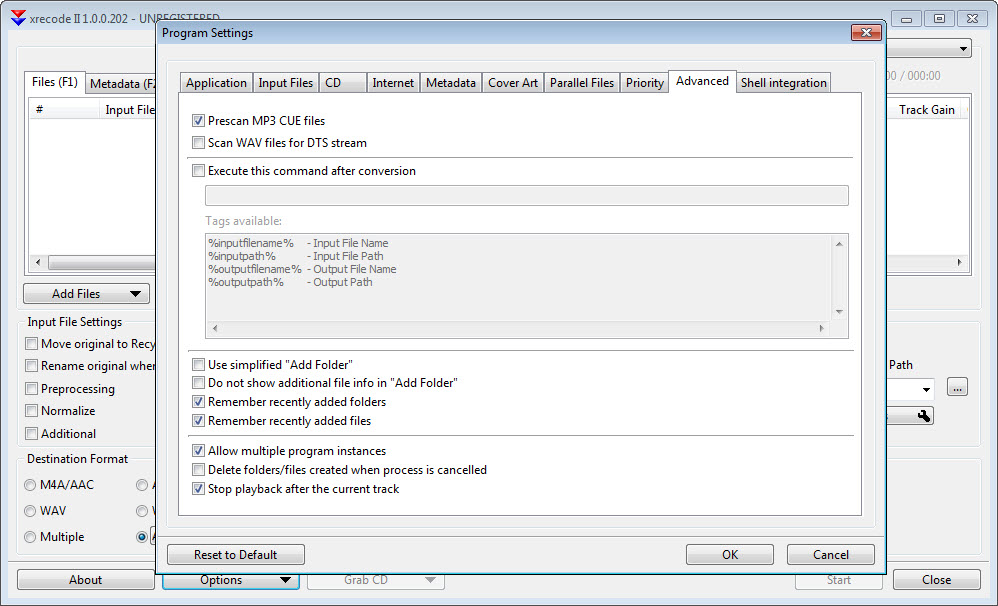
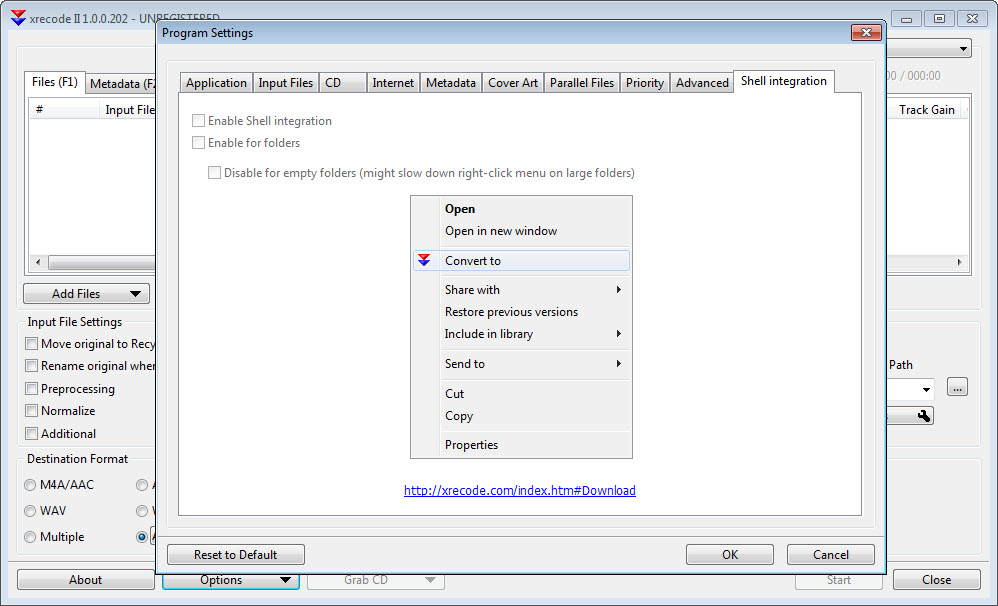
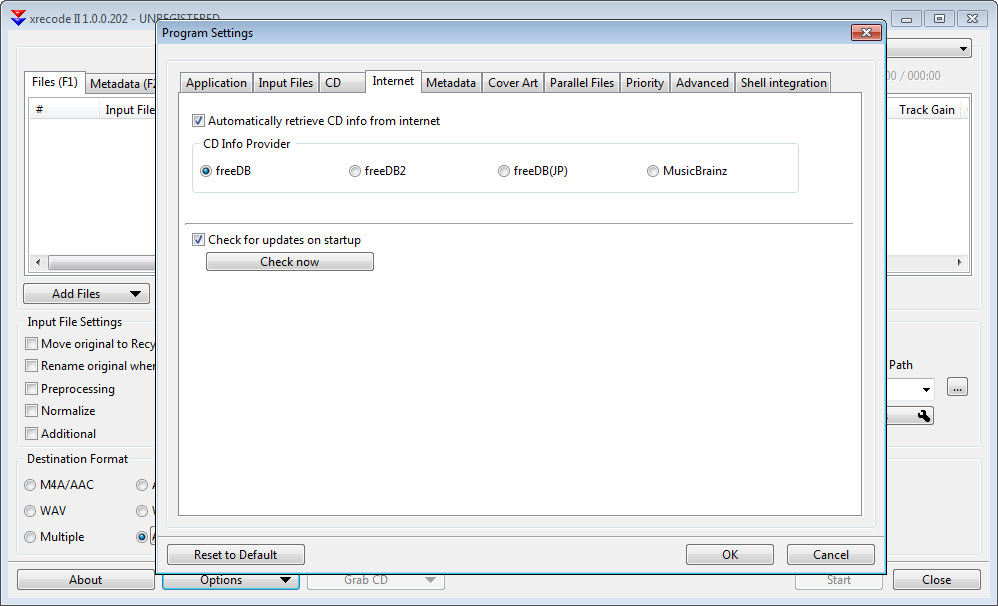
The interface is a workmanlike grid with a settings surface that rewards exploration and intimidates first contact, more spreadsheet than boutique. The trial arrangement adds a small ritual before each session, tolerable for evaluation and clearly designed to end. And the free-of-charge competition is real, with fre:ac covering everyday conversion and ripping honorably for anyone whose needs stop before CUE surgery, DSD, and the parallel-everything design.
The honest positioning writes itself from there. Casual converters with a dozen files are served fine by simpler tools. This program’s argument begins where libraries get large, formats get exotic, and album-files need splitting, exactly the territory where its speed and coverage stop being specifications and start being afternoons of your life returned.
Conclusion
xrecode3 is for the collector whose library is a project. The lossless archivist splitting years of CUE albums, the audiobook builder merging chapters, and the household migrating a mountain of mixed formats to something every device reads all get their afternoons back. For them, the parallel engine and format breadth turn dreaded migrations into routine batches.
The person converting one song for a ringtone needs none of this and shouldn’t pay the learning curve. Libraries, though, deserve a library-grade tool, and this is what one looks like.
Pros & Cons
- Converts in parallel across all processor cores, transforming library-scale jobs
- Reads and writes the full lossless, lossy, and DSD format spectrum
- Splits CUE-indexed album files into tagged individual tracks
- Merges files with generated CUE sheets for audiobooks and live albums
- ReplayGain, resampling, channel mixdown, and video audio extraction built in
- Tag-driven output naming keeps huge conversions organized
- Dense grid interface with an intimidating settings surface
- Trial arrangement interrupts until licensed
- Casual single-album jobs don't need this much machinery
- Disc ripping is convenient rather than verification-grade
Frequently asked questions
Effectively all of them, FLAC, ALAC, WavPack, Monkey's Audio, TAK and the lossless family, MP3, AAC, OGG, and Opus on the lossy side, plus DSD, with audio extraction from video files as well.
Load the CUE sheet and choose an output format, and each track emerges as its own tagged file with boundaries and gaps honored. Whole folders of such albums process in one batch.
It converts many files simultaneously, one per processor core, so large libraries finish in a fraction of the time single-threaded tools take. The gain grows with the size of the job.
Yes, multiple files combine into a single continuous file with a generated CUE sheet preserving chapter positions, the standard treatment for audiobooks and gapless albums.
Yes, metadata and artwork carry from source to output automatically, and tags can be edited in the grid before conversion begins.


