

XMedia Recode
About XMedia Recode
Most free video converters fall into two camps. Either they hide everything behind a single Convert button with a handful of preset choices, or they bury you under codec parameters with no obvious entry point. XMedia Recode is one of the few free tools that does both at once, with device presets one click away and a separate panel exposing every encoding knob the underlying codec supports.
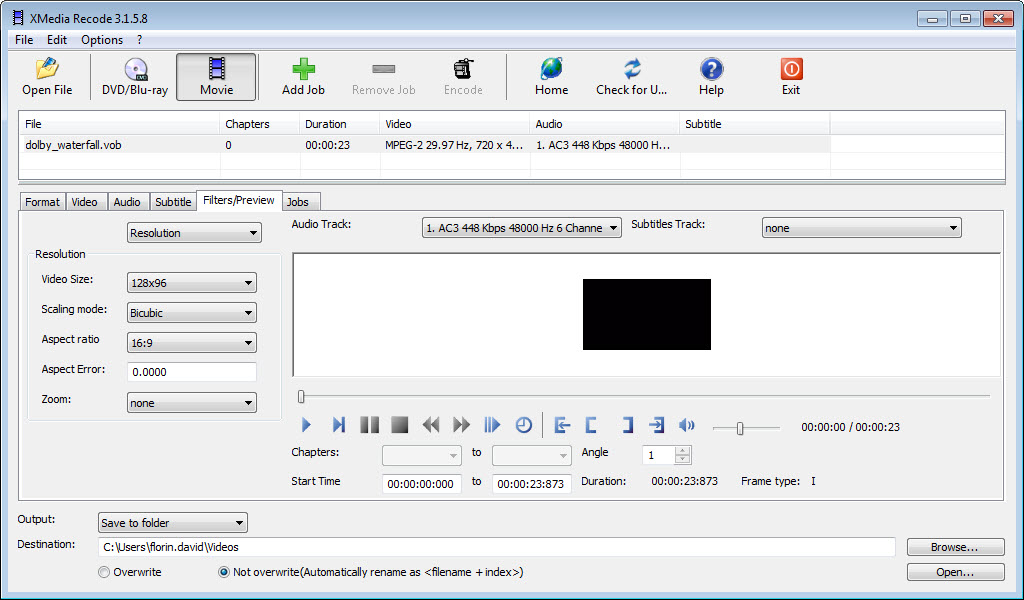
Behind a dense, slightly busy interface, the tool covers nearly every common format on input and output, plus DVD and Blu-ray sources, audio extraction, subtitle embedding, and per-track manipulation. It’s the kind of converter you grow into rather than outgrow.
Format and codec coverage
On the input side, XMedia Recode reads pretty much anything you can throw at it. MP4, MKV, AVI, MOV, FLV, WMV, WebM, M2TS, VOB, FLAC, MP3, AAC, AC3, OGG, OPUS, WAV, the whole spread. Outputs cover the same range and add device-targeted profiles that wrap the right container around an appropriate codec for the destination hardware.
On the codec side, you get H.264, H.265 (HEVC), AV1, VP9, MPEG-4, MPEG-2, ProRes, and VC-1 for video, plus AAC, MP3, Opus, FLAC, Vorbis, AC-3, and PCM for audio. The encoder choices behind each one are real, not stripped down. H.264 encoding uses x264 with the full preset list (ultrafast through placebo), tune options for film, animation, grain, and zerolatency, plus level and profile selection.
Device presets for casual conversions
If bitrate and CRF aren’t terms you want to think about, the preset library handles the hard part. Profiles exist for current iPhones and iPads, popular Android devices, Apple TV, Roku, PlayStation 5 and Xbox Series consoles, Smart TVs (Samsung, LG, Sony), and a long list of older hardware that more modern converters have dropped. Pick the target, load your source, click Encode.
The presets aren’t dumb wrappers around a single resolution either. They include device-specific aspect ratio handling, color space corrections where they matter, and codec choices that the receiving device actually decodes natively without falling back to software decoding (which kills battery life on phones especially).
Manual controls for power users
On the other side of the interface, the manual mode opens every parameter individually. You set the video codec, profile, level, GOP size, B-frames, reference frames, motion estimation algorithm, deblocking strength, and dozens of other things. Bitrate works in multiple modes, including constant, variable single-pass, variable two-pass, and constant quality (CRF). For audio you get codec, sample rate, channel layout, bitrate or quality, and per-channel mixing rules.
This is where the application steps clearly past lighter converters. If you’re trying to encode an MKV for a hardware decoder with specific profile and level requirements (say, a 4K TV that won’t accept Main 10 HEVC above Level 5.1), XMedia Recode lets you specify exactly that combination instead of trial-and-erroring through a HandBrake preset.
Disc ripping and stream handling
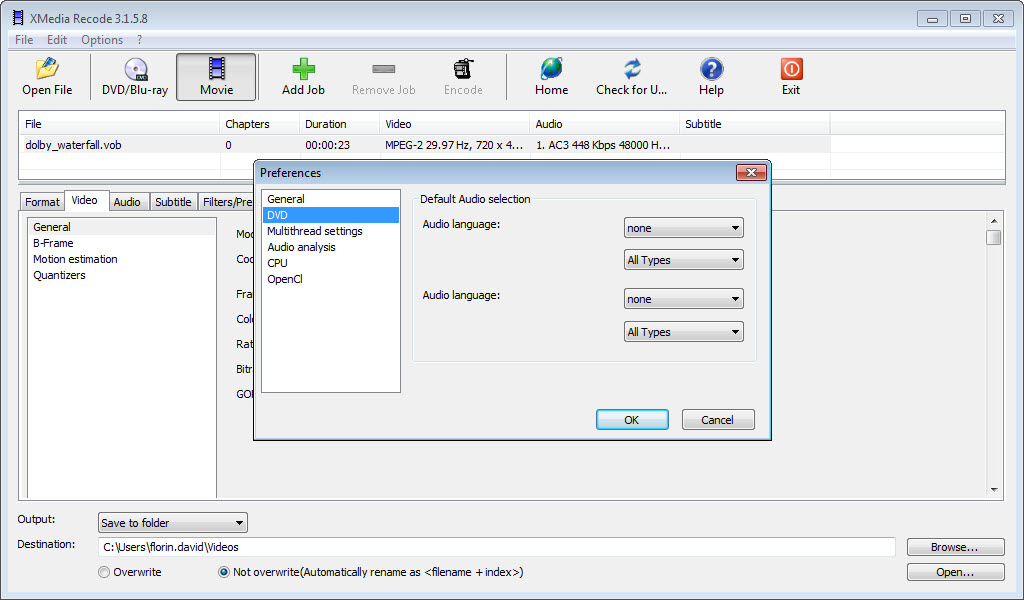
DVD and Blu-ray support is built in. Insert a disc (or point the tool at an unprotected ISO), and it parses the title sets, lets you pick which title to convert, which audio tracks to keep, which subtitle streams to include, and then encodes to whatever output format you want.
Worth noting up front. Like every legitimate free converter, this tool doesn’t crack commercial copy protection. Encrypted Blu-rays need to be decrypted separately before they’re readable, and the same applies to most retail DVDs.
For source files that already use the right codec, stream copy mode skips the encoder entirely. You can pull an H.264 video stream out of a TS file and remux it into MP4 in under a minute with zero quality loss. Same goes for switching audio containers without re-encoding the audio.
Subtitle and audio track manipulation
Subtitles can be embedded as a soft track (selectable at playback time in MKV or MP4), burned in permanently as part of the video frame, or stripped entirely. Input formats include SRT, SUB/IDX, SUP (PGS from Blu-ray), and ASS, with font and styling controls when you burn them in.
Audio tracks get the same treatment. Add new tracks from external files, remove unwanted dub languages, change track order, set the default flag, switch from 5.1 to stereo with downmixing rules, normalize loudness across multiple sources. Tools like MKVToolnix handle some of this more granularly for MKV files specifically, but XMedia Recode ties it directly into the encode step rather than requiring a separate remux pass.
Hardware acceleration and batch processing
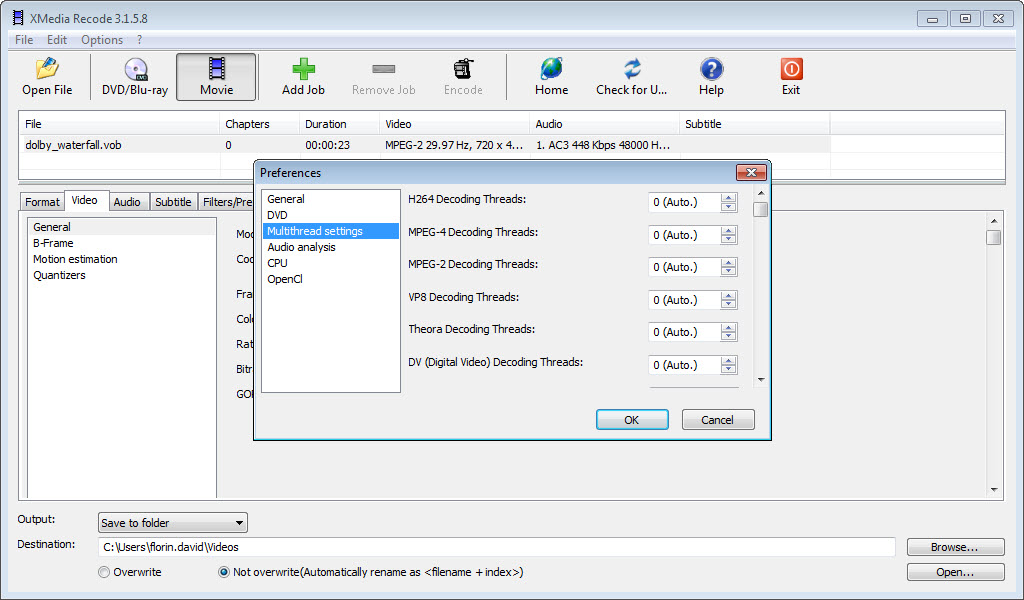
Hardware encoders are supported across the board. NVIDIA NVENC, Intel Quick Sync, and AMD VCE/AMF all appear as alternative encoder choices for H.264, HEVC, and AV1 (where the hardware supports it). Encoding speeds increase several times over CPU-only, with a quality trade-off that depends heavily on the specific generation of GPU (newer NVENC encoders are visibly closer to x264 quality than older ones were).
For bulk jobs, the queue runs as many files as you load. You can mix profiles in a single batch, set different output paths per file, and leave it running overnight. Compared to lighter alternatives like Format Factory or Any Video Converter, the per-file customization in a batch is much more flexible.
Conclusion
XMedia Recode is best suited for users who want a single converter that scales from “convert this for my phone” to “encode this MKV with x265 at CRF 18, slow preset, and a specific level cap.” The dual-track interface keeps casual use accessible while exposing the kind of granular control that usually requires command-line ffmpeg.
You shouldn’t pick it if a simple drag-and-convert experience matters more than feature depth. The interface density is real, and the learning curve is steeper than competitors that hide options on purpose. But for anyone who has hit the ceiling on what lighter converters can do, particularly around codec parameters, multi-track audio, and subtitle handling, this is one of the most capable free options around for desktop conversion work.
Features & benefits
Pros & Cons
- Format and codec coverage matches what paid professional tools offer
- Both quick device presets and deep manual controls live in the same interface
- Hardware acceleration through NVENC, Quick Sync, and AMF is fully supported
- Stream copy mode skips re-encoding when only the container needs to change
- Subtitle and multi-track audio handling rivals dedicated muxing tools
- Updates land frequently, with new device profiles and codec tweaks added regularly
- The interface is dense and can overwhelm first-time users
- Some menu translations from the original German still feel awkward
- Hardware acceleration quality depends heavily on GPU generation
- No built-in decryption for commercial DVD or Blu-ray copy protection
- No real-time preview of filter changes before encoding starts
Frequently asked questions
Yes, MKV to MP4 conversion is one of the most common use cases. You can either re-encode the video to a different codec or use stream copy mode to remux the existing streams into the MP4 container without any quality loss.
Yes, this tool supports NVIDIA NVENC, Intel Quick Sync, and AMD VCE/AMF for H.264, HEVC, and AV1 encoding on supported GPUs. The relevant hardware encoder appears in the codec dropdown when your system has a compatible GPU.
The application can read and convert from unencrypted DVD and Blu-ray sources, including ISO files. Commercial discs with copy protection need to be decrypted separately before this software can read them.
Both convert video, but this tool has more device-targeted presets, broader codec selection, and more granular audio and subtitle controls. HandBrake's strength is a simpler interface and slightly faster updates to the underlying x264 and x265 versions.
Yes, chapter editing is built in for MP4 and MKV outputs. Subtitles can be added from external SRT or SUP files, burned permanently into the video, or kept as soft tracks for playback selection.
The application handles unlimited batch jobs. You can queue dozens of files with different output profiles, set distinct output paths per file, and run the entire queue unattended.


