

X Minecraft Launcher
About X Minecraft Launcher
X Minecraft Launcher is a modern replacement for the default way you start Minecraft, built around one idea the official launcher handles poorly, managing mods, versions, and the tangle that comes with them. If you have ever wrestled with installing Forge by hand, or watched your mods folder turn into chaos, or wanted to run a heavily modded pack and a clean vanilla world side by side without them colliding, this is aimed squarely at you.
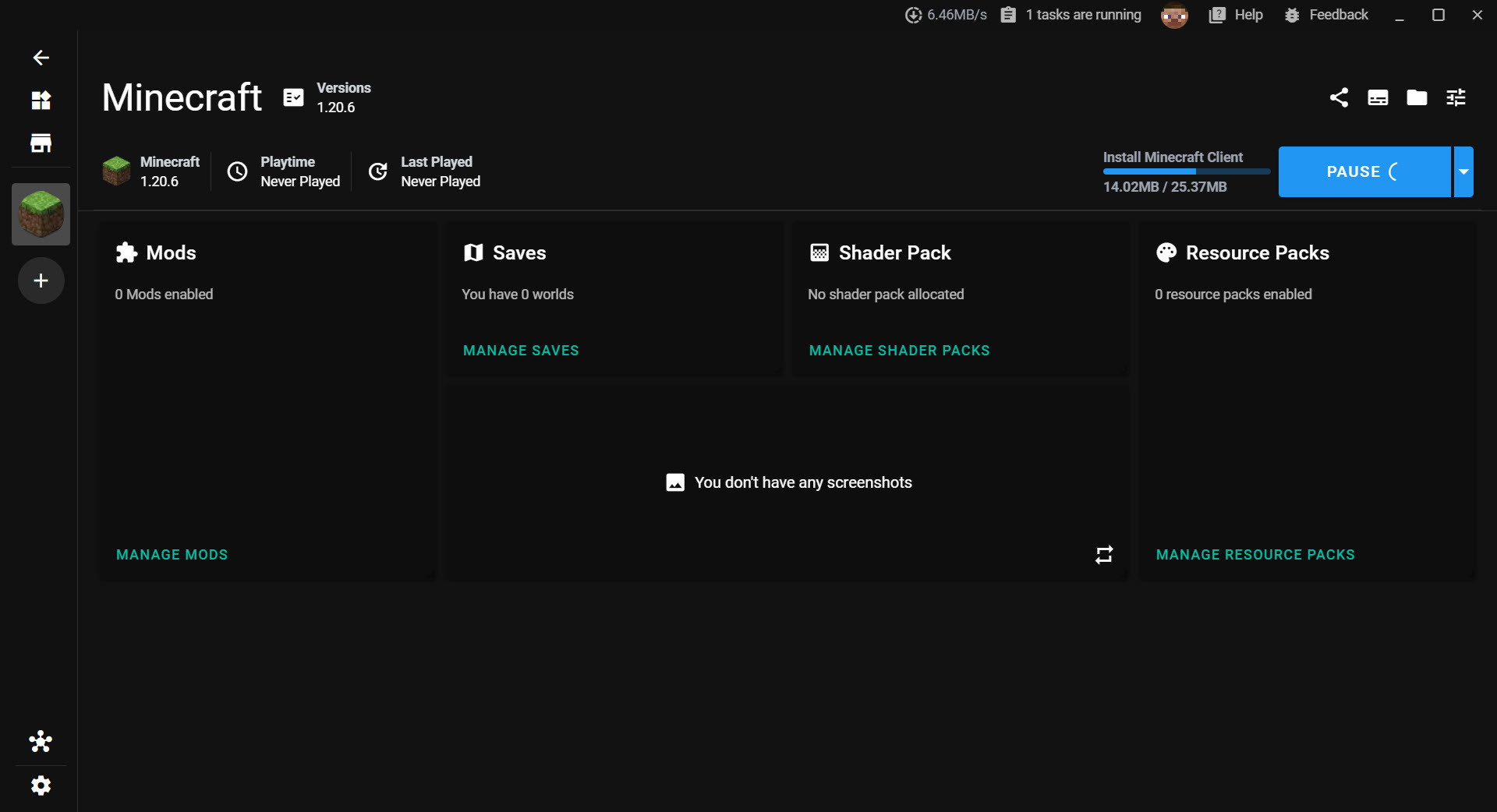
The centerpiece of X Minecraft Launcher is instances. Instead of one game install that you constantly reconfigure, you create separate, isolated environments. Each instance has its own version, its own mods, its own settings, walled off from the others.
A vanilla survival world in one, a Fabric performance setup in another, a giant Forge modpack in a third, and none of them touch each other. Switching between them is a click, and nothing breaks when you do.
What makes that practical rather than wasteful is how X Minecraft Launcher stores everything. Rather than copying the same mod into three different folders, it keeps a single central store and uses links to place each resource into the instances that need it.
The same mod shared across five instances takes up the space of one copy, not five. For anyone running several large modpacks, the disk savings are real.
Installing mods and loaders without the headache
This is where X Minecraft Launcher earns its keep. Setting up a mod loader is normally the part that scares people off modding entirely. Here, installing Forge, Fabric, Quilt, NeoForge, or OptiFine is a matter of picking it from a list, and the launcher pulls down the correct version to match your instance. No manual installer juggling, no version-mismatch errors, no hunting for the right file.
The right version of Java comes along too. Different Minecraft versions need different Java runtimes, a detail that trips up countless players, and the launcher quietly handles fetching and using the correct one.
That single piece of automation removes one of the most common reasons a modded setup refuses to launch.
A built-in store for mods, packs, and shaders
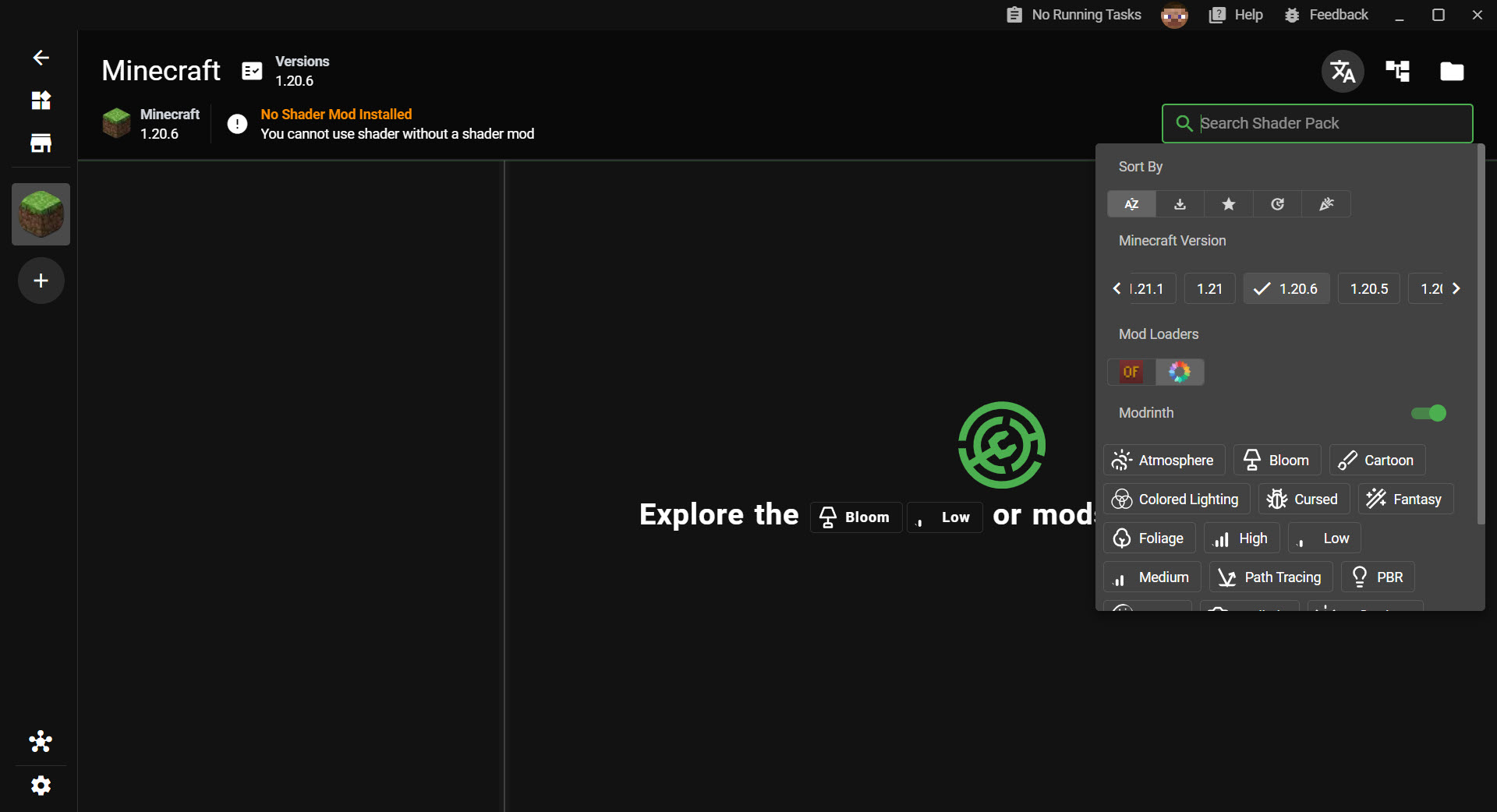
You do not have to leave X Minecraft Launcher to find content. It connects directly to the two big content platforms, CurseForge and Modrinth, and lets you search, browse, and install mods, modpacks, resource packs, and shader packs from inside the launcher itself. Search runs across both platforms at once and merges the results, so you are not checking two places for the same thing.
The clever part is dependency handling. Many mods rely on other mods to function, and forgetting a dependency is a classic cause of crashes. When you install something here, the launcher works out what it depends on and offers to grab those too, which spares you the frustrating loop of launching, crashing, reading a log, and tracking down the missing piece by hand.
Modpacks get first-class treatment as well. You can import and export packs in several formats, including the CurseForge, Modrinth, and MultiMC layouts, so a pack someone built in another launcher will usually come straight in.
That cross-compatibility matters, because it means you are not locked into one ecosystem. If you are coming from MultiMC or want to try a pack distributed for ATLauncher, your existing packs are not stranded.
Accounts, multiplayer, and the extras
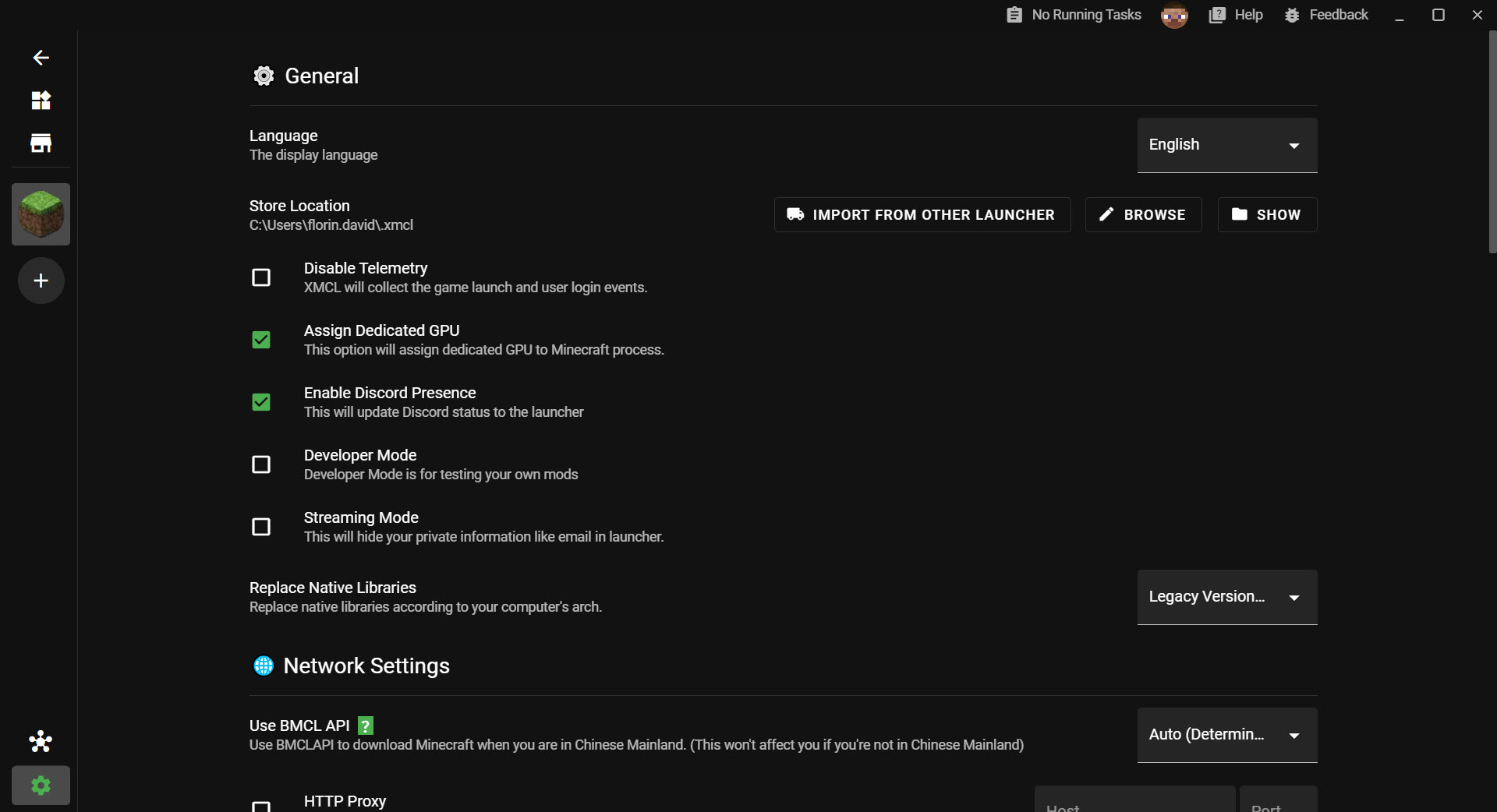
It supports multiple account systems, with built-in Microsoft sign-in for your account, so juggling more than one profile is straightforward. The download engine is built for speed too, pulling files in parallel pieces and reusing connections, with mirror support for regions where the main servers are slow.
One feature stands out as unusual. Peer-to-peer multiplayer lets the launcher establish direct connections between players on different networks, so you can set up LAN-style multiplayer with friends who are not actually on your local network. That normally requires extra software or fiddly port forwarding, and here it is folded into the launcher instead.
For managing the actual world files and structures once you are playing, separate tools like Amidst still have their place, but for everything up to the moment you hit play, this covers the ground.
Where it shines and where it asks for patience
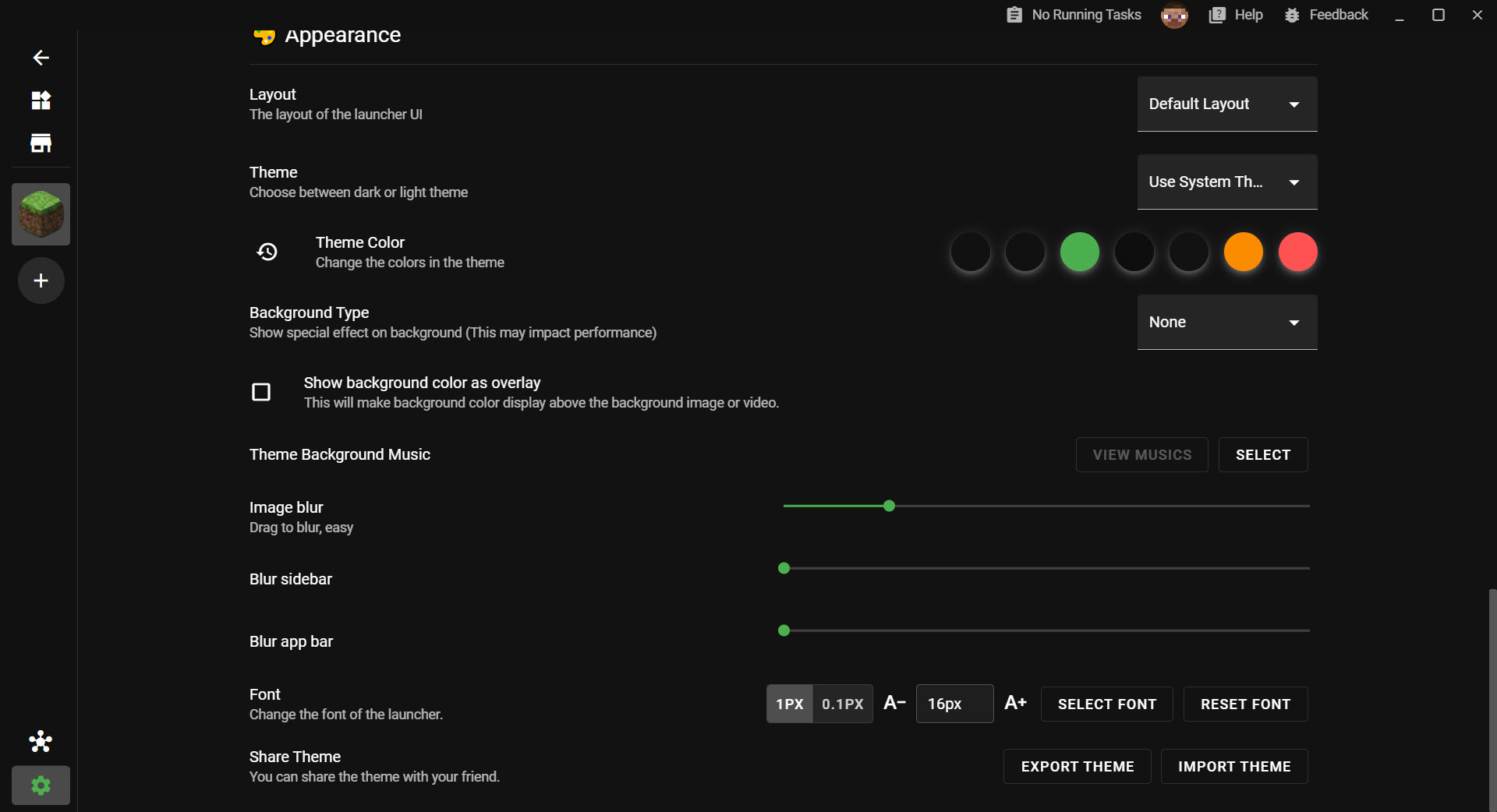
The strength of X Minecraft Launcher is obvious if you mod at all. It turns the historically painful tasks, loaders, dependencies, Java versions, multiple setups, into routine clicks, and it does so with a cleaner, more modern interface than most of its rivals. For a serious modder juggling several packs, it is close to ideal.
The flip side is that all this capability assumes you actually want it. If you only ever play plain vanilla Minecraft and never touch a mod, the instance system and content browser are machinery you do not need, and the default launcher would do.
There is also a learning curve to the concepts. Instances, loaders, and resource linking are simple once they click, but a total newcomer to modding has a few ideas to absorb before the workflow feels natural. The payoff is worth it, but it is not quite open-and-go for someone who has never modded before.
Conclusion
X Minecraft Launcher is for the player who mods, or wants to start. The person running multiple packs, the tinkerer who likes a clean vanilla install alongside a heavily modified one, anyone tired of the manual labor the default launcher demands. It takes the fiddly parts of modded Minecraft and makes them push-button, while keeping your disk tidy and your setups from stepping on each other.
It is not the tool for someone who only ever loads plain Minecraft and never will, and it does ask you to learn a few ideas first. But for the large and growing crowd who treat mods and modpacks as the whole point of the game, it is one of the most capable and pleasant launchers you can put in front of them.
Once the workflow clicks, going back to the default feels like a step backward.
Pros & Cons
- Isolated instances let you run vanilla and many modded setups without conflicts
- One central resource store with links avoids duplicate mods and saves disk space
- One-click installation of Forge, Fabric, Quilt, NeoForge, and OptiFine
- Automatically fetches the correct Java runtime for each version
- Built-in browsing and installing from CurseForge and Modrinth with dependency handling
- Imports and exports modpacks across several launcher formats
- Peer-to-peer multiplayer connects players across different networks
- Overkill if you only play plain vanilla and never use mods
- The instance and loader concepts take some learning for modding newcomers
- Built on a framework that can make it heavier than minimal launchers
- Depends on outside content platforms for its mod and pack library
Frequently asked questions
It manages multiple isolated instances, installs mod loaders and the right Java automatically, and lets you browse and install mods and modpacks from inside the launcher, all of which the default launcher does not handle.
Yes. You pick the loader you want, Forge, Fabric, Quilt, NeoForge, or OptiFine, and it downloads and sets up the matching version for your instance automatically.
It keeps a single central store of your resources and uses links to place them into instances, so a mod used across several instances is stored once rather than copied into each one.
Yes. When you install a mod, it identifies the other mods that one depends on and offers to install them too, which prevents many of the crashes caused by missing dependencies.
Often, yes. It supports importing and exporting packs in several formats, including CurseForge, Modrinth, and MultiMC layouts, so packs from other launchers usually load without trouble.
It can be, but there is a learning curve. The concepts of instances and loaders take a little getting used to, though they make modding far simpler once understood.


