

Wireless Network Watcher
About Wireless Network Watcher
The question this answers is one most people ask eventually, usually after the connection slows down or after somebody remembers how many visitors have been given the password. Wireless Network Watcher scans your network and lists everything currently connected to it.
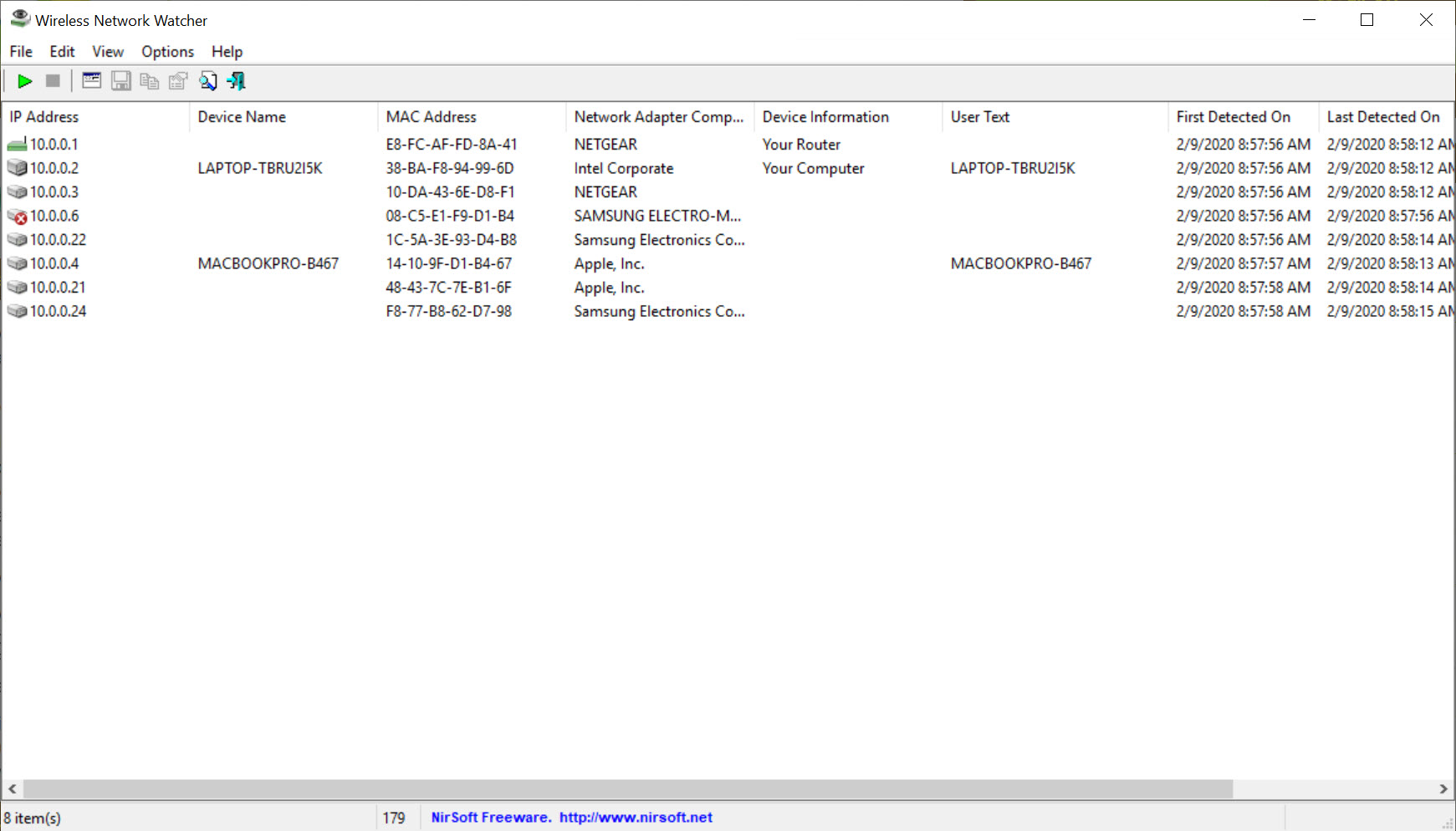
The Wireless Network Watcher list holds what you need to identify each device. Its address on the network, its hardware address, the manufacturer that address belongs to, a device name where one is offered, and when it was first and last seen.
Nothing is installed. The program runs from wherever you put it, scans, and leaves nothing behind, which is why it ends up on technicians’ sticks alongside everything else.
The manufacturer column does the identifying
A list of addresses tells you nothing, which is why Wireless Network Watcher resolves the manufacturer. The manufacturer field is what turns it into something readable, and it deserves explaining because the mechanism has a limitation.
Every network interface carries a hardware address whose first portion is registered to whoever made the network chip. Looking that portion up gives a manufacturer name, so the list shows recognisable names rather than a column of numbers.
The limitation is that the name identifies whoever made the network chip rather than the device itself. A television, a doorbell and a thermostat may all report the same chip manufacturer, and a device from a well-known brand may report a component supplier nobody recognises. Treat the field as a strong hint rather than an identification.
Where the question is about the airspace rather than the devices, meaning signal strength and which channels are congested, a scanner that maps the wireless environment around you answers that instead.
Naming things once
Wireless Network Watcher lets you give devices your own names, and those names persist between scans.
That step is what converts the tool from a curiosity into something useful. Working through the list once, identifying each entry and labelling it, produces a household inventory, and every scan afterwards shows names you recognise instead of a puzzle you solve again.
It is also the prerequisite for the alerting to mean anything, because an alert about an unfamiliar device is only informative when the familiar ones are already labelled.
The alert when something new appears
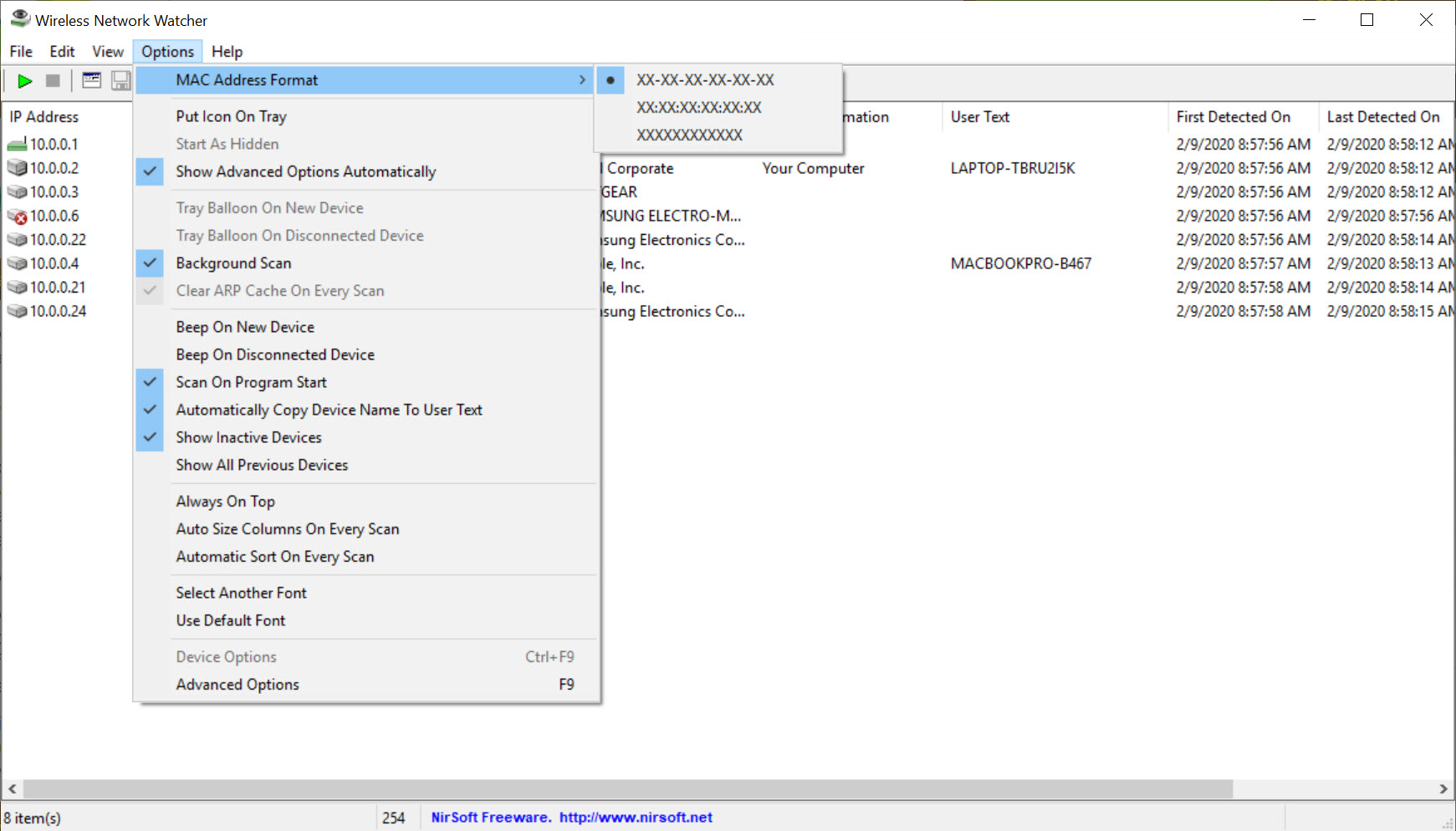
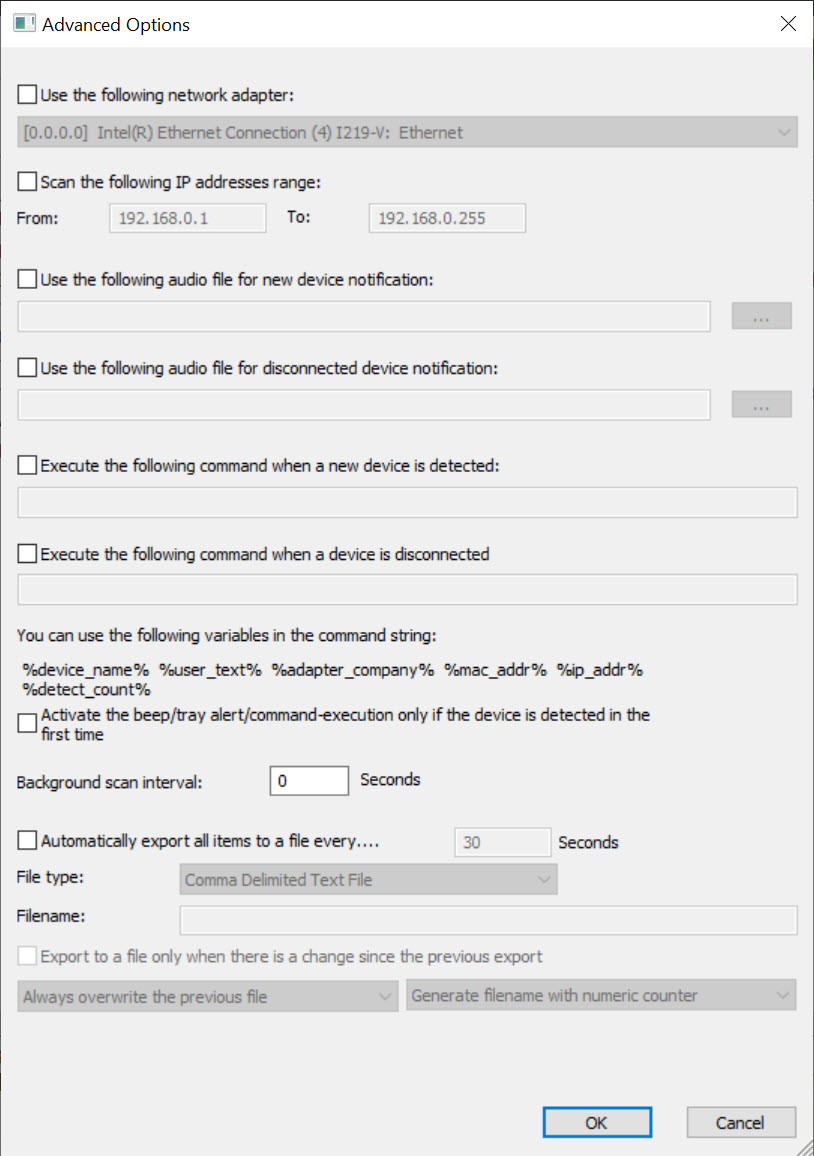
Wireless Network Watcher can keep scanning in the background and notify you when a device appears that was not there before.
That is the feature distinguishing it from an ordinary scanner. A scanner answers what is connected now, and this answers what has just connected, which is the question you actually want answered while doing something else.
For scanning on demand across a wider range with more detail per host, Angry IP Scanner sweeps faster and gathers more, without the watching.
Why the alerting works less well than it used to
Here is the modern Wireless Network Watcher limitation, and very few descriptions of this kind of tool mention it.
Phones and laptops now randomise their hardware address by default, presenting a different one to different networks and often rotating it over time. The purpose is preventing devices from being tracked across networks by their address, which is a genuine privacy improvement.
The side effect lands squarely on tools like this. The same phone can appear as several different devices over a period, each one triggering a new device alert, and a device you carefully named can reappear as an unfamiliar entry after reconnecting.
That does not make the tool useless. It means the alerting is noisier than it once was, and that an unfamiliar entry deserves investigation rather than alarm, because the most likely explanation is a household phone wearing a different address.
What to do about a device you cannot identify
The honest answer is that Wireless Network Watcher ends where the decision begins.
Knowing an unknown device is present does not tell you what it is or let you do anything about it. Removing it, blocking it or changing the network password all happen at the router, through its own interface, which is where that work belongs.
The useful sequence is identifying what you can from the manufacturer field and the timing, checking whether anybody in the household recognises it, and treating the router as the place where anything is actually enforced.
And where the question moves from what is connected to what a device is actually sending, a monitor that attributes traffic to individual programs covers the machine you run it on, which is a different question from surveying the network.
Conclusion
Wireless Network Watcher does one thing well and asks almost nothing in return. A readable list of what is connected, names you assign yourself, and an alert when something new arrives cover the question most people have about their own network.
Two things shape how much to read into it. Address randomisation means unfamiliar entries are usually household devices in disguise rather than intruders, and the manufacturer column is a hint rather than proof.
Use it to know what is normally present, treat surprises as questions rather than conclusions, and remember that anything you decide to do about a device happens at the router.
Pros & Cons
- Lists every connected device with address, hardware address and manufacturer
- Background scanning with an alert when a device appears that was not there before
- Devices can be given your own names, which persist between scans
- First and last seen times show when something arrived and whether it stayed
- Exports the list for keeping alongside network documentation
- Portable, tiny and leaves nothing on the machine
- Address randomisation makes the same phone appear as several devices over time
- The manufacturer field identifies the network chip maker rather than the device
- Devices that decline to respond may not appear at all
- Reports what is connected, not what any of it is doing
- Nothing here removes or blocks a device, which happens at the router
Frequently asked questions
Every device currently responding on your network, with its address, hardware address, the manufacturer that address is registered to, a name where one is offered, and when it was first and last seen.
Most likely address randomisation. Phones and laptops now rotate their hardware address for privacy, so the same device can appear as several different entries over time, each one looking new.
No. It surveys what is connected rather than what any of it is sending. Traffic monitoring is a separate question needing a tool built for it.
Through the router, which is where blocking and password changes happen. This tool identifies what is present and enforces nothing.
It is a strong hint rather than an identification. The name belongs to whoever made the network chip, so unrelated devices can share one and a familiar brand can appear under a component supplier's name.


