

WinUAE
About WinUAE
WinUAE is a feature-rich Amiga emulator that brings the experience of Commodore’s legendary computers into today’s computing environment.
Designed with accuracy and flexibility in mind, it allows you to run classic Amiga software, games, and demos with a level of detail that closely matches the original hardware. For retro computing enthusiasts, it is one of the most complete emulation solutions available.
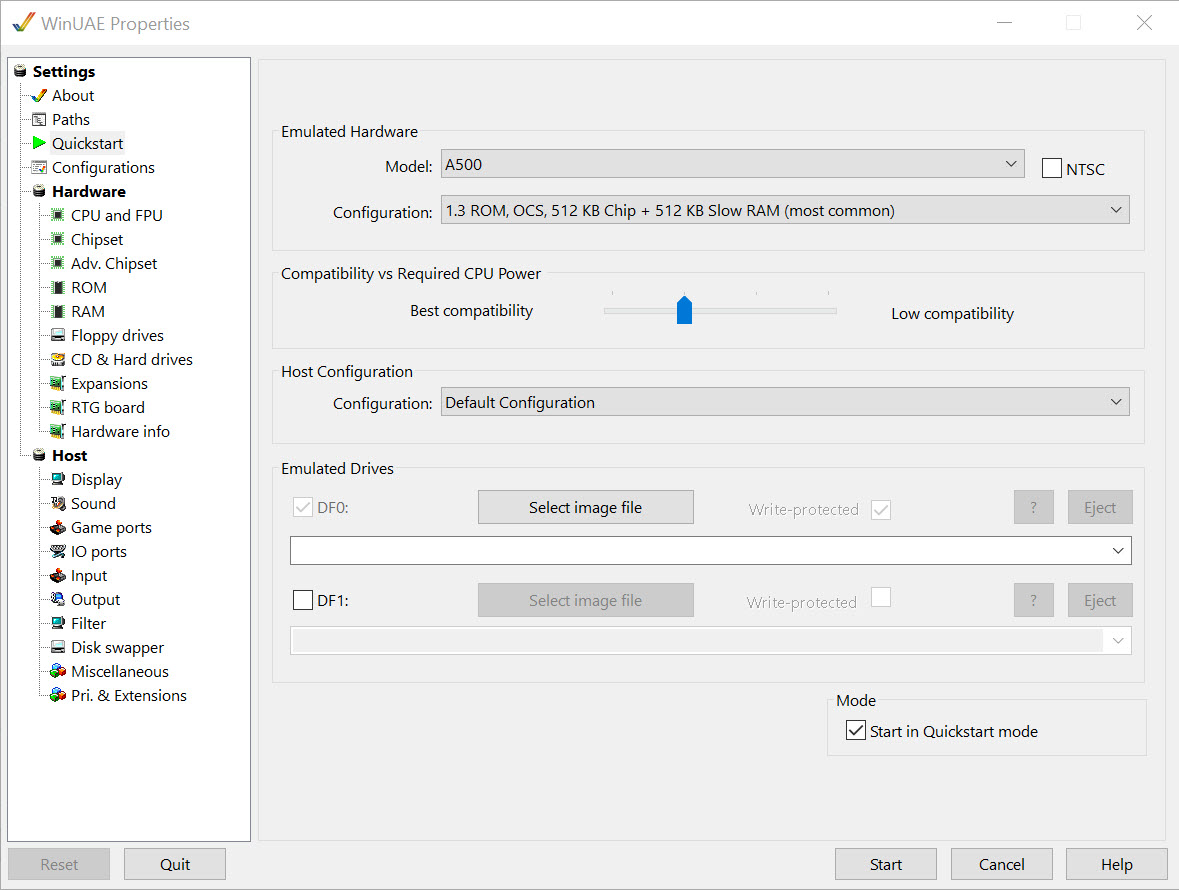
It can be challenging to revive such old technology, but WinUAE makes the process surprisingly accessible. With its extensive set of features, it enables you to emulate a wide range of Amiga models, from the entry-level A500 to high-end configurations like the Amiga 4000, complete with optional hardware expansions and advanced graphics support.
Deep configuration for authentic results
WinUAE supports a variety of CPU models, custom chip configurations, and cache settings, giving users detailed control over system performance and behavior. Storage options are equally versatile. You can emulate floppies, CDs, and hard drives, or even mount directories from your PC as Amiga drives. Few emulators offer such a complete range of storage emulation capabilities.
You can also configure display settings, audio output, and input devices to suit your needs. The emulator supports keyboard and mouse controls, although trackpad support is not currently available in this version.
Designed for both nostalgia and precision
With cycle-accurate chipset emulation and support for multiple Amiga configurations, WinUAE offers a faithful recreation of the original experience. Disk activity sounds, accurate timing, and compatibility with most Amiga software contribute to the sense of authenticity.
While its advanced configuration options may overwhelm beginners, the payoff is an emulator capable of running almost any Amiga title with the same quirks and charm it had decades ago.
Whether you’re revisiting old games or exploring vintage productivity software, the results are both stable and realistic.
Conclusion
WinUAE stands out as one of the most accurate and versatile Amiga emulators available. Its ability to reproduce the full range of Amiga systems, combined with its extensive customization and hardware emulation features, makes it ideal for enthusiasts and preservationists.
While it requires some setup and the right ROM files, the end result is a faithful, highly configurable emulation environment that brings the Amiga legacy back to life on modern computers.
Pros & Cons
- Highly accurate emulation of multiple Amiga models
- Extensive customization for CPU, memory, storage, and chipset settings
- Supports floppy, CD, and hard drive emulation at an advanced level
- Easy installation and quick launch
- Active development and strong community support
- Requires Kickstart ROMs, which must be obtained separately
- Configuration depth can be intimidating for new users
- Trackpad input not supported
Frequently asked questions
Yes. It supports a wide range of Amiga configurations, from basic to advanced models, with accurate chipset behavior.
Yes. A Kickstart ROM file is required to run the emulator, and it must be sourced separately.
Yes. It can emulate floppy drives, CDs, hard drives, and even map PC folders as Amiga drives.
Yes. It supports standard keyboard and mouse controls, though trackpad input is not currently included.


