

Windows System Control Center
About Windows System Control Center
Two of the best collections of system utilities ever assembled share a common problem. Between them they hold well over two hundred tiny programs, each doing one thing precisely, and none of them updates itself, tells you what the others do, or helps you remember which one you need. Windows System Control Center exists to solve that, and it solves nothing else.
It is a front end. Every tool in the supported collections appears in one searchable list with a description beside it, and clicking an entry runs it. That is the entire proposition, and for anybody who works with those collections it is worth more than it sounds.
One window for several hundred small tools
The library is the point. Each utility appears with its name, its category and a line explaining what it does, and the whole lot is searchable and filterable.
That matters because the naming conventions in these collections are cryptic to anybody who has not memorised them. Knowing you want to see which programs have a particular file open, and finding the utility that does it, are two different problems, and the second one is where people give up and reach for a worse tool they already know.
Searching by what a tool does rather than by what it is called turns a collection into something usable. Process Explorer is the famous one everybody can name, and the two hundred you cannot name are the reason to have this installed.
The update problem it was built for
None of the utilities Windows System Control Center manages updates itself. They are single executables with no installer, no service, no version check, which is precisely why they are pleasant to use and precisely why a folder of them goes stale without anybody noticing.
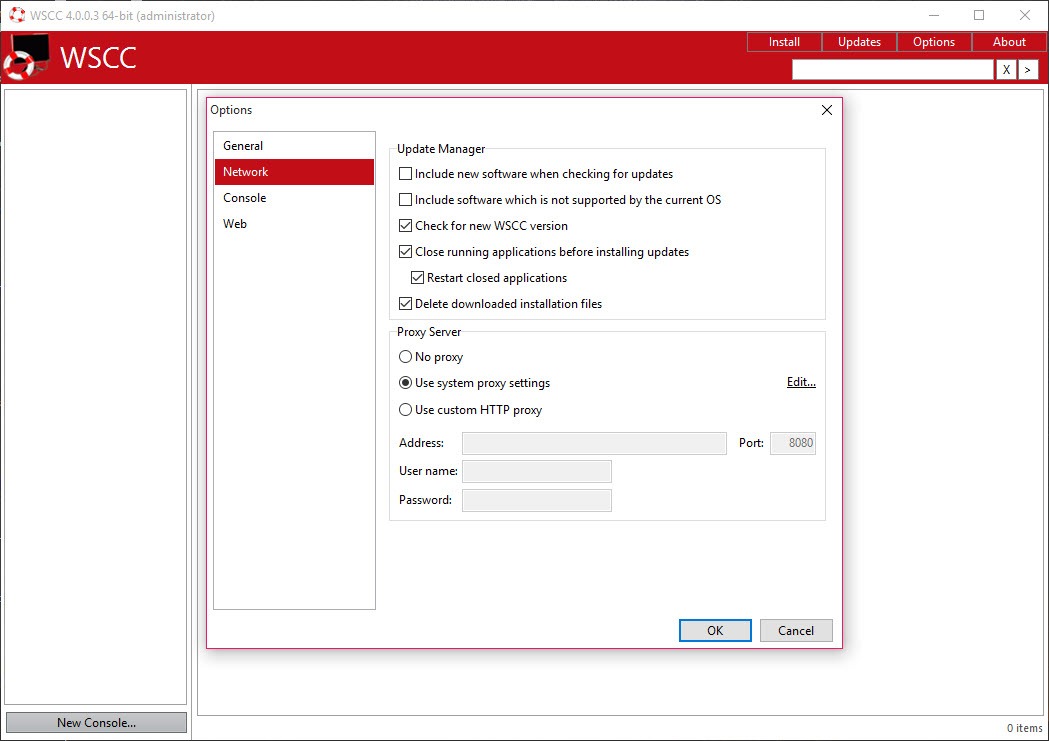
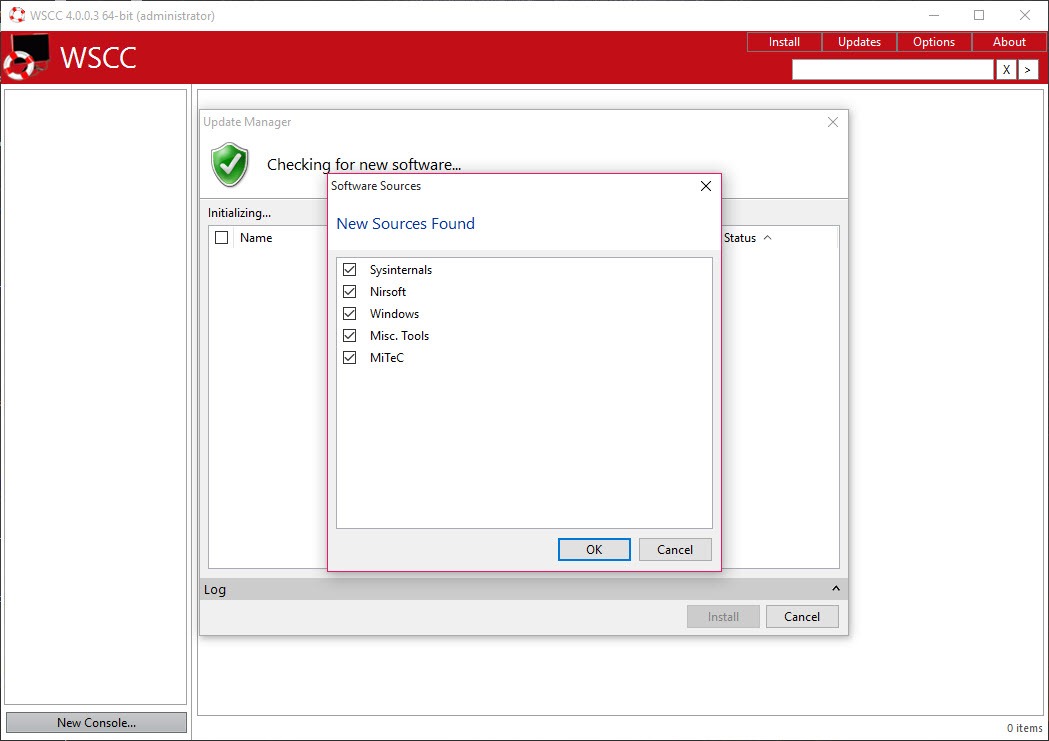
The update manager checks everything you have against what is currently published, fetches the newer versions and collects anything missing from the collections, all in one action. Updates can also be scheduled, which creates an entry in the system’s own task scheduler so it happens without anybody remembering.
For a tool like Autoruns, which inspects startup locations that change with every system revision, running a stale copy means missing entries that a current one would report. That is the practical argument for keeping the set fresh rather than a tidiness one.
Running without keeping copies
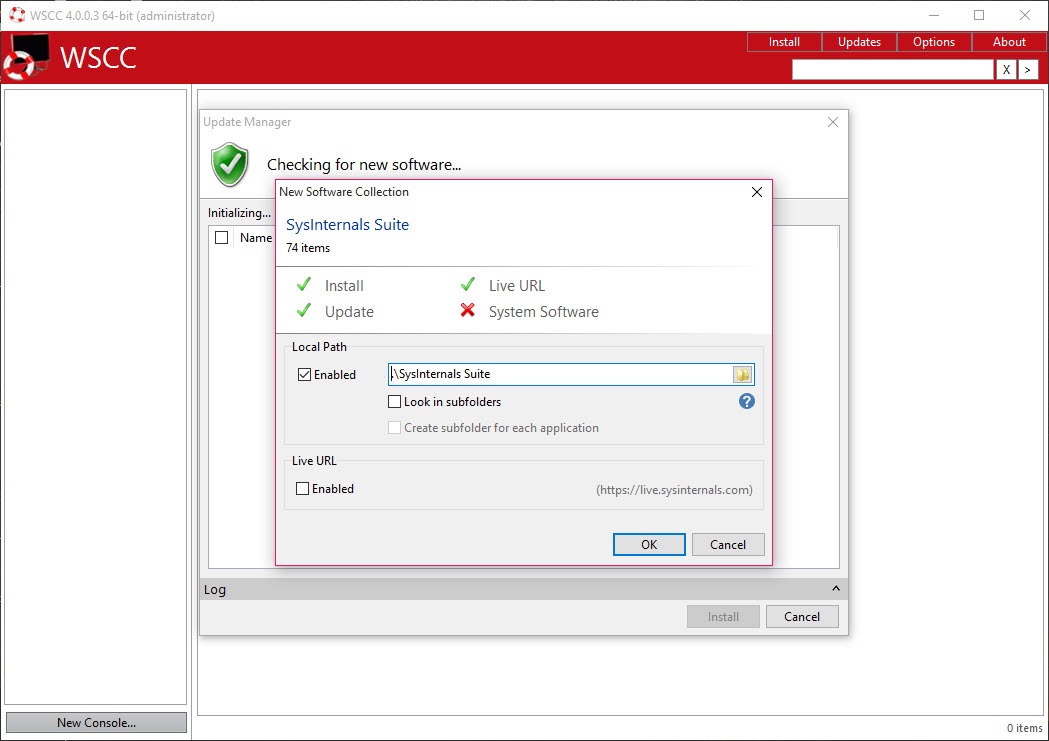
Windows System Control Center also offers a mode where programs are fetched and run over the network rather than stored locally, which suits working on a machine that is not yours and where leaving a folder of administration tools behind would be untidy.
The obvious dependency applies. That mode needs the service to be reachable, so it is a convenience on a working connection and useless on the machine you are fixing precisely because its networking is broken. Keeping a local copy on a stick remains the reliable arrangement for repair work.
Favourites, categories and a console
Organisation in Windows System Control Center goes beyond the search. Tools group by function or by source collection, favourites keep the handful you use weekly at the top, and your own programs join the list so a personal toolkit sits alongside the collections rather than in a separate folder.
A console is included for the command-line utilities, which are numerous in these collections and awkward to run with parameters otherwise. Settings and custom entries export to a file, so the arrangement transfers to another machine rather than being rebuilt.
Diagnostic tools benefit most from this treatment. Something like BlueScreenView gets used twice a year, which is exactly the interval over which you forget both its name and where you put it.
What it is not
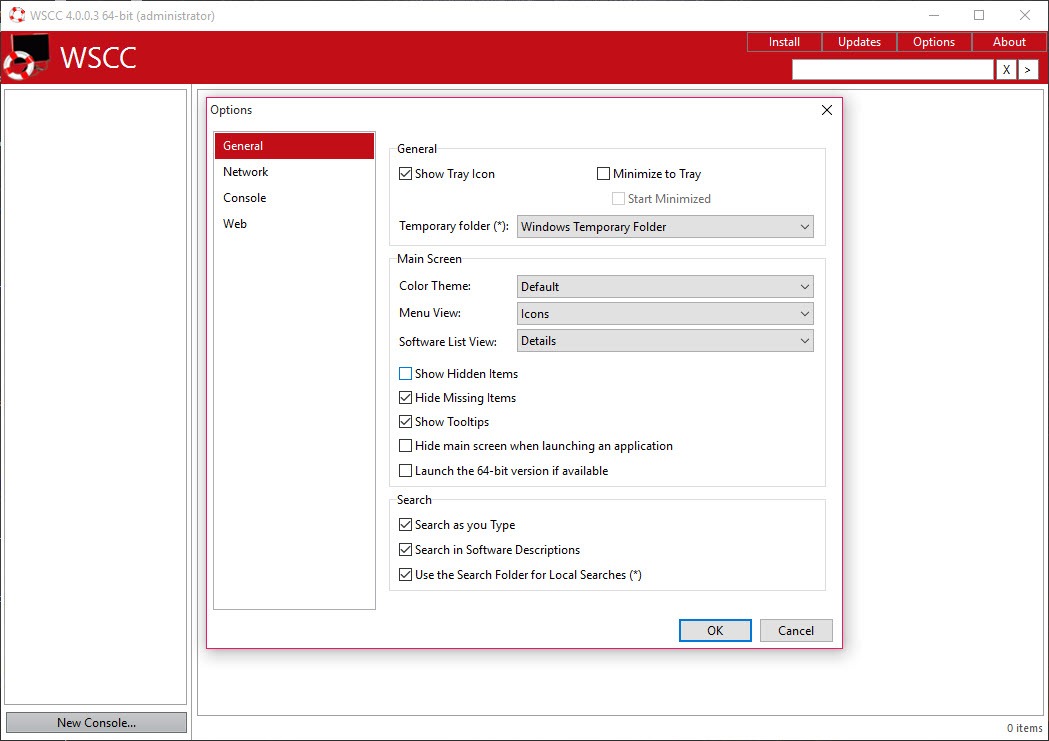
Being clear about this matters. Windows System Control Center contributes no functionality whatsoever. Every capability belongs to the collections it manages, and if you removed the front end tomorrow every one of those tools would work exactly as before.
What you are installing is organisation, search, updating. That is a genuine service and it is not a feature set, so judging it against the tools it launches misses the point in both directions.
Two practical notes. Nothing works until the collections have been fetched, so the first run is a download rather than a tool. And the portable edition updates the collections happily while needing the main program updated by hand, which the installed edition handles itself.
Finally, the collections do not cover everything. An instant search for files rather than for tools sits outside them and belongs in the same folder.
So does a plain inventory of what hardware is in the machine, which these collections approach from several directions without ever simply listing it.
Conclusion
Windows System Control Center is aimed at one specific person, the technician who already relies on these utility collections and is tired of managing a folder of two hundred executables by hand. For that person it removes three separate irritations, remembering names, keeping versions current, finding the right tool at the moment it is needed.
Anybody who does not already use those collections should understand what they are getting. The front end is a convenience wrapped around software written by other people, and the value lives entirely in what it organises. Install it for the search and the update manager, keep a copy on a stick alongside the tools the collections omit, and it quietly saves an hour a month for as long as you do this kind of work.
Pros & Cons
- Every tool in the supported collections appears in one searchable list with descriptions
- Searching by function finds the utility you need without knowing its name
- One action updates everything installed and fetches anything missing
- Updates can be scheduled through the system's own task scheduler
- Programs can be run over the network instead of being stored locally
- Favourites, categories and custom entries organise a personal toolkit alongside the collections
- A built-in console handles the command-line utilities and their parameters
- Portable, so the whole arrangement travels on a stick
- Adds no functionality of its own, since every capability belongs to the collections
- Nothing is usable until the collections have been fetched on first run
- The network mode is useless on a machine whose connection is the problem
- The portable edition needs the main program updated manually
- Descriptions help, but the collections still assume technical knowledge
Frequently asked questions
By itself, nothing but an interface. It manages the established system utility collections, which between them hold well over two hundred single-purpose programs, presenting them in one searchable list with descriptions.
That is its main reason to exist. Those utilities have no update mechanism of their own, and the update manager checks the whole set at once, fetching newer versions and anything missing. The check can also be scheduled.
Yes, through a mode that fetches and runs them over the network, which suits working on somebody else's computer. It depends on that connection working, so a local copy remains the right choice for repair jobs.
None. Every capability belongs to the utilities themselves, and the front end contributes organisation, search, updating. Removing it would leave every tool working exactly as it does now.


