

Windows 95
About Windows 95
Windows 95, reimagined by developer Felix Rieseberg, is a lightweight standalone app that emulates Microsoft’s iconic operating system from the 1990s. Built using Electron, this project allows users to relive the experience of Windows 95 on modern systems without the need for virtual machines or complicated setups.
Whether you’re revisiting fond memories or exploring computing history, this emulator offers a fun and functional glimpse into a bygone era.
A Fully Functional Windows 95 Experience
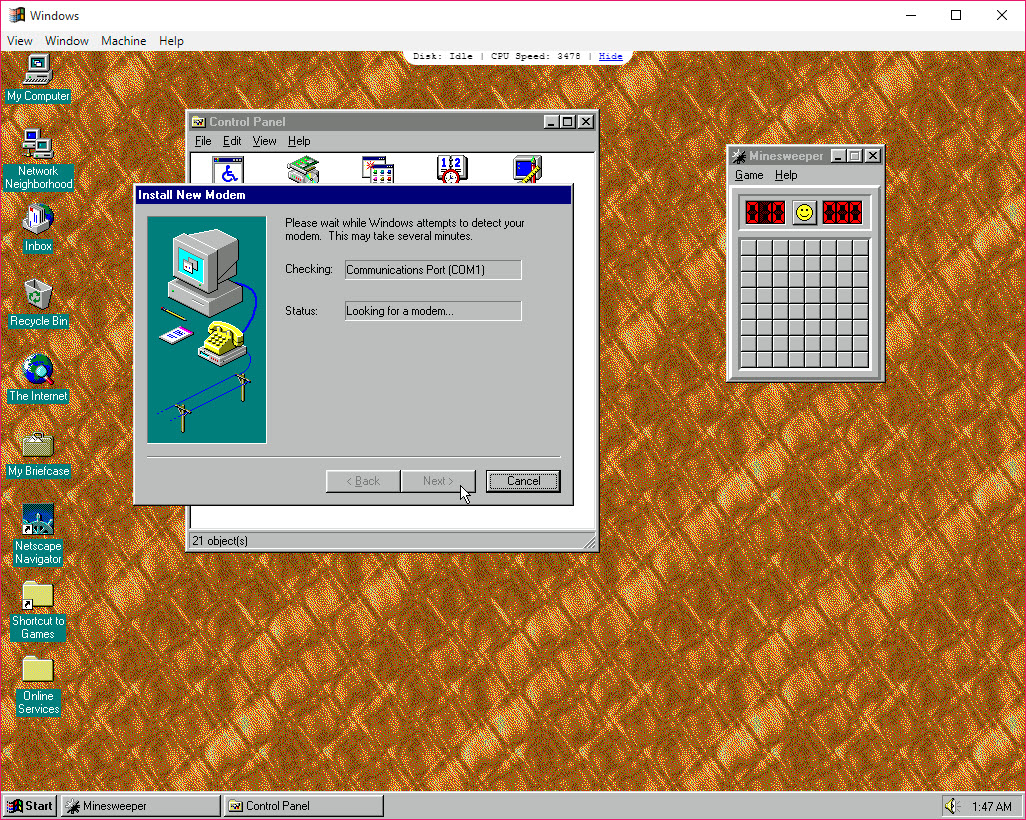
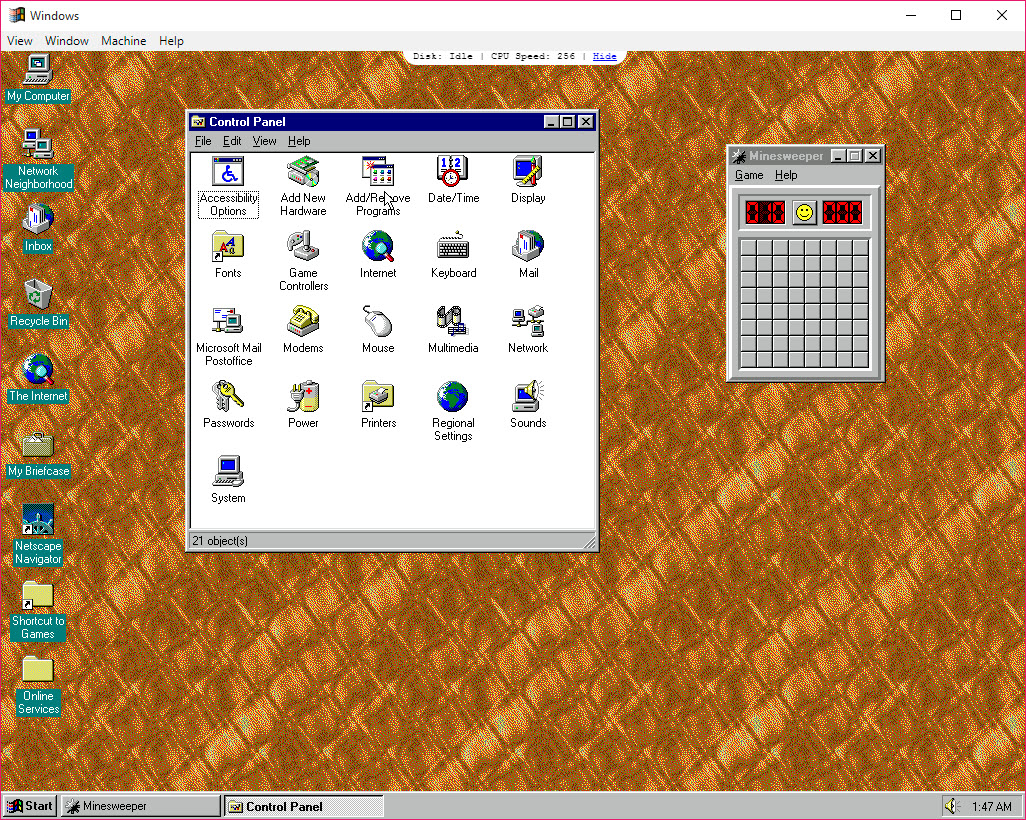
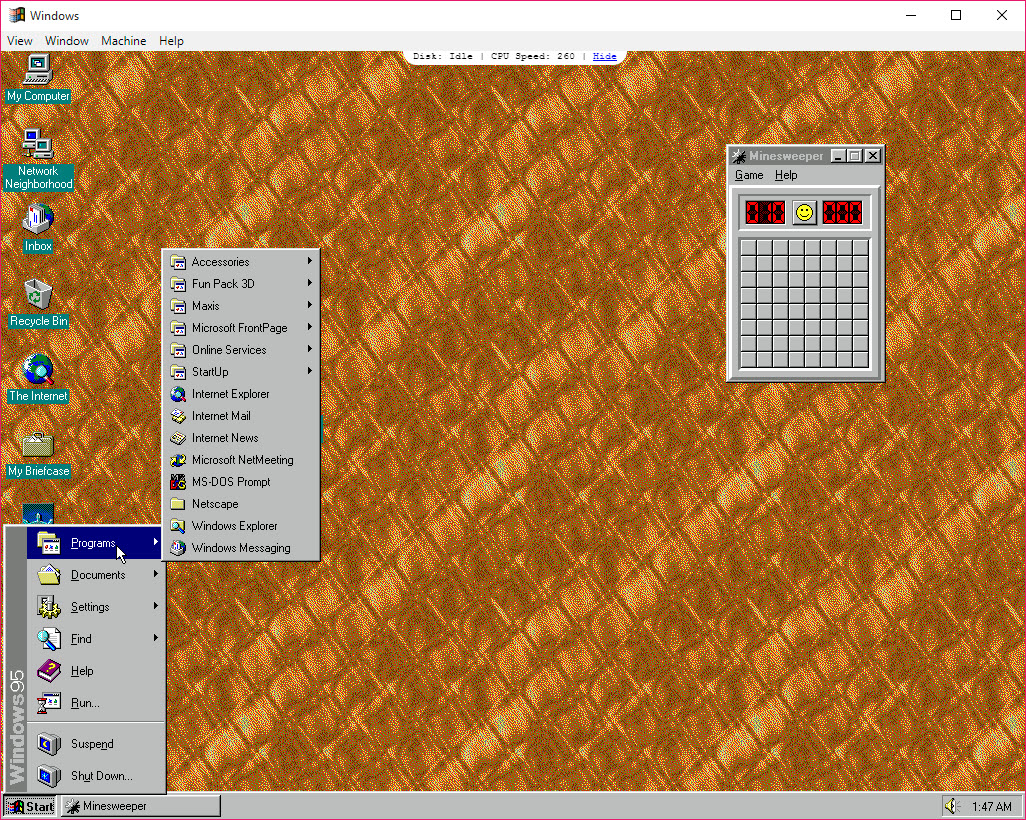
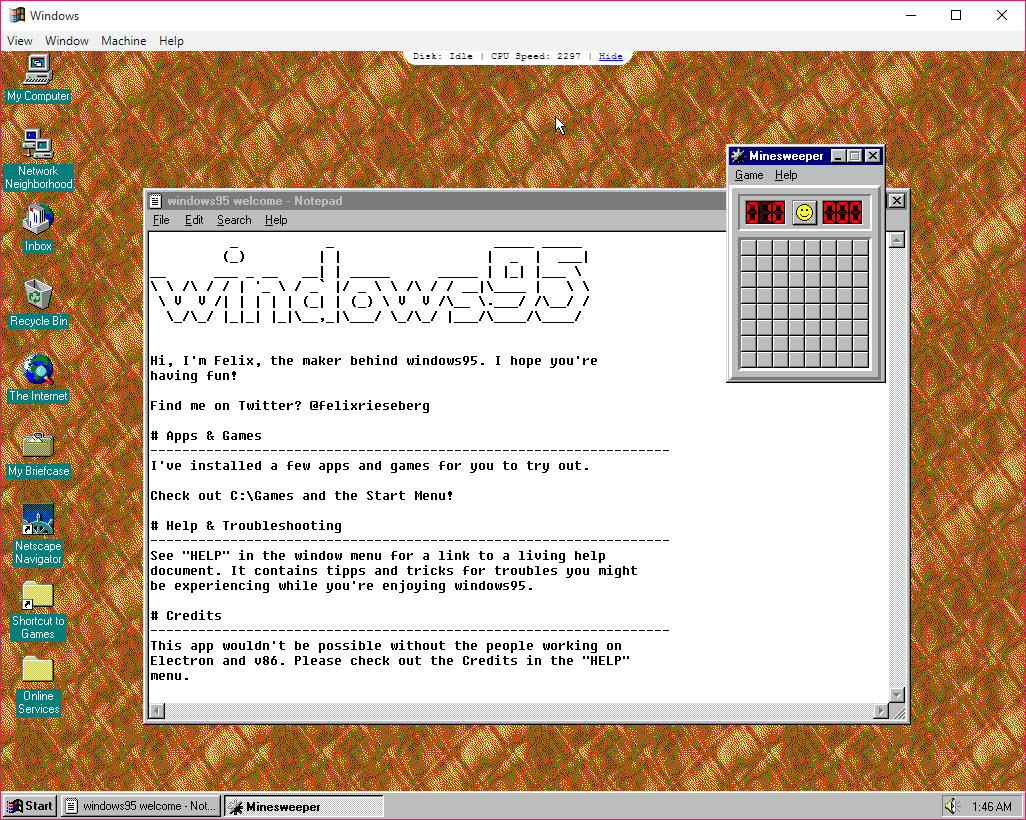
The app provides a fully functional version of Windows 95, complete with classic applications like Internet Explorer, WordPad, MS Paint, and Minesweeper. Users can navigate the Start menu, tinker with system settings, and even browse the old-school Control Panel.
While it doesn’t support internet browsing due to the limitations of the emulation, it faithfully replicates the original desktop environment, evoking a sense of nostalgia for those who grew up with it.
Easy to Use
The Windows 95 app is portable and doesn’t require installation. Simply download the app, launch it, and start exploring. It runs in a self-contained window, making it accessible to users of all technical levels.
This simplicity makes it ideal for anyone curious about older operating systems or wanting a lightweight and straightforward way to explore Windows 95.
Fun for Learning and Experimentation
For younger users or developers interested in retro computing, Windows 95 serves as a fantastic educational tool. It provides insights into how operating systems have evolved, showcasing features that were groundbreaking at the time but are now considered basic or obsolete.
Conclusion
Windows 95 is a delightful way to revisit a classic operating system. Whether you’re indulging in nostalgia or exploring computing history, this lightweight emulator offers an authentic slice of the past.
While its functionality is limited compared to virtual machine setups, its ease of use and compatibility make it a standout choice for casual users and retro computing enthusiasts.
If you’re curious about the operating system that defined a generation, this app is a must-try experience.
Pros & Cons
- Faithfully replicates the Windows 95 experience.
- Portable and easy to use, with no installation required.
- Compatible with modern operating systems, including Windows, macOS, and Linux.
- Lightweight, requiring minimal system resources.
- Offers educational and nostalgic value for users of all ages.
- Internet browsing is not functional due to emulation limitations.
- Performance may not perfectly replicate original hardware speeds.
- Limited to the default applications and features of Windows 95.
Frequently asked questions
No, the app is a standalone package and does not support installing new software. It is limited to the applications included in the emulated environment.
No, due to emulation limitations, internet browsing is not functional in this version of Windows 95.
While the app replicates the desktop environment and core features, it doesn't perfectly simulate original hardware performance or allow full system-level interactions.


