

Wi-Fi Password Recovery
About Wi-Fi Password Recovery
Every wireless network your machine has connected to is stored, along with the password used to join it. That storage is deliberate, because otherwise reconnecting would mean typing the password every time. Wi-Fi Password Recovery reads those stored profiles and shows you the passwords in plain text.
Start with what that means, because it defines the whole product. This retrieves something already on your machine. It does not attack, guess or break anything, and a network you have never connected to has left nothing behind for it to find.
So the situation it solves is a specific one. You know the password, your machine knows the password, and you have forgotten it, which happens constantly with a string of characters typed once during setup and never since.
Where the answer actually comes from
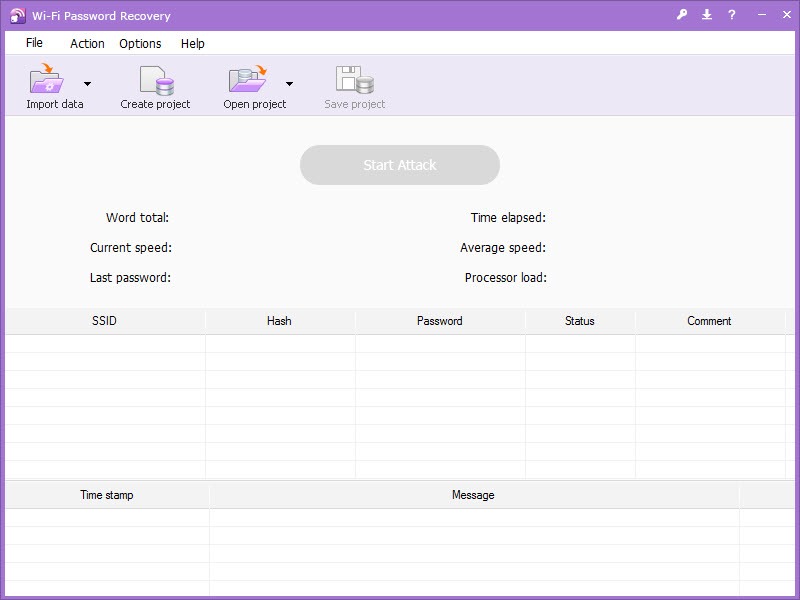
Wi-Fi Password Recovery reads profiles holding the network name, the security type and the key, and the tool reads them and presents the lot in a list rather than one at a time.
Wi-Fi Password Recovery needs administrative rights, because the stored keys are protected and only an account with sufficient privilege can decrypt them. That requirement is the reason this cannot be used casually on somebody else’s machine, and it is also why the system itself can produce the same information through its own commands for anybody comfortable with a command line.
Exporting the list is available, which matters when the reason you are here is setting up a new machine or documenting several networks rather than answering one question.
What it cannot do, stated plainly
This deserves its own section, because it is the reason a proportion of people arrive at Wi-Fi Password Recovery in the first place.
It cannot recover the password for a neighbour’s network, a café network you have not joined, or any network your machine has no record of. There is no stored profile, so there is nothing to read, and no setting changes that.
Nor does it recover a password from the router. If nobody in the household knows the key and no device has it stored, the answer is resetting the router and setting a new one, which is a job at the router rather than on a computer.
Seeing the networks around you
A related question people often have is which networks exist and how they are behaving, which is a different tool entirely.
inSSIDer shows the wireless environment, including signal strength, channels in use and where the congestion sits, which is what to reach for when a connection is poor rather than forgotten.
For what is currently connected to your own network, Wireless Network Watcher lists the devices present and alerts when a new one appears, which answers the question people ask after they start wondering who else knows the password.
Once you have it
Running Wi-Fi Password Recovery often precedes configuring something, and keeping the whole arrangement rather than one string is the more useful outcome.
NetSetMan stores complete network configurations and switches between them, which suits a machine that moves between home, office and elsewhere with different settings for each.
The other sensible response is changing the password once you can see it, particularly if it has been shared with visitors over the years. A recovered password is also a reminder of how many people have it.
Conclusion
Wi-Fi Password Recovery answers one narrow question quickly, which is what the password for a network you already use actually was. Reading the stored profiles and listing them in plain text turns a forgotten string into a visible one in a couple of seconds, and exporting the list makes moving to a new machine straightforward.
Understand the boundary and the tool stops being mysterious. It retrieves what your machine has kept rather than discovering anything, so it needs administrative access to that machine and it has nothing whatever to say about networks you have never joined. Where nobody knows the password at all, the router is where the problem gets solved.
Pros & Cons
- Reads passwords already stored on the machine and shows them in plain text
- Lists every stored network at once rather than one at a time
- Exports the list, which suits setting up a new machine or documenting several networks
- Answers the common problem of a password typed once and forgotten
- Requires no attack, no guessing and no waiting
- Requires administrative rights, since the stored keys are protected
- Cannot recover anything for a network the machine has never joined
- Provides no help when nobody has the password stored anywhere
- The system can produce the same information through its own commands
- Does nothing about the router itself, where the password ultimately lives
Frequently asked questions
In the network profiles the system stores when you connect, which hold the network name, the security type and the key. It reads and displays those rather than working anything out.
No. Nothing is stored for a network you have not joined, so there is nothing to read. The tool retrieves rather than discovers, and no option changes that.
Because the stored keys are protected, and decrypting them requires an account with sufficient privilege. That is a system protection rather than a limitation of the software.
Then no recovery tool helps. The answer is resetting the router to its defaults and setting a new password, which is done at the router rather than on a computer.


