

Webcamoid
About Webcamoid
Webcamoid is a camera suite that does far more than point-and-snap. It captures photos and records video from your webcam, sure, but it also piles on more than sixty live effects, manages several cameras at once, pulls in feeds from sources beyond a physical webcam, and can pipe the whole processed result into your video calls and streams as a virtual camera. It turns an ordinary webcam into a small studio.
What ties it together is that everything happens live. Apply a cartoon filter, an aging-film look, or a face-detection mask, and you see it on the preview instantly, not after the fact. Snap a photo and the effect is baked in. Record a video and it’s there in the file. There’s no separate editing pass to apply a look, because the processing is happening in real time as the camera runs.
What makes that useful rather than just a toy is the virtual camera. Whatever you’ve set up in the application, the chosen webcam, the effects, even a screen capture or a video file, can be fed to other programs as if it were a normal camera.
So the silly or stylish look you built doesn’t stay trapped in one window. It shows up in your meeting app, your streaming software, or wherever else you point a camera.
Managing more than one camera at once
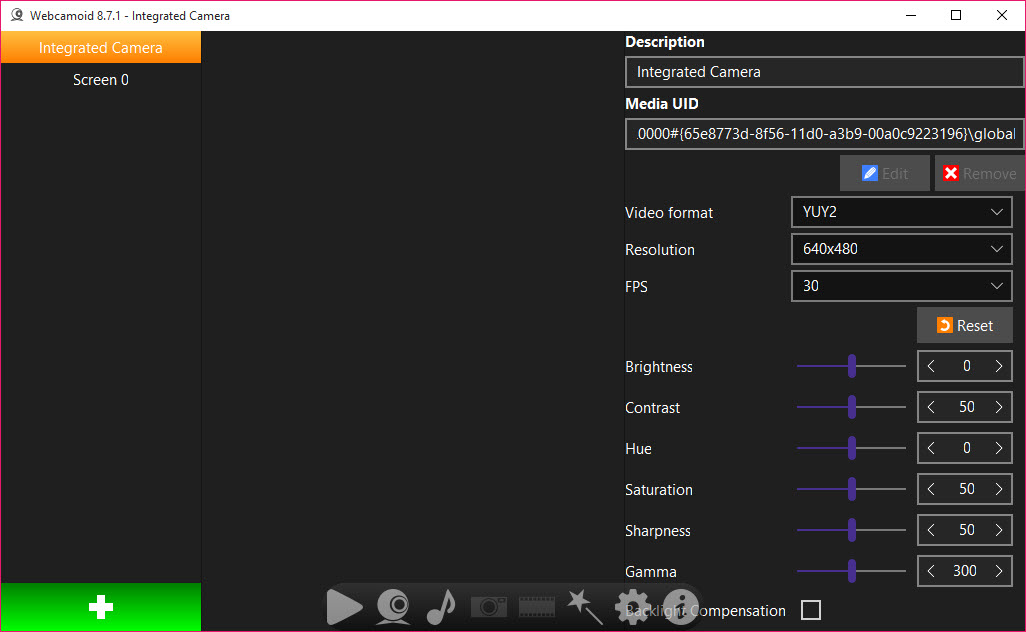
A lot of webcam tools assume you have exactly one camera and stop there. Webcamoid is built around the idea that you might have several, and it lets you manage them all from one place. Each camera gets its own set of controls, so you can tune brightness, contrast, hue, saturation, sharpness, gamma, and white balance independently for each one, rather than being stuck with whatever the hardware defaults to.
That per-camera control matters more than it first appears. Webcams vary wildly in image quality, and the ability to push the contrast on a washed-out feed or correct the color on one that runs too warm can rescue footage that would otherwise look flat. You also set the resolution and frame rate per device, so a capable camera isn’t held back by a conservative default.
A tool like SparkoCam covers similar live-effect ground, but the multi-camera management here is a step beyond the basics.
Over sixty effects, applied live
This is the part people remember. The effect library runs past sixty entries, and they range from the practically useful to the gloriously daft. There are practical ones for adjusting and enhancing the image, and then there are the show-offs, an ASCII-art filter that renders your face in text characters, a Matrix-style cascade, cartoon and oil-painting looks, old-film aging with scratches and flicker, distortion and dicing effects, and face-detection masks that track your features.
The clever bit is that you can stack them. Combine a couple of effects and you get a result neither would produce alone, which is where the experimentation gets fun. For a streamer wanting a signature look or a video caller who just wants to lighten the mood, the sheer variety means there’s almost always something that fits.
Are these broadcast-grade cinematic filters? No. They’re creative and fun rather than subtle, and that’s exactly the point. If you want a webcam feed with personality, this delivers it by the bucketload.
Capturing from more than just a webcam
Here’s where the suite quietly outgrows its name. A capture source doesn’t have to be a physical webcam plugged into your machine. Webcamoid can pull in a custom network stream, like an IP camera over a protocol such as rtsp, treating a remote camera as just another source. It can use a local video file as input, playing the file through as if it were a live feed. And it can capture your desktop, turning your screen into the source.
That flexibility opens up a lot. You can apply effects to a screen recording, feed an IP camera through the virtual camera into an app that wouldn’t normally accept it, or pipe a video file into a call. Combined with the virtual camera output, the application becomes a kind of routing and processing hub for video, not merely a webcam viewer.
A more recording-focused tool like Debut Video Capture handles screen and webcam grabs, but the source flexibility here is unusually broad.
Recording, photos, and the little touches
For straightforward capture, the basics are well covered. You record video in a range of formats, from common containers like MP4 and MKV to animated GIF for short clips, so you can match the output to wherever it’s going. Photos are a click away, and there’s a self-timer for when you want to get yourself into frame before the shutter fires.
A nice detail is the flash feature for photos. Since a webcam has no real flash, Webcamoid briefly turns your screen white to throw light on your face at the moment of capture, a simple trick that makes a surprising difference in a dim room. It’s a small, thoughtful touch that shows the tool was built by people who actually use webcams.
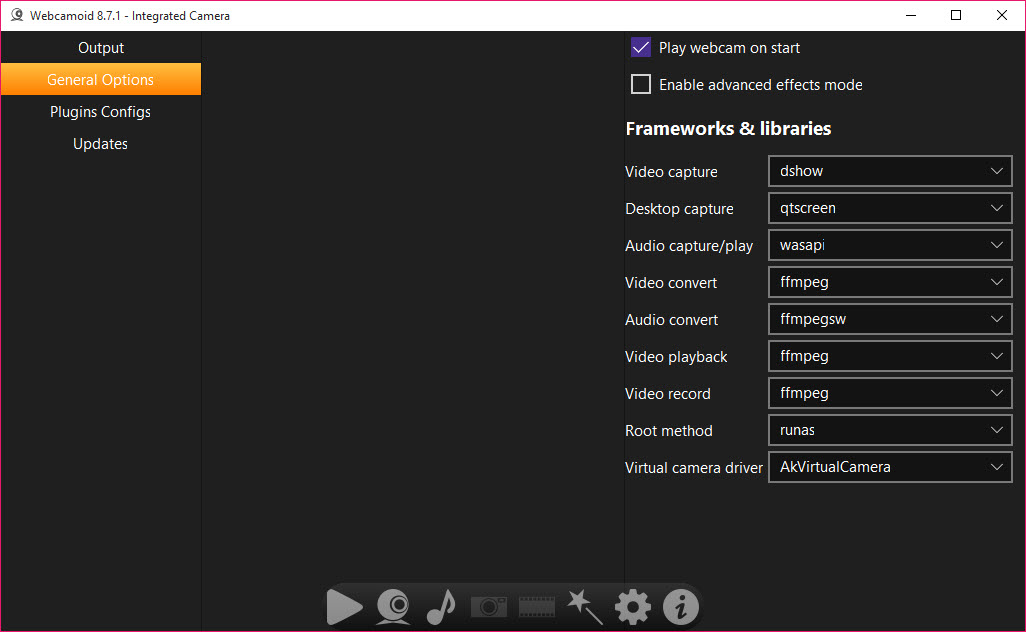
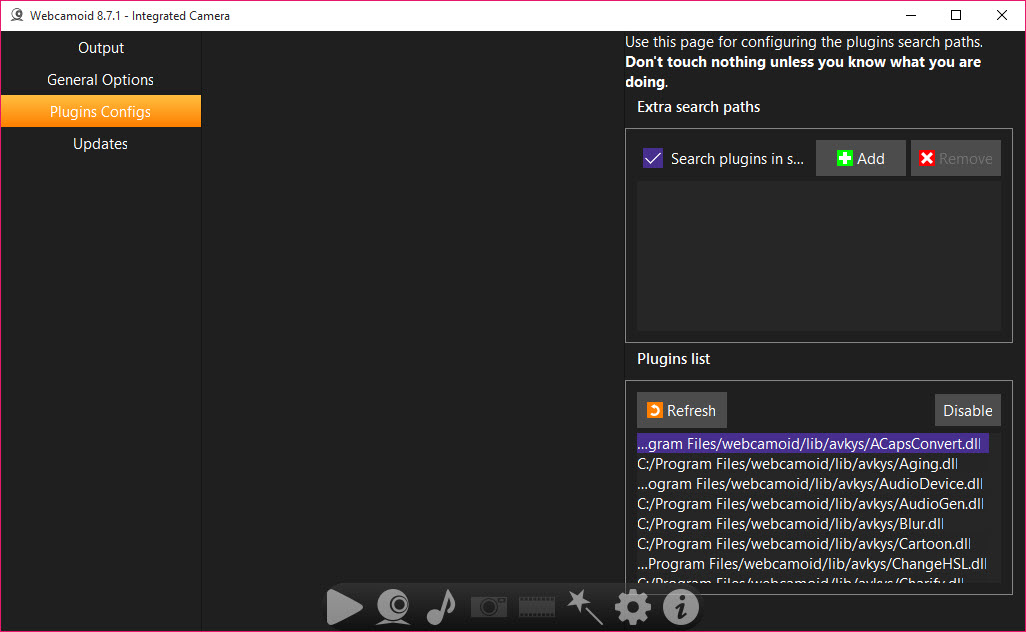
The plugin-based design underneath means the effects and sources are modular, and the whole thing stays light enough to run smoothly even on a modest machine, so you’re not paying a heavy performance price for all this capability. If you mainly want quick captures with effects, something simpler like MyCam does that one job, but it can’t match this for breadth.
Conclusion
Webcamoid is a remarkably capable camera suite that stretches well past what its modest appearance suggests. The combination of multi-camera management, a huge live-effects library, flexible capture sources, and a virtual camera that pushes everything into your other apps makes it a swiss-army knife for anyone working with webcams. For streamers, content creators, and tinkerers who want creative control over their video, it offers far more than the usual snap-and-record fare.
It does ask a little of you in return. The effects lean fun over cinematic, the virtual camera won’t slot into every single app, and the depth of options means it’s not the most hand-holding tool for a complete beginner.
But for the user willing to explore its sources, effects, and outputs, it rewards that curiosity with a level of flexibility that few webcam tools come close to matching. If your webcam does more than sit idle, this is well worth a look.
Pros & Cons
- Manages multiple cameras at once with independent controls for each
- Over sixty live effects, from practical image tweaks to playful ASCII and Matrix looks
- Effects can be stacked and combine for results a single filter can't produce
- Virtual camera feeds your processed video into calls, streams, and meeting apps
- Captures from network streams, local video files, and the desktop, not just a webcam
- Records in many formats including MP4, MKV, and animated GIF
- Photo timer and a screen-based flash help you capture well-lit snapshots
- Plugin-based and light enough to run smoothly on modest hardware
- The virtual camera isn't accepted by every program due to interface differences
- Effects are creative and fun rather than subtle, broadcast-grade filters
- The depth of sources, plugins, and settings can feel technical for casual users
- Getting multiple cameras and effects configured takes some initial setup
- Tuning each camera's controls well assumes some familiarity with image settings
Frequently asked questions
It's a full camera suite for capturing photos and recording video from your webcam, with over sixty live effects, multi-camera management, and a virtual camera that feeds your processed video into other programs. It can also capture from network streams, video files, and the desktop.
It creates a fake camera device that other programs detect as if it were real hardware. Whatever you set up, your webcam plus any effects, a screen capture, or a video file, gets fed through it, so your processed video shows up in video calls, streaming software, and online meetings.
Yes. It's designed to manage multiple cameras at once, each with its own independent controls for brightness, contrast, saturation, white balance, resolution, and frame rate, so you can fine-tune every camera separately rather than relying on hardware defaults.
The library runs past sixty effects, covering practical image adjustments and creative ones like ASCII art, a Matrix-style cascade, cartoon and oil-painting looks, old-film aging, distortion, and face-detection masks. You can stack several effects together for combined results.
Yes. Alongside webcam capture, it can use your desktop as a source, so you can record your screen and even apply effects to it. Combined with the virtual camera, you can also feed a screen capture into apps that expect a webcam.
It supports a range of recording formats, including common containers like MP4 and MKV for full video, as well as animated GIF for short clips. This lets you pick the format that best suits where the recording is headed.


