

WavePad
About WavePad
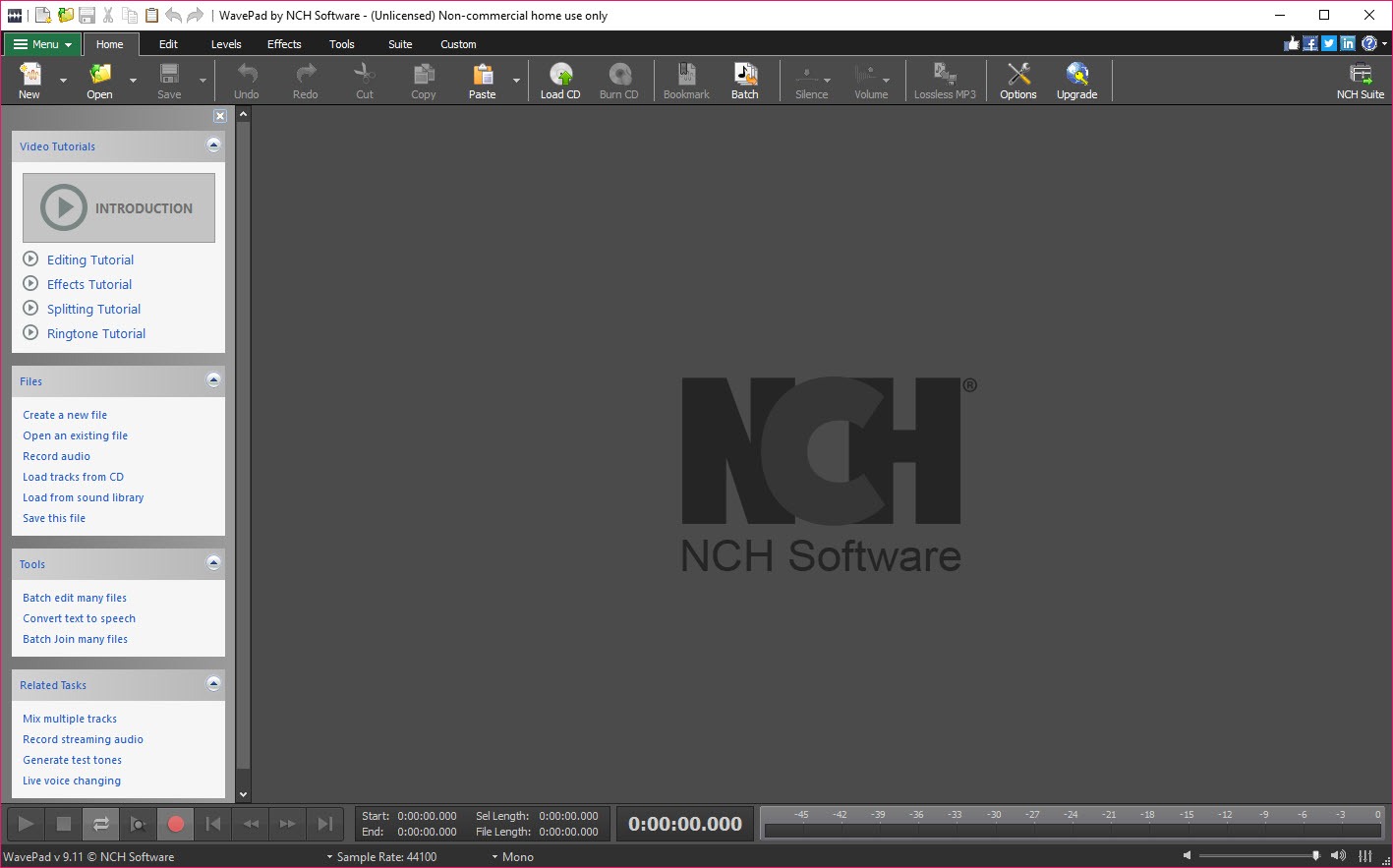
WavePad is a single-track audio editor. You open one file, see one waveform, and cut it, trim it, clean it up and process it before saving it back out, in any of roughly fifty formats. That puts it in the same category as Audacity and ocenaudio rather than the multitrack recorders, and it is the right category for most of the jobs people actually have, such as tidying a voice memo, cutting an interview into segments, pulling a clip from a video, or rescuing a hissy cassette transfer.
Where it differs from the two obvious rivals is in the tooling around the waveform. Regions and bookmarks for taking a two-hour recording apart, a spectrogram you can edit in, voice-activated recording, batch processing across folders, and VST plugin support all sit in one menu system that does not look like it was assembled by committee.
The trade is that several of those tools belong to the Master’s Edition, and WavePad is not shy about reminding you.
One waveform at a time
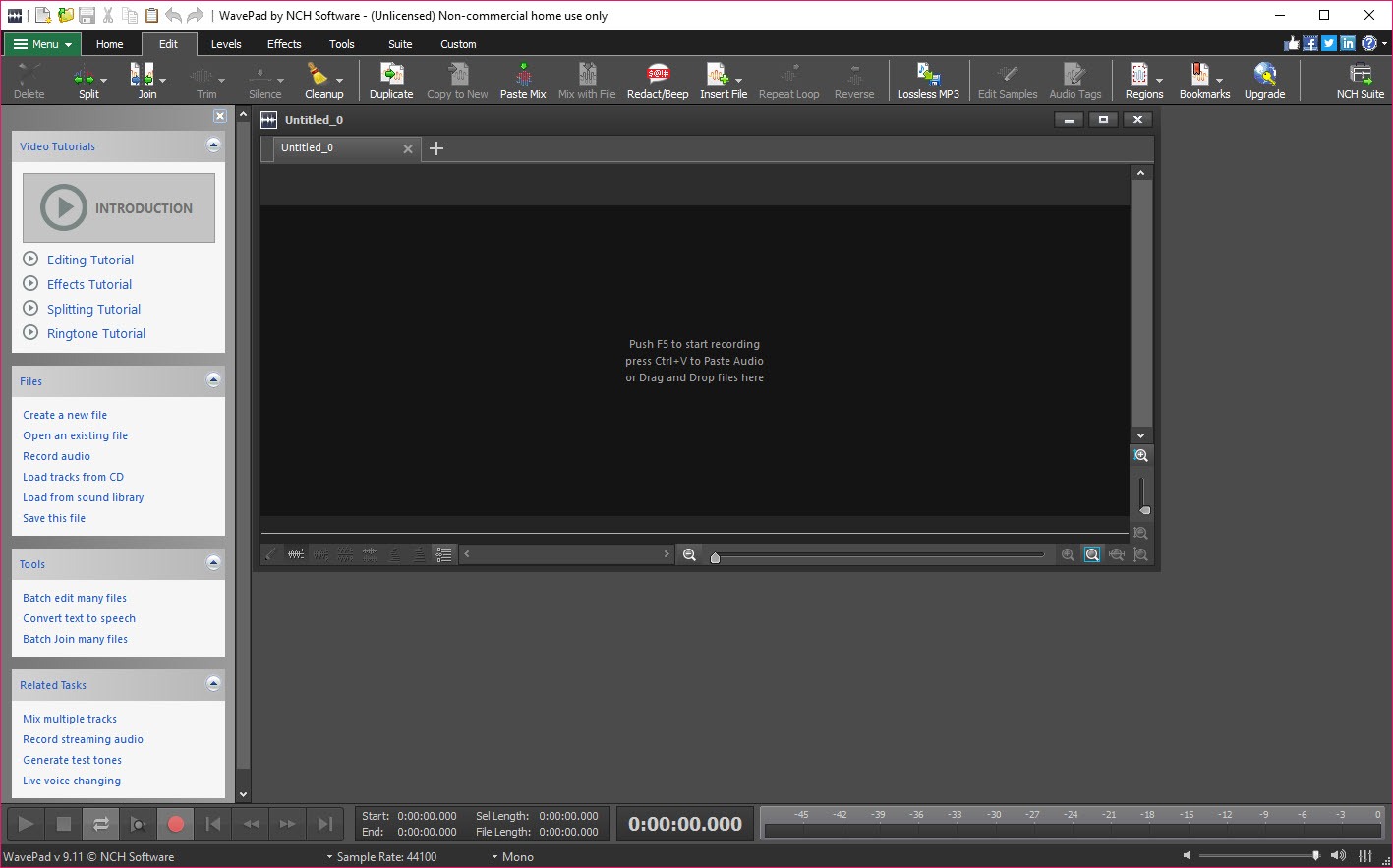
The editing model is the classic one. Select a stretch of the waveform and cut, copy, paste, delete or silence it. Trim keeps only the selection, Trim Silences shortens or removes quiet passages across a whole file, and Silence Selection mutes a breath or a chair creak without changing the timing of the words around it, which is the right tool for podcast clean-up and one that many editors bury. Copy To New opens a selection in a fresh window that shares the undo history with the original, so you can experiment on a passage and still get back.
What you cannot do is stack tracks. There is no second lane to lay music under a voice, and the intended answer is a companion multitrack mixer that opens the same files. Audacity does multitrack in the same window and is the better pick if that is your main use.
For everything that lives in a single file, this editor is faster to work in.
Regions and bookmarks for long recordings
Regions are the feature that turns a long recording into a finished piece. Select a passage, press Ctrl+R, name it, and it goes into a list (Ctrl+Shift+R) you can play, rename, save individually or export as separate files to a folder. When you have a dozen of them, Assemble Regions strings them together in the order you choose with a gap of silence between each, 300 milliseconds by default and adjustable. That is an hour of interview reduced to eight minutes of quotes without touching the original.
One catch trips everyone. Regions are not persistent. Close the file and they are gone unless you saved a WavePad project, which is a separate file type from the audio itself. Bookmarks (Ctrl+Shift+B) are the opposite.
Attached to the audio file, they survive closing the program, and the manual suggests deleting them when you no longer need them because they accumulate.
Effects, restoration tools and plugins
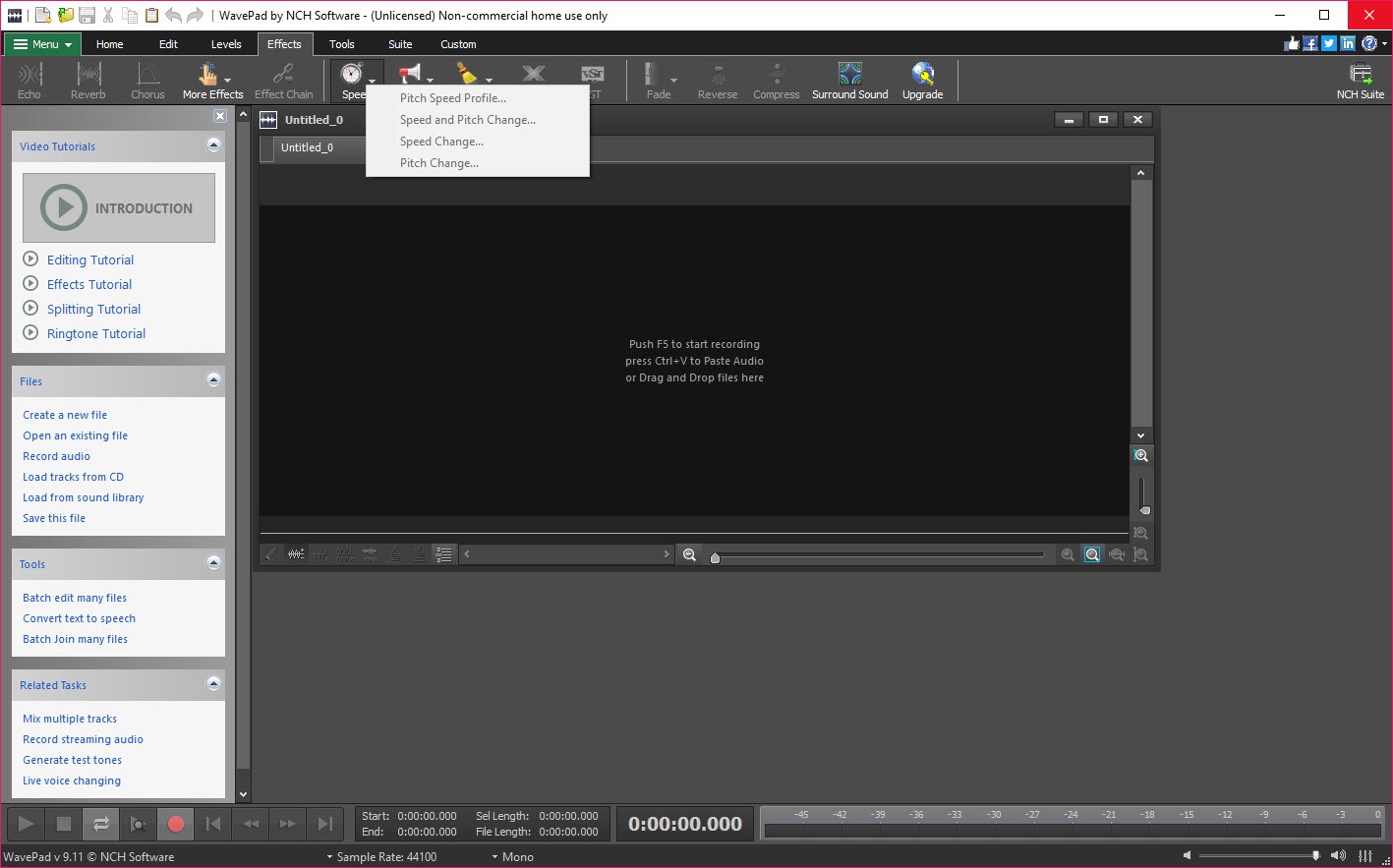
The built-in effects in WavePad cover amplify, normalise, a graphic equaliser, envelope, reverb, echo, chorus, reverse, pitch shift, tempo change and compression, each with a dialog rather than a live knob. Restoration gets its own menu. Noise reduction, plus click and pop removal for vinyl transfers and hiss removal for tape, are all there, and the noise reducer works best when you can hand it a second or two of room tone with nothing else in it.
Beyond that, WavePad loads VST and DirectX effect plugins, so a compressor or de-esser you already own can run inside it. Plugin support is a Master’s Edition feature, and the VST host is workable rather than polished, with the occasional plugin window that refuses to resize.
If hearing every effect in real time before you commit matters more than plugin reach, an editor built around live effect preview does that better than this one does.
The spectrogram you can edit in
Switch WavePad from waveform to spectrogram view and the file becomes a heat map of frequency against time. You can select a rectangle in it, a 2 kHz whistle between minute three and minute four say, and process only that, which is how you remove a phone alert or a feedback squeal without touching the voice around it. It is cruder than the spectral repair in a dedicated restoration suite, but at this level it is unusual to have it at all.
The analysis tools sit alongside. FFT and TFFT views show the frequency content of a selection or of the file over time, and beat detection can mark tempo across a music file. Most people open the spectrogram once and go back to the waveform. The ones who stay have a problem to solve.
Recording with the microphone switched on and the mouse left alone
The recorder captures from any input device at up to 192 kHz and 32 bits, and its useful trick is voice activation. Set a silence threshold on the Recording tab and a delay in seconds, and WavePad starts recording when you speak and pauses when you stop, so a dictation session or a lecture comes out with the dead air already removed. The manual’s advice is to start with the defaults and then raise the threshold until background noise no longer triggers it.
Flexible mode, which resumes recording from a selected region, is meant for podcast retakes. Auto-trim strips the silence at both ends once recording stops. It is a capable recorder for speech and a plain one for music, since there is no second track to punch into.
Formats, sample rates and cutting MP3s without loss
The format list runs to around fifty, with MP3, WAV, FLAC, OGG, AAC, M4A, WMA and AIFF the ones that matter and VOX, GSM and AMR there for telephony work. Sample rates from 6 kHz to 192 kHz and depths of 8, 16, 24 or 32 bits are all fair game, with CD Quality and Radio Quality presets in the save dialog for anyone who would rather not think about it. You can also open a video file and edit its audio track directly, and export an audio file back out as a video with a waveform or spectrum visualisation for platforms that insist on a picture.
The detail that matters for MP3 collectors is the lossless MP3 editing mode. When all you have done is cut, WavePad can write the result without decoding and re-encoding, so the file does not lose another generation of quality. Apply any effect and that guarantee goes away.
For pure cutting on MP3s, a cutter that works directly on MP3 frames is smaller and quicker, but it is good to have the mode here for the files you are also cleaning.
Batch processing, speech synthesis and the extras
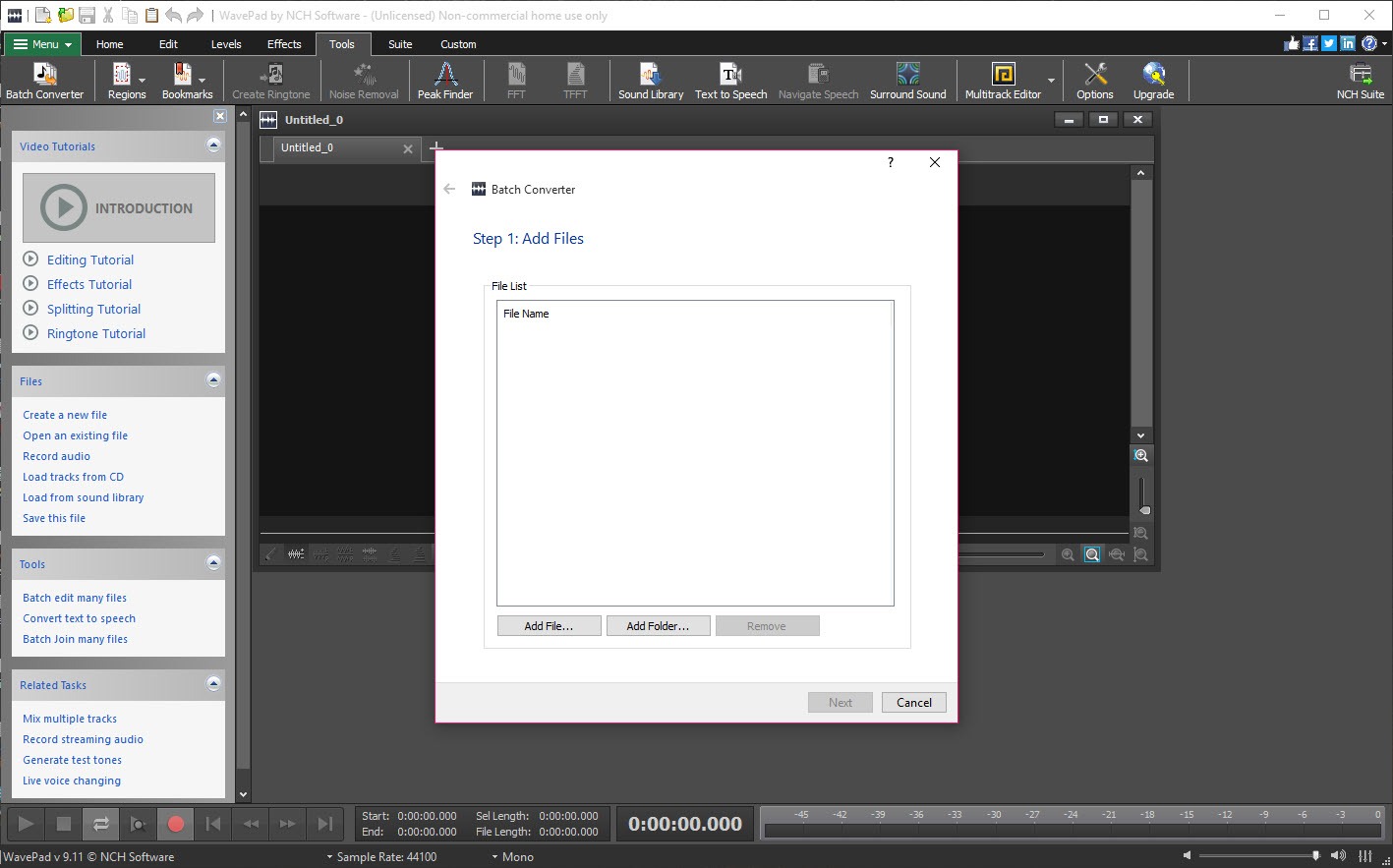
Batch processing takes a folder of files and applies the same chain of effects and format conversion to every file in one pass, which is how you normalise a hundred lecture recordings or turn a pile of WAVs into MP3s overnight. It is another Master’s Edition feature, and for conversion alone a converter with a proper batch queue handles the job without the licence.
Text-to-speech, a voice changer and a downloadable library of sound effects and music clips round the menu out. None is a reason to choose this editor, but each is the sort of thing you use once a year and are glad exists.
The two-week switch and the setup offers
Two things about this software catch newcomers, and neither is a fault in the editor. First, the download installs as the full Master’s Edition for 14 days and then drops to the Basic Edition, at which point plugins, batch processing and some restoration tools grey out. People who built a workflow around them in week one arrive in week three convinced the program is broken, when it has only changed edition under them. Decide inside the fortnight whether those features are ones you will rely on.
Second, the setup wizard offers to install other programs from the same catalogue, a multitrack mixer, a converter, a disc burner. Untick what you do not want before clicking through, because they arrive as separate programs with their own shortcuts and their own update prompts.
Conclusion
WavePad is for podcasters, transcribers, oral historians and anyone else who works with long single-track recordings and needs to cut them down, clean them up and get them out in the right format. The regions workflow and the voice-activated recorder alone justify it for that crowd, and the spectrogram is a bonus most rivals at this level do not offer.
Musicians who need to layer parts should look at a multitrack tool instead, and anyone who wants plugins or batch jobs needs to know before day fifteen that those belong to the paid edition. Within its single-track remit, though, it is one of the more thoughtfully arranged editors around.
Pros & Cons
- Regions with assemble and export make long-recording editing fast
- Editable spectrogram for removing a single frequency from a passage
- Voice-activated recording with adjustable silence threshold
- Lossless MP3 cutting when no effects are applied
- Opens video files and exports audio back to video
- Around fifty formats at sample rates up to 192 kHz
- Single track only, with multitrack handed off to a separate mixer
- VST, DirectX and batch processing locked to the Master's Edition
- Full-featured trial silently drops to the Basic Edition after 14 days
- Regions vanish unless a project file is saved
- Setup offers other programs from the same catalogue by default
Frequently asked questions
The download runs as the Master's Edition for 14 days and then becomes the Basic Edition. Plugin support, batch processing and several restoration tools belong to Master's, so they become unavailable when the trial ends.
No. It is a single-track editor. Mixing a voice over music or layering takes means opening the files in a multitrack mixer instead.
Save a project file, not just the audio. Regions live in the project, while bookmarks are stored with the audio file and survive on their own.
Not if lossless MP3 editing mode is available for the file and you have applied no effects. Cutting and saving then keeps the original frames. Any effect forces a full re-encode.
Use Noise Reduction from the restoration tools. Results are best when you first select a short stretch containing only the background noise so the tool knows what to subtract, then apply it to the whole file.


