

VRoot
About VRoot
VRoot belongs to a small category of utilities that exist to solve one problem in one click: getting root access on an Android device without flashing custom recovery, unlocking the bootloader, or running terminal commands. You plug your phone or tablet into a PC with USB debugging turned on, open the application, hit the root button, and wait. If your device is on the supported list, you walk away with a rooted phone a few minutes later. If it is not, you walk away with the same phone you started with.
The appeal is obvious. Rooting through proper channels means bootloader unlock codes from the manufacturer, custom recovery images like TWRP, and flashing zip files in the right order without bricking the device.
VRoot sidesteps all of that by exploiting known vulnerabilities to drop the su binary and a Superuser manager onto the system partition automatically. For users sitting on a device the manufacturer never intended to be rooted, this is sometimes the only path that works.
How the one-click process actually goes
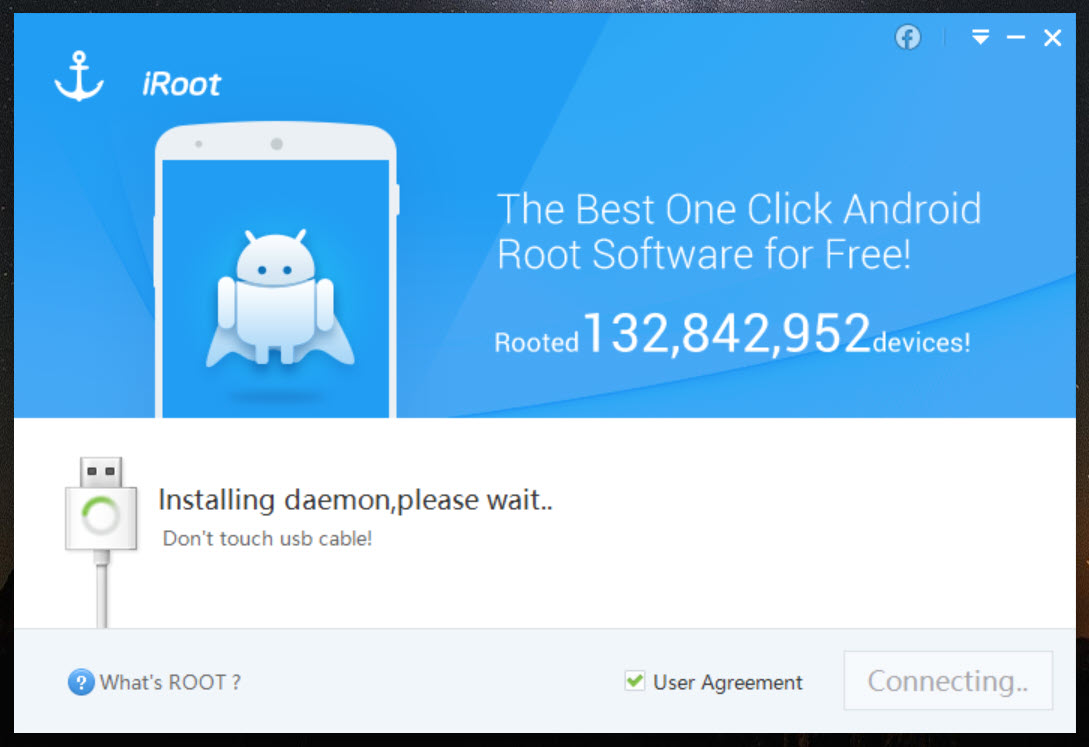
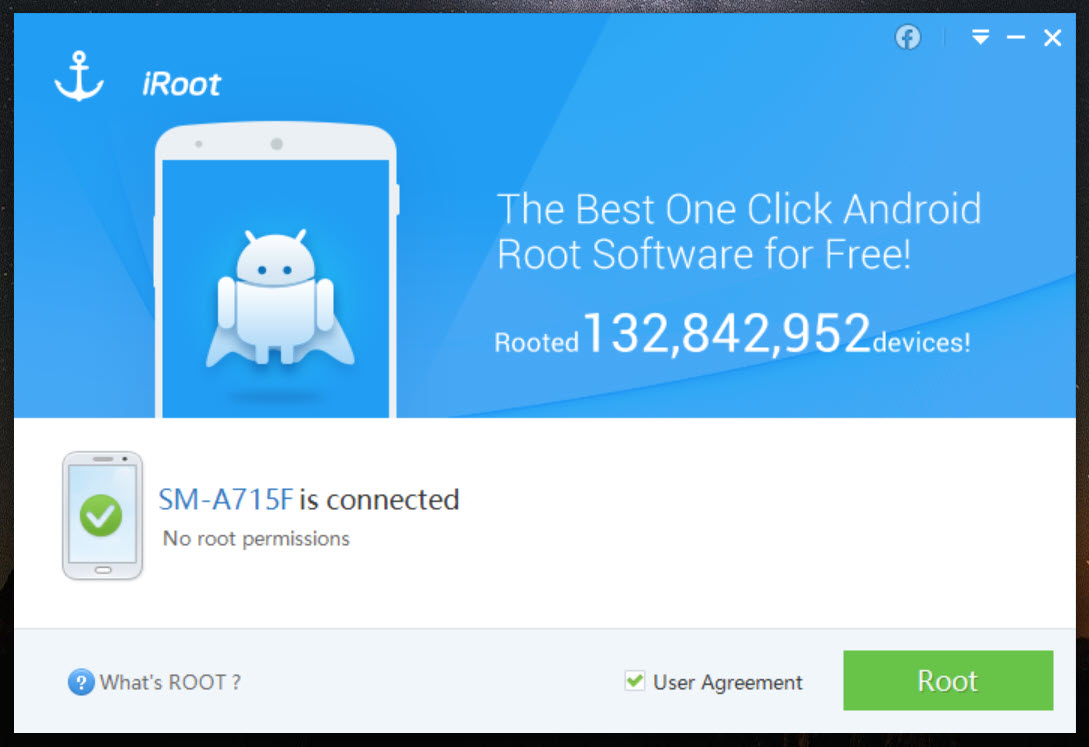
Connect the device via USB, make sure debugging is enabled in Developer Options, accept the RSA fingerprint prompt on the phone, and the application detects the model. From there it checks its internal database for known exploits matching your device and Android build, then runs them in sequence. The interface shows a progress bar and a few status messages, but most of the actual work happens silently in the background. The device usually reboots once during the process.
What lands on the device afterward is the su binary in /system/xbin and a Superuser app (sometimes called Kinguser or a similar fork depending on the build) that intercepts root permission requests from other apps.
When you later install something like a backup utility or an ad blocker that asks for root, the Superuser manager shows a popup and you grant or deny per-app. That part works the same way as any other root solution.
The compatibility lottery
The honest reality of one-click rooters is that they live and die by their exploit database. VRoot maintains a list of supported devices and Android builds, and if yours is on the list with a matching firmware version, the success rate is high. If you updated your phone last month and the patch closed the exploit the application relies on, you get a polite failure message and nothing happens. There is no manual mode, no fallback, no way to coax it into trying harder.
This matters when you are deciding whether to use it. Devices that are several years old running stock firmware that never got security patches are basically the sweet spot. Modern devices on current builds, or anything with a locked bootloader policy from a manufacturer that takes security seriously, will not root through this approach regardless of which tool you point at them.
For those, you are back to the bootloader-unlock-and-flash path, which is where tools like Odin3 for Samsung devices come into play.
Antivirus flagging and what to make of it
Plenty of antivirus engines flag VRoot when you download it. This is the standard situation for any tool that performs privilege escalation, because the same techniques that root a phone for legitimate reasons are what malware uses to compromise it.
The signatures match, the heuristics fire, the warning shows up. Whether the specific build you have is clean or not is a separate question that requires comparing hashes against a trusted source, which is the user’s responsibility before running anything that touches the system partition.
This is also why some users prefer alternatives like KingRoot PC or Root Genius, not because the underlying mechanism is fundamentally different but because the user experience and the included Superuser app vary in ways that matter once you are actually using the rooted device day to day.
Unrooting and reversibility
The application includes an unroot option, which removes the su binary and the Superuser manager from the system partition. This is the part people care about when they need to claim warranty service, return a device, or just back out because something is misbehaving. The unroot is not perfect. It leaves traces in places that a forensic check of the device can find, but it removes the obvious signs that an app or a casual inspection would catch.
A factory reset alone does not unroot a device, because the modifications live in the /system partition and factory reset only wipes /data. You need the explicit unroot path through the application, or a full firmware reflash through a manufacturer tool.
For Samsung devices specifically, reflashing the stock firmware through Odin is the cleaner approach if you are aiming for the original factory state.
What rooting actually unlocks
Once you have root, you can run a different category of applications: full-system backup tools, granular ad blockers that work across all apps, CPU governors that override the manufacturer’s power profile, theming engines that touch system resources, and apps that need access to the data folders of other apps. Backup tools like Helium Desktop work without root for many apps but reach further when root is available.
This is the why behind the whole exercise. Root is not interesting on its own. It is interesting because of the apps that need it to do what they do, and those apps are the actual reason anyone goes through the rooting process to begin with.
Conclusion
VRoot is built for a specific moment in time and a specific kind of device: older hardware running unpatched firmware where the manufacturer never offered an official bootloader unlock and the user wants root without learning the flashing toolchain. For that user on that device, it is a genuinely fast path from connected USB cable to rooted phone in under ten minutes.
It is the wrong tool for newer devices on current builds, for anyone who wants a fully audited root solution with strong community trust around the Superuser implementation, and for users who plan to return the device under warranty without question.
The application does what it advertises within a narrow band of compatibility, and outside that band it cannot help.
Pros & Cons
- One-click flow that does not require unlocking the bootloader or flashing a custom recovery
- Supports a long list of older devices and firmware builds that have no other easy root path
- Includes both a root operation and an explicit unroot operation, with the unroot accessible from the same interface
- Bundles a Superuser manager so per-app permission control works out of the box
- Process is fast on supported devices, usually a few minutes including the reboot
- Success depends entirely on whether your exact device and firmware build are in the supported database, with no manual override
- Newer devices and patched firmware builds are usually not supported, leaving modern hardware out of reach
- Antivirus software routinely flags the tool because of the techniques it uses, which makes downloading and running it noisier than other software
- The unroot leaves some traces and is not equivalent to a full firmware reflash
- The bundled Superuser app is a fork rather than the more widely audited alternatives, which matters to users who care about the chain of trust on root permission grants
Frequently asked questions
It uses known exploits to install the su binary and a Superuser manager into the system partition, giving applications a way to request root permissions through a standard interface.
No. The application supports a specific list of devices and firmware builds. If your phone is not in the database or the firmware has been patched against the exploits it uses, the root attempt fails without making changes.
USB debugging has to be turned on in Developer Options, and the RSA fingerprint prompt has to be accepted when the phone is connected to the computer. Without these, the application cannot communicate with the device.
Yes. The application includes an unroot option that removes the su binary and the Superuser manager. For a cleaner reversal, reflashing the stock firmware through a manufacturer tool is more thorough.
The techniques used to gain root privileges overlap with techniques used by malware, so signature and heuristic detections trigger on it. The flag does not by itself confirm anything malicious, only that the activity pattern matches.
Yes. Any rooting process carries some risk of an interrupted flash or a failed exploit leaving the device in an unusable state, so a backup is strongly recommended before starting.
In most cases yes. Some manufacturers can detect root status on service intake, and even with unroot the modifications can sometimes be inferred from system traces.


