

VisualBoyAdvance-M
About VisualBoyAdvance-M
Three handhelds shared a lineage, and an emulator covering all of them handles a library spanning about fifteen years of portable games. VisualBoyAdvance-M runs the monochrome original, the colour model and the Advance, which is why one program covers a collection that would otherwise need three.
VisualBoyAdvance-M is the maintained continuation of an emulator that was abandoned, and that distinction matters practically. The original still circulates and people install it without realising, which means missing fixes and compatibility that stopped improving a long time ago.
Link cable emulation is the standout
Here is the VisualBoyAdvance-M capability that separates this platform from the others, because so many of its best games assumed a second person and a cable.
Trading, battling and cooperative modes were hardware features requiring two consoles physically connected. Emulating that link lets two instances of the emulator connect, either on one machine or across a network, so those modes work without the hardware.
That resurrects a substantial part of the library. Games whose central mechanic was exchanging things with another player stopped being fully playable when the hardware disappeared, and this brings that back.
Expect the usual constraints. Both sides need matching versions and settings, and network play adds latency, which matters less here than in an action game because the exchanges are turn-based.
For the console generation before this one, Snes9x covers that platform with comparable thoroughness.
The BIOS question
This is the VisualBoyAdvance-M detail specific to the Advance, and it deserves explaining because the answer is not obvious.
The console contained a small program in its own memory that games call for certain routines. An emulator can either reimplement those routines approximately or use the real program dumped from a console.
Most games work either way. A handful behave incorrectly without the real one, showing wrong effects at start-up or misbehaving in specific places, which is why the option exists.
The file is not included and cannot be, since it is part of the hardware you would have bought. Extracting it from a console you own is the legitimate route, and that is a separate exercise from running the emulator.
Games with a clock inside them
Several titles VisualBoyAdvance-M runs tracked real time, which is unusual and produces a distinctive class of problem.
Those cartridges contained a battery-backed clock, so a day passing in the real world meant a day passing in the game, with things growing, events occurring and shops restocking accordingly.
Emulating that means deciding what time the game believes it is. Handled correctly, the day and night cycle behaves as intended. Handled badly, the game either stops progressing or races through its schedule.
Anybody playing one of those titles should check the clock setting rather than assuming, because the symptom looks like a broken save rather than a configuration question.
The usual emulator conveniences
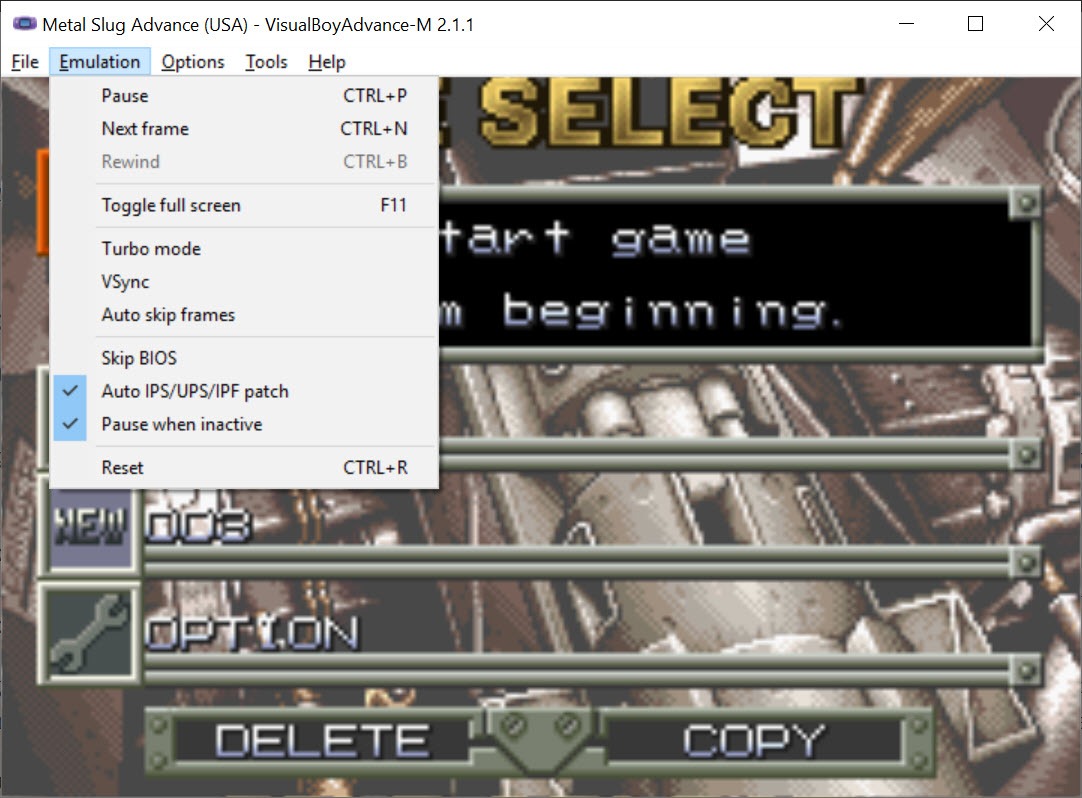
VisualBoyAdvance-M handles save states and rewind as every emulator does, with the same caveat that the games were designed around limited saving and removing that changes them.
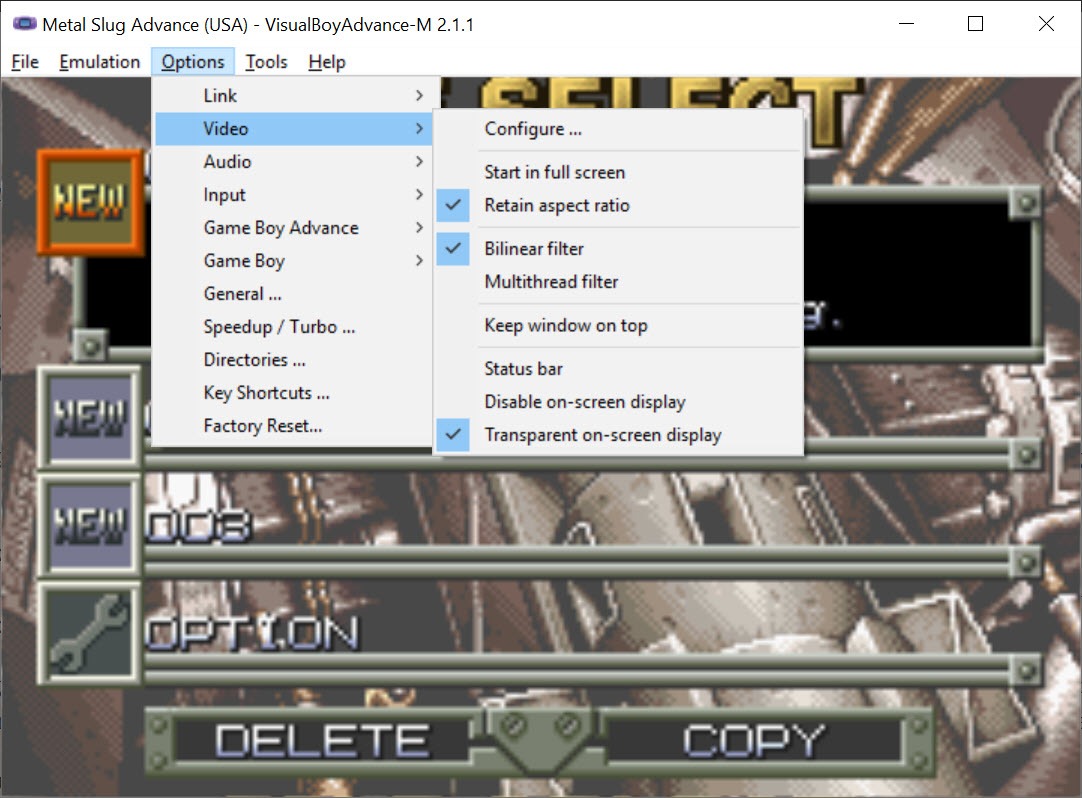
Filters and shaders address how the picture looks. These handhelds had small screens with distinctive characteristics, and displaying their output enlarged on a modern monitor without any treatment looks harsher than the hardware did. A shader imitating the original screen is closer to the experience than raw scaling.
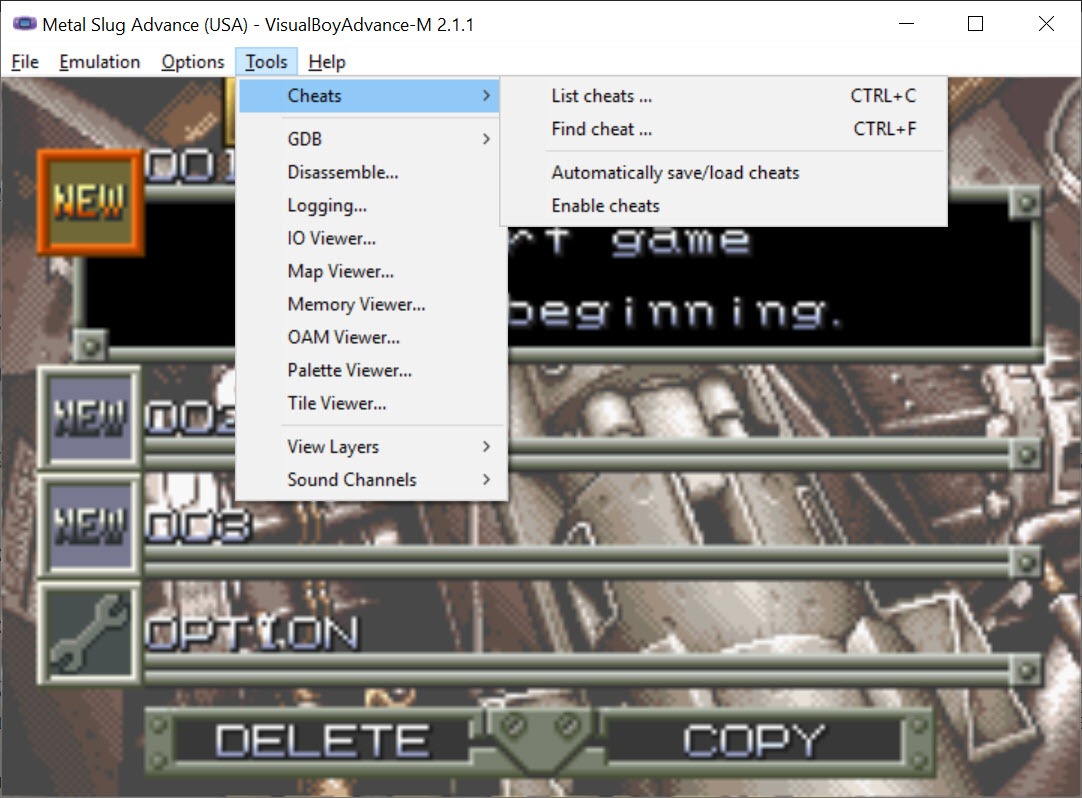
Controller mapping covers pads, with turbo for the games that expected sustained rapid pressing. Where a pad is recognised imperfectly, a tool that presents a controller to the system correctly fixes that before the emulator ever sees it.
Cheat codes from the era are supported in the formats people used at the time, which is mostly of interest for revisiting something you never finished.
Recording what you played
Input recording captures the sequence of button presses rather than video, replaying deterministically on the same setup.
That is how demonstrations get shared without a large file, since a recording of inputs is tiny compared with footage, and it is also the basis for the community that produces assisted runs of these games.
Screen capture and video recording are available separately for anything meant to be watched rather than replayed.
Where the files come from
VisualBoyAdvance-M contains no games. It emulates the hardware and expects you to supply the software, and nothing in it fetches anything.
The legal position of your files depends on how you obtained them, which is a question about your collection rather than about this software.
Once a collection exists, LaunchBox organises emulated titles into a browsable library rather than leaving them as filenames in a folder.
Conclusion
VisualBoyAdvance-M covers a whole portable lineage in one program, and its link emulation is the feature that matters most, since it returns the trading and battling modes that a great many of those games were built around.
Two details are worth settling before you start. Some Advance titles want the real system program, which you supply from hardware you own, and anything with a day and night cycle depends on the clock setting behaving sensibly. Neither takes long, and both produce symptoms that look like something else entirely when overlooked.
Pros & Cons
- Covers three related handhelds in one program
- Link emulation restores trading and battling modes that needed two consoles
- Real-time clock handling for the titles that tracked days passing
- Save states and rewind, with per-game configuration
- Shaders that approximate the original screens rather than raw scaling
- Maintained, unlike the abandoned emulator it continues
- Some Advance titles need the real system program, which you must supply
- Contains no games, and the legality of your files depends on their origin
- Link play needs matching settings on both sides
- The abandoned original still circulates and gets installed by mistake
- Save states change games built around limited saving
Frequently asked questions
The monochrome handheld, the colour model and the Advance, so one program covers all three generations of that portable line.
Because the console held a small program that games call for certain routines. Most titles work with an approximation of it, and a few behave incorrectly without the real one, which must be extracted from hardware you own.
Connecting two instances so the trading, battling and cooperative modes work. Those required two consoles and a cable originally, and emulating the link makes that part of the library playable again.
Because those cartridges contained a real clock, and the emulator has to decide what time the game believes it is. The setting for that is worth checking, since the symptom resembles a corrupted save.
No. This is the maintained continuation, while the original was abandoned and still circulates. Installing the old one means missing years of fixes.


