

Universal Extractor
About Universal Extractor
Universal Extractor opens the files that archive managers refuse. Point it at a setup program and it unpacks the files inside without running the installer. Point it at a disk image, a game data archive, a compiled help file, a phone app package or an executable squeezed by a packer, and it works out what the thing is and pulls the contents into a folder. Ordinary ZIP, RAR and 7z archives open too, but that is the least interesting thing it does. Its job is the container that nothing else will touch.
The trick is identification. Rather than trusting the file extension, the tool reads the file’s binary signature to determine what built it, then hands the job to the right one of more than fifty bundled extractors, each a specialist for one format. An installer built with Inno Setup goes to the Inno unpacker, an InstallShield package to a different tool, an MSI to another, a UPX-packed executable to a decompressor first and then to whatever is inside.
Universal Extractor is the dispatcher, and the specialists do the work. That design is why its format list is long and why the occasional file defeats it, when no specialist exists for that particular container.
Installers without installing
The everyday use of Universal Extractor is a setup program you do not want to run. Perhaps it bundles something you did not ask for, perhaps you want the program on a USB stick without touching the registry, or perhaps you only need one file out of it, a driver, an icon, a sound. Drop the installer on the window or right-click it, choose a destination, and the payload lands in a folder as plain files.
Coverage spans Inno Setup across its releases, NSIS, InstallShield, Wise, MSI packages and patches, AutoIt-compiled executables, 7-Zip and WinRAR self-extractors, and the newer packaged app formats. Driver setups from the hardware makers are a frequent target, since the bare .inf and .sys files inside install cleanly through Device Manager while the setup suite around them does not.
When an installer has been built with a framework the tool does not recognise, it says so and stops rather than guessing, and an installer’s own silent switches become the fallback route.
Disk images, game archives and packed executables
Universal Extractor opens disk images in ISO, IMG, BIN and CUE, virtual hard disk formats and the imaging format used by system installers all open as folders without mounting anything. Game archives are a specialist area the community has built out, with unpackers for the containers used by visual novels, role-playing game makers and a popular engine’s asset bundles, so textures, music and scripts come out of games that never intended to share them.
Executables compressed with UPX, PECompact, ASPack and similar packers are detected and unpacked before anything else happens, which matters because a packed installer looks like a single opaque block until the outer layer is removed. Multimedia containers are handled too, pulling the audio or video stream out of a wrapper without re-encoding it.
Compiled help files, mail archives, e-book containers and phone application packages round out a list that runs well past a hundred types.
Batch mode, scan-only mode and the context menu
Queue a folder of files and Universal Extractor works through them in the background, several at a time, with each extracted into its own subfolder. That turns a downloads folder full of drivers and utilities into a set of open directories in one pass. Silent mode suppresses every prompt for scripted use, and a password list handles protected archives by trying each entry in turn.
Scan-only mode identifies a file without extracting it, which is useful when you want to know what built an installer before deciding anything, or when a file has no extension at all. The right-click menu offers extraction to the same folder, to a subfolder, or to a location you choose, and the menu can be cascaded so it does not sprawl.
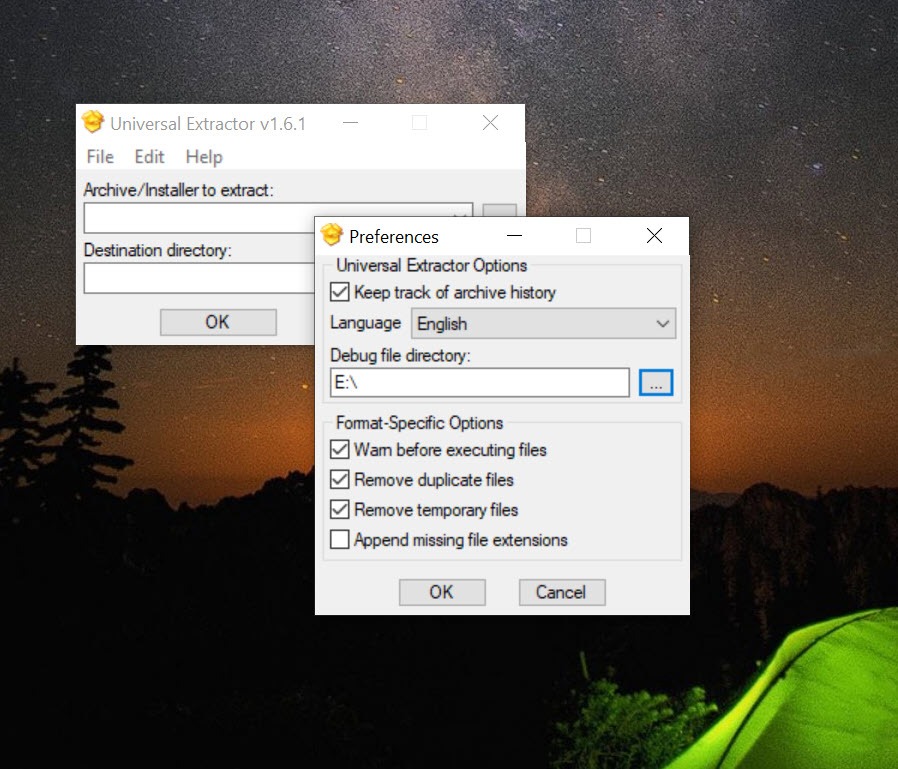
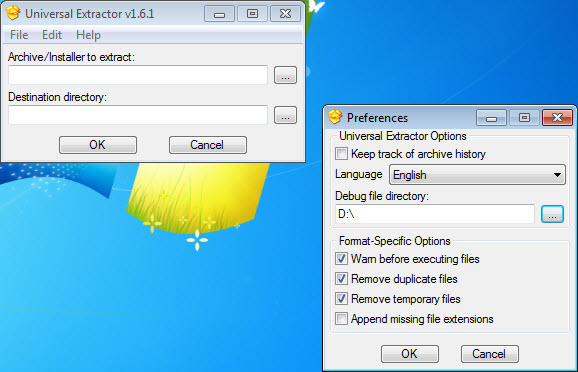
Preferences decide which extensions the tool claims for itself, and by default it takes only the executable and installer types rather than stealing archives from your regular archive manager.
The updater and the plugin extractors
An integrated updater in Universal Extractor fetches new releases and, more importantly, updated extractors, since the format list grows through the bundled tools rather than through the main program. Where the system is 64-bit, the 64-bit builds of the extractors are used automatically for speed.
Some extractors are not shipped in the package and are fetched as plugins on first use, which means the first run on a new format may pause for a download. The status box that used to sit always on top of everything is now optional, and it shows a progress indicator for long jobs.
Where it stops
Detection in Universal Extractor is only as good as the signature database, and an installer built with an obscure or heavily customised framework produces an unknown type and no extraction. Encrypted installers and those that build their payload at run time cannot be unpacked, since the files do not exist until the setup program runs.
Extracted programs do not always work, because an installer often writes registry keys and registers components that a plain copy of the files lacks, so the portable-from-an-installer trick succeeds with simple programs and fails with complex ones.
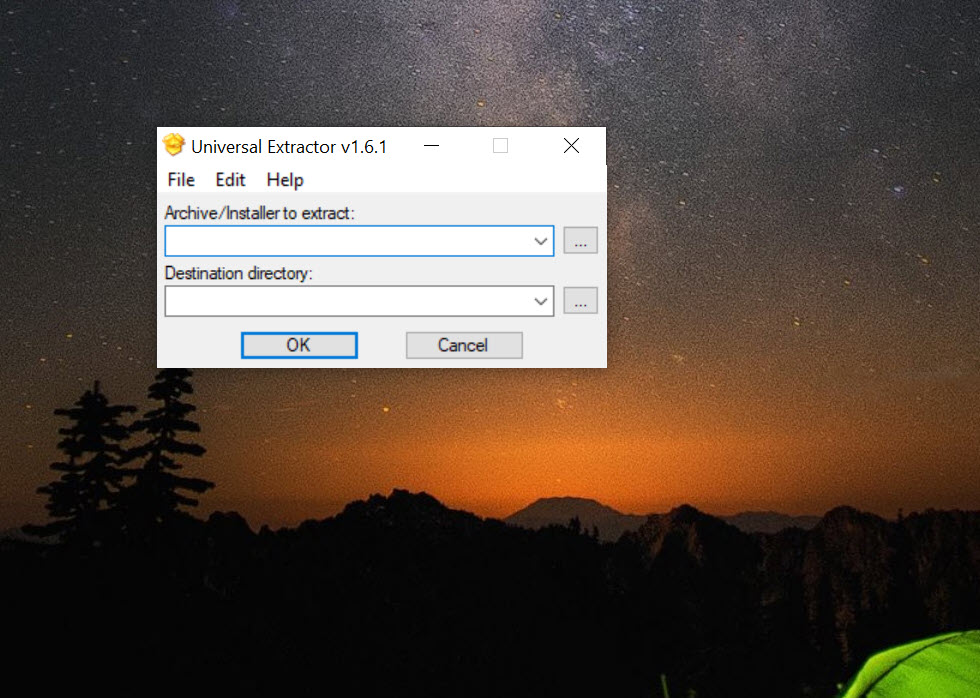
The interface is a small dialog and a right-click menu, which is all it needs to be, but the preferences window is dense and the error messages assume you know what a packer is. For everyday archives, a dedicated manager such as Bandizip is quicker and friendlier. This tool earns its place when the manager gives up.
Conclusion
Universal Extractor suits anyone who regularly needs what is inside a setup program rather than the program installed, whether that is a driver file, a portable copy for a stick, or a look at what a download really contains before running it. Technicians, modders pulling assets from games and the curious will use scan-only mode and batch extraction more than they expect.
It is not a replacement for an archive manager, and the portable-from-an-installer idea has limits that the tool cannot fix. Keep a regular archiver for ZIP files, reach for this when the archiver shrugs, and let the updater keep the extractors current, because that list is where its value lives.
Pros & Cons
- Identifies files by binary signature rather than extension
- Unpacks installers from Inno Setup, NSIS, InstallShield, Wise and MSI without running them
- Opens disk images, game archives, packed executables and multimedia containers
- Batch mode extracts a folder of files into separate subfolders unattended
- Scan-only mode reports what built a file without extracting
- Portable mode with an updater that refreshes the bundled extractors
- Unknown installer frameworks produce no extraction at all
- Extracted programs often need registry entries the installer would have written
- Some extractors download as plugins on first use
- Preferences and error messages assume technical knowledge
Frequently asked questions
Yes. It identifies the framework that built the installer and unpacks the files inside to a folder of your choosing, with no setup routine executed.
The installer was built with a framework the tool has no extractor for, or the payload is encrypted or generated at run time. Scan-only mode shows what it was able to detect.
Simple programs usually do. Complex ones often need registry keys or registered components that only the installer creates, so results vary.
No. It handles ordinary archives but is slower and plainer for them. It exists for the containers an archive manager cannot open.


