

Unchecky
About Unchecky
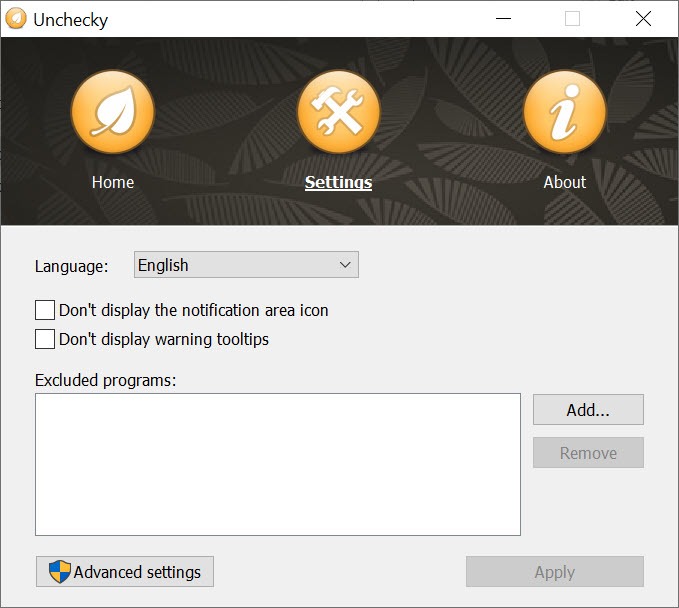
Installers that bring uninvited software along rely on one thing, which is that a pre-ticked box gets accepted by anybody clicking through at speed. Unchecky sits in the background watching for those boxes and unticks them before you reach them.
Unchecky also raises a warning when an installer appears to be offering something unrelated to what you actually asked for, which is the case where the box is not the trick.
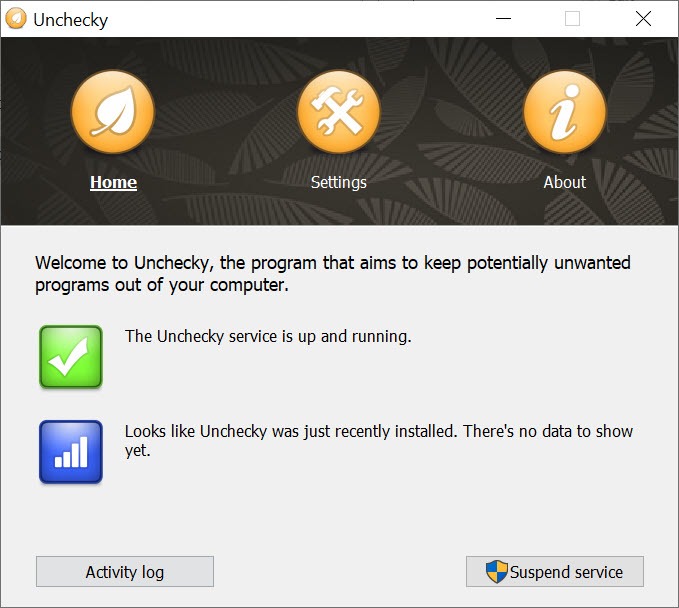
Nothing is required of you afterwards. It runs quietly, and the difference shows up as installers that finish without having added a browser extension nobody wanted.
The premise is sound
Worth stating why Unchecky exists rather than treating it as a curiosity, because the design of those installers is deliberate.
The boxes are ticked in advance because the people who put them there know most users click the highlighted button repeatedly until the installer closes. That is not carelessness so much as a reasonable response to twenty screens of legal text, and the bundling is designed around it.
So a tool that unticks by default inverts the arrangement. The lazy path becomes the clean one, which is the correct place to put the effort.
Removing something that already got through is a different job, and AdwCleaner targets exactly the class of software these installers add.
Bundling moved on, and the tool did not
Here is the honest Unchecky limitation, and it decides how much protection you actually get now.
Matching known patterns works while the patterns stay the same. They have not. Installers now present offers on separate screens with reversed logic, where declining is the small link and accepting is the large button. Some use a button labelled to look like continuing, some present the offer after the main installation has finished, and some make the decline path require a second confirmation.
Unchecky catches the classic pre-ticked box and misses several of those newer arrangements, because development has been quiet for a considerable time while the techniques kept developing.
That does not make it useless. It means the protection is partial and the older pattern it handles is still common, particularly in installers that have not themselves been updated.
It is not a substitute for reading
This follows directly and is the part Unchecky cannot fix.
The reliable defence is slowing down at the screens that matter. Reading what each screen actually offers, choosing the custom or advanced option where one exists, and treating any large highlighted button with suspicion catches everything, including the patterns this misses.
Where several unwanted programs have already accumulated, Bulk Crap Uninstaller removes them in one pass and finds the leftovers a normal uninstall leaves behind.
A background tool limits what a moment’s inattention leads to rather than removing the need for attention. Used that way it is properly valuable, and treated as complete protection it will disappoint at the exact moment it matters.
What to do about what already arrived
Anybody installing Unchecky after the fact usually has a reason, meaning something already got through.
For finding and removing that, a scanner aimed at the adware and toolbar category specifically covers more ground than a general uninstaller.
Conclusion
Unchecky is built on a correct observation, which is that bundled software succeeds because the default answer is yes and people click quickly. Making the default answer no is the right response, and for the classic pre-ticked box it works exactly as described.
Set expectations by its age. The bundling techniques have moved on while the tool has stood still, so the protection covers the older pattern and not the newer ones. Keep it running, since a partial defence costs nothing, and keep reading the screens anyway, because the arrangements it misses are the ones somebody designed specifically to get past a person who is paying attention.
Pros & Cons
- Unticks the pre-ticked offer boxes before you reach them
- Warns when an installer offers something unrelated to what you wanted
- Runs quietly with nothing to configure or maintain
- Inverts the arrangement, so clicking through quickly becomes the clean path
- Tiny, and does one thing without a suite attached
- Matches known patterns, so newer bundling arrangements get past it
- Development has been quiet while the techniques kept changing
- Does nothing about software already installed
- Cannot help where declining requires a second confirmation or a small link
- Partial protection can encourage exactly the inattention it compensates for
Frequently asked questions
Watches for the offer boxes that arrive pre-ticked and unticks them before you get there, and raises a warning when an installer appears to be offering something unrelated to what you asked for.
No. It handles the classic pre-ticked box well and misses arrangements where declining is a small link, where the decline button is styled to look like continuing, or where the offer appears after the main installation.
No, it only affects installations as they happen. Removing what arrived earlier needs a scanner aimed at that category or an uninstaller.
Yes, and that is the honest answer. This reduces what a moment's inattention costs you rather than removing the need to pay attention, and the patterns it misses are exactly the ones designed to catch a careful reader off guard.


