

UMDGen
About UMDGen
UMDGen opens up a PSP game image and lets you reach inside it. Load an ISO or CSO file and you see its full contents laid out like a folder, every file the game ships with, ready to be browsed, swapped, removed, or added to. From there you can rebuild the image into a tidier, smaller version, compress it, convert between formats, and fix the metadata that keeps it readable. It’s a proper editor for UMD-compliant disc images, not just a converter that spits out one format from another.
The reason most people reach for it comes down to space. PSP game images are large, and a memory stick fills up fast. UMDGen is the tool that lets you shrink those images dramatically, both by compressing them and by stripping out the parts of a game you don’t actually need, so you can fit a real library onto limited storage rather than juggling a couple of titles at a time.
Worth saying plainly upfront, this is a backup tool meant for images of games you legally own. Used that way, it’s a clever bit of engineering for preserving and managing your own collection.
Editing the contents of an image directly
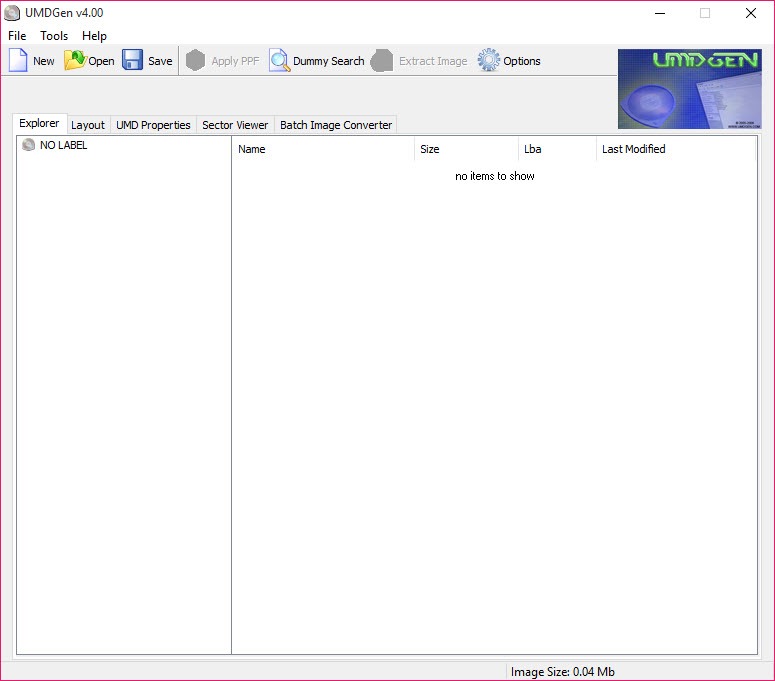
The file-level editing is what defines the tool. When you drag an ISO or CSO onto UMDGen, it loads the image and shows you the internal file structure, including the game’s icon and the total size down in the corner. You’re looking at the actual guts of the disc image, and you can rearrange them.
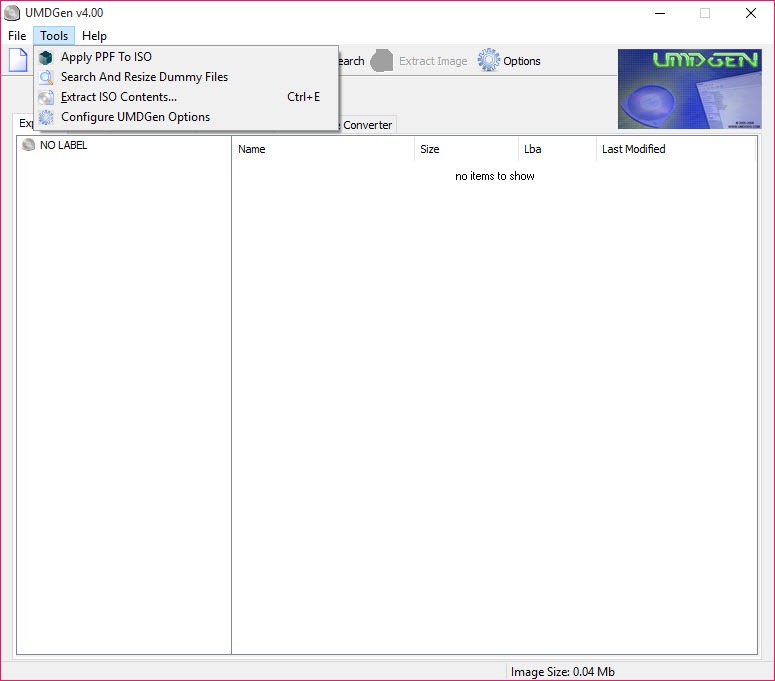
That means adding, replacing, or deleting individual files inside the image without unpacking the whole thing and rebuilding it by hand. You can also apply PPF patches directly to an ISO, which is how translation patches and homebrew fixes get merged into a game image.
There’s a file search to hunt down a specific item inside a large image too, which saves scrolling through hundreds of entries. For straightforward disc-image conversion of other kinds, a tool like AnyToISO handles the basics, but it won’t let you reach inside and rearrange a PSP image the way this does.
Shrinking images to reclaim space
This is where the tool earns its reputation. Two things make a PSP image bigger than it needs to be. Padding and dummy data baked into the original, and files you simply don’t need, like system update folders or extra-language assets. The tool tackles both.
The Optimize button does the automatic part. It detects and resizes dummy data, strips out unnecessary padding, and empties the contents of the update folder when it finds one, all without you having to know exactly what’s safe to touch. Then there’s the manual side, where you remove files you don’t want yourself.
The savings can be dramatic. In one well-known example, simply compressing a game brought it down by around 13 percent, but ripping out unneeded files first pushed the total reduction past 50 percent, turning a roughly 1GB image into about 544MB. That’s the difference between a handful of games on a stick and a proper shelf of them.
Compression and format conversion
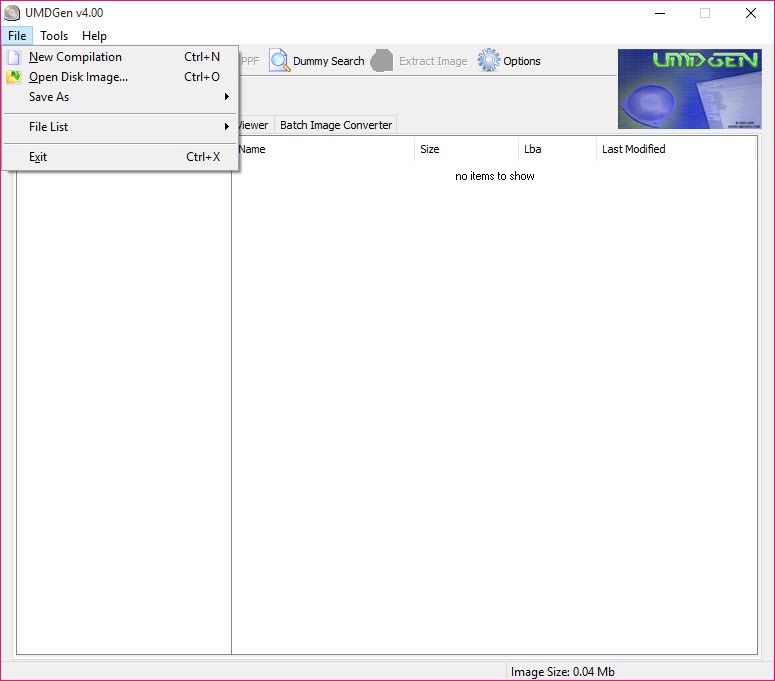
Once you’ve trimmed an image, you compress it. UMDGen saves directly to CSO, the compressed format that PSP systems can read on the fly, and it lets you pick the compression level. Level 9 squeezes the hardest, trading a little build time for the smallest possible file. The neat part is that the build and compression happen in one step. The tool assembles the ISO and then automatically compresses it to CSO when you save, so there’s no two-stage shuffle.
It works in both directions. You can take a CSO and convert it back to a plain ISO when you need the uncompressed version, and full DAX support sits alongside CSO for the other common compressed format.
Because it can browse and edit files inside a CSO or DAX exactly as it does an uncompressed ISO, you’re never forced to decompress something just to make a small change. If you also work with standard optical disc images outside the PSP world, ISO Workshop covers that general-purpose ground.
Keeping the image valid and playable
Editing a disc image is one thing. Keeping it bootable afterward is another, and this is where the PSP-specific smarts matter. A UMD image carries metadata that identifies it and tells the system how to handle it, and careless editing can break that. UMDGen handles this side automatically.
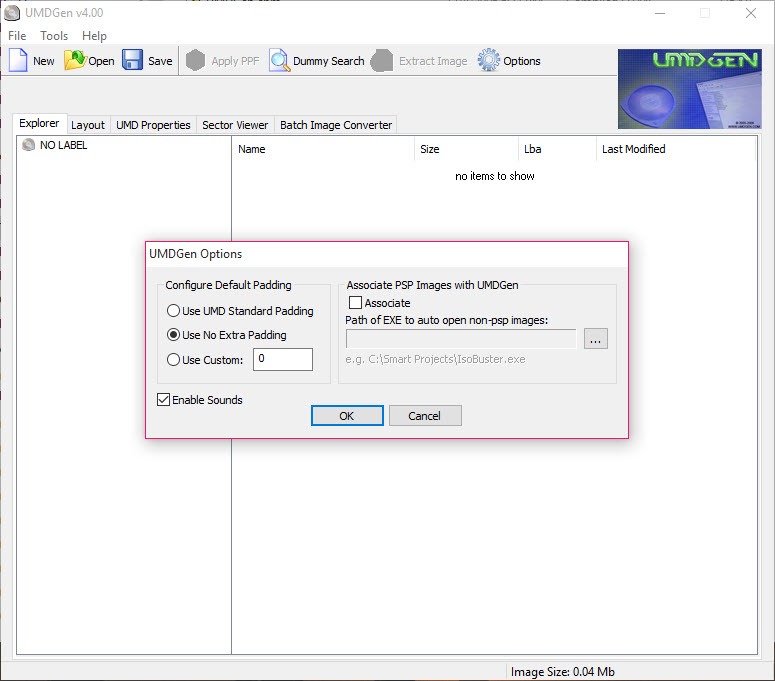
It manages the PSP metadata for you, including generating a fresh UMD_DATA.BIN file if your compilation is missing one, which is exactly the sort of thing that otherwise renders an image unreadable. It reads and displays the information stored in the PARAM.SFO files, and it even lets you change the system firmware version recorded there.
There’s also an option to force-read non-standard images that don’t follow the usual layout, with a sensible warning that it might choke on data it doesn’t expect.
The general rule it follows is a practical one. If a PSP can read the image, the tool tries to as well. Once your edited image is ready, an emulator like PPSSPP can run it directly, so you can test the result without copying it to a handheld.
Conclusion
UMDGen is a focused, capable tool for anyone who manages their own PSP game backups and wants real control over them. Its strength is the combination of deep file-level editing and serious size reduction, letting you reach inside an image, strip out what you don’t need, and compress the rest into a fraction of the original footprint, all while keeping the result valid and playable. For fitting a real library onto limited memory, nothing in this niche does it more thoroughly.
It does ask for some knowledge in return. This is a tool built for people who understand what’s inside a disc image, and removing the wrong files or forcing a non-standard image can cause problems. But for the enthusiast managing legally owned games and homebrew projects, that learning curve is part of the appeal.
If you want to preserve and organize a PSP collection properly, this is the tool that gives you the keys to the whole image.
Pros & Cons
- Edits files inside a PSP image directly with drag-and-drop, no full unpacking
- Optimize function auto-removes padding, dummy data, and update folder contents
- Dramatic size savings, often cutting an image by half or more
- Saves straight to compressed CSO with adjustable compression levels
- Converts CSO back to ISO and supports the DAX format both ways
- Browses and edits compressed images without decompressing them first
- Applies PPF patches directly for translations and homebrew fixes
- Automatically manages PSP metadata like UMD_DATA.BIN to keep images valid
- The interface and concepts assume you already understand PSP image structure
- Aggressively ripping files from an image can break a game if you remove the wrong ones
- Forcing non-standard images to load can cause the tool to close unexpectedly
- Narrowly focused on PSP images, with no use outside that ecosystem
- Getting the best size savings takes manual effort, not just one button
Frequently asked questions
It creates, edits, and rebuilds PSP UMD disc images in ISO and CSO format. You can open an image, add or remove files inside it with drag-and-drop, compress it, convert between formats, and have the tool maintain the PSP metadata that keeps the image valid.
It works two ways. The Optimize function automatically removes padding, dummy data, and update-folder contents, and you can manually delete files you don't need. After trimming, it compresses the image to CSO, often cutting the total size by half or more.
ISO is the uncompressed disc image, while CSO is a compressed version that takes up less space and can still be read directly. UMDGen saves to CSO with adjustable compression and can also convert a CSO back to a plain ISO when you need it.
Yes. It lets you browse and edit the files inside a CSO or DAX image exactly as you would an uncompressed ISO, so you can make small changes without the extra step of decompressing and recompressing the whole thing.
It manages the PSP-specific metadata automatically, including generating a UMD_DATA.BIN file if one is missing and updating the PARAM.SFO details. This handling is what keeps an edited image valid and readable rather than breaking it.
Yes. It can apply PPF patches directly to an ISO, which is the standard way translation patches and homebrew fixes are merged into a game image, all without needing a separate patching tool.


