

tsMuxeR
About tsMuxeR
Video files carry two separate things, which are the compressed picture and sound themselves, and the container that wraps them with the information a player needs. Changing the container is a repackaging job. Changing the picture means compressing it again. tsMuxeR does the first and refuses the second, which is exactly why it is useful.
That distinction decides whether this is your tool. Repackaging takes minutes on a large file, touches not a single frame and loses nothing at all. Re-compressing takes hours and degrades the result, however careful the settings.
So if the requirement is a smaller file, a different resolution or a different codec, this is the wrong program entirely and HandBrake is the right one. If the requirement is the same video in a different wrapper, read on.
What it takes in and puts out
tsMuxeR takes in the transport stream formats, the common consumer containers and raw elementary streams. Output covers transport streams, the disc variant of them, and the complete folder structures used by video discs and by camcorder recordings.
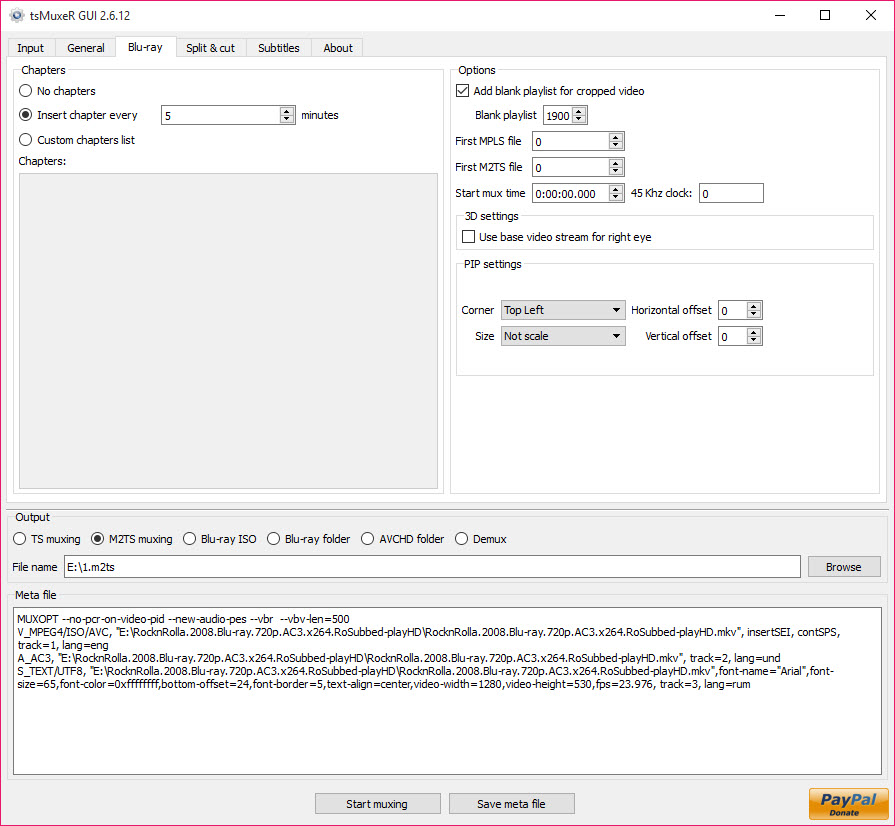
That last capability is the one people come for. Producing a proper disc structure from a video file, with chapters, means the result plays on hardware players that refuse anything else, and camcorder footage can be repackaged into the arrangement its own format expects.
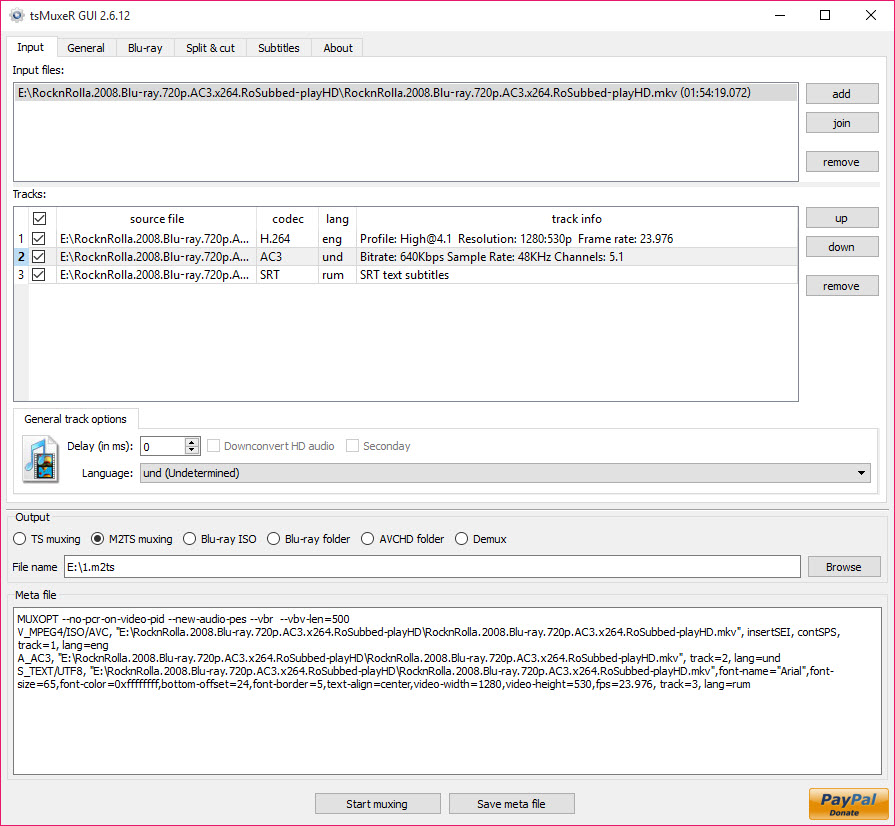
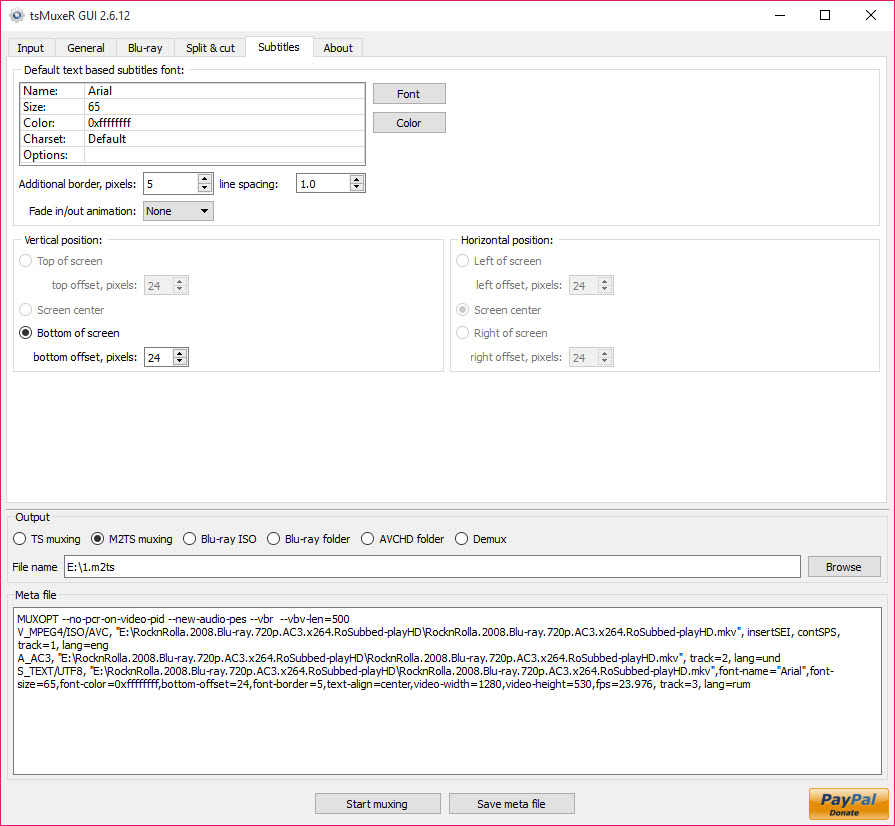
Streams are selected individually. A file carrying three audio languages and eight subtitle tracks becomes a file with the one language you need, which reduces the size considerably without touching the video.
Fixing sound that arrives late
Per-track delay adjustment is the tsMuxeR feature that rescues recordings nobody else can fix.
Audio drifting out of step with the picture is usually a fixed offset introduced somewhere in the recording chain, and correcting it means shifting one track relative to the other by a measured amount. Doing that here costs nothing in quality because nothing is re-encoded, just repackaged with different timing.
Working out the offset is the harder part and it is yours to do, since the program applies a number rather than measuring one. MediaInfo reports what each track actually contains, which is where diagnosis starts.
Cutting, and the limit on it
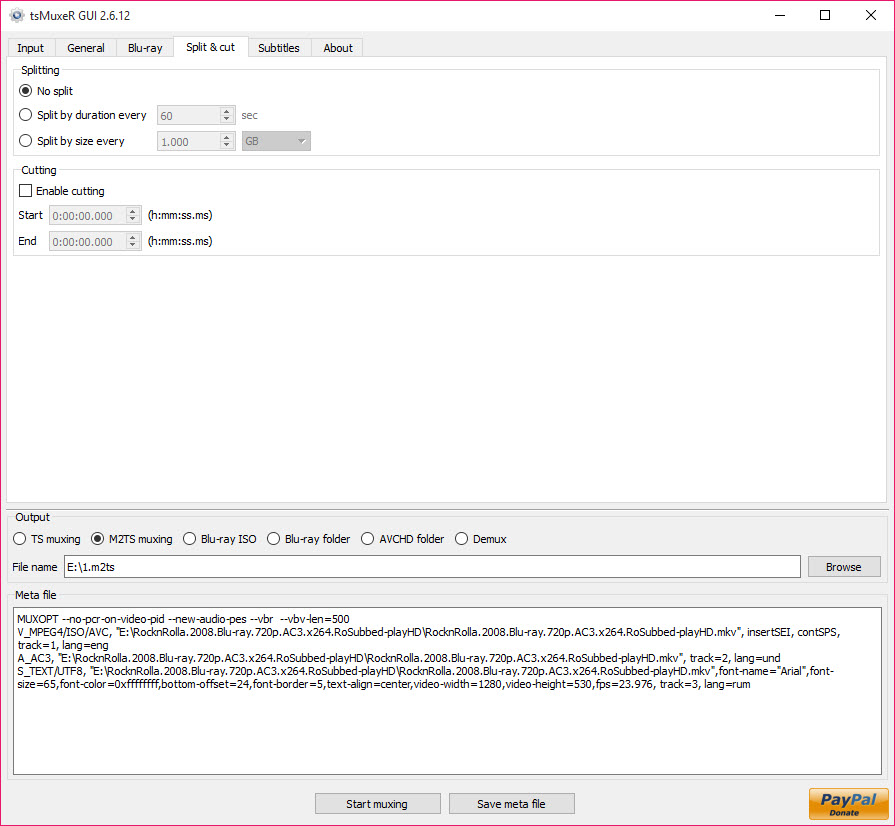
tsMuxeR splits by time or by size, and the constraint is worth understanding before relying on it.
Cuts land on keyframes rather than on arbitrary frames, because a cut anywhere else would require re-encoding the surrounding section. Keyframes occur every few seconds depending on how the video was compressed, so a requested cut lands at the nearest one rather than precisely where you asked.
For most purposes that is fine. Where frame accuracy matters, AviDemux handles precise cutting with re-encoding of only the affected portion, which is the compromise between the two approaches.
It assumes you know the vocabulary
The tsMuxeR interface is a technical one and makes no effort to be otherwise. Streams are listed with their identifiers, codecs and parameters, and the options refer to levels, frame rates and header fields rather than to anything a general audience would recognise.
That is appropriate for what it does and it means somebody arriving without the concepts will find a window of unexplained detail. The header adjustments in particular, which change what the file declares about itself for the benefit of fussy players, are powerful and unforgiving.
Both an interface and a command line exist, and anybody processing several files regularly will end up using the second.
Conclusion
tsMuxeR does one job that no amount of general-purpose video software replaces, which is changing what wraps a video without touching the video. Building a disc structure a hardware player will accept, dropping seven subtitle tracks you will never read, or shifting audio by a measured amount all happen in minutes with nothing lost.
Know which side of the line your task falls on. Anything involving resolution, codec or file size needs re-encoding and belongs elsewhere. Anything involving containers, track selection or timing belongs here, and the technical interface is the price of a tool that does precisely what it says to the byte.
Pros & Cons
- Repackages without re-encoding, so nothing is lost and the work takes minutes
- Produces complete disc and camcorder folder structures with chapters
- Individual streams selected, so unwanted languages and subtitles are dropped
- Per-track delay adjustment fixes audio drifting out of step
- Header adjustments make files acceptable to players that reject them otherwise
- Both a graphical interface and a command line for repeated work
- Cannot change resolution, codec or bitrate, since it does not re-encode
- Cuts land on keyframes rather than exactly where requested
- The interface assumes familiarity with streams, containers and codec parameters
- Header options can produce files that play worse rather than better if misused
- Determining an audio offset is left entirely to you
Frequently asked questions
Repackages the existing picture and sound into a different container without recompressing either. That is why it takes minutes rather than hours and why the result is identical in quality to the source.
Only by removing tracks you do not need, such as extra audio languages and subtitles. It cannot reduce the video itself, because that would require re-encoding, which is a different tool's job.
Because cutting between keyframes would require re-encoding the surrounding section. Cuts move to the nearest keyframe, which may be a second or two away depending on how the video was compressed.
Yes, by shifting a track by a specified amount, which costs nothing in quality since nothing is recompressed. Measuring the offset in the first place is left to you.


