

Tixati
About Tixati
Tixati is a BitTorrent client built around one obsession, which is showing you exactly where every byte went. Most clients give you a download speed and an upload speed. This one draws charts per transfer and per peer, separates protocol overhead from file data, splits your upload into the part you traded for download and the part you gave away as seeding, and keeps all of it on screen while the transfer runs.
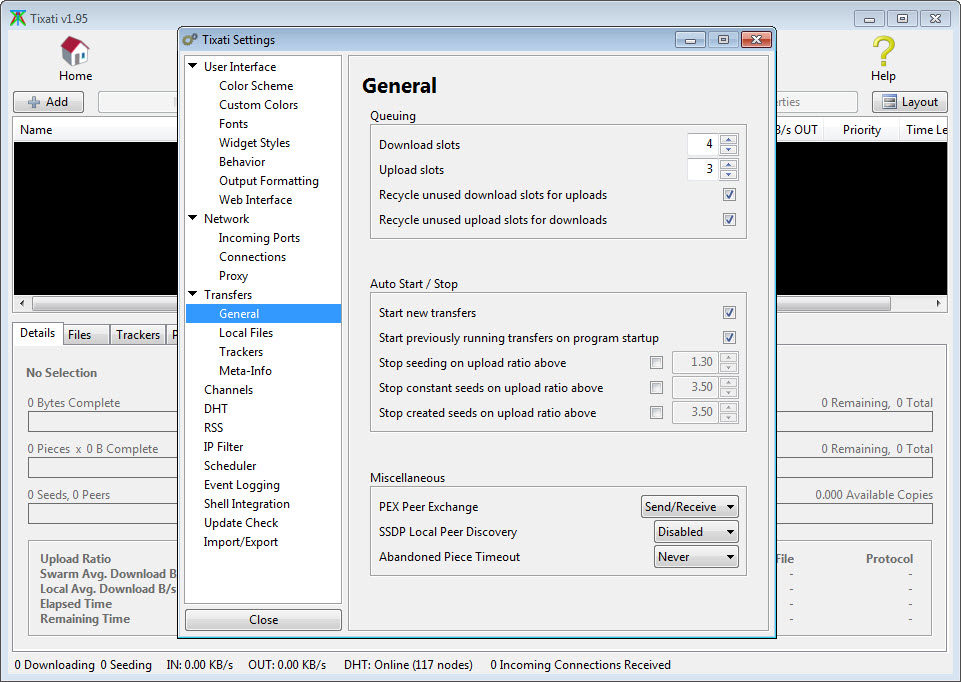
No ads, no bundled offers, no search bar selling anything, and no installation needed if you take the portable build.
That focus puts it in a different seat from qBittorrent or uTorrent. Those are general-purpose clients with a clean list and sensible defaults. Tixati is a client for people who want to see the swarm, tune the throttle by hand and know why a transfer stalled at 94 percent, with an interface that looks like the control room of a small power station and makes no apology for it.
Charts that explain a stalled download
Open any transfer in Tixati and the Bandwidth tab draws incoming and outgoing traffic over time, with file bytes and protocol bytes as separate lines. The Peers tab lists every connection with its own rates, client name, and whether it is choking you, and a bitfield graph shows which pieces the swarm has and which it does not. When a download sits at 94 percent for an hour, that graph tells you in one glance that the missing pieces exist on nobody who is currently online, which is an answer rather than a mystery.
The same views cover the DHT. Message traffic is graphed, nodes are listed, and an event log at an adjustable level records what the network is doing, down to raw messages if you ask. Nobody needs that on a Tuesday.
On the day a tracker dies and you want to know whether DHT is actually finding peers, it is the difference between guessing and knowing.
Throttling with priorities, quotas and a clock
Global limits are only the start. Each transfer and each peer can carry a priority that decides who gets bandwidth first when the cap is reached, and the trading-versus-seeding proportion can be shifted so uploads favour the peers currently sending to you.
A scheduler changes the limits by time of day, so the connection stays usable during working hours and runs wide open overnight. Bandwidth quotas cap the total traffic over a period, which matters on a metered line.
Set up well, Tixati can run a dozen transfers without the rest of the household noticing, which is more than most clients manage with a single global limit. Set up badly, the priorities fight each other and a transfer you care about crawls behind one you forgot.
The controls assume you will read them, and qBittorrent is the better choice for anyone who wants a speed limit and nothing else.
Channels, the feature most people never open
Channels in Tixati are a decentralised chat and sharing layer that runs over the DHT, with no server involved, where people in a channel can post links and talk, and the client joins by name. The idea is a torrent community that cannot be taken down.
The reality is that most channels are empty, the busy ones are a mixed bag, and the feature chews CPU on first join to a crowded one. Treat it as an experiment that ships inside the client rather than a reason to install it.
What does matter is the privacy side of the same networking code. Peer connections can be encrypted, the client supports I2P for both transfers and DHT, and an IP filter with location tables blocks ranges you specify.
None of that replaces a VPN, but a client with I2P built in is rare, and a client built around anonymous overlay networks is the only other mainstream one that goes there.
RSS, remote control and the little conveniences
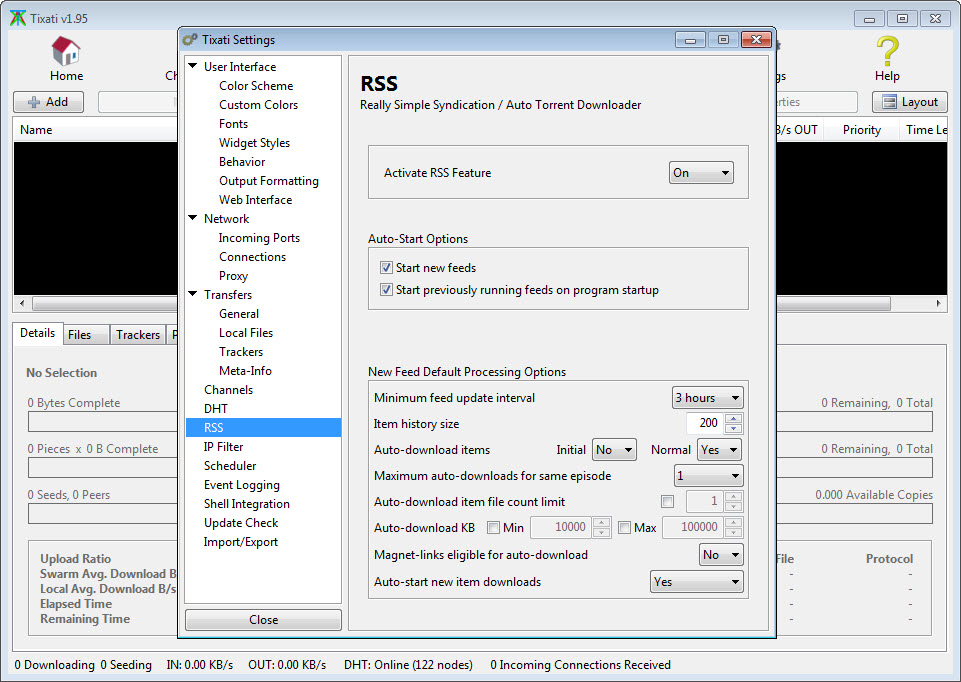
The Tixati RSS reader downloads items matching your filters automatically, which turns a feed into a subscription without a separate tool. A web interface lets you add and monitor transfers from a browser on another machine, with the same bandwidth information as the desktop, if less of it. The portable build keeps everything in its own folder with relative paths, so a stick moved to another computer carries the transfers and settings with it.
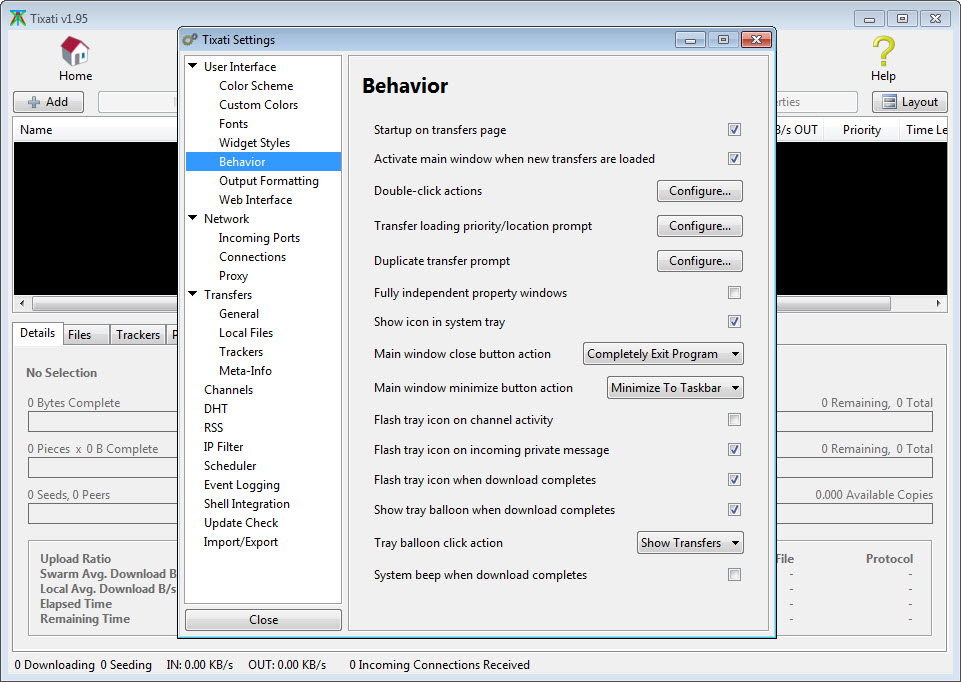
A captions dialog puts your choice of counters in the window title, status bar and tray tooltip, so the tray shows session traffic or remaining quota at a glance, and Ctrl with the mouse wheel scales the interface text, which anyone on a high-resolution display will appreciate within the first minute.
The interface, and the other reservations
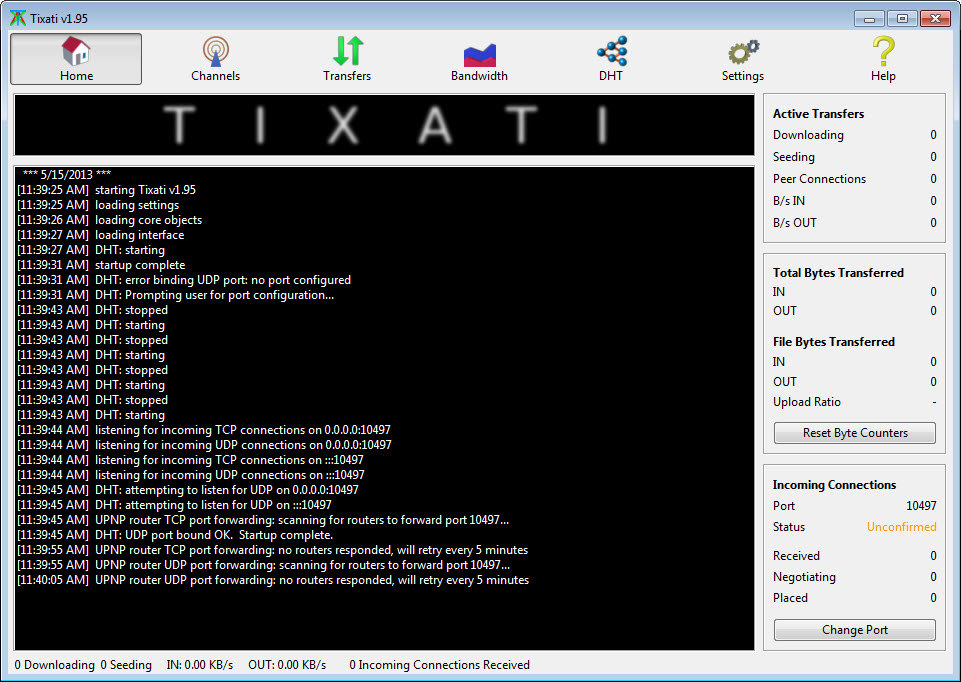
It is dense. Every panel is full of numbers, the default colours are grey on grey, and nothing is hidden behind a simple mode. New users open it, feel they have wandered into an engineering tool, and close it. That is a fair reaction, and the only answer is that the density is the point and it stops feeling hostile after a week.
Two other things. The client is closed, so the privacy promises rest on reputation rather than on anyone reading the code, which bothers some people in this category more than others.
And there is no built-in search, so finding content happens elsewhere and the client only receives the magnet link. Neither changes what it is good at.
Conclusion
Tixati is for the person who wants to understand a swarm rather than just wait for it, and who would rather tune five priorities than accept one limit. For them the charts, the quotas and the I2P support add up to a client that explains itself better than anything else in the category.
Everyone who just wants files to arrive will find the interface a wall and the settings a maze, and should take a cleaner client without a second thought. This one rewards the people who read the numbers, and bores everyone else.
Pros & Cons
- Per-transfer and per-peer bandwidth charts that explain stalls
- Priorities, quotas and a scheduler for fine-grained throttling
- Encryption, I2P support and an IP filter built in
- RSS auto-download and a web interface for remote control
- No ads, no bundled offers, portable build available
- Interface is dense and dated with no simplified mode
- Channels are mostly empty and chew CPU on busy ones
- Closed code, so privacy claims cannot be audited
- No built-in search
Frequently asked questions
Open the transfer's bitfield graph. If the missing pieces show as unavailable, nobody online has them, and the only fix is waiting for a seeder. The client is reporting the swarm accurately rather than failing.
Yes. The scheduler changes the global limits on a timetable, and quotas cap total traffic over a period on top of that.
Yes. Enable it in the settings and transfers can be added and paused from a browser on another device.
A decentralised chat and link-sharing layer over the DHT. They work, but most are empty, and the client is worth having without them.


