

Thaiphoon Burner
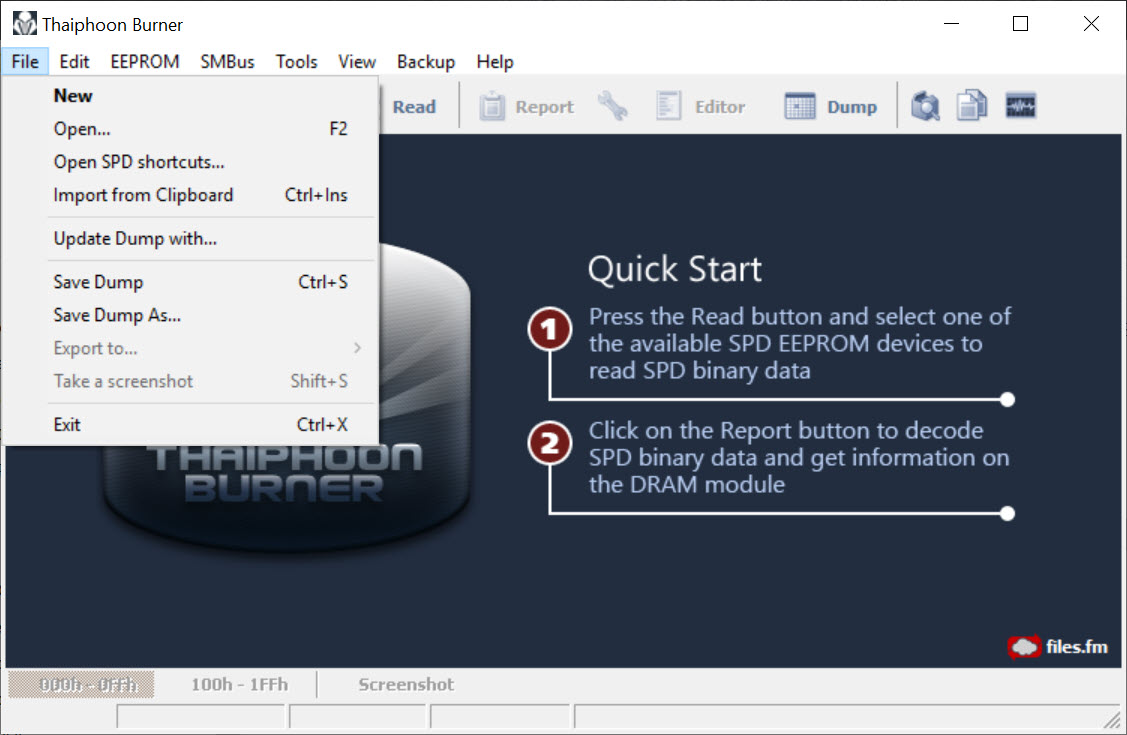
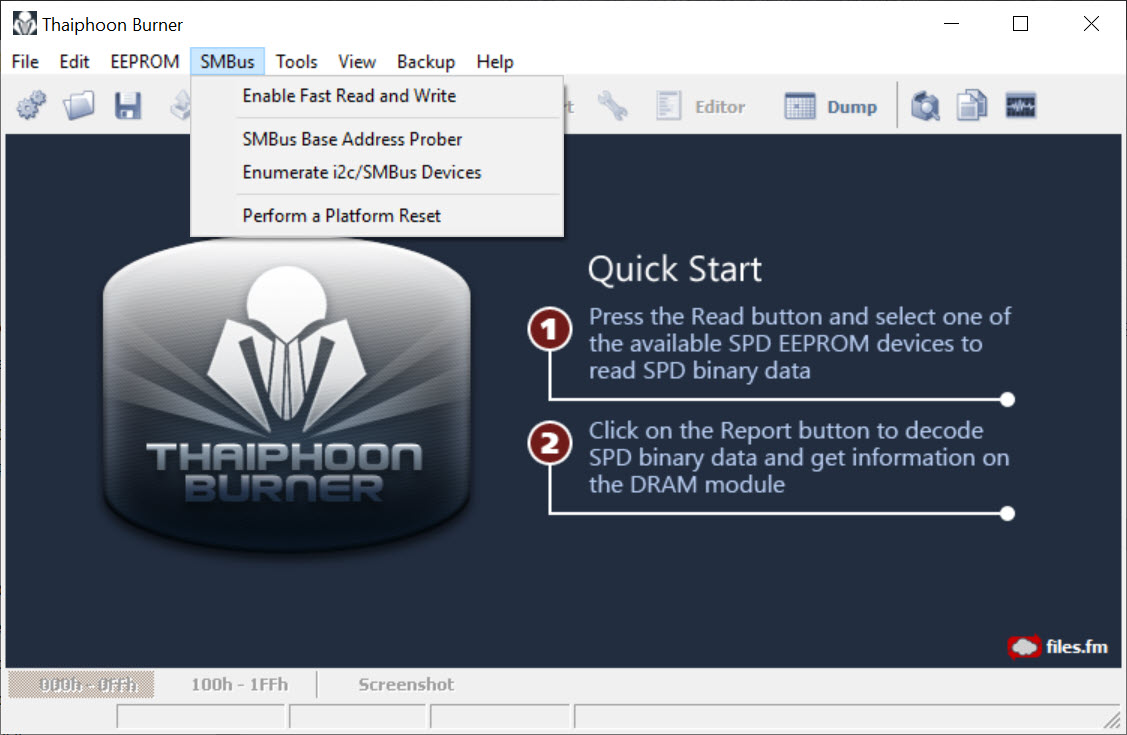
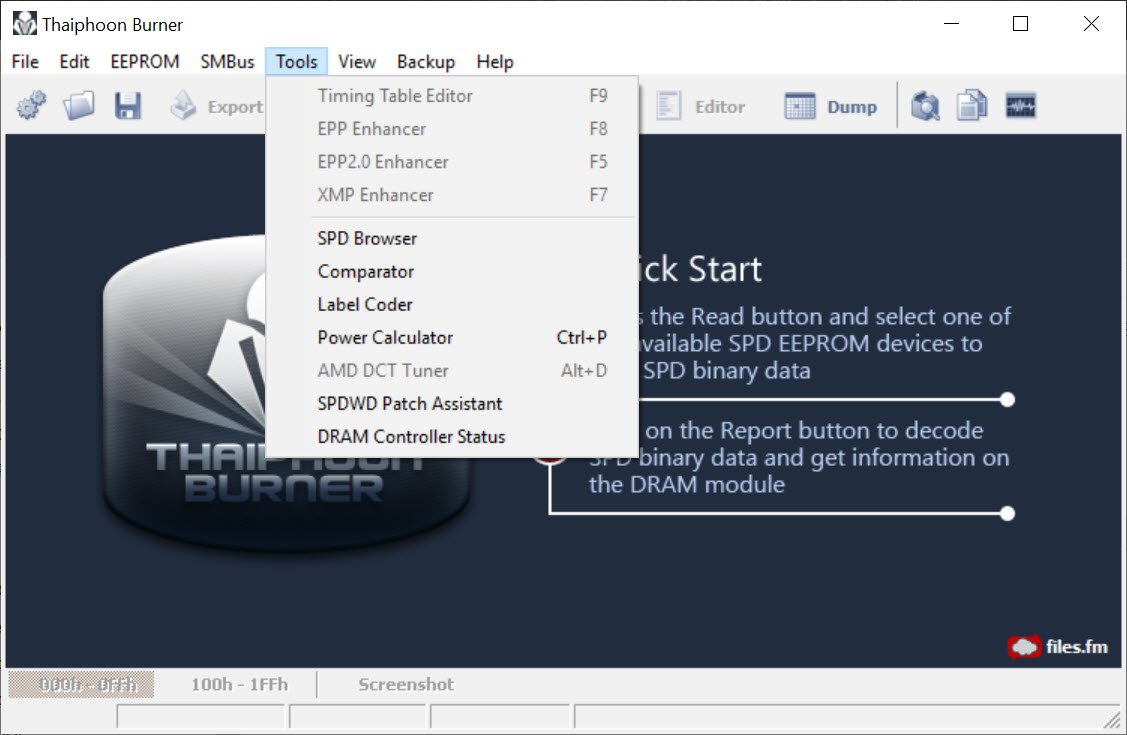
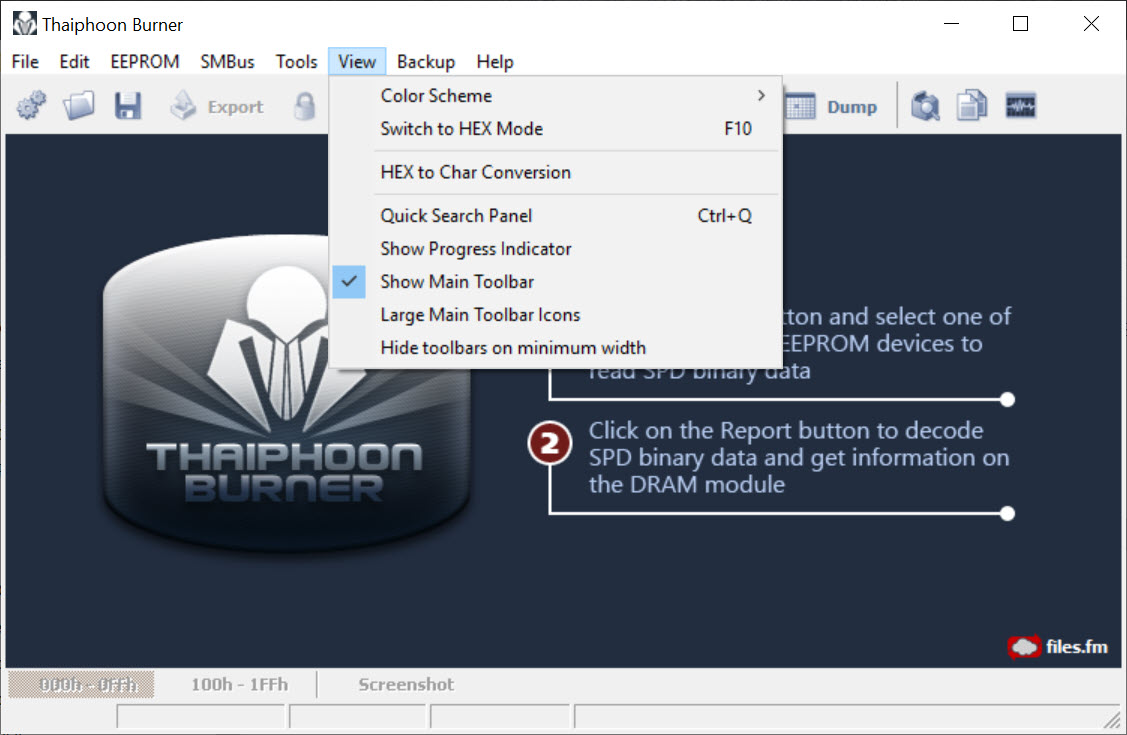
About Thaiphoon Burner
Every memory module carries a small chip describing itself. Manufacturer, part number, the speeds it supports, the timings for each of them, the voltages required and the performance profiles the module offers. Your machine reads that chip at startup to work out how to run the memory. Thaiphoon Burner reads it for you, and tells you rather more than the label on the module does.
The information is presented as a full report covering everything the chip holds, and one field in it is the reason enthusiasts install this rather than a general system information tool.
The memory chips behind the label
Thaiphoon Burner exists because two modules can share a part number, a sticker and a box while containing entirely different memory chips. Manufacturers change suppliers mid-production, and nothing on the packaging says so.
That matters because the chips decide how the memory behaves when pushed. Some are famously tolerant of tight timings and high frequencies, others refuse to go far past what they were rated for, and the difference between two apparently identical modules can be substantial.
Thaiphoon Burner reports the chip manufacturer and the specific revision, which is information no retailer publishes and no sticker mentions. For anybody buying memory to tune rather than to install and forget, that single field is the whole reason the program exists.
The report, and what the profiles actually contain
Beyond the chips, the Thaiphoon Burner report covers the module’s rated speeds and the timings associated with each, the voltage it expects, the manufacturing details recorded at production, and the stored performance profiles.
Those profiles repay a proper look. A module advertising a headline speed stores that as a profile containing a full set of timings and voltages, and reading it shows exactly what enabling that profile asks your board to do. Comparing that against what the board actually applied explains a surprising number of stability complaints, since boards do not always honour every value.
For a plain inventory of what memory is installed without any of this depth, a general system information tool answers the simple question in a friendlier way.
Writing, and the part that can leave a module dead
The upper tier of Thaiphoon Burner writes to that chip rather than only reading it, which allows custom profiles to be created and existing ones to be modified.
This deserves a plain warning rather than a footnote. The chip is what the system reads to learn how to configure the memory, so writing incorrect data into it can produce a module the machine will not initialise at all. That is not a setting you reverse afterwards, because reversing it requires the machine to start.
Motherboards commonly ship with write protection for this chip enabled, and that default exists for exactly this reason. Anybody working on this side of the program takes a backup of the original contents first, keeps it somewhere other than the machine being modified, and changes one thing at a time.
Having altered timings or profiles, verifying stability is not optional, and Memtest86+ is the tool that runs outside the operating system and actually exercises the memory rather than assuming a booting machine means a working one.
Getting it to read anything
Access to that chip happens over a low-level bus, and reaching it requires privileges and cooperation from the hardware. Some boards restrict it, some systems block the driver-level access involved, and the result is a program reporting nothing on a machine where the memory is plainly present.
That is the most common complaint about Thaiphoon Burner and it is rarely the program’s doing. Running with administrative rights is the first step, and a board with the relevant access disabled in its firmware settings is the second thing to check.
Where it simply refuses, CPU-Z reads a subset of the same information through a different route and will at least confirm the module’s rated speeds and timings, without identifying the memory chips.
Who this is actually for
The honest Thaiphoon Burner audience is narrow and knows who it is. Somebody choosing between two kits of memory, somebody trying to work out why one module overclocks and its twin does not, or somebody about to tune timings and wanting to know what silicon they are tuning.
For everybody else, the information here is interesting and unnecessary. A machine with memory that works needs nothing from this program, and the write functions offer a way to break something that was not broken.
Conclusion
Thaiphoon Burner answers one question nobody else answers, which is what is actually inside the memory you bought. The chip manufacturer and revision determine how the module behaves when tuned, retailers do not publish it, and this reports it in seconds alongside everything else the module says about itself.
Treat the two halves of the program very differently. Reading is harmless, informative and the reason almost everybody installs it. Writing modifies the chip your machine depends on to configure the memory at all, and getting it wrong produces a module that stops the machine starting. Back up first, change one value at a time, and test with something that exercises the memory properly afterwards.
Pros & Cons
- Identifies the memory chip manufacturer and revision, which no packaging discloses
- Reports rated speeds, timings, voltages and stored profiles in one full report
- Shows exactly what a performance profile asks the board to do
- Explains stability problems where a board did not apply a profile as written
- Backs up the original chip contents before any modification
- Writing allows custom profiles for hardware that shipped without useful ones
- Writing incorrect data can leave a module the machine will not start with
- Low-level access is blocked on some systems and boards, so it reports nothing
- The write functions belong to the upper tier rather than the basic one
- The information is meaningless to anybody not tuning memory
- Interpreting the output assumes you already know what the fields mean
Frequently asked questions
The small chip on each memory module that describes it to the system, covering the manufacturer, part number, supported speeds, timings, voltages, stored performance profiles and the identity of the memory chips inside.
Because it determines how far the memory can be pushed. Two modules with the same part number can contain different chips with very different tolerance for tight timings, and nothing on the packaging tells you which you bought.
The reading side cannot. The writing side can, since incorrect data written to that chip may leave a module the machine will not start with. Boards ship with write protection enabled for that reason, and backups before any change are essential.
No, writing belongs to the upper tier while reading and reporting do not. Most people need only the reading side, which is where the chip identification everybody installs it for lives.
Because the low-level access it needs is unavailable, either through insufficient privileges or because the board or system restricts it. Run it with administrative rights first, then check the firmware settings.


