

TextPad
About TextPad
Some editors chase every trend, and some settled on a philosophy long ago and simply kept sharpening it. TextPad is the second kind, a text editor built around the unglamorous work that fills real days.
It opens huge files without flinching, hunts a phrase across a whole folder tree, records a tedious edit once and replays it five hundred times, and compiles code with the output one click from the offending line. Nothing about it is fashionable, and a devoted professional audience keeps it installed for exactly that reason.
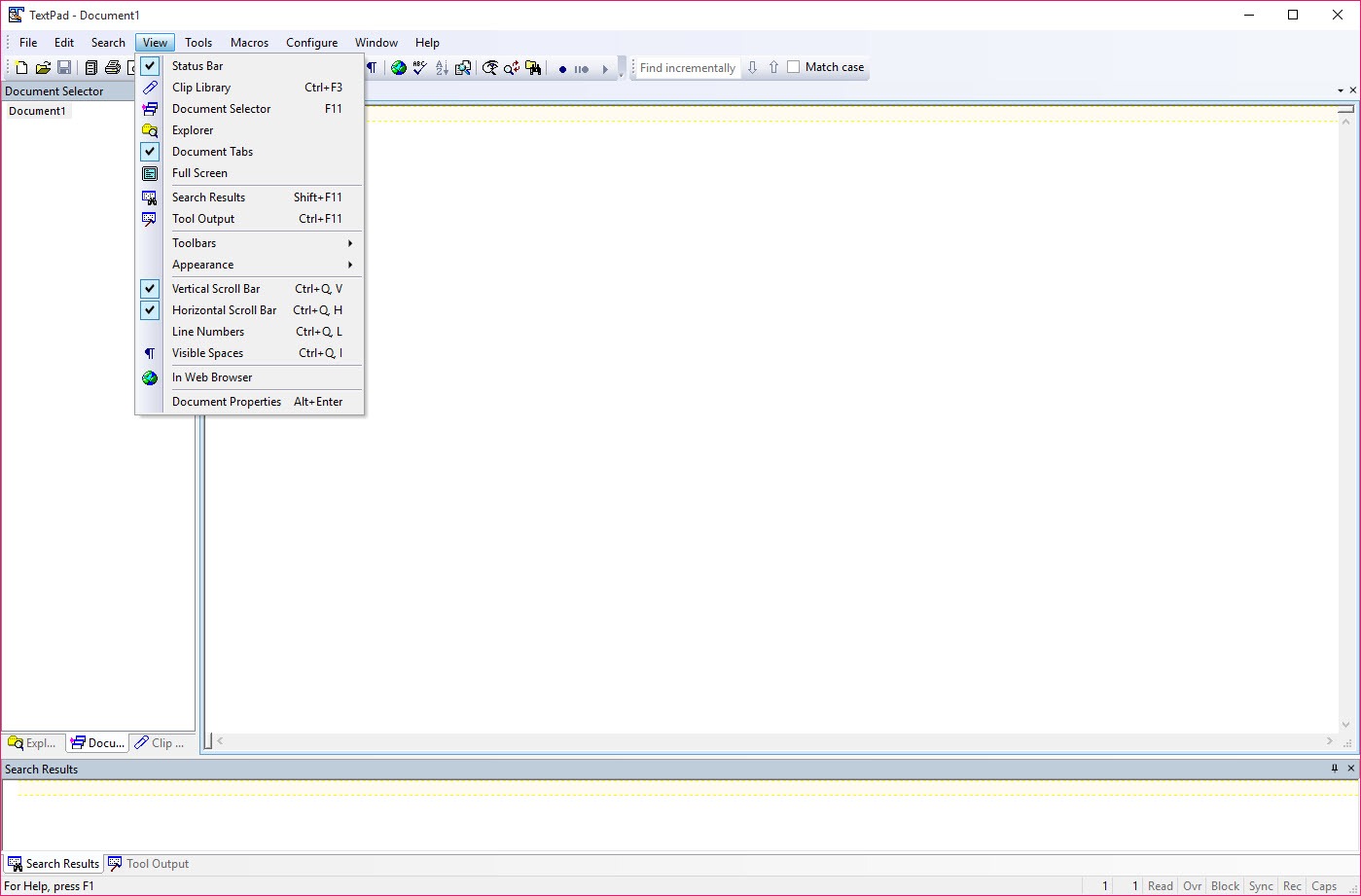
The character shows immediately. Files open into a workspace with a document selector, the toolbar stays out of the way, and the features live where a keyboard-first user expects them. This is an instrument for people who edit text for a living, in whatever form that text takes, code, logs, data files, or the manuscript nobody else’s software will open.
Find in Files, the feature people stay for
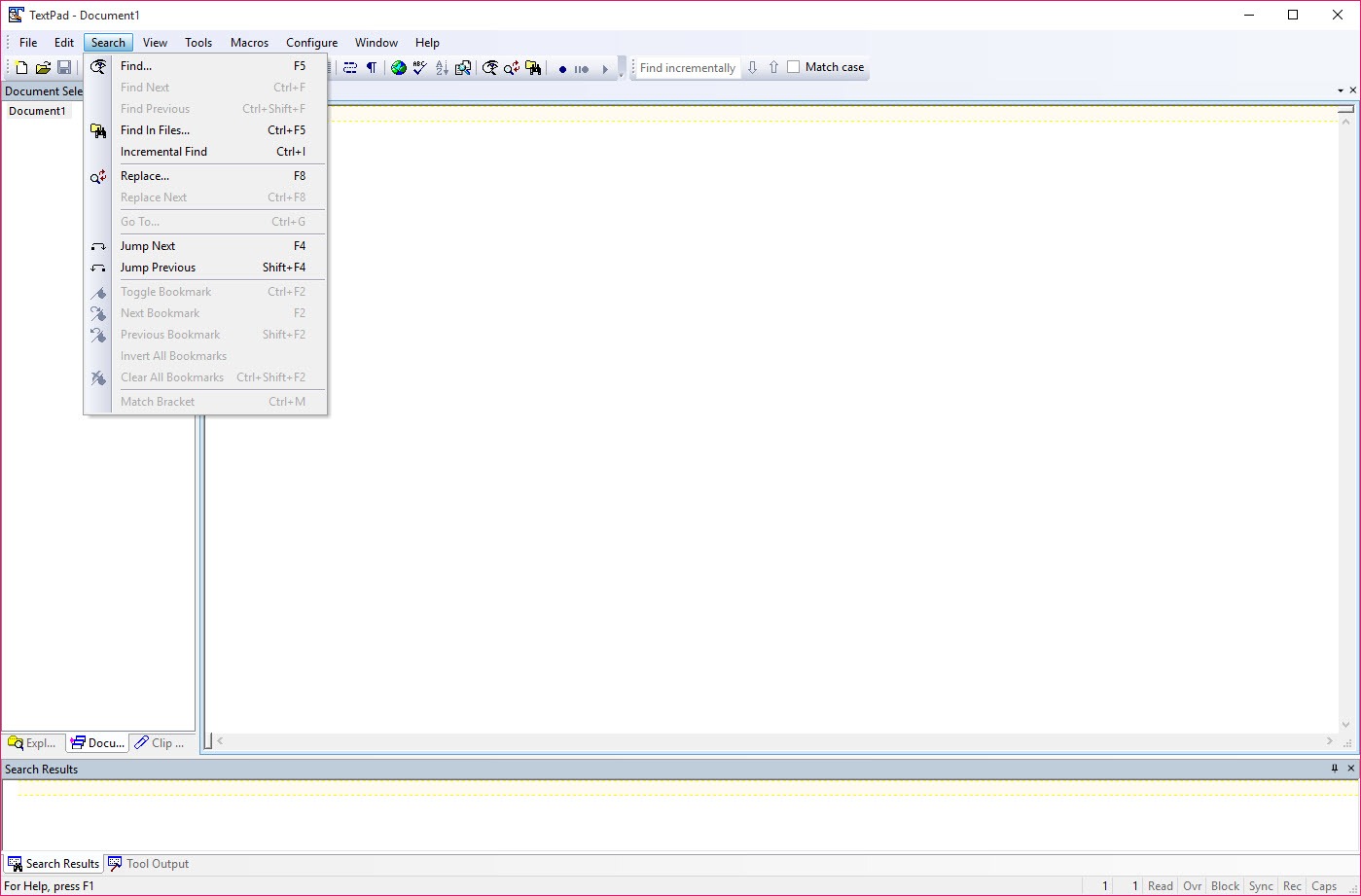
Every serious editor searches. This one’s Find in Files remains a reference implementation. Point it at a folder, hand it a regular expression, and every match across every file lands in a results pane, each line a hyperlink that jumps straight to the spot in the file.
Investigating a log directory, chasing a variable through an old codebase, or auditing a phrase across hundreds of documents becomes one search and a series of clicks rather than an afternoon of opening files.
For search-and-destroy missions across folders you don’t intend to edit, a dedicated regex search tool does the hunting standalone, but having it inside the editor is what keeps the fix one keystroke from the find. The same regular expression engine powers replace operations, in one file or across many, and the pairing with block select mode covers the other classic chore.
Column selection grabs a vertical slice of text, the third field of every line, the stray prefix on two hundred rows, and edits it as a unit, which is the difference between reformatting a data file in a minute and hand-editing it in an hour.
Macros, clips, and the war on repetition
Keystroke macros record exactly what you do, then repeat it on command, as many times as the job needs. The pattern that makes them lethal is simple, perform the edit on one line ending with a move to the next line, then replay to end of file, and a mind-numbing manual task completes itself while you watch. Saved macros keep the favorites permanently on call.
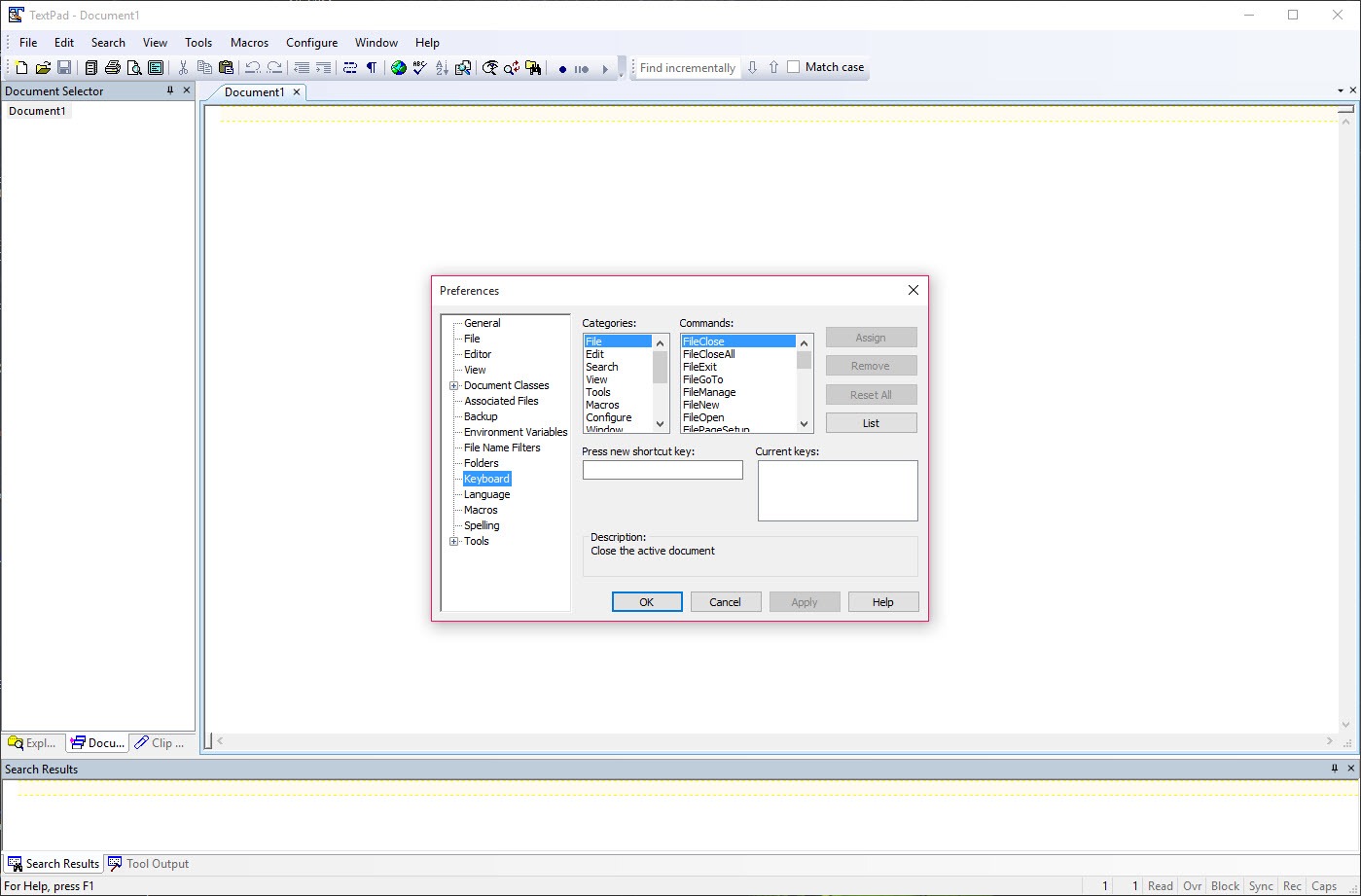
The Clip Library handles repetition of the other kind, a side panel of reusable snippets, from special characters to boilerplate blocks, inserted with a double click. Combined with multi-language spell checking and honest-to-goodness sorting and case tools, the editor covers the text-wrangling middle ground that plain notepads can’t touch and full development environments make you dig for.
When the wrangling turns into comparing two versions of a file line by line, WinMerge picks up where an editor’s talents end.
A compiler’s front porch
The tools system is where TextPad quietly moonlights as a small development cockpit. External programs, compilers included, register as menu commands, run against the current file, and print their output into a captured pane where error messages become clickable links to the exact file and line. Generations of programming students met their first compiler through precisely this arrangement, write, compile from the menu, click the error, fix, repeat, and the loop still teaches well.
It’s a modest arrangement by design, not an imitation of a modern environment. There’s no debugging, no code completion beyond clips, no project intelligence. Students and script maintainers get a fast, comprehensible loop, while anyone building serious software will graduate to a real environment, with something like Geany as the natural next step up that keeps the same stripped-down spirit.
The case against, stated fairly
The competition question is unavoidable, so here it is plainly. Notepad++ covers a large share of the same ground with a vast plugin ecosystem and a famous absence of any license reminder, and for many users that combination settles the matter. This editor’s counterarguments are its rock-solid handling of very large files, the polish of its search and macro machinery, and a certain engineered predictability, the same behavior, release after release, that its veterans describe as the whole point.
The aging shows elsewhere. Syntax highlighting depends on downloadable definition files rather than shipping broadly out of the box, the interface makes no concession to modern visual taste, and there is no plugin bazaar to fill gaps, what the editor does is what it does.
Development moves at a deliberate pace that keeps the faithful comfortable and gives the curious little news. Whether that steadiness reads as reliability or stagnation is, honestly, a matter of temperament.
Conclusion
TextPad endures for a specific temperament. Administrators living in logs, data wranglers reshaping columns, longtime users with years of muscle memory, and teachers who want students one honest click from a compiler all recognize themselves here. For them, the search, macros, and large-file poise deliver the same dependable day it delivered years ago, and that constancy is the feature.
Newcomers weighing it against the free standard-bearer need a concrete reason to choose it, usually the large-file handling or the macro discipline. Find that reason and it will never surprise you, which its audience considers the highest praise available.
Pros & Cons
- Find in Files with regular expressions and clickable results across folder trees
- Handles very large files that stall other editors
- Recorded macros replay complex edits across entire documents
- Block select edits vertical columns of text as a unit
- External tool integration turns compiler errors into clickable links
- Clip Library, spell checking in multiple languages, and sorting built in
- Syntax highlighting for most languages requires downloading definitions
- No plugin ecosystem to extend it beyond its built-ins
- Interface and defaults look distinctly dated
- A strong free rival makes the value question unavoidable
Frequently asked questions
Heavy-duty text work, searching folders with regular expressions, editing very large files, replaying recorded macros, and column-mode editing, all with a stability its long-time users prize.
Through its tools system, yes. Compilers and scripts register as menu commands, their output is captured, and error lines become links that jump to the exact spot in your file. It remains an editor, though, not a full development environment.
You record a sequence of keystrokes once, then replay it on demand or repeatedly to the end of the file, which automates tedious line-by-line edits. Useful macros can be saved permanently.
The common languages are covered, and many more arrive as downloadable syntax definition files that drop into the configuration, an extra step modern editors have made unfamiliar.
Yes, large log and data files that make other editors stutter are one of its traditional strengths, opening and searching them without drama.


