

Tera Term
About Tera Term
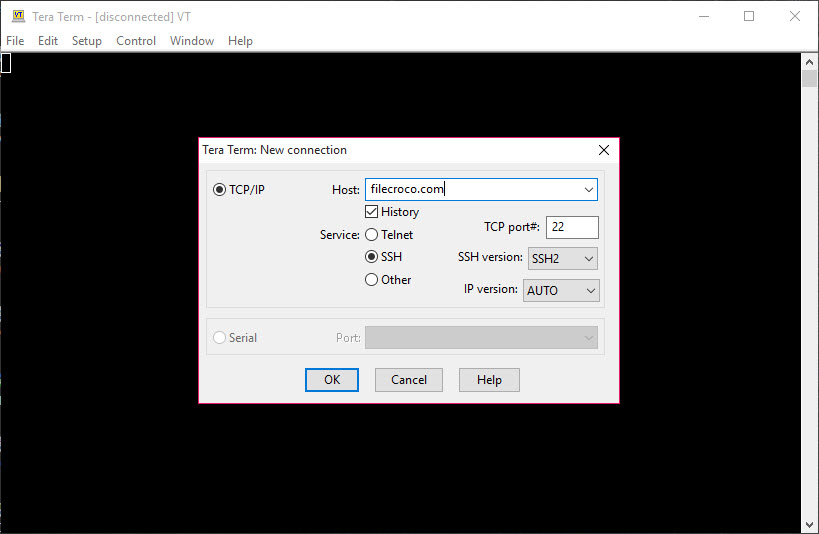
Tera Term is a terminal emulator that connects you to remote machines and hardware over SSH, Telnet, and serial port. It speaks the protocols a network engineer or system administrator actually reaches for during a workday, and it wraps them in a window that opens fast and gets out of the way. You type a host address, pick a connection type, and you are in.
What sets it apart from a plain SSH client is the scripting engine sitting underneath. The application carries its own macro language, called Tera Term Language (TTL), and a separate runner that executes those scripts.
So the same tool that handles a quick one-off login can also drive a repeatable, hands-off routine across dozens of devices. That dual nature, casual terminal one minute, automation platform the next, is the reason it has stuck around in server rooms and lab benches for so long.
It sits in the same field as PuTTY and MobaXterm, and it carves out its own niche by leaning hard into serial connections and scripted control rather than tabbed convenience.
Connections it actually handles
The protocol list covers the ground most remote work needs. SSH (both SSH1 and SSH2), Telnet, named pipes, and direct serial port communication are all built in, along with IPv6 support for newer networks. The serial side is where it pulls ahead of the pack. If you are configuring a router, talking to a microcontroller, or poking at embedded hardware through a COM port, this is exactly what Tera Term was built for.
Telnet is here too, though Tera Term users should treat it with caution. It sends everything in plain text, so it has no business running over a public network. For anything outside a trusted local segment, stick with SSH.
The tool gives you both and leaves the judgment to you, which is fair for a utility aimed at people who know what they are doing.
Terminal emulation that respects the old standards
Emulation runs deep. You get VT100 as a baseline and parts of the VT200 and VT300 series, plus TEK4010 graphics terminal emulation for the rare case you still need it. ANSI and several DEC terminal types round out the support. For most users this is invisible plumbing, but if you are connecting to legacy equipment that expects a specific terminal type, it matters a great deal whether your client answers back correctly. This one does.
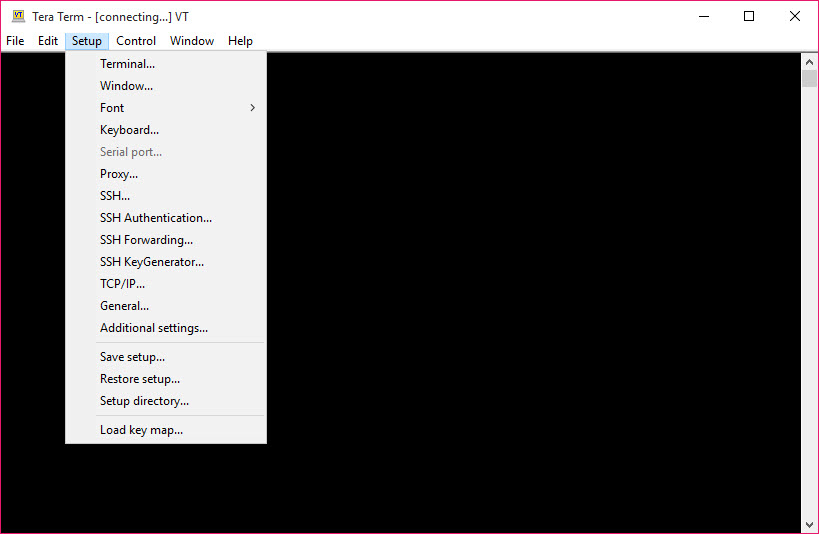
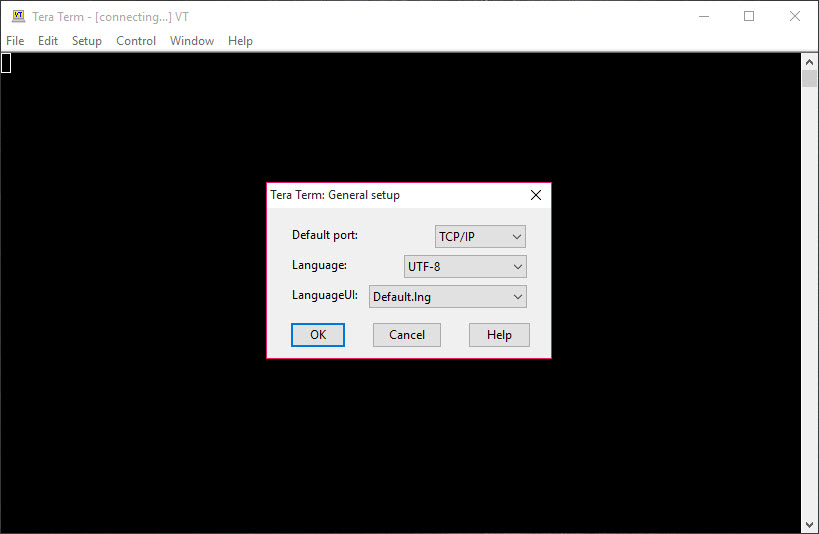
Character set handling is broad, with encoding options that cover a wide range of languages and byte formats. Keyboard mapping is fully customizable, so you can remap keys to match whatever the remote system expects.
The macro language is the real draw
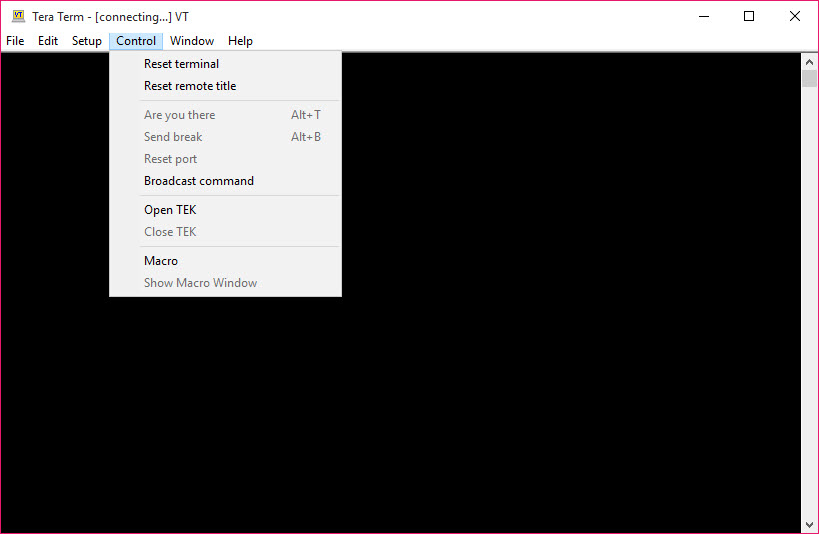
Here is where the application stops being a connection window and becomes something more interesting. TTL scripts, saved as .ttl files, can automate the things that eat up an administrator’s day. Think logging into a server, waiting for a specific prompt, sending a sequence of commands, capturing the output, and moving on to the next host without a single keystroke from you.
A script can prompt you for a password through a dialog box, concatenate it into a connection string, fire off the login, and then walk through a diagnostic routine. The language supports regular expressions, so your scripts can react to what the remote system actually says rather than blindly firing commands and hoping. For repetitive sysadmin work, this is the feature that pays for itself within a week.
The catch is that few people bother to learn it. The macro engine is powerful, but the documentation assumes you are comfortable reading code, and the sample scripts that ship with the package usually need tweaking before they work against a real server. If you put in the hours, the payoff is large. If you just want to click and connect, you will never touch this side of it, and that is fine.
Logging, file transfer, and plugins
Session logging in Tera Term captures everything that scrolls through the window and writes it to a text file. That is invaluable for debugging, for auditing a configuration change, or for keeping a record of a diagnostic run you might need to revisit. You can even start a log automatically from within a macro.
File transfer is covered through XMODEM, YMODEM, ZMODEM, and Kermit, with limited SCP available over SSH sessions. The plugin architecture, built around TTX extensions, lets you bolt on extra functionality.
Optional add-ons handle proxy support, a local shell bridge, and a macro editor with syntax highlighting, depending on which components you install.
How it feels day to day
The interface is plain, and that is a deliberate choice rather than a shortcoming. Sessions open quickly, the output is clean, and there is no clutter between you and the command line. Setting up a host is a matter of entering an address, a port, and any commands you want run on connect.
What it does not give you is the modern comfort layer. There are no session tabs in the main window, so juggling many connections at once means many windows. Tools like MobaXterm or MTPuTTY wrap that tabbed experience around clients like this one precisely because the base application does not offer it. If your workflow involves ten simultaneous sessions, you will feel the absence.
Conclusion
Tera Term is built for system administrators, network engineers, and anyone who works with hardware over a serial line. Its protocol coverage is wide, its serial support is among the best you will find, and its macro language turns tedious repetitive work into a script you write once and forget. The reward scales with the effort you put into learning it.
It is not the tool to reach for if you want a slick, tabbed interface and minimal setup, and the macro engine will intimidate anyone unwilling to read a bit of code. But for the people it targets, the trade is worth making. You give up polish and gain a level of control and automation that few terminal clients can touch.
Pros & Cons
- Serial port support is excellent, making it a strong pick for hardware and embedded work
- The TTL macro language enables deep automation that most terminal clients cannot match
- Broad terminal emulation covers VT100 through VT300 and legacy types like TEK4010
- Session logging is thorough and can be triggered from within scripts
- Plugin system extends the tool with proxy support, editors, and shell bridges
- Opens fast and stays out of your way during routine connections
- No tabbed interface, so managing many sessions means juggling many windows
- The macro language has a real learning curve and sparse beginner documentation
- Sample scripts often need editing before they run against an actual server
- The interface looks utilitarian next to more polished clients
Frequently asked questions
It handles SSH (both versions), Telnet, serial port, and named pipe connections, with IPv6 support included.
Yes. The built-in TTL macro language lets you script logins, command sequences, and diagnostic routines that run with no manual input.
It does, and this is one of its strongest areas. Connecting to routers, microcontrollers, and embedded hardware over a COM port is a core use case for the application.
Yes. The logging feature captures all input and output to a text file, and you can start logging manually or automatically through a macro.
The two cover similar ground, but Tera Term pulls ahead on serial connections and scripted automation, while PuTTY-based tools often win on tabbed multi-session convenience.
Yes, through XMODEM, YMODEM, ZMODEM, and Kermit protocols, plus limited SCP over SSH.


