

Telegram Desktop
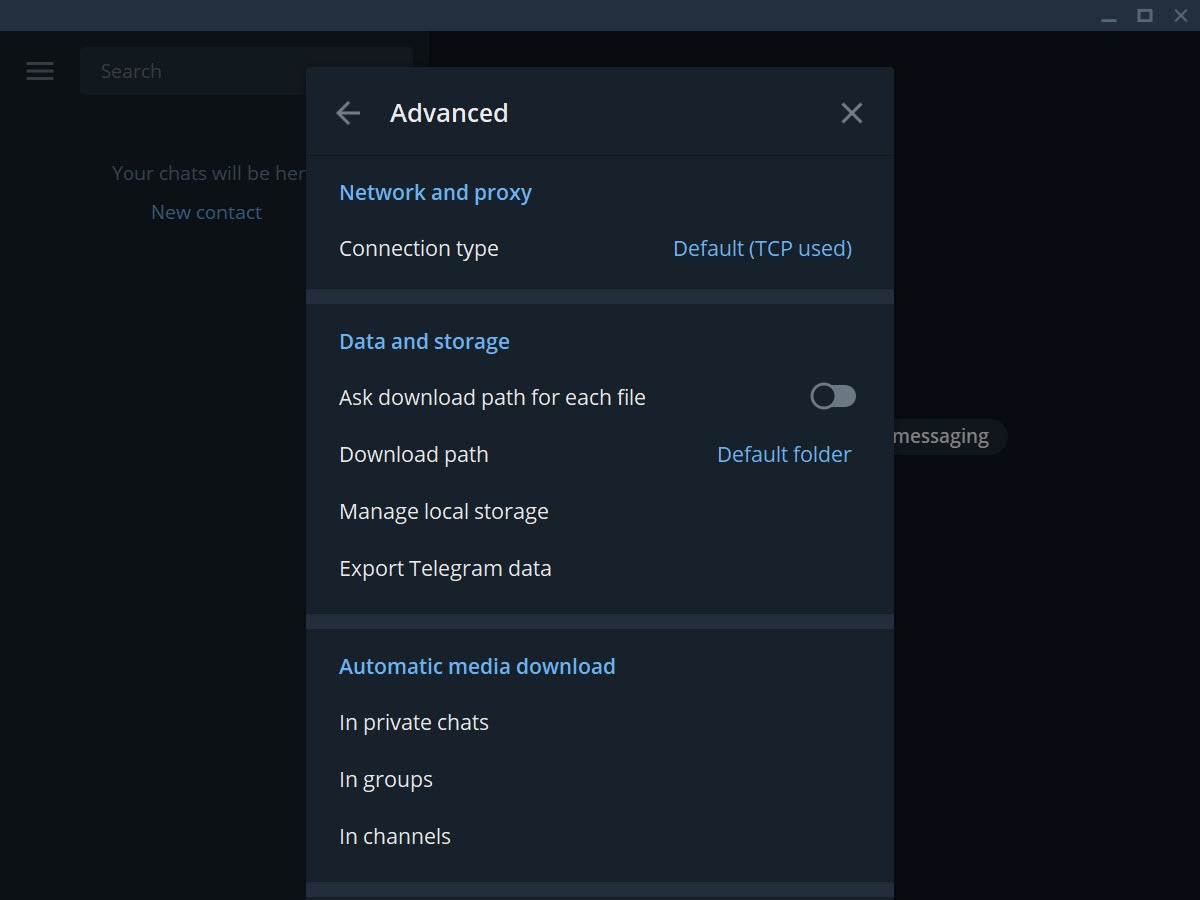
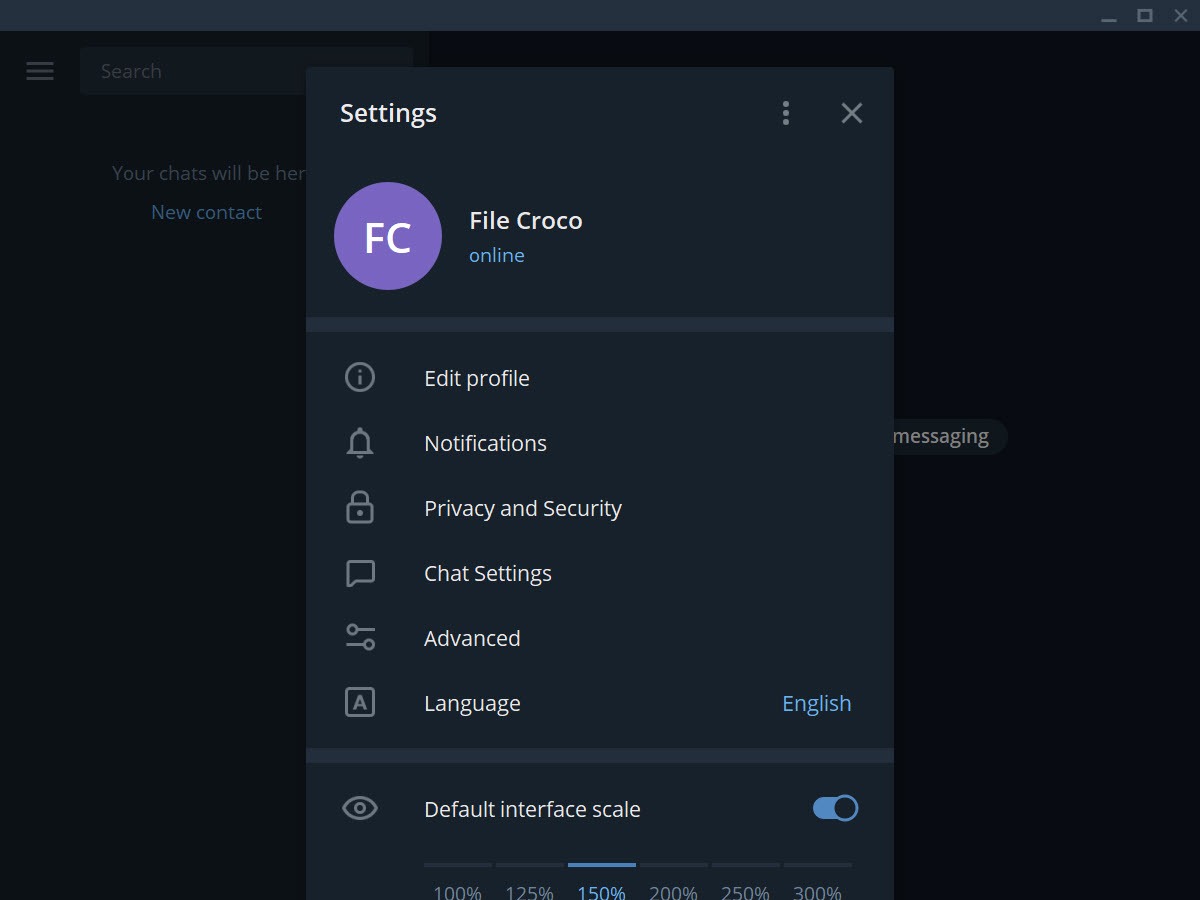
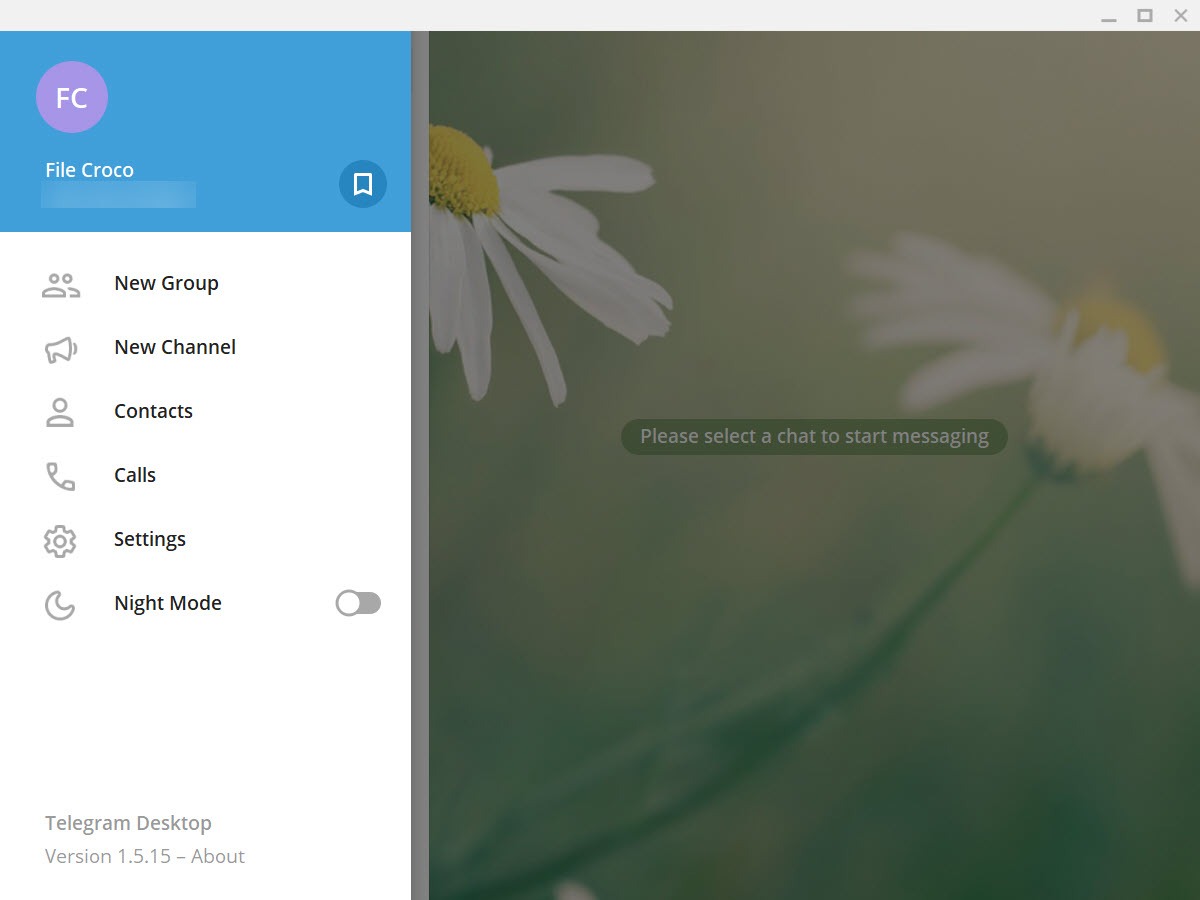
About Telegram Desktop
Telegram Desktop is the desktop messaging client for the Telegram platform, bringing the same chats, channels, groups, and bots that the mobile app handles to your computer through a native application written in C++ and Qt. The application syncs everything through Telegram’s cloud infrastructure, which means messages sent from your phone appear instantly on your desktop and vice versa, with no manual sync required and no dependency on your phone being connected for desktop messages to work.
Open the application, scan the QR code or enter your phone number, and your entire chat history loads from the cloud onto the desktop with full search, media playback, and message editing capabilities. Unlike messenger desktop clients that are essentially mirrors of phone apps requiring the phone to relay messages, this software operates as a fully independent client that can be your only Telegram device if that’s how you prefer to use the platform.
The architecture decision that shapes everything else is the cloud-based default storage. Standard Telegram chats live on Telegram’s servers (encrypted server-side but not end-to-end), which makes them accessible from unlimited devices simultaneously and recoverable when you switch phones or reinstall the application.
Secret Chats provide end-to-end encryption for users who specifically need that protection, with the trade-off being that Secret Chats are tied to specific device pairs rather than syncing across all your devices. The dual approach gives users the convenience of cloud sync for normal communication while keeping E2E encryption available for sensitive conversations, which differs from messengers like WhatsApp (E2E by default but no cross-device sync) and Signal Desktop (E2E by default with limited multi-device support).
The application is free without ads in private chats or paid features that block core functionality, with an optional Premium tier that adds expanded limits and various enhancements but doesn’t gate basic messaging behind paywalls. Active development continues with monthly updates that add features, improve performance, and respond to the substantial community of users that the platform has accumulated since launch in 2013.
Cloud-based architecture and multi-device sync
The cloud sync that the application provides is genuinely different from how most messengers handle multi-device scenarios. WhatsApp Web and similar approaches treat the desktop client as a relay that requires the phone to be online, with messages flowing from sender to phone to desktop. Telegram instead stores cloud chats on Telegram’s servers, with each device (phone, tablet, multiple desktops) connecting to those servers independently. Messages flow directly to whichever device is online, with all devices reflecting the same chat state.
The practical implication is that you can use the desktop application as your only Telegram device if that fits your preference. Phone offline, dead, or left at home doesn’t affect desktop messaging in any way. You can send messages, receive messages, browse history, and use bots without your phone being involved beyond the initial account login.
For users who spend most of their time at computers, this independence eliminates the friction that other messenger desktop clients introduce.
The history sync covers the entire chat history rather than just recent messages. Install the application on a new computer, log in, and your years of accumulated conversations appear without selective sync configuration.
The downside is that initial loading on accounts with substantial history can take time, with the application downloading message indexes during the first few minutes after login. Once initial sync completes, ongoing operation is fast because new messages arrive directly without bulk transfer.
For users with multiple desktops (work computer, home computer, laptop), having all of them simultaneously logged into the same account works without limits. Each desktop sees the same chats, the same sent messages, and the same received messages in real time. Coordinated work across multiple physical locations becomes substantially smoother when your messaging follows you across devices automatically.
Channels for broadcasting to large audiences
Channels are the broadcast feature that distinguishes Telegram from typical messenger platforms. A channel is a one-way communication tool where the channel owner posts content and subscribers receive it, with no member-to-member chat happening within the channel itself. Channels can have unlimited subscribers, which means broadcasters can reach audiences of any size from a few hundred friends to millions of subscribers without platform-imposed limits.
The use cases for channels span various contexts. News organizations publish articles for their followers. Cryptocurrency analysts share market commentary with subscribers. Software developers announce releases to their user communities. Educators distribute lessons to students. Public figures communicate with audiences who want updates without the noise of two-way conversation. The format fits content distribution scenarios where a single sender needs to reach many recipients efficiently.
Channel posts include the standard message types that one-on-one chats support including text with formatting, images, videos, audio files, voice messages, files, and stickers. The platform also supports message editing after posting, which means typos and errors can be corrected without deleting and reposting. Subscribers see only the corrected version while activity logs show the editing history.
For users wanting to discover content beyond what their existing contacts share, the directory and search features help locate channels matching specific topics. The discovery isn’t as polished as some platforms with dedicated content recommendation algorithms, but channels covering essentially any topic exist and become findable through search and word-of-mouth recommendations within the broader community.
Groups and supergroups for large communities
Groups are the multi-user chat format where members can all see each other’s messages and respond to each other. Standard groups handle up to 200 members, with supergroups extending the limit to 200,000 members for communities that need to scale beyond what typical messaging platforms support. The supergroup limit is genuinely substantial. Most messaging platforms cap group sizes at 250 to a few thousand members, with this software’s 200,000-member supergroups handling community sizes that would require dedicated forum software on other platforms.
The supergroup format includes administrative controls that match what large community management actually requires. Admin roles with granular permissions for who can ban members, delete messages, pin posts, invite new members, and various other moderation actions.
Slow mode that limits how often members can post, useful for high-traffic groups where unrestricted posting would produce overwhelming message volume. Anti-spam protections that automatically detect and remove obvious spam without requiring constant moderator attention. Topic threading that organizes conversations within busy groups so users can follow specific discussions without losing them in the broader chat flow.
For communities migrating from forum platforms or Discord servers, the supergroup format provides similar organizational capability through a chat-style interface. The trade-offs differ from those platforms. Discord servers provide voice channels alongside text channels and richer permission systems for gaming-focused communities. Forum platforms support persistent threaded discussions that the chat-style interface here handles less elegantly.
Telegram supergroups fit communities that prefer chat-based interaction with strong moderation tools to alternatives that require more elaborate setup and management.
File sharing limits that exceed most competitors
The file sharing capabilities are one of the platform’s standout technical features. Free accounts can send files up to 2 GB per file, which already exceeds what most messaging platforms allow. Premium accounts extend this to 4 GB per file, supporting use cases that simply aren’t possible on competing platforms.
The practical applications cover scenarios where file sharing through other channels is impractical. Sending video files that exceed email attachment limits. Sharing software installers with users who don’t have access to dedicated file hosting. Distributing project files within work groups without setting up separate file sharing infrastructure. Backing up phone photos and videos to your own private channel for cloud storage that doubles as accessible content. The high file size limit handles substantial file transfer needs without requiring separate file hosting tools.
Files transferred through the platform stay on Telegram’s servers indefinitely with no automatic expiration. Send a file once, and it remains accessible through chat history forever (until manually deleted). For users who rely on chat history for file recall, this persistent availability matters substantially compared to platforms where shared files expire after defined periods.
The platform optimizes media for different scenarios automatically. Images compress to reasonable sizes for fast viewing while preserving quality for download in original form when full quality matters. Videos can be sent compressed for streaming or as original files for users wanting raw quality. Voice and video messages record directly through the application interface, producing the casual voice notes and video clips that have become standard messaging formats.
Bots and the bot ecosystem
The bot platform is one of the more mature implementations of programmatic messaging integration. Bots are automated accounts that respond to messages and commands through HTTP API integration with external services. The platform exposes substantial APIs that bot developers use to build everything from simple utility bots through complex services with rich interactive interfaces.
Common bot use cases include weather information, currency exchange rates, news aggregation, todo list management, reminder services, gaming companions, and various other functional categories. Custom bots developed for specific organizations or specific purposes extend this further, with the bot platform supporting the kind of integration that businesses use for customer support, internal automation, and various other workflow applications.
The bot interface includes inline mode where you can invoke bots directly from any chat by typing @botname followed by your query. Bot results appear inline in the chat, which lets bot functionality blend into normal conversations rather than requiring separate dedicated bot interactions. Inline mode has produced creative bot designs that integrate naturally with messaging rather than feeling like awkward separate applications.
Bot payments support enables commercial bot services where users pay for bot functionality through integrated payment processing. The platform handles the payment infrastructure, with bot developers focusing on their service logic rather than payment integration. For commercial bot services, this integrated payment capability simplifies what would otherwise require separate payment platform integration.
Voice and video calls
Beyond text messaging, the application supports one-on-one voice and video calls plus group voice and video chats with up to several thousand participants. The audio quality matches what dedicated calling applications provide, with the platform handling the technical complexity of routing calls efficiently between users in different network conditions.
Group voice chats are particularly useful for community gatherings and live events. Supergroup admins can launch voice chats that channel subscribers join to listen or participate. The format produces something between a phone conference and a podcast, with hosts speaking to listening audiences through the same interface that handles regular chat.
For users wanting business communication features, the calling capabilities don’t fully match what dedicated business platforms like Slack or Skype provide. Screen sharing exists but with fewer collaboration features than dedicated business calling tools.
Meeting scheduling and various other business-specific features aren’t part of the platform’s focus. For casual communication and community calls, the included calling capabilities cover practical needs without competing on business-specific features.
Stickers, themes, and customization
The customization features go substantially deeper than most messaging platforms. Stickers come in packs that users create and share, with millions of community-created stickers available across essentially every visual style and topic imaginable. Custom emoji extends standard emoji with additional expressive options that users create themselves. Animated stickers and emoji add motion to the visual options.
Themes customize the application’s visual appearance with substantial flexibility. Built-in themes provide starting points, while custom themes let users adjust colors, fonts, backgrounds, and various other visual elements. The community shares themes through links that other users can apply with one click. For users who care about how their messaging interface looks, this depth of customization produces personalized experiences that locked-down alternatives can’t match.
Chat folders organize your chat list into categorized groups beyond the standard “all chats” view. Create folders for work, family, news, communities, or whatever organizational scheme fits your usage. Each folder shows only the chats you’ve assigned to it, which keeps busy chat lists manageable. The folder feature is particularly useful for users with substantial chat counts where the default flat list becomes overwhelming.
Premium tier and what it adds
The Premium subscription adds various enhancements beyond the free tier capabilities. Doubled limits across various features (channel subscriptions, folder counts, pinned chats, public links, saved GIFs and stickers). 4 GB file uploads instead of 2 GB. Faster download speeds for media. Voice-to-text transcripti


