

TeamViewer
About TeamViewer
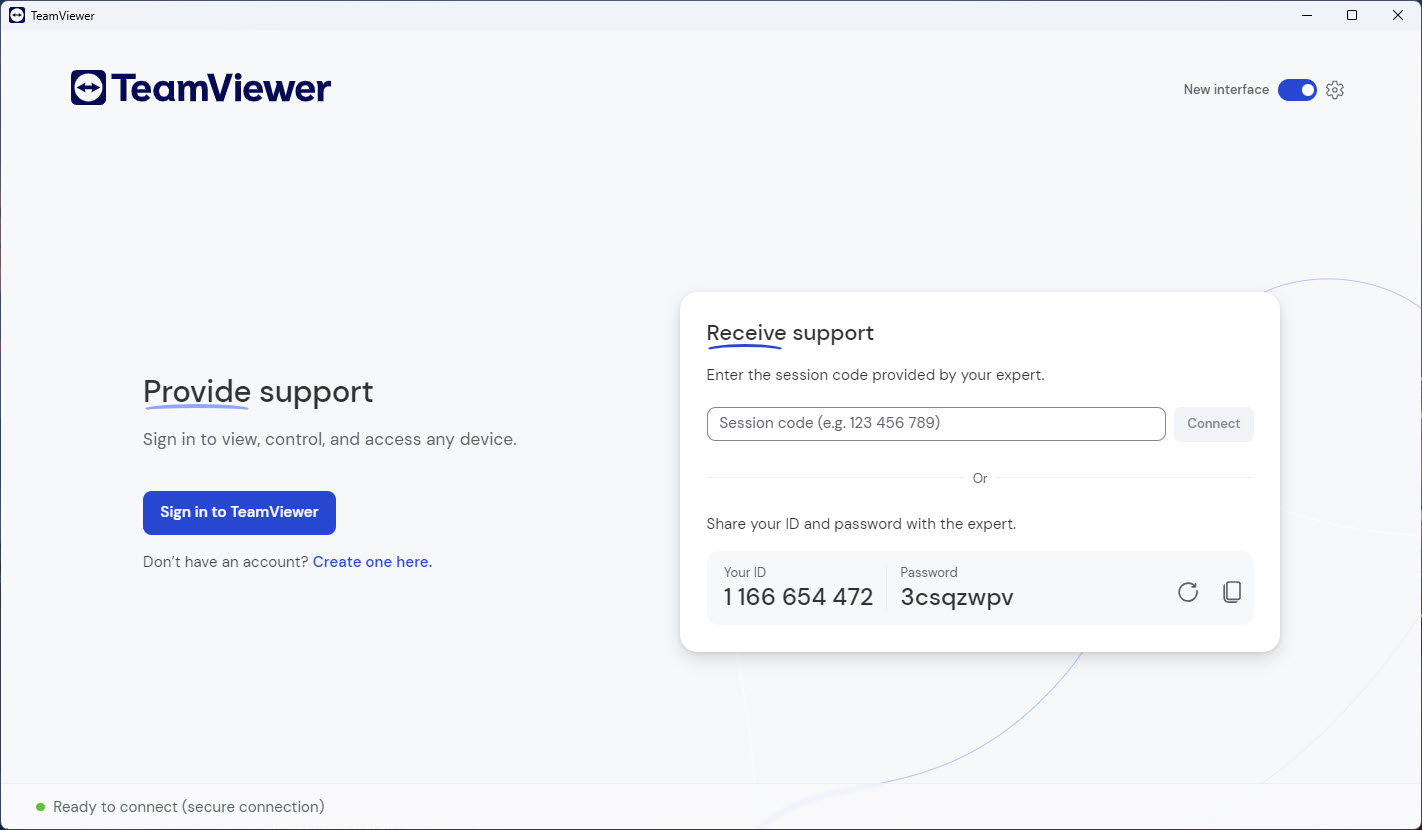
TeamViewer is a remote control application built around the idea that connecting two computers across the internet should be as simple as exchanging an ID and a password. Type the partner ID, enter the temporary password the other side shows you, and you’re controlling their desktop within seconds.
No port forwarding, no VPN setup, no router configuration. The application handles the NAT traversal and connection brokering through its own infrastructure, which is what made it ubiquitous in IT support workflows for years before lighter alternatives started competing for the same use case.
The application covers more than basic screen sharing. File transfer, remote printing, session recording, meeting features, chat, video calling, and unattended access all live in the same client. This breadth makes it the kind of tool that small IT teams, family tech-support volunteers, and remote workers reach for when they need a single application to cover multiple remote scenarios.
It also makes the interface busier than what users coming from simpler alternatives like AnyDesk might expect.
Attended versus unattended access
The two main use patterns shape how the application gets deployed, and understanding the difference matters for getting useful work out of it. Attended access is the support scenario, where someone on the other end is sitting at their computer and provides you with a temporary session password to let you connect. The password expires when the session ends or after a short period, and there’s no permanent access between the machines.
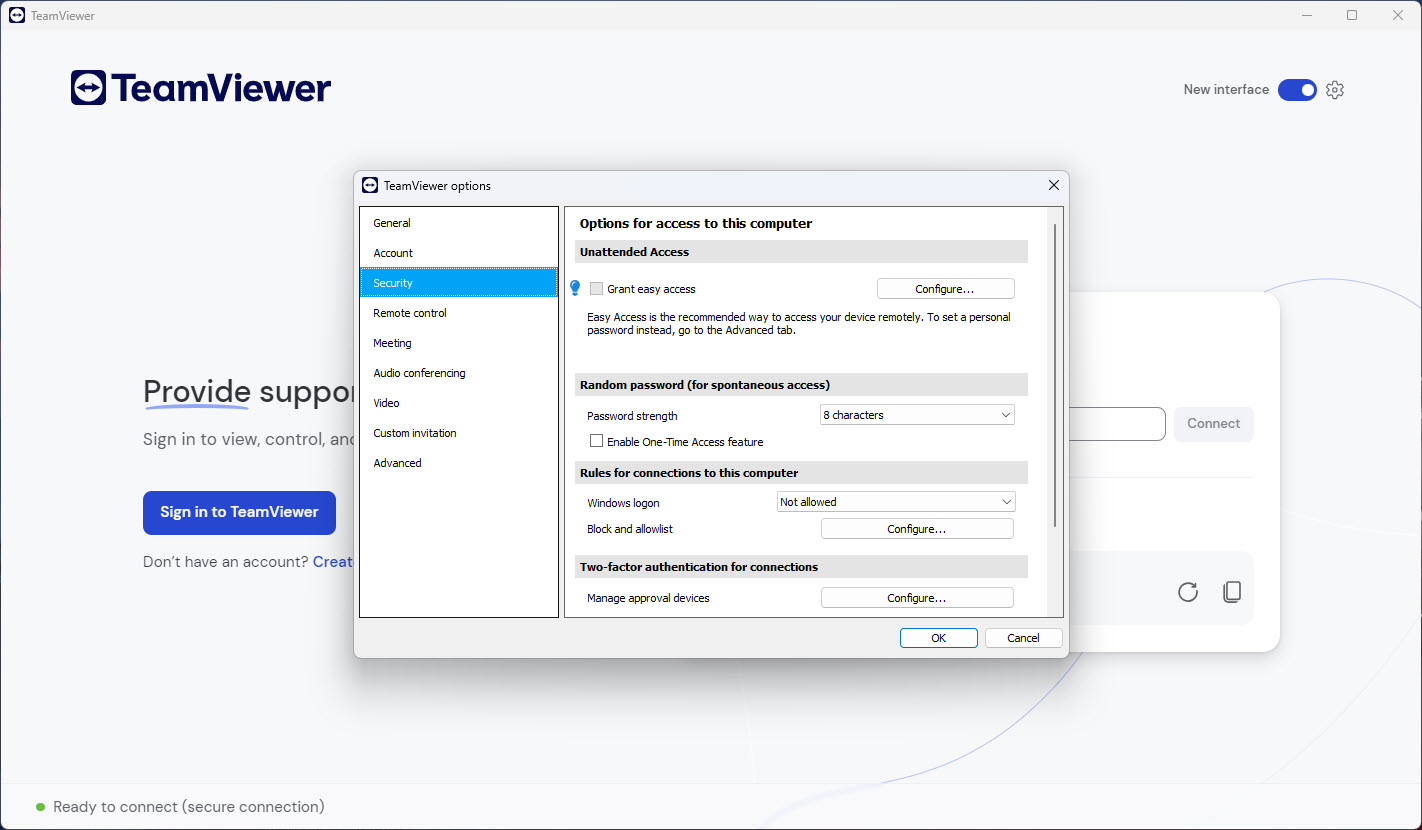
Unattended access is the opposite. You set up the application to accept connections on a remote machine without anyone present, using a permanent password and a fixed identity. This is how you connect to your home computer from a laptop while travelling, how a system administrator manages servers across multiple sites, or how a parent helps with a relative’s PC without needing them to read out a session password each time.
The QuickSupport variant is the streamlined attended-only client. It’s a small executable that the person needing help runs once, with no installation required. They read out the ID and password that appears, and the supporter connects from their own full installation.
The Host variant is the unattended-only counterpart, designed for permanent installation on machines that should remain reachable. Knowing which variant to use saves significant setup confusion, because the full TeamViewer client can do both but adds unnecessary complexity for either scenario alone.
Connection performance and the underlying technology
The connection quality depends heavily on what the application can negotiate between the two endpoints. Direct peer-to-peer connections perform best, with the data flowing directly between the two computers without going through intermediate servers. When direct connections aren’t possible (which happens behind certain NAT configurations or restrictive firewalls), traffic routes through relay servers, which adds latency and can reduce throughput for high-bandwidth operations.
Display compression and codec selection adapt to the connection quality. On fast LAN connections the application can stream near-native quality at high frame rates. On slower or congested links it reduces color depth, frame rate, and compression aggressiveness to keep the session usable. Manual quality settings override the automatic adaptation when you need either maximum quality (presentations, design work) or maximum responsiveness (quick troubleshooting).
For users who need lower latency than what general-purpose remote desktop tools provide, dedicated lighter alternatives sometimes perform better on specific tasks. NoMachine uses a different protocol approach that often feels more responsive for desktop work.
TightVNC and UltraVNC cover the open-source side with their own performance characteristics. The right choice depends on whether you prioritize the all-in-one feature breadth of TeamViewer or the specific strengths of single-purpose tools.
The commercial use detection problem
This is the issue most users encounter with the free tier. The application tries to detect whether your usage looks like commercial activity (rapid connections to many different machines, business-hour patterns, certain network signatures) and limits sessions for users it flags. The detection logic is conservative and often produces false positives, with home users getting flagged because their usage happened to match business patterns.
When commercial use detection triggers, sessions get cut short, connections require longer cooldowns between attempts, and persistent prompts ask the user to upgrade to a paid license. The free tier officially allows personal, non-commercial use, but the line between that and what triggers the detector isn’t always clear from the user’s perspective.
This has driven a steady stream of users to alternatives over the years, particularly AnyDesk and Chrome Remote Desktop, both of which have less aggressive commercial-use enforcement.
For users who do have commercial use, the licensing model is per-supporter (each technician needs a license) rather than per-endpoint, which scales differently than seat-based or device-based licensing. The pricing structure works well for small IT teams supporting many machines and less well for organizations with many casual remote-access users.
File transfer and remote printing
These are features that distinguish full-featured remote support tools from simple screen-sharing applications. The file manager runs as a separate dialog that shows both the local and remote file systems side by side, allowing drag-and-drop transfer between them without interrupting the active screen session. The transfer continues in the background while the remote desktop session remains active.
Remote printing redirects print jobs from the remote computer to your local printer. You’re working on a remote machine, you click print, and the document comes out of your local printer rather than the remote one.
This is genuinely useful for support workflows (printing diagnostic outputs at the supporter’s desk) and for users who use remote machines as work hosts but want documents on their local printer. The feature requires drivers and configuration on both sides, and remote printing problems are one of the more common technical support issues users encounter.
Session recording captures everything that happens during a connection as a video file. The recording covers the screen content, mouse movements, and optionally the keyboard activity log. For compliance-driven environments where remote sessions need audit trails, this is the feature that justifies the application over lighter alternatives.
Security and the trust question
Remote desktop tools are inherently sensitive. They grant complete control of another computer to whoever has the right credentials, which makes them attractive targets for both attackers and abuse. TeamViewer has had its share of public security incidents over the years, ranging from credential-stuffing campaigns that compromised user accounts to questions about specific incident response timelines.
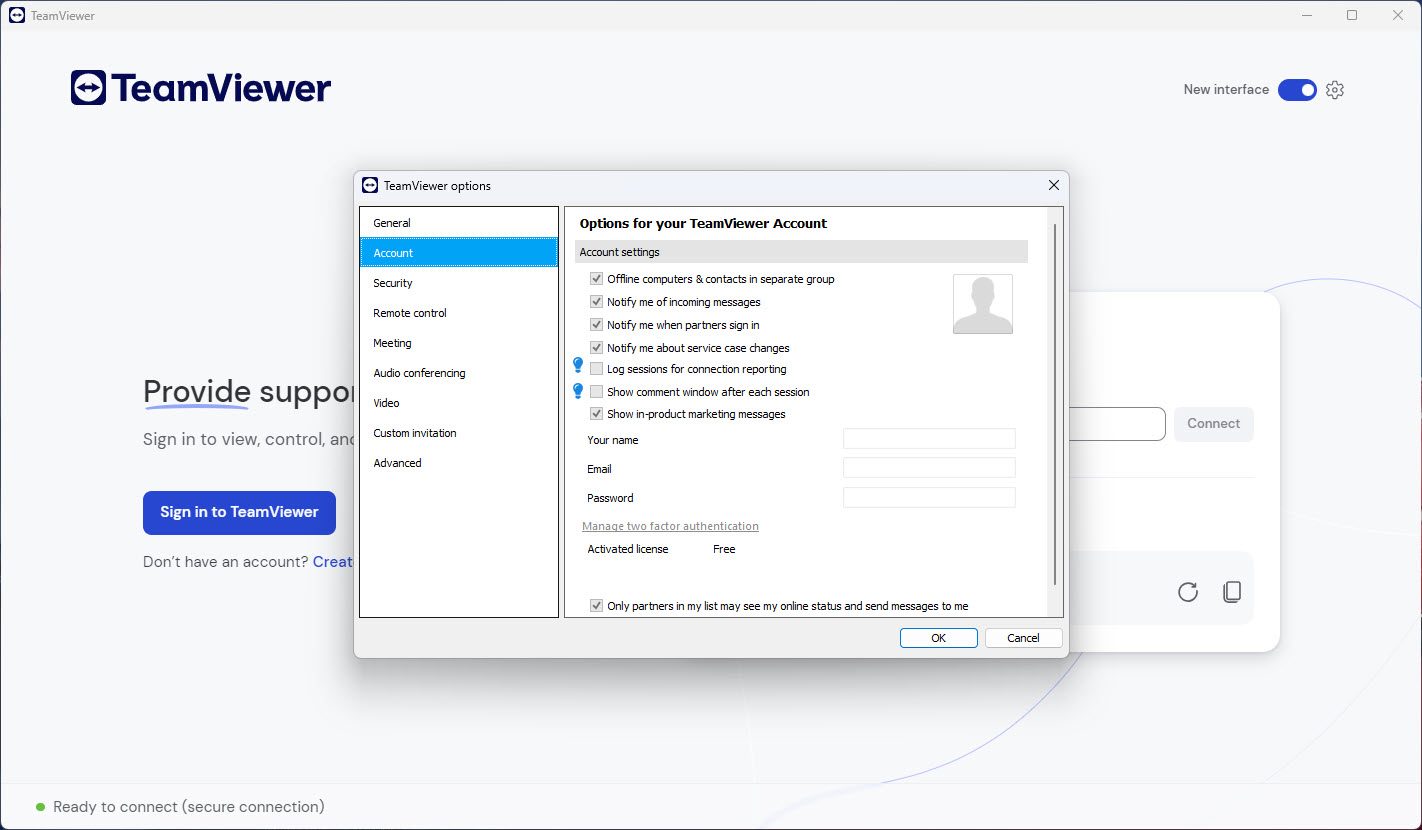
The application now includes several layers that didn’t exist in earlier years: two-factor authentication on accounts, device authorization that requires explicit approval for new machines connecting to an account, conditional access policies that restrict allowed connection sources, and session-level encryption with key exchange managed per session. These additions matter for users who depend on the application for sensitive remote work.
For users with stricter security requirements, lightweight alternatives like Microsoft’s Quick Assist cover short-duration support scenarios with simpler attack surfaces, and self-hosted options like UltraVNC over a VPN avoid third-party infrastructure entirely.
Conclusion
TeamViewer is the right choice for users who need a single tool covering many remote scenarios. The target audience includes IT support technicians handling varied client environments, remote workers accessing home or office machines, system administrators managing distributed infrastructure, and small teams that need both ad-hoc support sessions and persistent unattended access through the same software.
It’s the wrong choice for users whose needs are purely personal and occasional (where lighter alternatives avoid the commercial-use detection friction), for users with strict security requirements who prefer self-hosted or open-source options like UltraVNC, or for users who only need short-duration support sessions (where Microsoft Quick Assist or AeroAdmin cover the same ground without the licensing complexity.
The application has earned its position as a reference remote desktop tool through breadth of features and reliable connection handling, with the caveats that breadth always carries: more interface, more configuration, more attack surface, and more licensing complexity than narrower alternatives need.
Features & benefits
Pros & Cons
- Connection setup requires no router configuration or port forwarding
- Both attended (one-time support) and unattended (persistent access) workflows are supported
- Specialized QuickSupport and Host variants streamline specific use cases
- Built-in file transfer, remote printing, and session recording cover most enterprise support needs
- Cross-platform support for Windows, macOS, Linux, Android, iOS, and Chrome OS
- Two-factor authentication and device authorization protect remote access endpoints
- Commercial use detection occasionally flags personal users with patterns that look like business activity
- Free tier limitations create friction even for legitimate personal use
- The full client is heavier and more feature-dense than minimalist alternatives need to be
- Session quality can degrade significantly when direct peer-to-peer connections aren't possible
- History of security incidents has made some users wary of trusting it with sensitive remote work
- Pricing model based on supporter seats scales awkwardly for some use patterns
Frequently asked questions
The application provides remote control, screen sharing, file transfer, remote printing, and meeting features between computers over the internet. The most common use is letting one user view and control another user's desktop for support or remote work.
The full client supports both attended (one-time) and unattended (persistent) access and includes the complete feature set. QuickSupport is a small executable for attended support only, with no installation required, used by the person receiving help.
The commercial use detection sometimes triggers on patterns that resemble business activity, including rapid connections to multiple computers, business-hour usage, or certain network configurations. Users flagged incorrectly can sometimes appeal through the support process or switch to a lighter alternative.
The unattended access setup wizard runs from the main client. It assigns a fixed device name and a permanent password to the machine, registers the device with your account, and configures the application to start automatically on system boot.
Yes. The application uses outbound connections to its infrastructure to establish sessions, which works through most NAT and firewall configurations without router changes. Direct peer-to-peer connections are preferred when available, with relay servers as a fallback.
Yes. The file manager dialog shows both local and remote file systems side by side and supports drag-and-drop transfer. The transfer runs in the background and doesn't interrupt the active screen session.
Sessions use end-to-end encryption with per-session key exchange. Account security depends on user-enabled features like two-factor authentication and device authorization. Like any remote control tool, the strength of the overall security depends on how users configure the account and protect their credentials.


