

Storyboarder
About Storyboarder
Storyboarding is thinking, not drawing. The question is where the camera goes, how long the shot lasts and what follows it, and spending twenty minutes rendering a face gets in the way of answering any of that. Storyboarder is built around that distinction, and its most important decision is what it refuses to give you.
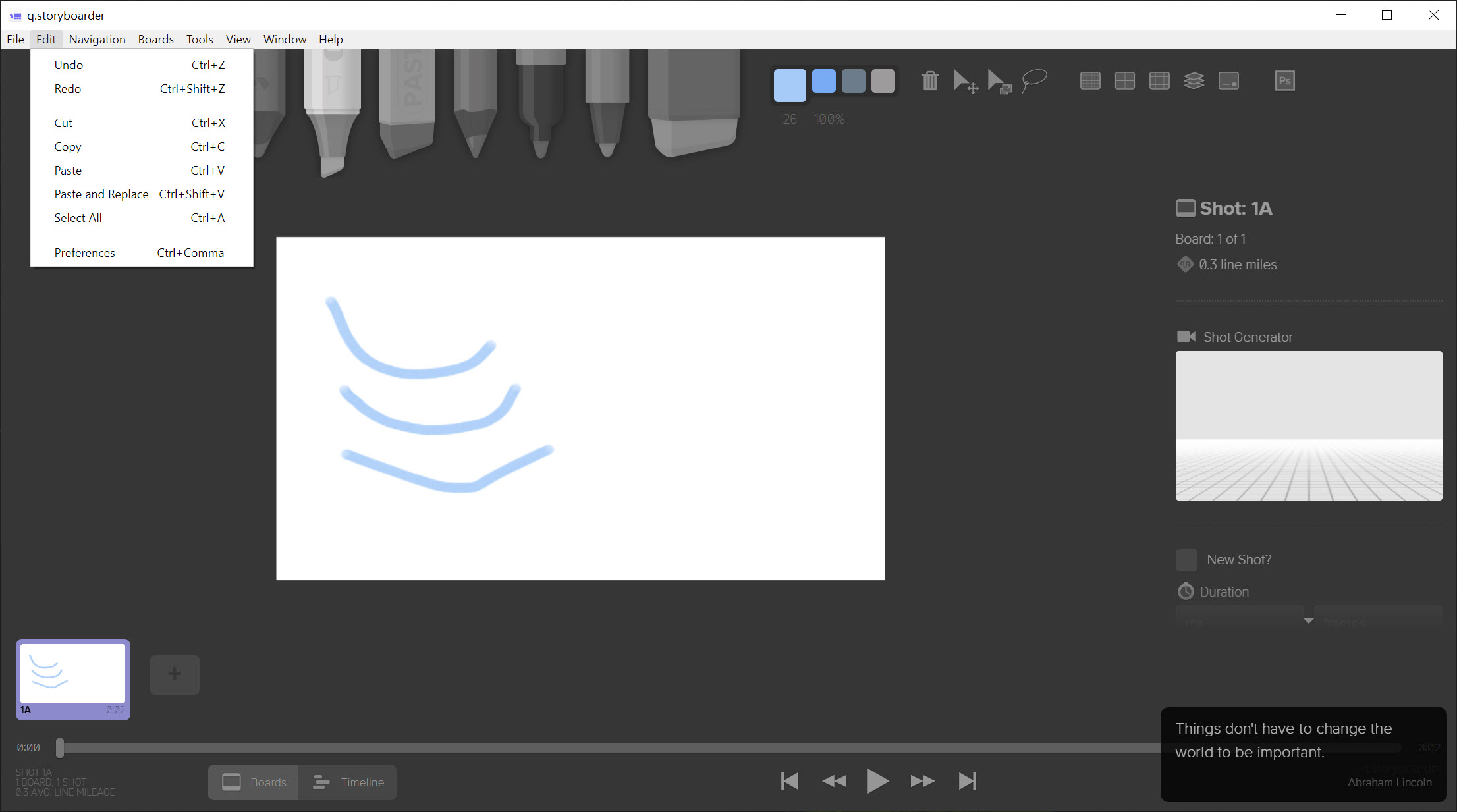
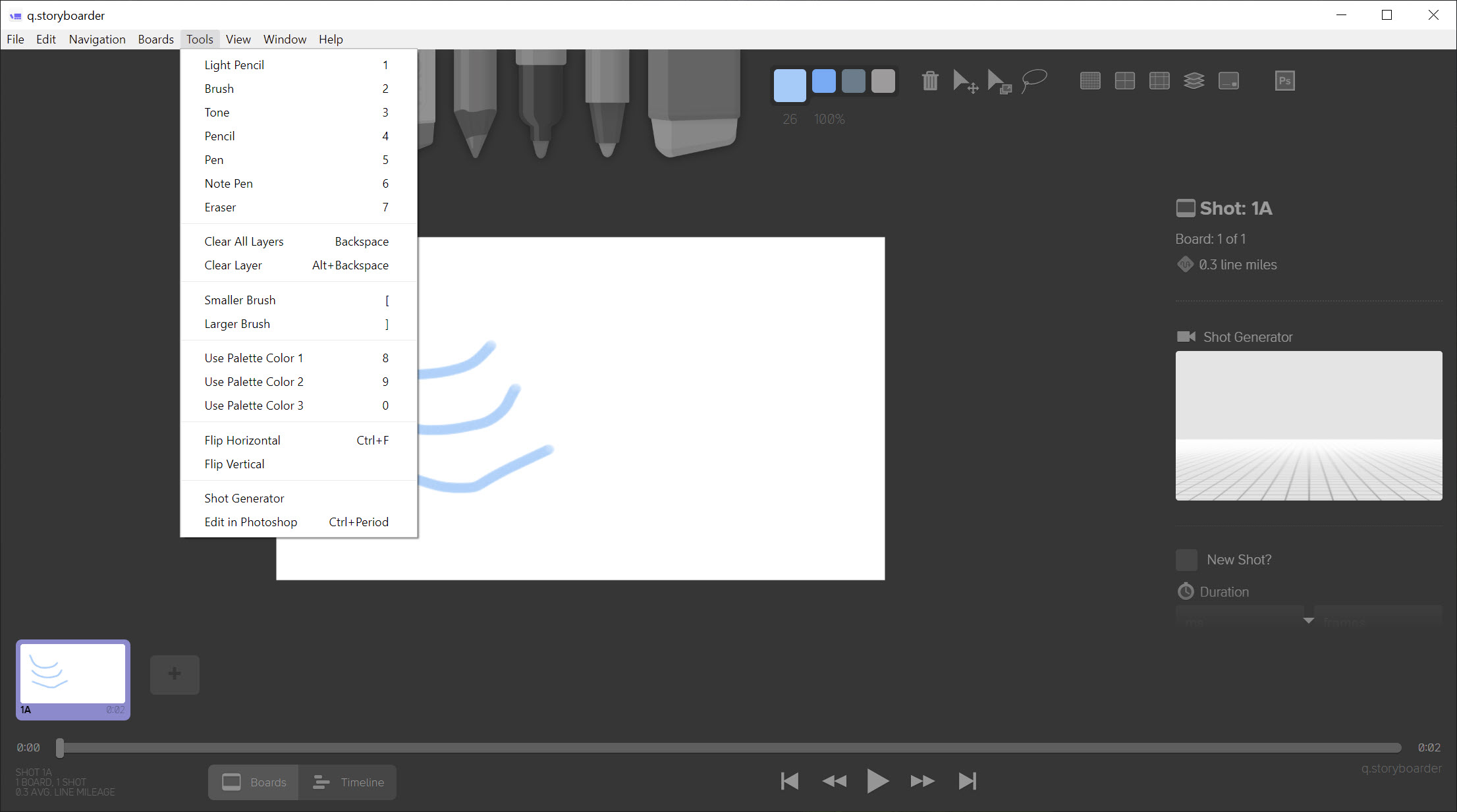
Storyboarder offers deliberately few drawing tools. A light pencil for roughing, a pencil, a pen, a brush, a note pen and an eraser, with no layers panel full of blend modes and no shelf of two hundred brushes.
That constraint is the feature. Nobody polishes a board when polishing is not available, so you draw the shot, decide it works or does not, and move to the next one.
For drawing that is meant to be looked at rather than thought through, Krita is where the brushes and the layers live.
A board is a shot, and the boards make a timeline
In Storyboarder each drawing sits on a board, and boards run along a strip in the order the film plays. Adding, duplicating and reordering them is how a sequence gets built and rebuilt.
Beside the drawing, each board carries the information a board needs. Dialogue, action description, notes to yourself, the shot type, and crucially a duration.
That duration is what makes the strip more than a row of pictures. Assigning seconds to each board turns the sequence into something with a shape, and the moment you do that you start noticing that a scene is two minutes longer than it felt while drawing it.
The animatic is why the durations matter
Storyboarder plays the boards in order at their assigned timings, which produces a rough moving version of the sequence.
That is the point where storyboarding stops being static. A cut that looked fine as two adjacent drawings can feel abrupt when it actually happens, and a shot you thought was brief turns out to sit on screen uncomfortably long. Neither is visible on paper.
Watching it back and adjusting durations is the fastest way to find pacing problems, and it costs nothing beyond numbers you have already entered.
The result is rough timing rather than an edit, so anything intended for an audience goes into a proper editor afterwards. Shotcut handles that stage, with the exported boards as its source material.
The pose tool for angles you cannot draw
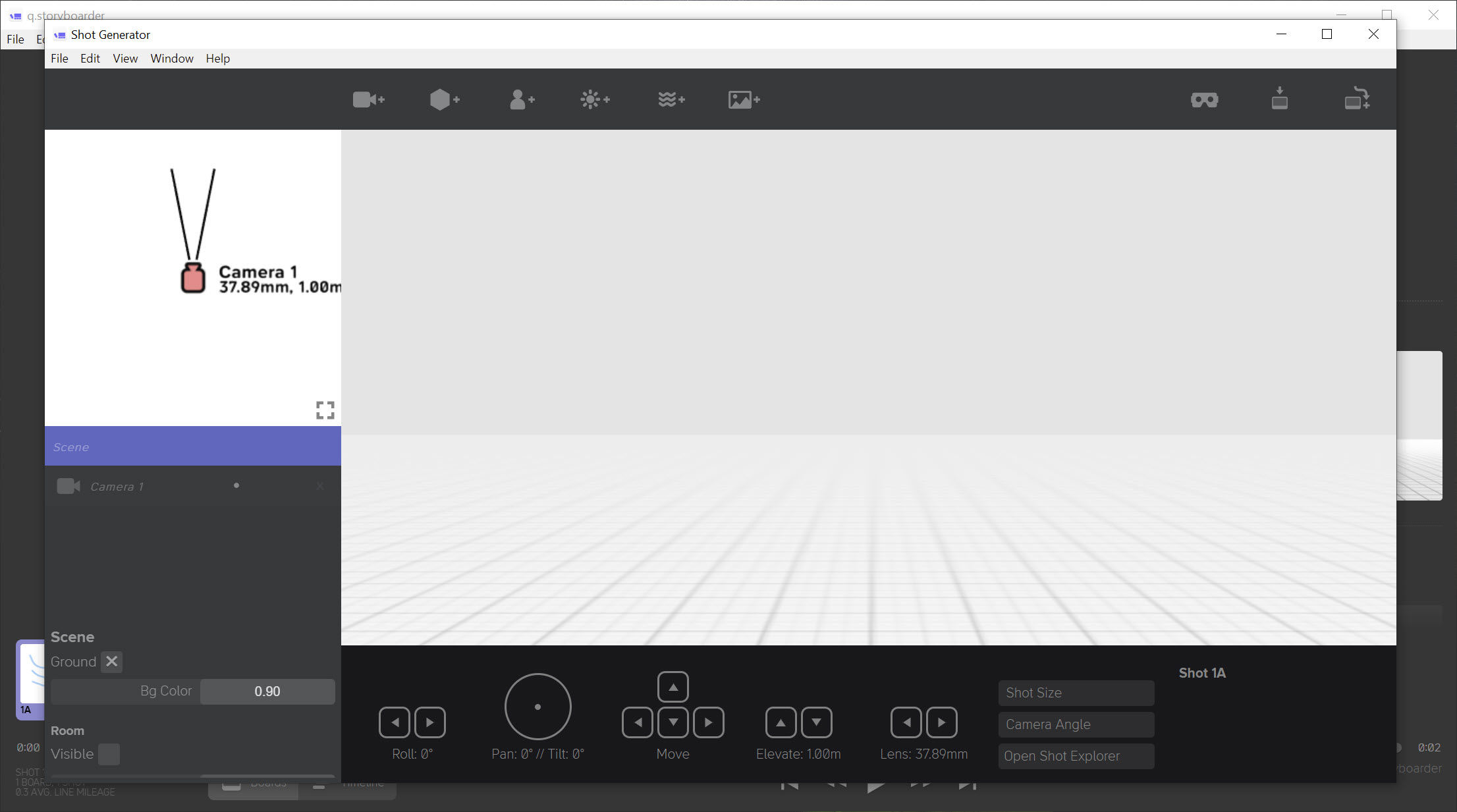
A simple three-dimensional scene sits inside Storyboarder, holding figures you can pose and a camera you can move.
The purpose is narrow and useful. Drawing a figure convincingly from below, or working out what a room looks like from a corner you have not imagined, is difficult freehand and easy when you can rotate a rough model until the angle is right and then draw over it.
Nobody would call the models attractive and that is beside the point. They exist to establish perspective, after which the drawing happens on top and the model disappears.
Anybody wanting to build a proper set to shoot virtual camera angles in is describing a different exercise, and Blender is where that belongs.
Getting boards out again
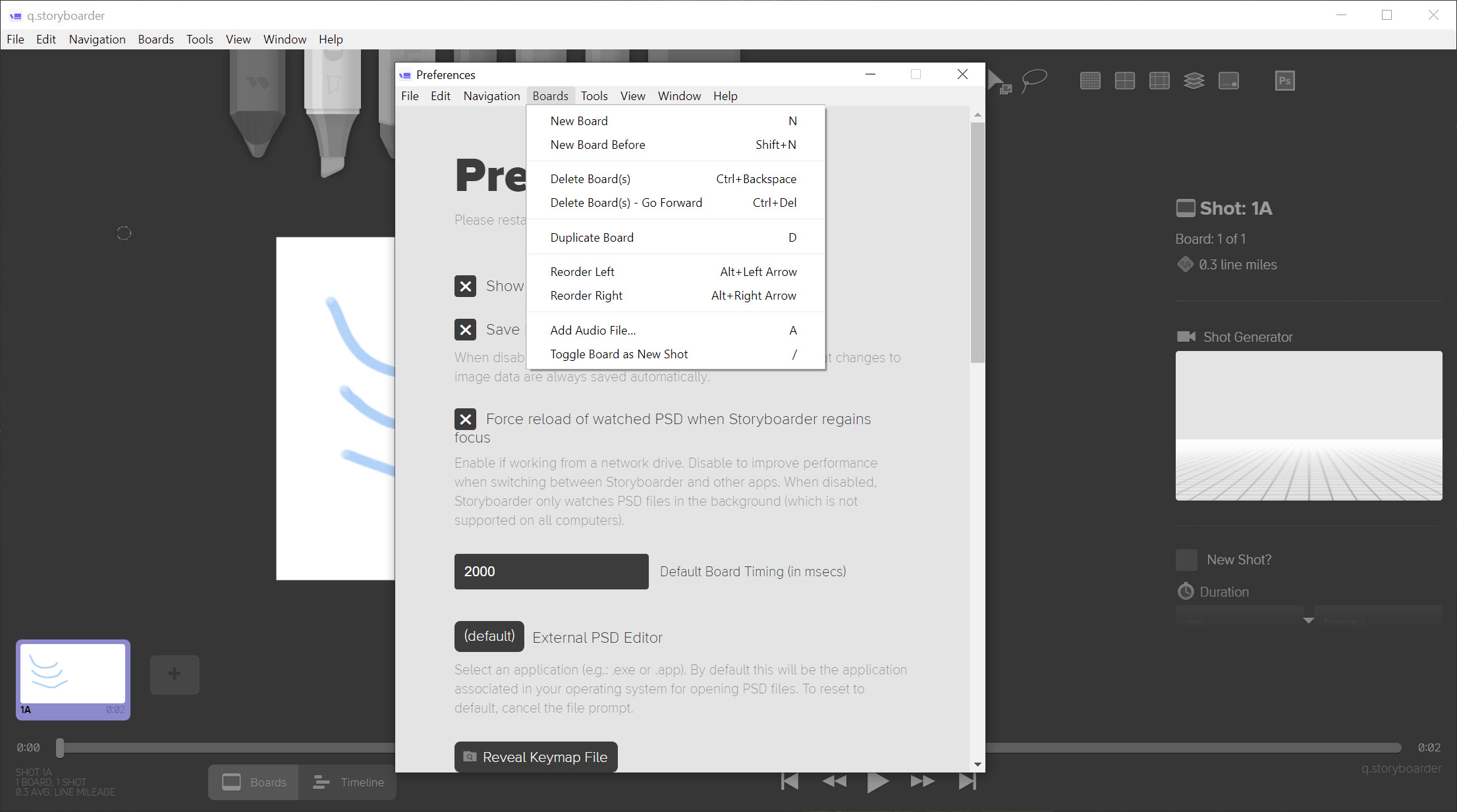
Storyboarder exports to the formats the next stage actually needs. A document for printing and handing round, an animated sequence for showing somebody quickly, image sequences for editing, and project files that open in editing applications.
Screenplay import is the other direction, generating boards from a script so the scenes arrive already divided rather than being typed in again.
That combination is what makes it fit into a production rather than sitting beside one. Boards leave in a form the next person can use, and the script arrives in a form that saves setting everything up.
Preparing exported frames for anything further, whether cleaning them up or assembling a presentation, is ordinary image work, and GIMP covers that.
Where it stops
Two limitations deserve checking before committing a project to it.
The drawing constraint that helps you think becomes a wall if the boards are meant to be presentation material for a client rather than a working document for a crew. Boards drawn here look like boards, which is correct for their purpose and wrong for a pitch deck.
And development has been quiet for a considerable while. The application works, nothing has stopped functioning, and new capability is not arriving, which matters more for something you might build a workflow around than for something you use occasionally.
Conclusion
Storyboarder understands what storyboarding is for better than software with longer feature lists. Limiting the drawing tools, attaching a duration to every board and playing the result back are three decisions that all point the same way, which is towards deciding whether a sequence works rather than towards how the drawings look.
Judge it by that purpose. Boards for a crew, for yourself, or for working out a sequence before shooting it are exactly what it produces. Boards meant to impress somebody are not, and the quiet development means what exists is what you get. For the thinking stage of a film, very little else is this direct.
Pros & Cons
- Deliberately limited drawing tools keep attention on shots rather than rendering
- Each board carries dialogue, action, shot type and a duration
- Playback at assigned timings turns the sequence into a rough animatic
- Pacing problems become visible in a way paper cannot show
- Posable figures and a movable camera solve difficult perspectives
- Exports to printing, image sequences and editing project files
- Screenplay import generates boards from a script rather than by hand
- Drawing tools are too limited for boards meant to impress rather than inform
- The three-dimensional models are crude, being reference rather than artwork
- The animatic is rough timing rather than an edit
- Development has been quiet for a considerable while
- Pressure sensitivity assumes a tablet, and a mouse makes drawing unpleasant
Frequently asked questions
Because storyboarding is about deciding shots rather than producing artwork. Removing the option to polish keeps attention on whether a sequence works, which is what the boards exist to answer.
Seeing the sequence move at its intended timings. A cut that looks fine between two drawings can feel wrong when it happens, and a shot can sit on screen far longer than it seemed while drawing, neither of which is visible on paper.
Provides posable figures and a movable camera so a difficult angle can be established before drawing. The models are reference for perspective and are meant to be drawn over rather than used as they appear.
Yes, through image sequences and project files that open in editing software, alongside a printable document and an animated version for showing somebody quickly.
Not actively for some time. It continues to work and nothing has stopped functioning, though new capability is not arriving, which matters before building a workflow around it.


