

Stellarium
About Stellarium
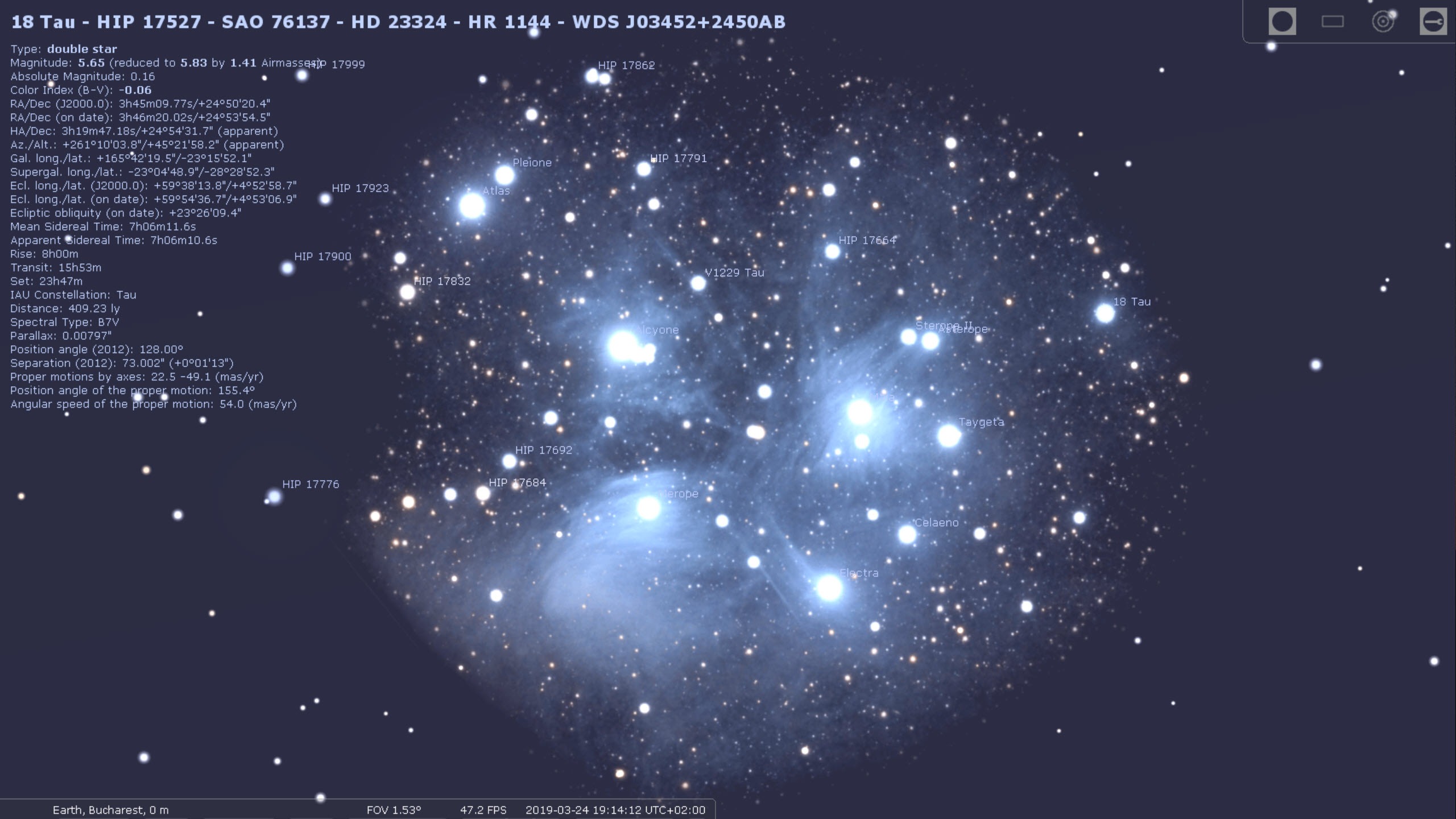
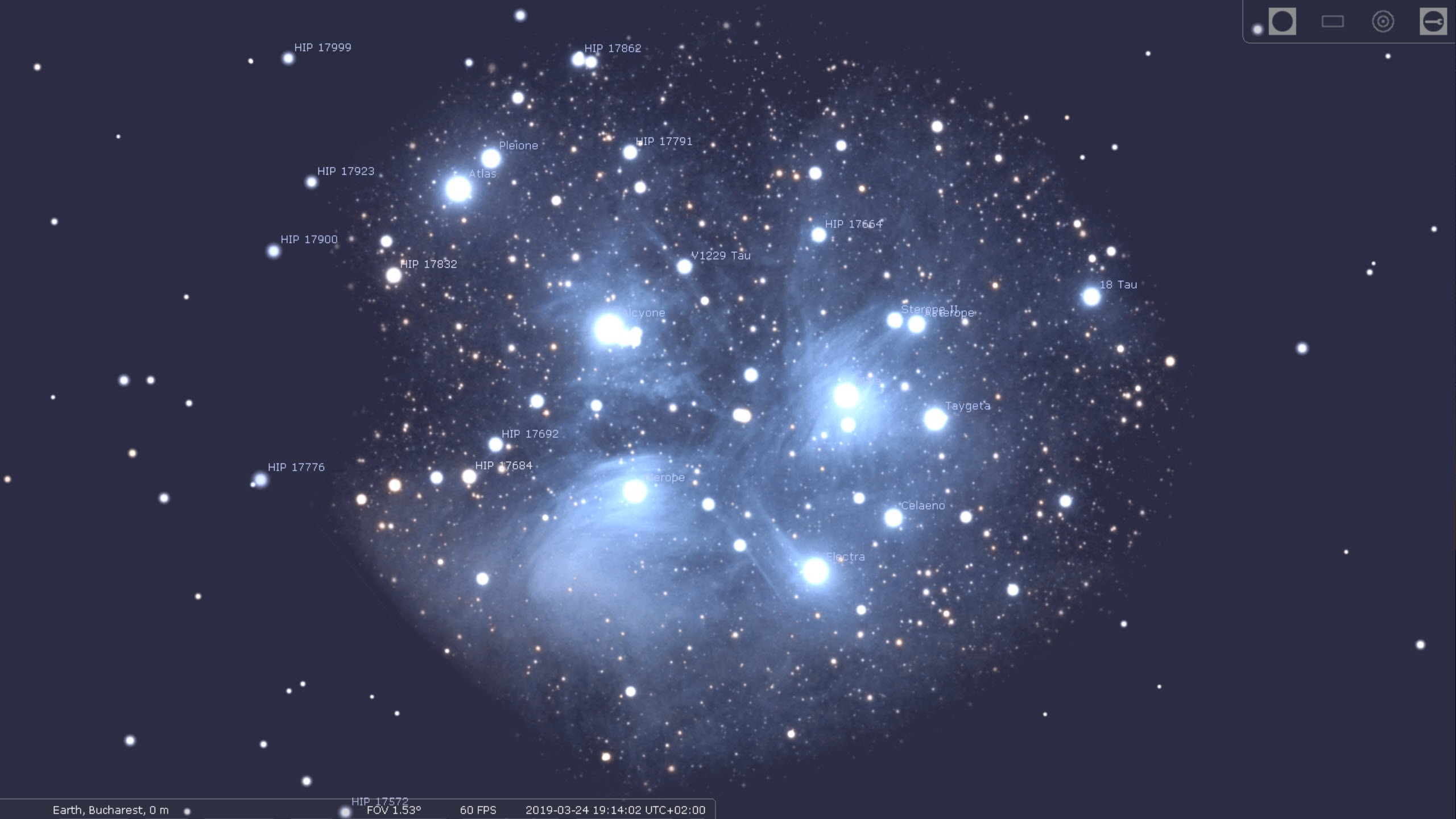
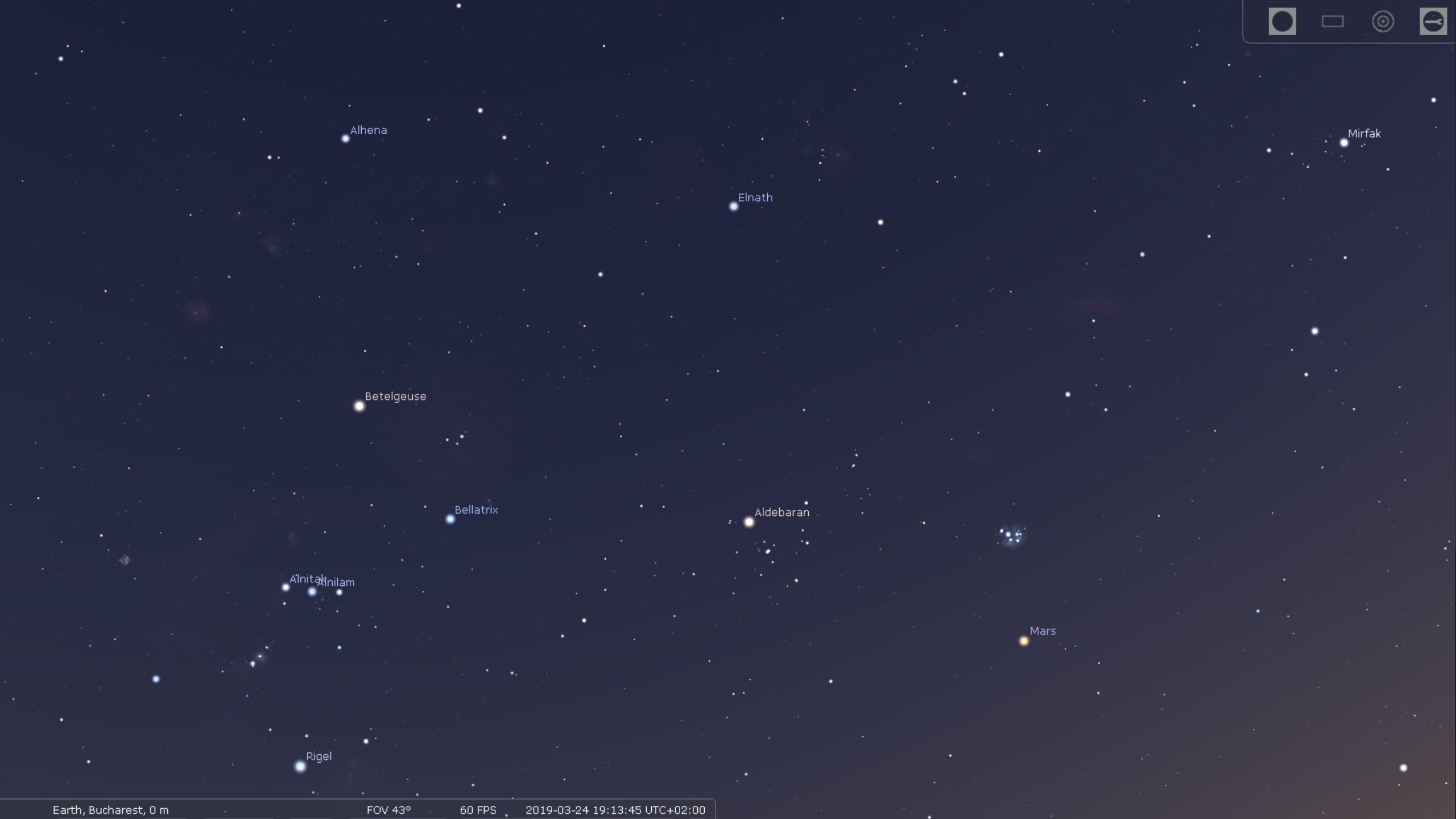
Stellarium turns your computer into a planetarium. Stellarium renders the night sky in real time and in three dimensions, showing you exactly what is overhead right now from wherever you happen to be standing. Stars, planets, the Milky Way arcing across the screen, a meteor streaking past, all of it laid out the way it would actually look to your eyes, through binoculars, or through a telescope. Point it at your own town and tonight’s date, and you are looking at your real sky.
What makes it more than a pretty screensaver is the depth behind the picture. The default star catalog runs past 600,000 stars, and if that is not enough you can pull in additional data that pushes the count into the hundreds of millions.
There are over 80,000 deep-sky objects waiting in there too, the nebulae, galaxies, and clusters that you would never spot with the naked eye. Zoom in on a faint smudge and it resolves into a labeled galaxy with real data attached.
The other half of the magic is time. You are not stuck in the present. You can wind the clock forward to see where Jupiter will sit next month, rewind it to reconstruct the sky over an ancient city, or speed it up to watch the constellations wheel overhead in fast motion.
Eclipses, meteor showers, the slow drift of the planets, all of it plays out on command.
A sky that actually looks like the sky
The realism is the first thing about Stellarium that strikes you. This is not a flat star chart. The atmosphere glows at the horizon during sunrise and sunset, the sky brightens and darkens with the time of day, and a ground-level landscape sits at the bottom of your view so the scene feels like standing outdoors rather than floating in space.
You can swap that landscape out for different horizons, which matters more than it sounds. Knowing whether a hill or a row of buildings will block the object you want to observe is useful for planning a real session. Stellarium even simulates light pollution, so you can get a sense of how much the glow of a city will wash out before you drive somewhere darker.
There is a small honesty problem buried in all this polish, and it is worth naming. The simulated sky can be more generous than reality. It will happily show you a faint moon of a distant planet or a dim deep-sky object that your actual eyes, under your actual conditions, have no chance of catching. Treat what you see on screen as the ideal case, not a promise of what tonight will deliver.
Constellations and the cultures behind them
Switch on the constellation lines and the familiar shapes connect up across the stars. Turn on the artwork and you get the illustrated figures laid over them, the hunter, the bears, the scorpion. It is a lovely way to learn the patterns rather than just memorizing a chart.
What sets Stellarium apart is that the constellations are not limited to the Western set most of us grew up with. You can switch between sky cultures from different civilizations and see how other peoples across history carved up the same stars into entirely different figures and stories. For anyone interested in the human side of astronomy, not just the science, this is a quietly remarkable feature.
From your screen to your telescope
This is where Stellarium crosses from education into practical observing. It can control a GOTO telescope directly, the motorized kind that slews itself to a target. Pick an object on screen, send the command, and your actual telescope swings to point at the real thing in the sky. The simulation and the hardware stay in sync.
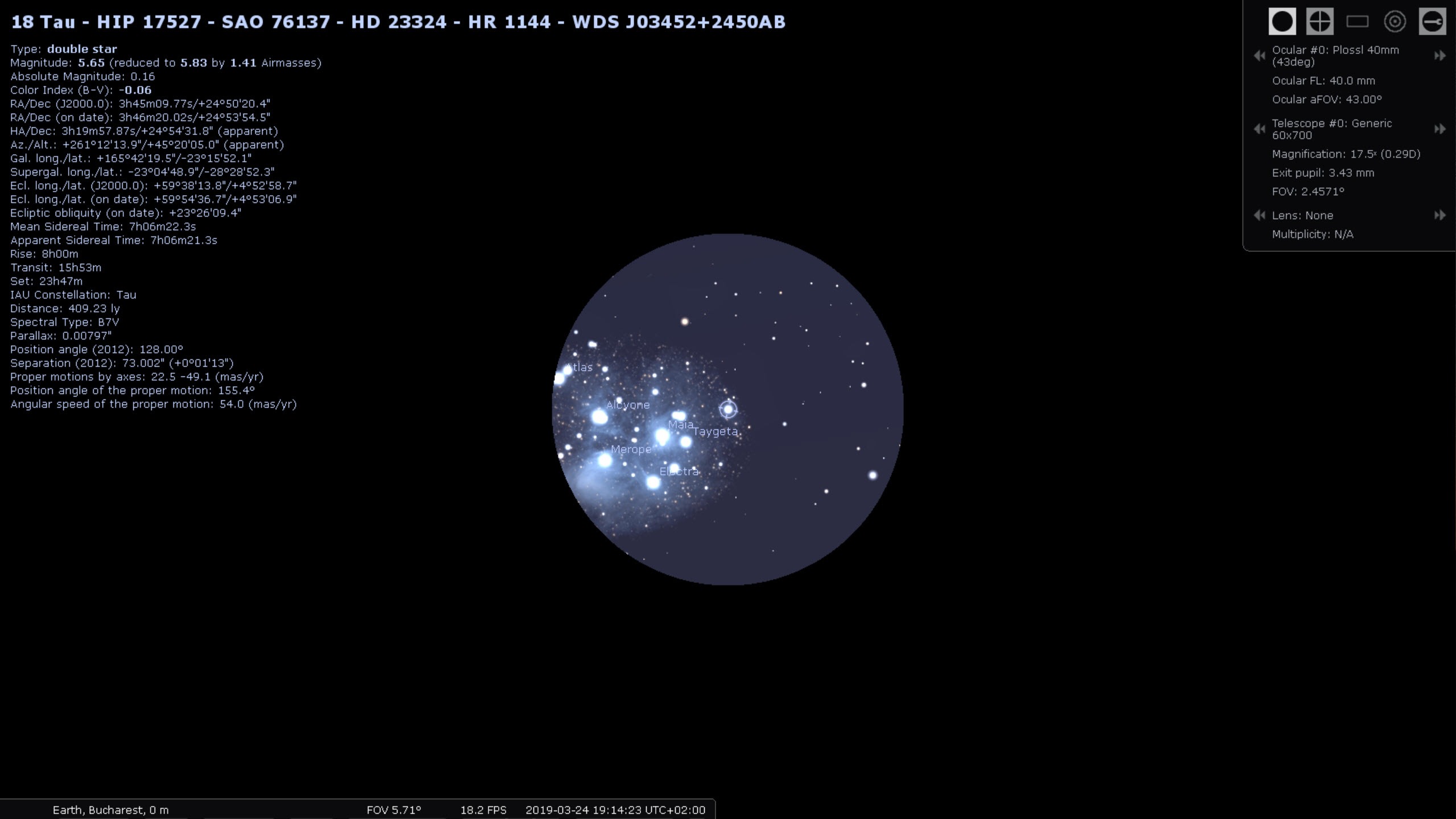
The Oculars plugin is the companion to that. It overlays the exact field of view you would see through a specific eyepiece and telescope combination, so you can frame a target and know in advance how much sky will fit in the eyepiece before you ever step outside. For planning observing sessions, that is the difference between fumbling in the dark and knowing exactly what to expect.
If your interest leans toward tracking satellites and the space station overhead, a focused tool like Orbitron pairs well, while the built-in satellite plugin covers the basics inside the same window.
Plugins, scripting, and going deeper
A plugin system extends Stellarium well past its already generous defaults. Beyond the oculars and satellites mentioned above, there are tools to measure the angular distance between two objects, simulate supernovae and novae, place exoplanets, add 3D sceneries, and pull in new solar system bodies from online data. A scripting interface lets advanced users automate sequences, which is handy for teaching or for setting up repeatable demonstrations.
It is deep. The flip side is that most casual users will only ever scratch the surface, and that is fine. The core experience of opening it, seeing your sky, and exploring needs none of this. The depth is there for when curiosity pulls you further in.
How it compares and where it strains
In the planetarium category, Stellarium is the reference point others are measured against. A tool like HNSKY offers a more chart-focused approach with its own strengths for certain observing workflows, but for sheer visual realism and breadth of features, this is the one most people land on. For astrophotographers who move from observing to capturing, something like StarStaX handles the image-stacking side that this does not touch.
The strain shows up in two places. The first is the learning curve. The interface tucks its controls into side panels and toolbars that fade away when not in use, which keeps the sky clean but leaves newcomers hunting for options.
Some of the bundled animations and behaviors can feel confusing at first. The second is hardware. Because it leans on your graphics card to render everything smoothly, an older or underpowered machine can struggle, and the realism that makes it special is also what demands a capable display setup.
Conclusion
Stellarium is for the curious skywatcher, the student learning the constellations, the teacher demonstrating an eclipse, and the amateur astronomer planning a night at the eyepiece. It does the headline job, recreating a believable sky, better than almost anything else, and it backs that up with catalogs and tools deep enough to keep serious observers busy for years.
It asks a little patience in return. The interface does not hold your hand, and the realism that makes it shine also makes demands on your hardware and occasionally promises more than a real night sky can deliver.
Go in understanding those edges and you get something close to a personal planetarium, one that works as a first introduction to the stars and as a genuine observing companion long after the novelty wears off. For anyone drawn to look up, it is hard to beat.
Features & benefits
Pros & Cons
- Photorealistic real-time sky that matches what you would actually see outdoors
- Enormous catalogs, from hundreds of thousands of stars to many millions with add-ons
- Time travel through eclipses, meteor showers, and planetary motion in any direction
- Switchable sky cultures show how different civilizations mapped the same stars
- Controls GOTO telescopes and simulates eyepiece fields of view for real observing
- Deep plugin and scripting support for satellites, measurements, and automation
- Realistic atmosphere, landscapes, and light-pollution simulation aid session planning
- The interface has a real learning curve for newcomers
- Can show faint objects your real sky and eyes will not actually reveal
- Leans on your graphics hardware, so older machines may struggle
- Deep feature set means most casual users never touch the majority of it
Frequently asked questions
It renders a realistic, real-time view of the night sky from any location and time you choose, including stars, planets, the Milky Way, and tens of thousands of deep-sky objects, the way they would appear to your eyes or through optics.
Yes. You can move the clock forward or backward freely to see past or future skies, watch eclipses and meteor showers, and speed up time to see how the sky changes through a night.
Yes. It can control a GOTO telescope, sending it to point at an object you select on screen, and the Oculars plugin can simulate the field of view of a specific eyepiece and scope before you observe.
Not necessarily. The simulation can display faint objects that light pollution and your eyes will not reveal in practice, so treat the on-screen view as the ideal rather than a guarantee.
Yes. You can switch between sky cultures from many civilizations and see how each one connected and named the stars, alongside the constellation lines and artwork.
Both. Beginners can open it and explore their own sky immediately, while the deeper catalogs, plugins, and scripting are there for when you want to go further.


