

SteelSeries GG
About SteelSeries GG
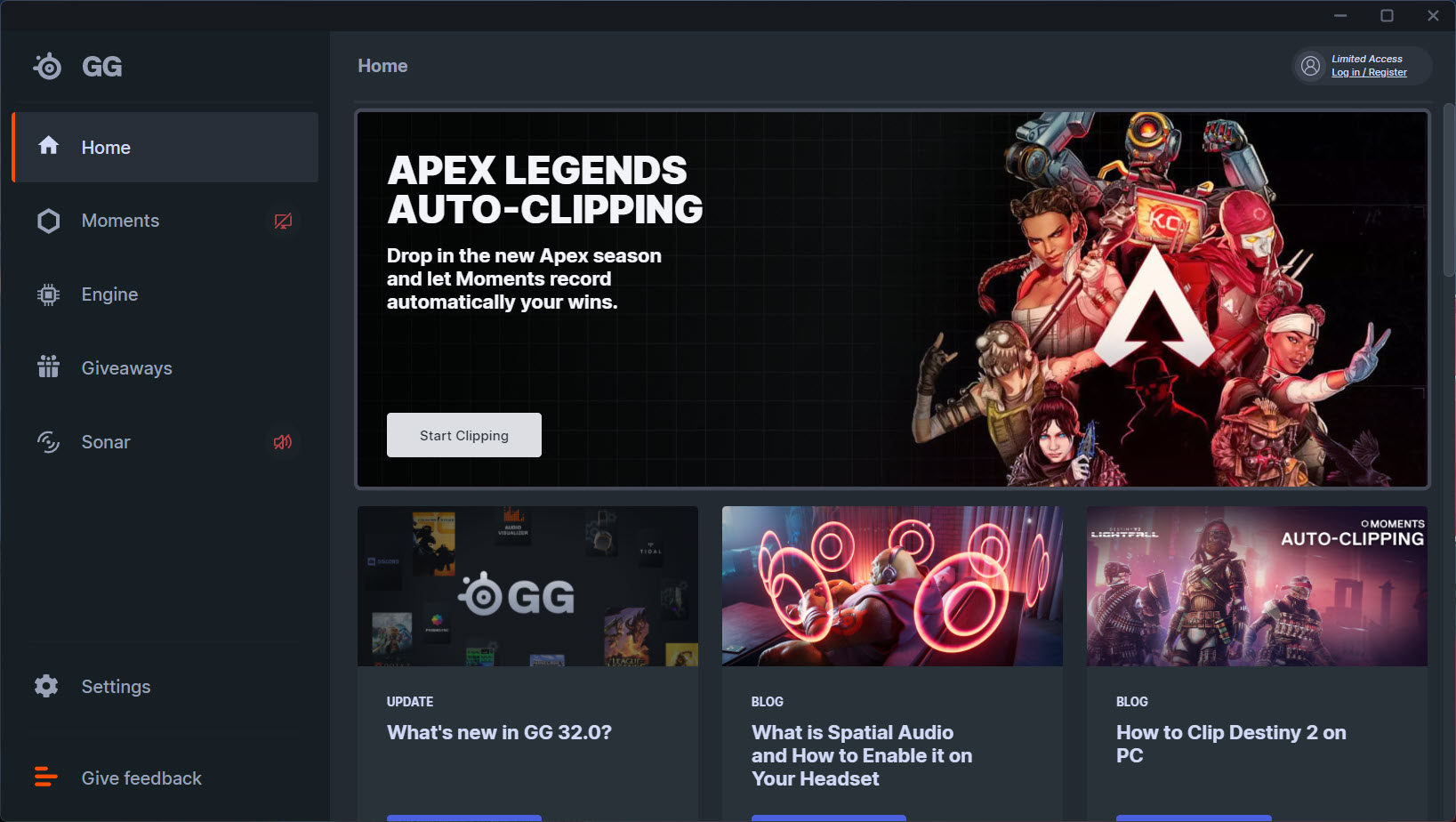
The peripheral software space has a recurring problem. You buy a headset or a mouse from a major brand and the box politely points you to a downloadable suite, which on first launch turns out to be three apps in a trench coat. SteelSeries GG is that pattern, except SteelSeries leans into it openly. The launcher is the front door to four separate tools that share one window, and you decide which of them actually matter to you.
The umbrella covers Engine (peripheral configuration and firmware), Sonar (the audio mixer that became the headline feature around 2022), Moments (a clip recorder for the last 30 seconds of gameplay), and GameSense (a developer-facing system that lights up your RGB and OLED screens based on in-game events).
SteelSeries GG holds them together with a sidebar and a shared account. Whether the bundle is worth installing is a different question for every component, and that’s the honest way to look at it.
Engine: the peripheral configuration layer
Engine is the part you install if you own SteelSeries hardware. It detects connected devices, exposes per-button macros, DPI stages, lift-off distance for mice, polling rate, RGB illumination patterns, and equalizer profiles for headsets. The configurator is profile-based, so you can save a layout per game and let Engine auto-switch when the executable comes into focus.
It works. Profiles import and export cleanly, and OLED screens on the Apex Pro keyboards or the Arctis Nova Pro headset accept custom GIFs and information widgets (time, CPU temp, game-specific stats) without much fuss. The 128×40 pixel canvas is tiny, but the editor handles bitmap import and frame timing in a way that doesn’t feel like an afterthought.
Engine is also where things get vendor-locked. If you don’t own SteelSeries peripherals, the entire panel sits empty. That’s expected for first-party software, but it’s worth saying out loud because the GG launcher will keep prompting you about Engine updates regardless.
People who use Engine alongside other manufacturer suites end up with three or four tray icons fighting over startup priority, which is one of the reasons utilities like Alienware Command Center and Corsair Link get the same complaints from users running mixed-brand setups.
Sonar: the part you might want even without SteelSeries hardware
Sonar is the reason a lot of people install SteelSeries GG in the first place, and the only component that genuinely competes with standalone audio software. It splits your Windows audio into four routable streams (Game, Chat, Media, Aux) and lets you EQ each one independently, with separate output devices possible per channel.
The parametric equalizer offers 10 bands with adjustable Q-factor, gain, and frequency, plus a library of presets tuned for specific games. The ParametricEQ window is closer to what you’d expect from Equalizer APO than from a peripheral suite, and the per-application volume mixer (called “Streams” in Sonar’s vocabulary) handles routing in a way that previously required VoiceMeeter and a working understanding of virtual audio cables.
The microphone side has noise suppression, a noise gate, compression, and a clarity processor. The AI noise cancellation is aggressive by default, which kills keyboard clatter cleanly but can chew the front of your sentences if you turn it past 80%. The mic preview lets you A/B the dry and processed signals in real time, which is more useful than the marketing copy makes it sound.
The catch is that Sonar requires SteelSeries Engine and the GG launcher to function, even though it has nothing technically to do with SteelSeries hardware. You can route audio from any device, and Sonar will work on whatever headset, speakers, or USB DAC you point it at. That’s why a substantial number of Sonar users own zero SteelSeries products and tolerate the bundled launcher for the audio mixer alone.
Moments: clip recording with a 30-second buffer
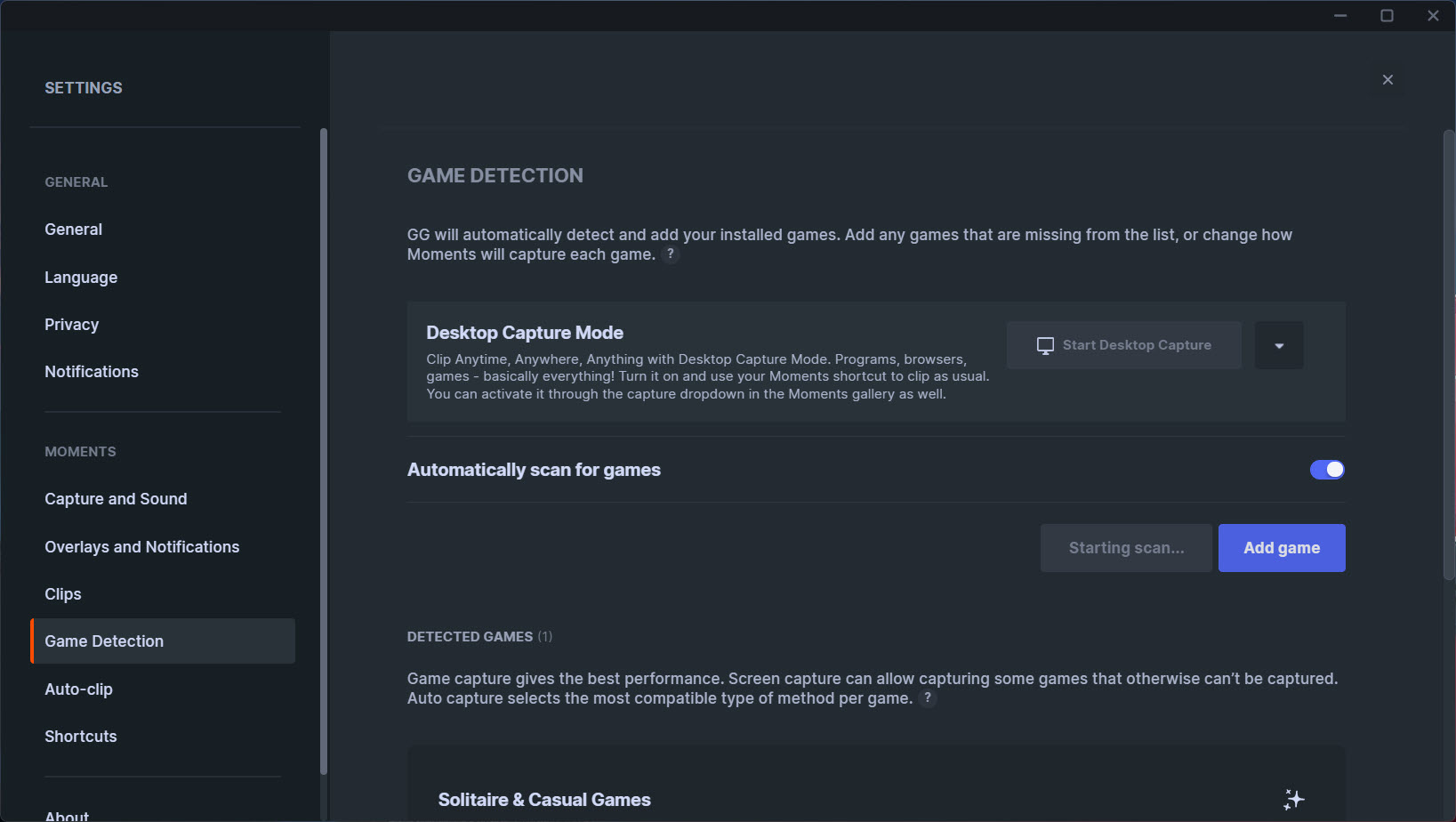
Moments is the instant-replay style recorder. It keeps a rolling buffer of recent gameplay (default 30 seconds, configurable up to 5 minutes), and a hotkey grabs the buffer as a saved clip. It records at up to 1440p 60 fps depending on your GPU, and the encoder choice covers NVIDIA NVENC, AMD AMF, and Intel QSV.
It’s less feature-dense than NVIDIA’s ShadowPlay (now bundled inside NVIDIA GeForce Experience) or Medal.tv, and the editor inside Moments is barely an editor, you can trim the start and end and that’s it. No multi-clip stitching, no overlay, no audio track separation, no export presets for specific social platforms. For people who already have a capture workflow built around OBS or ShadowPlay, Moments has very little to offer.
For people who just want a hotkey that drops the last minute of Apex into a folder, it does that one thing without configuration.
GameSense: lighting effects tied to game events
GameSense is the part the marketing pushes hardest and the part most people forget exists. It’s an event-based API that game developers can wire into, so that your health bar, ammo count, or cooldown timers drive RGB on your keyboard or content on the OLED screen of an Apex Pro. CS2, Dota 2, Minecraft (through community plugins), and a handful of others have integrations.
The novelty wears off in about two hours. Most people are looking at their monitor, not their keyboard, when they need their health bar. The OLED widgets are more useful (Discord notifications, song titles, system stats), and Engine lets you build custom ones if you’re willing to learn the SDK. For a deeper take on the synced-lighting angle, dedicated tools like Aurora cover cross-brand lighting in ways that GameSense, locked to SteelSeries gear, can’t.
Resource footprint and the uninstall question
There’s no polite way to write this. SteelSeries GG runs multiple background processes, and on a fresh launch the suite typically holds around 400-700 MB of RAM split across the launcher, Engine, Sonar’s audio engine, and an updater service. CPU is mostly idle, but the launcher refuses to fully close from the X button by default, it minimizes to tray and resumes from a service.
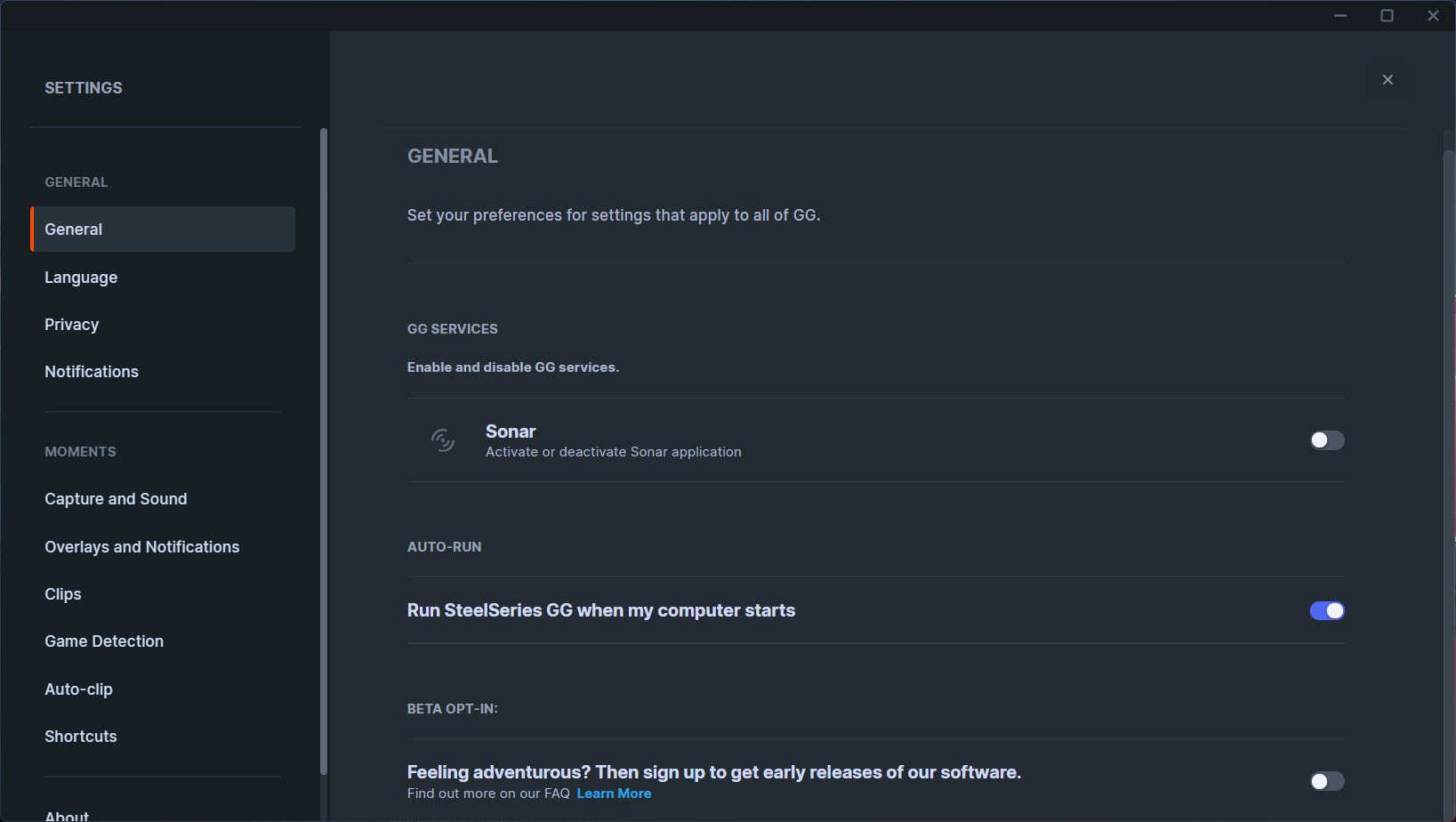
This is why r/SteelSeries threads about uninstalling SteelSeries GG keep going viral. If you don’t care about Sonar and you only use the keyboard’s basic functions, the suite is doing nothing for you in exchange for a measurable chunk of memory. The disable-on-startup option is in the GG settings under Apps, and it works, but you have to know to look for it.
Conclusion
SteelSeries GG makes the most sense if you own at least one SteelSeries device and you actually use Sonar for audio routing. In that scenario, the suite earns its place on disk because it consolidates work that would otherwise need two or three separate utilities. If you only use the peripheral configuration, the launcher feels heavier than it should for what it delivers, and a lot of users end up disabling the auto-start to take back the memory.
The split between strong and weak components is unusually wide. Sonar is the part that punches above its weight category. Moments and GameSense are the parts that exist because the suite needed to feel complete. Engine is the necessary plumbing. That’s a fair tradeoff if you bought into the SteelSeries ecosystem, and a frustrating one if you only wanted the audio mixer and got a launcher with three other apps you’ll never open.
Pros & Cons
- The audio routing in Sonar genuinely replaces a stack of third-party utilities
- Profile-based device configuration auto-switches per game without intervention
- OLED customization on supported devices is detailed and well-tooled
- Clip recording works without a separate install if you only need basic capture
- Updates download in the background and apply without rebooting
- The launcher and its processes stay resident even when you're not actively using any component
- Engine is useless if you don't own SteelSeries peripherals, but still nags for updates
- Moments is a clear step below ShadowPlay and OBS for anyone who clips regularly
- Sonar requires the full GG install even when the user wants nothing else from the suite
- GameSense integrations are limited to a small list of supported games
Frequently asked questions
The suite bundles Engine (peripheral configuration), Sonar (audio mixer and EQ), Moments (clip recorder), and GameSense (in-game RGB and OLED events) into a single launcher.
Yes. Sonar routes and processes audio for any output device, but it requires the full GG launcher and Engine service to run.
Yes, through the Moments component. It keeps a rolling buffer of recent gameplay and saves the last 30 seconds to 5 minutes when you press the hotkey.
On a typical fresh launch, the combined processes consume roughly 400-700 MB of RAM, depending on which components are active and whether Sonar is processing audio.
Yes. The setting is in the GG launcher under Apps, where each component can be set to launch with the system or stay manual.
Limited. Without an official integration or a community plugin, GameSense will only drive generic lighting effects and not respond to in-game events.


