

Spyware Terminator
About Spyware Terminator
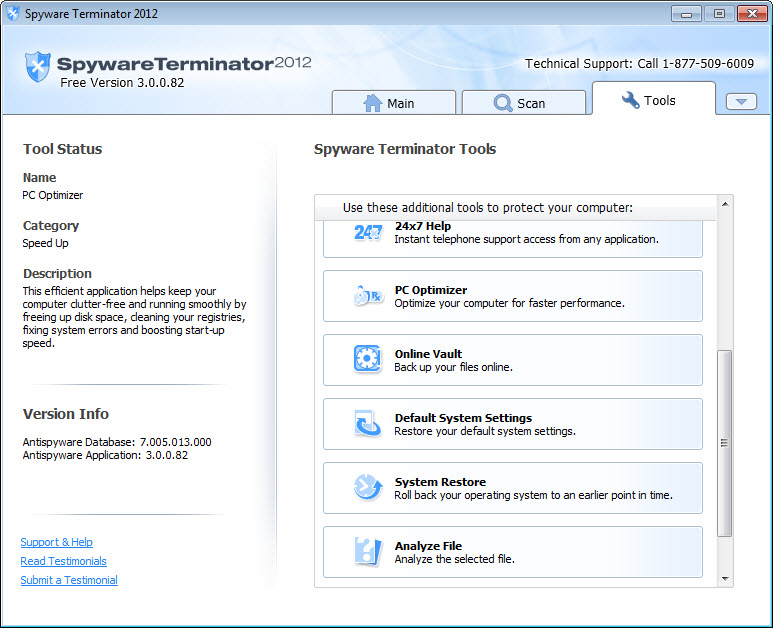
Anti-spyware tools mostly give you a scan button and a shield you cannot see inside. Spyware Terminator does the opposite, exposing ten separate real-time shields, a behaviour-blocking layer, an optional virus engine and a drawer of diagnostic tools, all individually configurable.
That level of control was the appeal, and it still reads well on paper. Whether it should be on a machine today is a different question, and the answer turns on one thing that has nothing to do with the feature list.
Among the tools of its generation it sat alongside Spybot Search & Destroy, which took the same broad approach and is still maintained. That comparison matters more than any feature-by-feature table.
Ten shields, each switchable on its own
The real-time protection is not one monolithic thing. Separate shields watch startup entries, services and drivers, browser add-ons, file extension associations, the network stack, browser settings, system configuration files and the hosts file, with a further guard covering the classic targets that malware has always gone for.
Each one turns on or off independently, and a custom shield section lets you specify behaviour in detail rather than choosing between three protection levels. If you want the hosts file watched and the file association shield left alone because a development tool keeps triggering it, Spyware Terminator allows precisely that.
Granularity like this is rare now. Modern suites hide their internals behind a single toggle, and for anybody who understands what a Winsock hijack or a rogue browser helper looks like, addressing each vector separately is a real advantage.
The behaviour blocker, and why people uninstalled it
Alongside the shields sits a host intrusion prevention layer that blocks programs it does not recognise from executing at all. It does not care whether something matches a signature. If it has not seen the program before, it stops it and asks.
That component was widely regarded as the best thing in the package and it was also the most common reason people removed it. On a machine where you install software regularly it asks a great deal of questions, and answering wrongly either blocks something you needed or waves through something you did not. The trusted and untrusted application list is editable, so the first week is spent teaching it what belongs, after which the prompts settle down considerably.
For a lighter version of the same idea, watching startup points and configuration changes and reporting them rather than intercepting execution, a change monitor that guards the same locations is far less demanding of your attention.
Bolting a virus engine onto the shield
Virus scanning is not built in. An optional integration downloads a separate open-source scanning engine and folds it into the existing shield, which is a neat arrangement, because that engine has no real-time capability of its own. Spyware Terminator supplies the monitoring layer it lacks.
Set expectations accordingly. That engine has never been a strong general-purpose detector, and its reputation rests on mail server scanning rather than on desktop protection. If your machine already runs a security product, adding this achieves little beyond duplicated file access.
Anyone who specifically wants that engine can have it directly, since ClamWin Antivirus wraps the same scanner without the rest of the package around it.
Scans, profiles and the on-boot remover
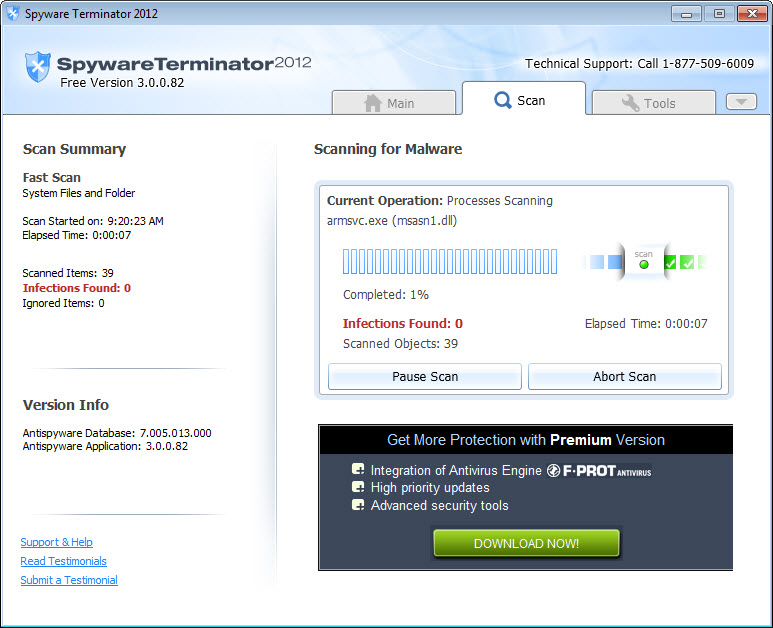
Scanning in Spyware Terminator covers the usual quick and full options, with a custom scan that stores up to five separate profiles, which is more configuration than most scanners bother offering. Schedules run daily or weekly, and a right-click entry scans an individual file or folder from a folder window.
What gets examined goes beyond files on disk. Memory, running processes, the registry, cookies, browser favourites, system configuration files, browser settings and loaded plug-ins are all inspected, which is the correct list for what this was built to find.
Removal in Spyware Terminator has two paths. The normal engine handles what it can while the system is running, and an on-boot remover queues locked files for deletion during startup before they can defend themselves. Anything removed lands in quarantine and can be restored if the detection turns out to be wrong, which on a scanner this aggressive is not a hypothetical.
The install choice, and the thing that decides it
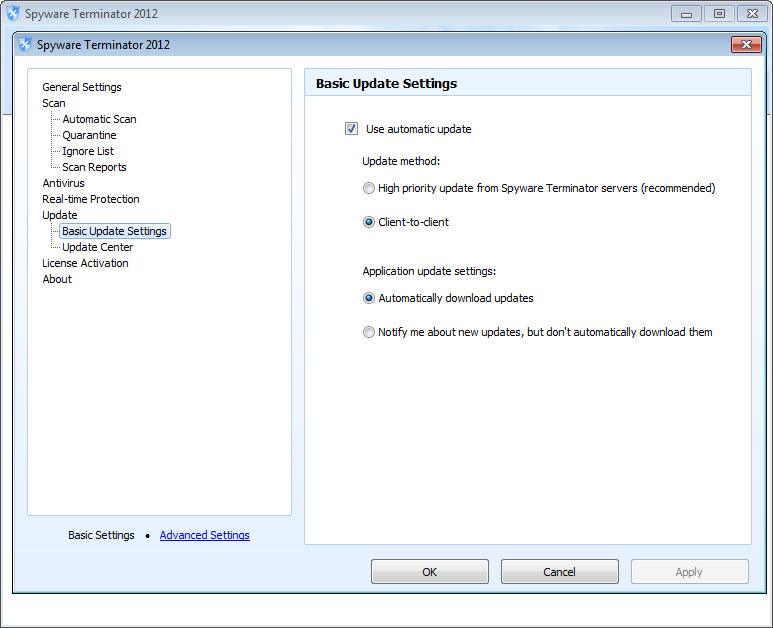
A setup assistant offers three modes on first run. Shield only, scanning only, or the shield with the virus engine integrated. Choosing scanning only turns the whole thing into an on-demand tool with no background component, which is a reasonable way to run it alongside something else.
Two things to watch during that install. A browser add-on for site reputation is enabled by default with a checkbox to decline it, and the tier structure means the base configuration excludes the virus engine, receives lower-priority signature updates and has some features switched off. If bundled extras during installation are a recurring annoyance for you, Unchecky declines them automatically across every installer you run.
Now the part that decides everything. This is a signature-driven scanner, and its signature feed is no longer being maintained. The shields and the behaviour blocker still work, because they respond to actions rather than to a database, but the scanning half is looking for threats that stopped being current a long while ago.
For anything resembling current coverage, a scanner whose database is still updated is not optional.
Conclusion
Spyware Terminator was built for somebody who wanted to see and adjust every layer of their own protection, and that design has aged better than the product has. Ten independent shields and a genuine behaviour blocker are still more control than most current security software will hand you, and the diagnostic tools around them remain useful.
The problem is not the architecture, it is the database behind it. A scanner that no longer learns about new threats is a historical artefact, however well built. If you want the behaviour blocking specifically, and you already run something modern for detection, there is an argument for keeping it around.
As a machine’s only defence it is no longer a serious proposition, and no amount of configurability changes that.
Features & benefits
Pros & Cons
- Ten separate real-time shields, each configurable rather than hidden behind one toggle
- Behaviour blocking stops unrecognised programs regardless of any signature database
- Custom shield settings allow specific vectors to be watched and others ignored
- Custom scans store up to five profiles, with daily or weekly scheduling
- On-boot removal deals with locked files before they can reload themselves
- Right-click scanning handles a single file or folder from a folder window
- Scanning-only mode lets it coexist with another security product
- The signature database is no longer maintained, which undercuts the scanning half entirely
- The behaviour blocker asks a great many questions before its trusted list is populated
- The bundled virus engine was never a strong desktop detector
- A browser add-on is enabled by default during installation
- Feature gating leaves the base configuration without the virus engine and on slower updates
- The interface belongs to an older generation of security software and shows it
Frequently asked questions
No, and this is the central problem. The behavioural shields keep working because they react to actions rather than to a list, but signature-based detection against an unmaintained database will miss anything recent.
Because the intrusion prevention layer blocks any program it has not seen before. That is the design rather than a fault. Populating the trusted application list over the first week reduces the prompts to something manageable.
Only if the machine has no other protection. The engine it integrates is competent at scanning rather than at defending a desktop, and running it alongside an existing security product duplicates work without adding much.
Yes, a site reputation add-on is offered during setup and enabled by default. The checkbox to decline it is there, and it can be removed afterwards through the ordinary uninstall route if you miss it.
Better than most, if you choose the scanning-only mode at setup so no shields load. Running two real-time protection layers together tends to produce conflicts rather than twice the protection.


