

Spark
About Spark
Spark is an instant messaging client for organisations that run their own chat server. It speaks XMPP, the open standard behind a great many corporate and institutional messaging systems. It was built as the desktop companion to the Openfire server from the same open-source community, though it connects to any server that speaks the standard.
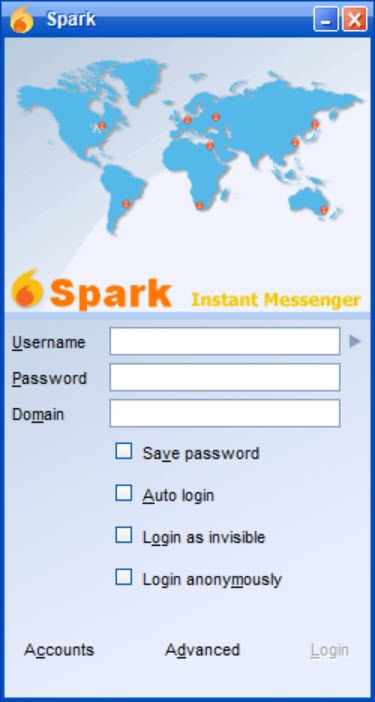
Sign in with the account the administrator made, and the contact list fills with colleagues, grouped the way the server groups them. Conversations open in tabs. Group chat rooms can be bookmarked and joined at startup. Files transfer, screenshots paste straight into a chat, and a spell checker underlines as you type.
The point of all this is a chat system the organisation owns. Messages go to its server and nowhere else, which is why schools and hospitals, and offices that cannot or will not use the public chat networks, still run this pairing. Spark adds end-to-end encryption through the Off-the-Record protocol for the conversations that need it, single sign-on against the organisation’s directory, a help-desk queue system through a plugin, and message translation for mixed-language teams.
It is written in Java, which shows in its look, and its releases arrive slowly, with nightly builds in between. The sections below cover the chat itself, the rooms, the security, the plugins and where the client has not kept pace.
Conversations and the contact list
The Spark contact list shows who is online, away or busy, with the status messages they set, and double-clicking a name opens a conversation in a new tab of one window. Tabs flash on new messages, and a conversation history is kept locally and searchable, so last month’s instructions are a search away. In-line spell checking marks mistakes as you type, and avatars and vCards show who someone is in a large organisation.
Files drag into a conversation and transfer directly, with a progress bar on both ends. Screen captures are the quiet convenience. Take a snapshot of part of the screen from inside the chat and it appears in the conversation, which saves the save-attach-send routine for a quick “look at this”.
For a client that speaks many networks at once rather than one standard well, Pidgin is the general tool, and it talks to the same servers.
Group chat rooms
Rooms are where the organisation lives in Spark. A room has a name, a topic and a member list, and it can be open to everyone on the server or restricted to invited members with a password. Bookmark a room and it opens automatically at sign-in, so the team’s standing channel is there every morning. Room history shows what was said before you joined, as far back as the server keeps it.
Moderation lives in the room, with roles for owners and administrators as well as members, and the power to remove a participant or change who may speak. Conference invitations bring a colleague into a room from a one-to-one conversation.
It is the model the public chat tools later borrowed, and here it runs on a server the organisation controls.
Security and signing in
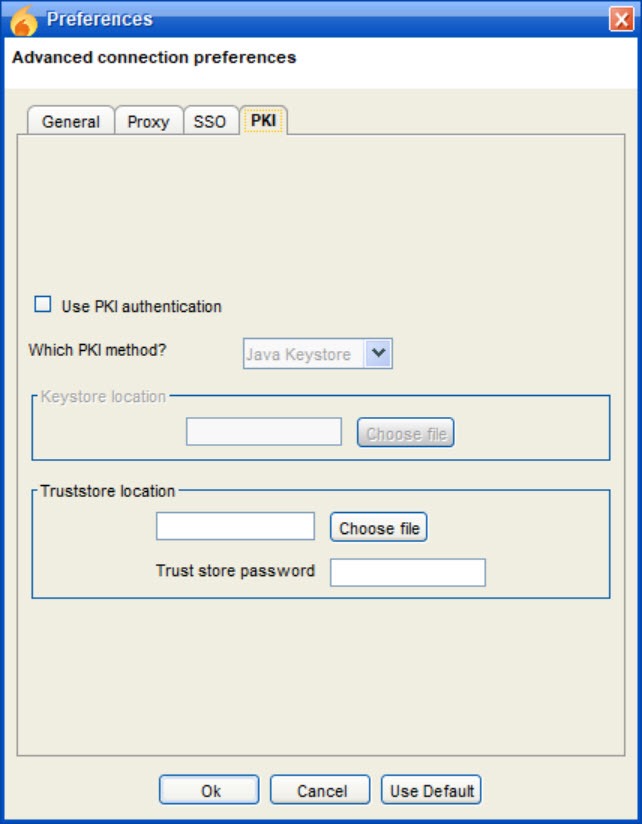
Spark connections to the server run over TLS, so traffic between the client and the server is encrypted in transit, and the server’s certificate is checked and can be pinned. For conversations that should be unreadable even to the server, the Off-the-Record plugin adds end-to-end encryption between two clients, with the usual fingerprint verification to confirm you are talking to the right person. It covers one-to-one conversations. Group rooms are protected by the connection and the server, not end to end.
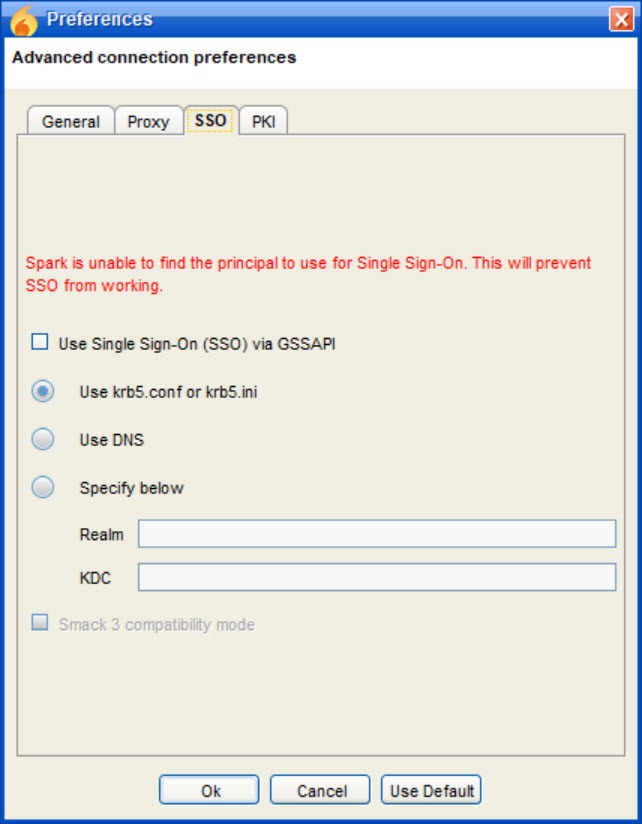
Single sign-on lets a user who has logged into the organisation’s directory open the client without a second password, which administrators appreciate in a large deployment. Privacy lists block or hide contacts. The modern end-to-end scheme used by newer XMPP clients is not supported, which is the client’s most noticeable gap on the security side.
Plugins and the help desk
A plugin system extends Spark, and several plugins ship with it. Fastpath turns the client into a help-desk agent console, with queues that route incoming requests from a web page or another client to the next available agent. That is how a school’s IT desk or a business’s support line runs on the same server as its chat. A translation plugin renders incoming messages in another language. Notification plugins pop up new messages on the desktop. A pair of small games sits in the list for the end of the day.
Themes and skins change the look, within the limits of the toolkit. Plugins install from a manager inside the client, and the server can push a set of them to every user so the whole organisation runs the same configuration. For a self-hosted voice and video conference with text alongside, TeamTalk covers the half this client leaves to the server and other tools.
Where it has not kept pace
Spark is a Java application with a toolkit from an earlier generation, and the window shows it, in its fonts, its dialogs and its icons. Voice and video calls are not part of the client even though the companion server supports them, so a team that wants calls runs them elsewhere. The modern end-to-end encryption that newer clients use is absent. Releases arrive slowly, with long gaps filled by nightly builds, and the mobile side of the standard is left to other clients entirely.
None of that changes what it does well. It gives an organisation a desktop chat on its own server with rooms and history, file transfers and a help desk, all open source and all under its own roof. For a general-purpose client with a more modern face and the same standard underneath, a multi-protocol messenger with a large plugin library is one alternative.
For anyone whose organisation runs the companion server, this remains the reference client.
Conclusion
Spark suits organisations that want desktop chat on a server they control, with rooms, history, file transfer and an optional help desk, and that would rather run an open standard than rent a public service. Paired with its companion server it is a complete, self-hosted messaging system that asks nothing of anyone’s trust.
It looks its age, it does not make calls, and its encryption options stop short of the modern scheme. Pair it with the companion server, bookmark the rooms, switch on OTR for the conversations that need it, and it does the one job it was built for.
Pros & Cons
- Tabbed one-to-one conversations with searchable local history and in-line spell checking
- Group chat rooms with bookmarks and passwords, moderation roles and server-side history
- File transfer and screen captures pasted straight into a conversation
- TLS to the server and Off-the-Record end-to-end encryption for one-to-one chats
- Single sign-on against the organisation's directory and privacy lists
- Plugins including a help-desk queue console and translation
- Dated Java interface
- No voice or video calls in the client
- No modern end-to-end encryption scheme, and OTR covers one-to-one chats only
- Slow release pace with nightly builds in between
Frequently asked questions
No. It connects to any server that speaks XMPP. It was built alongside the Openfire server and works best with it, where single sign-on and the plugin push are available.
The connection to the server runs over TLS. For end-to-end encryption between two people, enable the Off-the-Record plugin, which covers one-to-one conversations but not group rooms.
Yes. The Fastpath plugin turns it into an agent console with queues that route incoming requests to the next available agent.
No. The client handles text and files, and screenshots. Calls are left to the server's other clients or to separate tools.


