

SP SSD Toolbox
About SP SSD Toolbox
Solid-state drives fail differently than hard drives. No clicking, no grinding, no warning theater, just a finite budget of write cycles quietly spending itself down, which is why every SSD deserves a utility that reads its vital signs.
SP SSD Toolbox is that utility for Silicon Power drives, a free companion that reports drive health and temperature, runs diagnostic scans for damaged blocks, benchmarks real read and write speeds, and performs the secure erase that returns a drive to factory-fresh state. Small tool, but it answers the questions that actually matter about the component holding everything you own.
The arrangement is the standard vendor pattern. Every SSD maker ships a toolbox tuned to its own drives, and this one exists for the households and offices running Silicon Power storage, where it reads details generic tools sometimes miss and performs maintenance generic tools can’t.
The health report worth checking quarterly
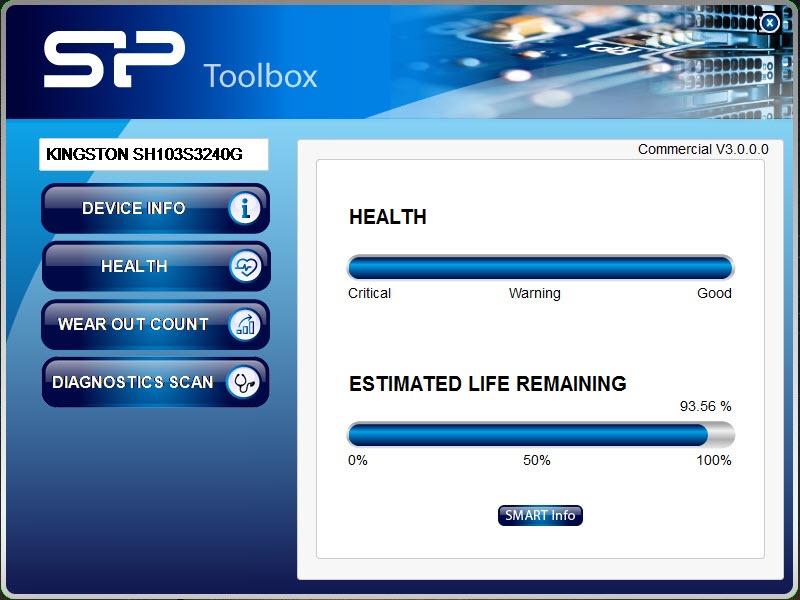
The main screen answers the essential question, how much life is left. Drawing on the drive’s S.M.A.R.T. telemetry, SP SSD Toolbox presents a health percentage alongside temperature, capacity, firmware, and the raw attribute table for those who read such things.
The percentage is the one to watch, since it tracks the drive’s consumed write endurance, the finite resource that defines an SSD’s lifespan, and a drive drifting down through the low numbers is a drive telling you to plan its retirement on your schedule instead of its own.
Temperature earns a glance too, especially for the compact and fanless machines where a hot drive throttles quietly. Numbers persistently high are an airflow conversation, and having them on a dashboard beats discovering the problem through slowdowns.
A quarterly check of these two figures is the entire discipline of SSD ownership, five minutes that converts sudden failure into scheduled replacement.
Scans for suspicion, benchmarks for proof
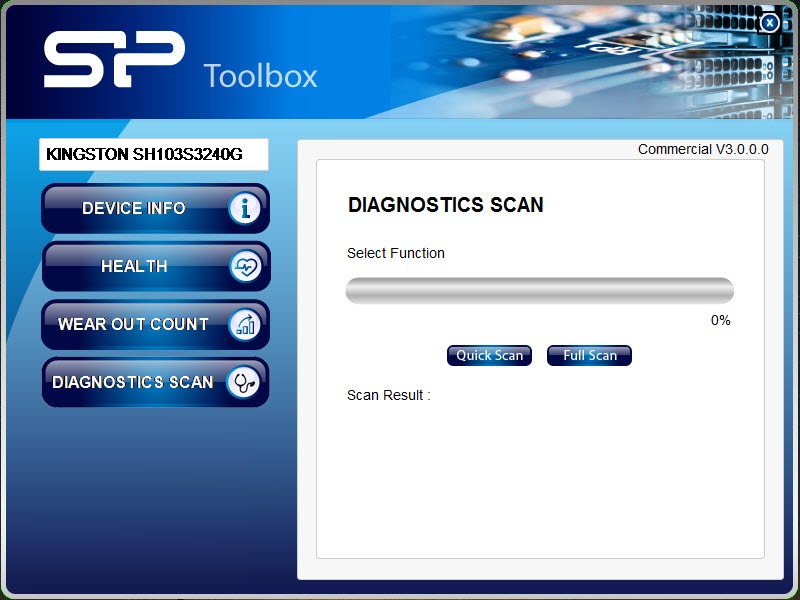
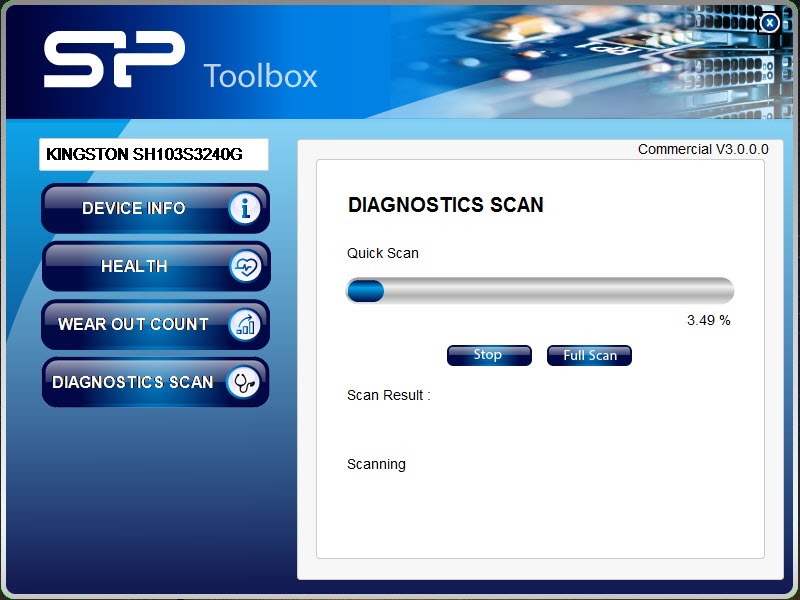
When a drive misbehaves, files erroring, transfers stalling, the diagnostic scans turn suspicion into evidence. The quick scan samples the drive in minutes, and the full scan reads the entire surface hunting damaged blocks, slower but conclusive.
A clean full scan largely acquits the drive and points the investigation elsewhere, while a dirty one, on a health percentage already sagging, is the strongest argument for immediate backup a utility can make.
The built-in benchmark serves a different honesty. It measures the drive’s actual sequential read and write speeds, which lets you compare reality against the numbers on the box, verify that a new drive performs as sold, and detect the gradual slowdown that sometimes precedes trouble. For deeper testing ceremony, the enthusiast standard AS SSD Benchmark adds the access-time and 4K-block measurements that separate marketing speed from felt speed, a natural second opinion beside this tool’s quick verdict.
Secure erase, the reset with teeth
Secure erase is the feature with real consequences in both directions. It commands the drive to purge every cell at the hardware level, which serves two distinct purposes, restoring a heavily used drive’s original performance by returning all cells to their fresh state, and truly sanitizing a drive before sale or disposal, far beyond what file deletion or formatting achieves.
The teeth deserve respect. Everything on the drive is unrecoverable afterward, the operation typically can’t run against the drive the system is currently running from, and the ritual belongs at the end of a checklist that starts with “backup verified”.
Used correctly, it’s the difference between handing a stranger your old drive and handing them your old data.
The brand lock, stated plainly
The tool’s boundary is its name. Full functionality assumes Silicon Power drives, other brands appear with limited information at best, and owners of mixed fleets shouldn’t expect one vendor’s toolbox to govern another vendor’s hardware, that’s the pattern across the whole industry, from the Kingston equivalent to every other maker’s suite.
For monitoring everything in one place regardless of brand, the vendor-neutral instruments do that job instead, with CrystalDiskInfo as the free standard for S.M.A.R.T. health across any drive. The honest division of labor runs, neutral tool for daily awareness of the whole machine, vendor toolbox for the maintenance operations, like secure erase, that need the maker’s own handshake.
Feature-wise, this toolbox stays basic next to the flashiest vendor suites, no over-provisioning dials, no cloning bundled, and for the health-scan-erase trio it covers, basic is entirely enough.
Conclusion
SP SSD Toolbox does the unglamorous ownership work for Silicon Power drives. The quarterly health glance, the diagnostic scan when files act strange, the benchmark that settles arguments with the spec sheet, and the secure erase that ends a drive’s service honorably are all one small download away. For owners of the brand, it’s the five-minute habit that turns storage failure from ambush into appointment.
Mixed-fleet households should pair it with a vendor-neutral monitor and use each for what it does best. Neither replaces backups, and no drive utility ever will, but knowing your drive’s state beats trusting it blindly every single time.
Pros & Cons
- Health percentage and temperature translate S.M.A.R.T. data into plain answers
- Quick and full scans turn drive suspicion into evidence
- Built-in benchmark verifies speeds against the drive's rated numbers
- Hardware-level secure erase restores performance and sanitizes before resale
- Free, small, and readable by non-experts
- Full functionality locked to Silicon Power drives
- No over-provisioning, cloning, or advanced tuning features
- Secure erase requires care and can't run on the active system drive
- Interface is plain vendor-utility fare
Frequently asked questions
Silicon Power SSDs, fully. Drives from other makers may show limited information, and their own vendor toolboxes handle their maintenance operations instead.
It reflects the drive's remaining write endurance based on S.M.A.R.T. data. A steadily declining figure is normal aging, and low numbers are the signal to plan replacement while everything still works.
Run the quick scan for a fast sample or the full scan to read the entire drive. A clean full scan largely rules the drive out as the culprit behind file errors.
It purges every cell at the hardware level, restoring factory performance and making data unrecoverable, which is the correct preparation before selling or disposing of a drive. Back up first, without exception.
Indirectly. Secure erase restores a worn drive's original speed, and the benchmark identifies whether performance has actually degraded or the bottleneck lives elsewhere.


I have something like 8 drives in and attached to my system. This software sees every one except the Silicon Power drive, the one it was designed for!! Unbelievable.
Granted it’s attached via USB, but so are many of the others. And the Crucial software had no problem tuning it’s USB-attached drive.
Same here. NVMe M.2 drive. Totally worthless but v3.0.6.0 seems to work.
Seems to be fixed in version 3.0.6.0