

SMPlayer
About SMPlayer
SMPlayer is a versatile media player designed to handle almost any audio or video format with minimal configuration. Built on the powerful MPlayer engine, it provides strong playback performance, extensive format compatibility, and a variety of customization options that make it suitable for both casual viewers and advanced users.
Broad format support and reliable playback
One of the main strengths of SMPlayer is its ability to play a wide range of media formats without requiring additional codecs. Videos, music files, and streaming content can be opened directly, making playback simple and efficient.
The player also supports DVD playback and includes built in codecs that ensure smooth operation even with less common formats.
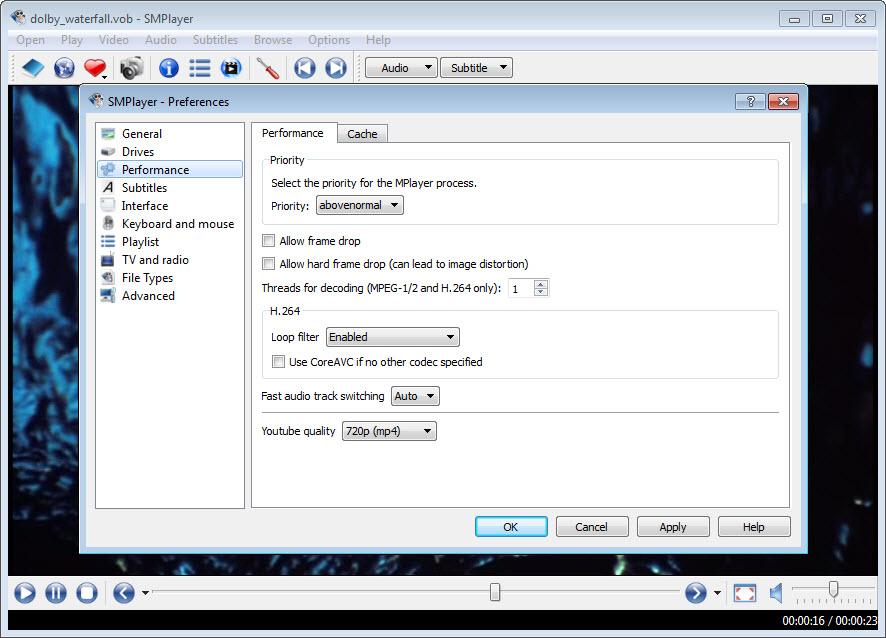
Because it relies on the robust MPlayer engine, SMPlayer delivers stable playback and accurate rendering of both audio and video streams.
Smart playback memory and usability
A particularly useful feature of SMPlayer is its ability to remember playback settings. When you reopen a file, the player automatically restores the previous position, volume level, subtitle selection, and other settings.
This feature is extremely convenient when watching long videos or series, since you can continue exactly where you left off.
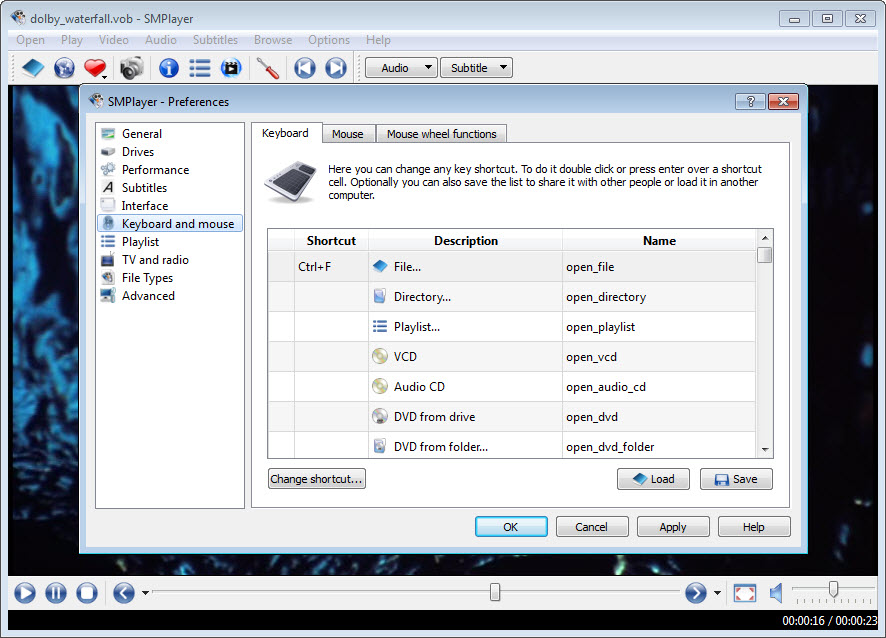
The interface is straightforward and easy to navigate, allowing users to quickly access playback controls, playlists, and subtitle options.
Advanced customization and subtitle support
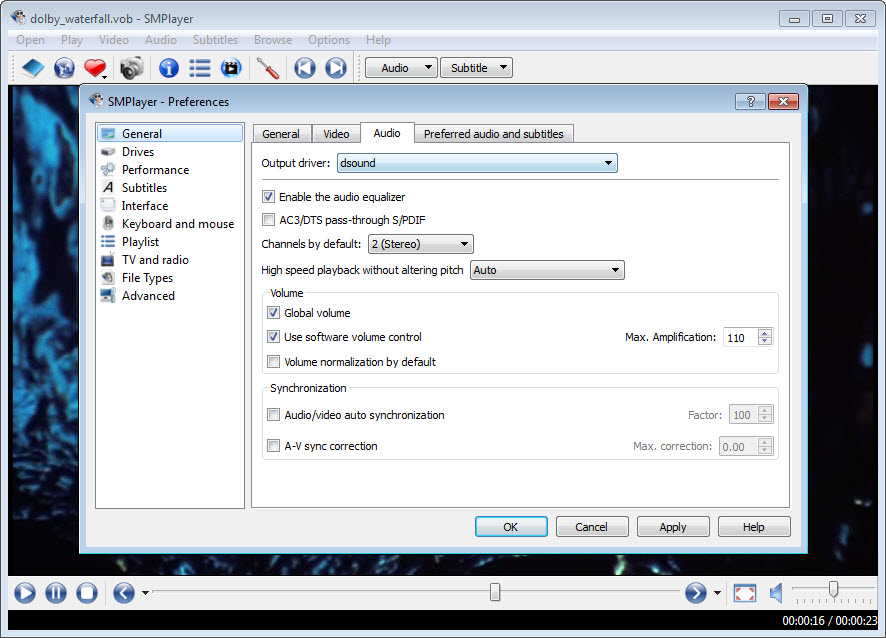
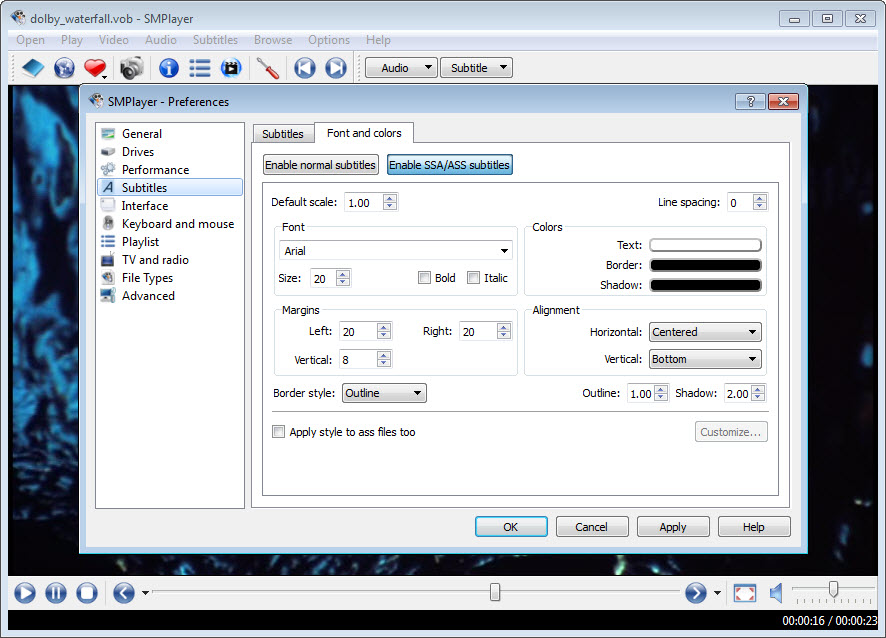
SMPlayer includes extensive subtitle management tools. You can search and download subtitles directly from within the player, adjust timing, change font styles, or synchronize subtitles manually. Video filters and audio equalizers provide further control over playback quality.
The player also supports skins and interface customization, allowing users to modify its appearance to match their preferences.
Online video playback and streaming
Beyond local files, SMPlayer can also play videos from online platforms. By entering a video link, the player retrieves and plays the stream directly, eliminating the need for a browser.
This capability makes it useful for users who prefer watching online content in a dedicated media player environment.
Conclusion
SMPlayer is a reliable and feature rich media player that combines strong format support with practical usability features. Its ability to remember playback positions, manage subtitles easily, and play a wide range of media formats makes it a convenient choice for everyday viewing.
While its interface may appear simple compared to newer players, its stability and flexibility make it a dependable option for users who want full control over their media playback experience.
Features & benefits
Pros & Cons
- Supports a wide range of audio and video formats without extra codecs
- Remembers playback position and settings for every file
- Integrated subtitle search and synchronization tools
- Customizable interface with skins and video filters
- Stable playback engine with strong performance
- Interface design may feel outdated compared to modern media players
- Advanced customization options may overwhelm beginners
- Online playback features depend on external streaming availability
Frequently asked questions
Yes. It includes built in codecs that allow it to play a wide variety of media formats.
Yes. It automatically restores playback position and settings for previously opened files.
Yes. It can search and download subtitles directly from the player interface.
Yes. You can open certain online video links directly within the player.
Yes. It supports skins, video filters, and various playback adjustments.


