

SmartGaGa
About SmartGaGa
Mobile gaming on PC has become an entire category over the past decade, with various Android emulators competing to provide the best experience for users who want to play their favorite mobile games on a larger screen with proper keyboard and mouse controls.
SmartGaGa has carved out a particular niche in this space by focusing on lightweight performance, making it the emulator of choice for users with older or less powerful computers that struggle with more resource-hungry alternatives like BlueStacks or LDPlayer.
Targeted primarily at the mobile battle royale and FPS audience, this software has built a steady following among PUBG Mobile, Free Fire, and Call of Duty Mobile players who want to compete on PC without investing in expensive hardware. The performance focus is genuinely useful for users on modest systems, with a small installation footprint of around 200-300MB and the ability to run on machines with as little as 2GB of RAM.
The Titan Game Engine difference
The defining technical feature of SmartGaGa is what the developers call the Titan Game Engine, which represents a different approach to Android emulation than most competitors take. Where other emulators rely heavily on Virtualization Technology (VT) at the CPU level, the Titan Engine optimizes the way Android software interacts with host hardware without requiring the same level of virtualization support.
In practice, this means the emulator runs acceptably on systems where VT-dependent emulators struggle or refuse to start. Older laptops, budget desktops, and computers without VT enabled in BIOS can all run this emulator, opening mobile gaming on PC to a substantially wider audience than competitors target.
The lightweight architecture comes with some compatibility limitations, but for the gaming use case it’s optimized for, the trade-offs make practical sense.
Turbo GPU Technology for smoother frame rates
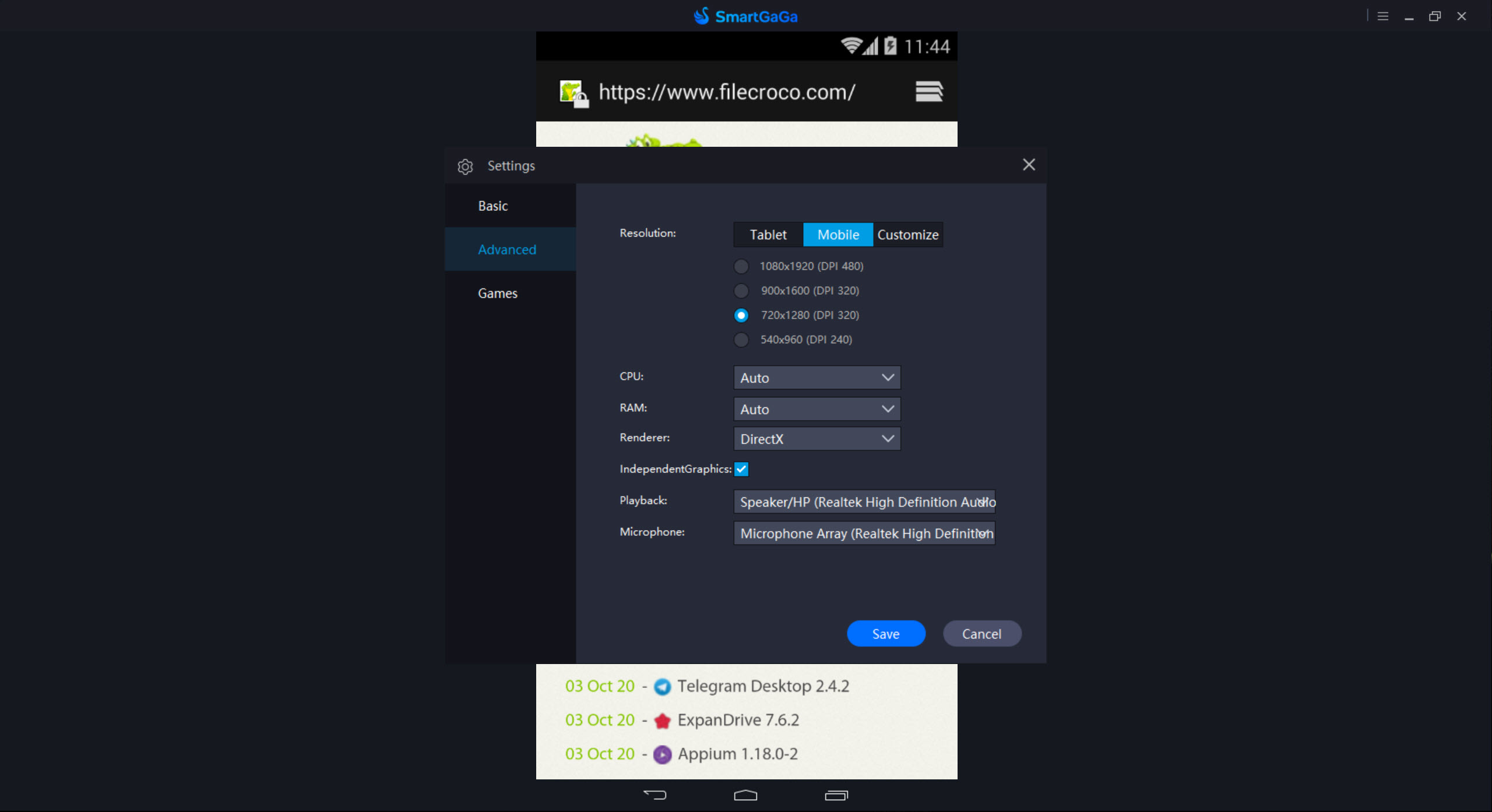
Complementing the Titan Engine, the Turbo GPU Technology focuses on optimizing graphics rendering for systems with limited GPU resources. The emulator supports both OpenGL and DirectX rendering modes, letting users choose whichever delivers better performance on their specific hardware combination.
For users on integrated graphics or older dedicated GPUs, this rendering flexibility matters. Some games perform noticeably better on OpenGL while others favor DirectX, and being able to switch between them lets users find the configuration that works best for their particular system rather than being locked into one approach.
The combined effect of the engine and graphics optimizations is that smooth frame rates remain achievable on hardware where heavier emulators would deliver choppy gameplay or refuse to launch the games at all.
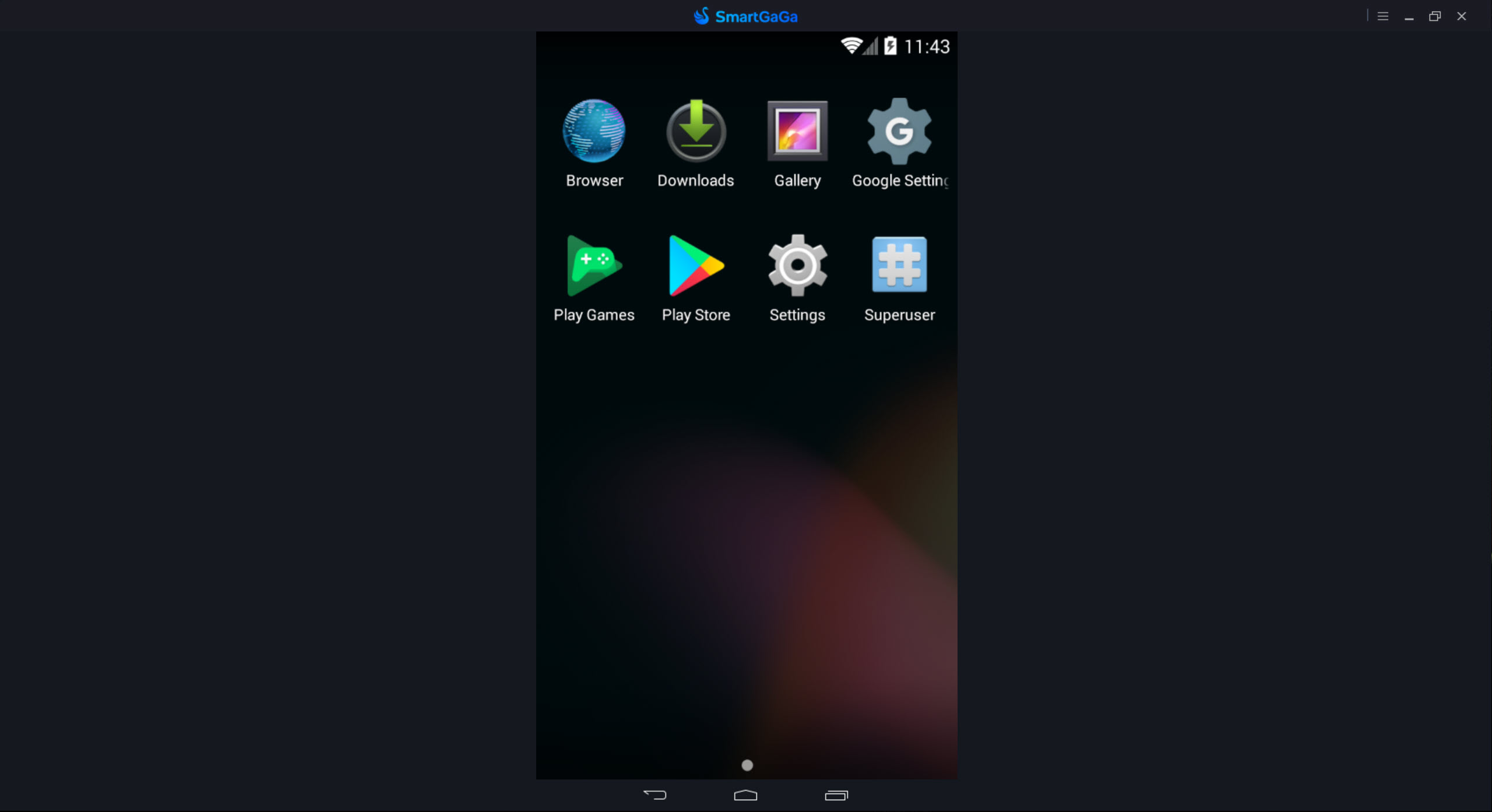
Native Android 7.1.2 with default root access
The emulator runs Android 7.1.2 (Nougat) natively, which provides good compatibility with most mobile games while keeping the resource footprint manageable. Android 7.1 is old enough to be efficient on modest hardware but recent enough that the vast majority of current mobile games support it.
A particularly notable detail is that the emulator comes pre-rooted by default, providing system-level modification access without the manual rooting process that users on actual Android devices would need. The root access is disguised to prevent detection by most applications, which matters because many mobile games refuse to run on rooted devices for anti-cheat reasons.
For users who want root capabilities for legitimate purposes (modifying system settings, installing certain advanced applications, or accessing files outside the normal Android sandbox), this default-on approach simplifies setup significantly.
Smart Mode for automatic key mapping
The interface includes what the developers call Smart Mode, which automatically configures keyboard and mouse mappings for popular mobile games rather than requiring users to set up controls manually.
For beginners or users new to mobile gaming on PC, this automation removes one of the significant barriers to enjoying the experience.
For more advanced users who want custom configurations, manual key mapping is fully supported with bindings for movement, aiming, shooting, and various other actions. The combination of automatic setup for casual users and detailed customization for power users covers both ends of the user spectrum.
Multi-instance support for multiple accounts
The application supports running multiple instances simultaneously, each with its own Android environment and game accounts. This is particularly popular among users who maintain separate accounts in mobile games like PUBG Mobile or Free Fire, or who want to play different games concurrently without switching between them.
For competitive gaming or multi-account management, this capability eliminates the need to log out and back in repeatedly. Each instance operates independently with its own resources, and the lightweight architecture means running multiple instances doesn’t crash systems the way it might with heavier emulators.
Setup and configuration
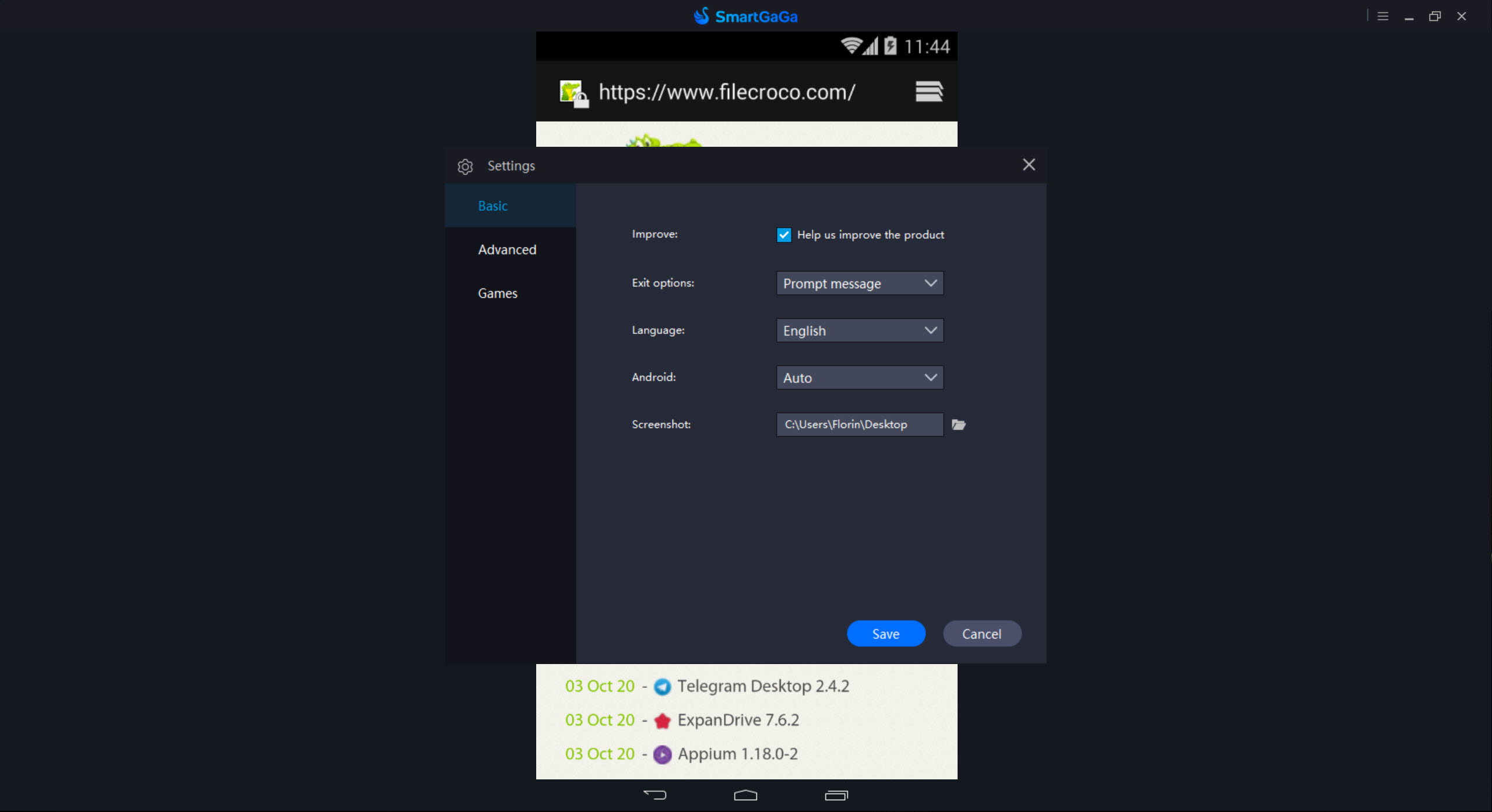
Installation is straightforward through the standard installer process, with administrator privileges required for proper system integration. After installation, users can adjust CPU core allocation, RAM assignment, and display resolution to match their computer’s capabilities, optimizing the emulator’s footprint for their specific hardware.
For installing applications, the emulator includes the Google Play Store integration, allowing standard installation through your Google account. Alternatively, APK files can be installed by drag-and-drop directly into the emulator window, which is convenient for games not available through Play Store or for sideloading specific app versions.
Considerations for online competitive gaming
It’s worth noting that some mobile games include detection systems that identify when they’re running on emulators, particularly competitive battle royale games that have introduced separate matchmaking pools for emulator users. Players using this software in games like PUBG Mobile typically find themselves matched with other emulator users rather than mobile players, which is generally considered fair by the games themselves.
Some games take a stricter approach and either prevent emulator use entirely or apply other restrictions. Checking specific game policies before committing to extensive playtime on an emulator avoids surprises about features or modes that may behave differently than they would on actual mobile hardware.
Conclusion
SmartGaGa has earned its niche in the Android emulator space by focusing specifically on the performance challenges that affect users with modest hardware. The combination of the Titan Engine, Turbo GPU technology, and lightweight architecture delivers an emulator that runs where heavier alternatives like BlueStacks or LDPlayer can’t, opening mobile gaming on PC to users on older or budget systems.
It’s not the most polished or actively developed emulator available, and the slowing pace of official updates means newer game compatibility sometimes lags.
But for the specific audience that needs an Android emulator that actually runs well on lower-end hardware, SmartGaGa offers a practical solution that addresses real limitations in ways that more powerful but more demanding alternatives simply can’t.
Pros & Cons
- Titan Engine runs without requiring CPU virtualization technology
- Turbo GPU optimization delivers smooth frame rates on lower-end hardware
- Native Android 7.1.2 with broad mobile game compatibility
- Pre-rooted by default with disguising to avoid game detection
- Smart Mode automatic key mapping suits beginners
- Multi-instance support enables multiple accounts and games simultaneously
- OpenGL and DirectX rendering options for flexibility
- Official development has slowed considerably as of 2024-2025
- Older Android 7.1.2 may lack compatibility with apps requiring newer Android versions
- Some online games detect emulator use and apply matchmaking restrictions
- Documentation in English is sometimes incomplete or awkwardly translated
- Many users have shifted to community-modified versions for current game compatibility
Frequently asked questions
This software is an Android emulator that runs Android applications and games on Windows computers using its proprietary Titan Game Engine. The lightweight design particularly suits users with older or less powerful systems who want to play mobile games like PUBG Mobile, Free Fire, or Call of Duty Mobile on PC with keyboard and mouse controls.
Most Android emulators rely heavily on CPU Virtualization Technology (VT), which requires both hardware support and BIOS configuration. The Titan Engine takes a different approach that doesn't require the same level of virtualization, allowing the emulator to run on systems where VT-dependent alternatives struggle or refuse to start.
The lightweight architecture means it runs on systems with 2GB of RAM, configurations where most competing emulators fail or perform poorly. For users on budget hardware or older laptops, this lower system requirement is one of the main reasons to choose this particular emulator.
Yes, the emulator includes Smart Mode which automatically configures key mappings for popular mobile games, plus manual customization for users who want specific bindings. Movement, aiming, shooting, and other actions can be mapped to keyboard keys and mouse buttons, providing a control experience similar to native PC games.
Yes, both games are among the most common use cases, with optimized configurations and key mappings available. Users should be aware that PUBG Mobile and similar competitive games typically place emulator users in separate matchmaking pools to ensure fair play with other PC users rather than mobile players.
Yes, the emulator includes default root access with built-in disguising to prevent detection by most applications. This is useful for users who want system-level access without manual rooting, while the disguising helps maintain compatibility with games that would otherwise refuse to run on rooted devices.
The emulator runs Android 7.1.2 (Nougat) natively. While this is older than the latest Android versions, it provides good compatibility with most current mobile games while keeping the resource footprint manageable. Some apps requiring newer Android versions may not work as expected.
Yes, the multi-instance feature lets you run multiple Android environments at the same time, each with its own game accounts and progress. This is useful for users managing multiple accounts in mobile games or who want to play different games concurrently without switching between them.
The right choice depends on your specific hardware. Some games and graphics cards perform better with OpenGL while others favor DirectX. Trying both modes and observing which delivers smoother frame rates for your particular setup is the practical approach to finding the optimal configuration.


