

SeaMonkey
About SeaMonkey
The internet suite lost. Somewhere along the way the industry decided that browsing, mail, page authoring were separate activities needing separate programs, and almost every product built on the opposite premise disappeared. SeaMonkey is what happens when a small group declines to accept that verdict and keeps one going.
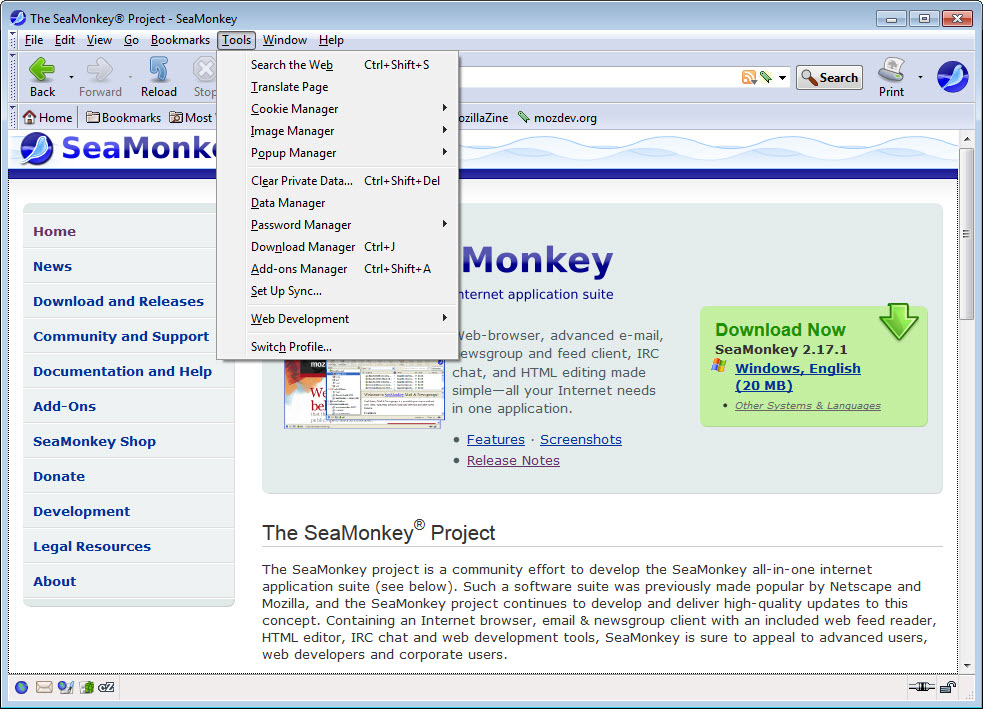
SeaMonkey puts four components in a single window sharing a single profile. A web browser, an email and newsgroup client, an address book, and a visual page editor. There is also a chat client for the older text networks.
The engine underneath is the same one a major browser uses, which settles the compatibility question in principle. Sites render because the same code is doing the rendering.
The page editor nobody else includes
Of the four SeaMonkey components, one is unusual enough to be the reason a certain kind of person keeps it installed.
A visual page editor sits inside the suite, letting you build a page by typing and formatting rather than by writing markup, then publish it directly. Almost nothing does that now, because page authoring moved to frameworks, build tools and content systems that assume a programmer.
For somebody who wants to produce a simple page, meaning text, some images and a few links, and put it somewhere, the alternatives are all wildly disproportionate. This does it the way it was done before the profession arrived.
Being honest about the output matters though. The markup it produces is dated in style, closer to how pages were written when the editor was designed than to current practice. For a personal page or an internal document that is entirely fine, and for anything a professional will inherit it is not.
The mail client is a serious one
The SeaMonkey mail component is more capable than a bundled client usually is, because it shares its lineage with a dedicated one.
Multiple accounts across the standard protocols, message filters, junk classification that learns from what you mark, newsgroup access, and a proper address book shared with the browser rather than kept separately.
That last detail is the suite argument in miniature. An address book both the mail client and the browser can reach is a small thing that separate applications handle badly, and having it once rather than twice is the point of the whole arrangement.
None of it exceeds Thunderbird, which is the dedicated client from the same tradition and considerably further along. The suite offers integration rather than superiority.
The browser, and the honest concern
Here is the SeaMonkey question deserving the most care, because it is where a suite carries a risk that a collection of separate programs does not.
The browser tracks the engine it is built on, and it tracks it at the pace a small volunteer team can manage rather than the pace the engine itself moves. Rendering updates and security fixes arrive later than they do in the mainstream browser.
For a text editor, lagging behind matters little. For a browser, the thing that renders untrusted content from strangers all day, it matters more, and anybody making this their primary browser should weigh that deliberately rather than assuming parity.
Firefox is the same engine kept current by a large organisation and updated on its own schedule.
Pale Moon is the other project in this family, taking a different position on how much of the old interface to preserve.
Add-ons, and what carried over
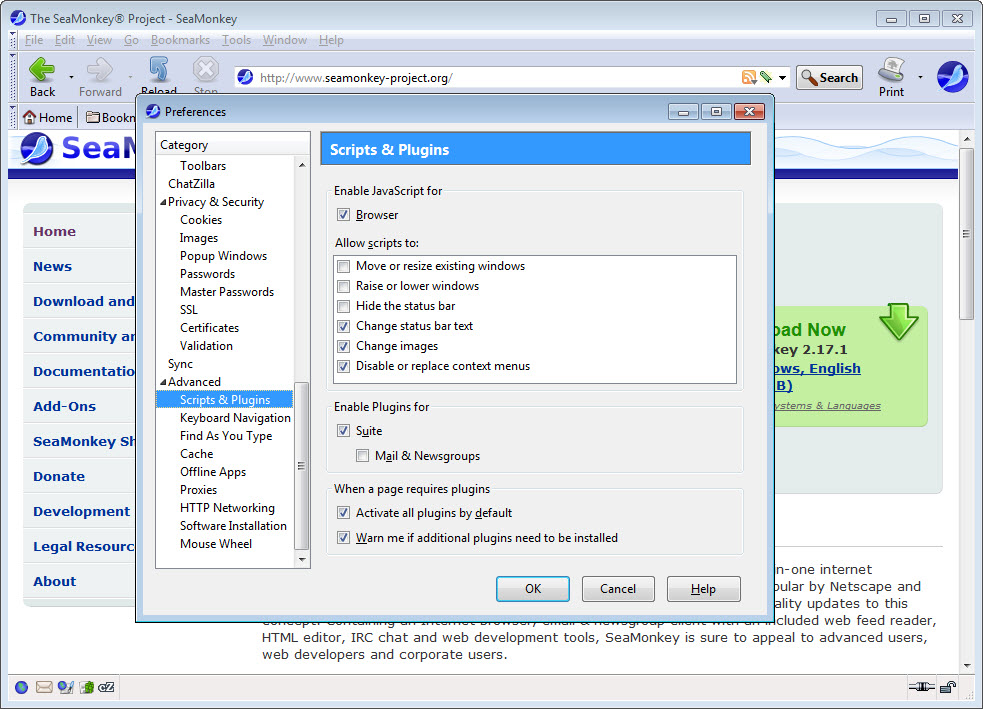
SeaMonkey supports extensions, and the catalogue is much smaller than the mainstream browser’s, which follows from a smaller user base and a different extension arrangement.
What that means practically is checking whether the extensions you depend on exist here before committing. Somebody with two or three essential extensions may find them, and somebody with a dozen almost certainly will not.
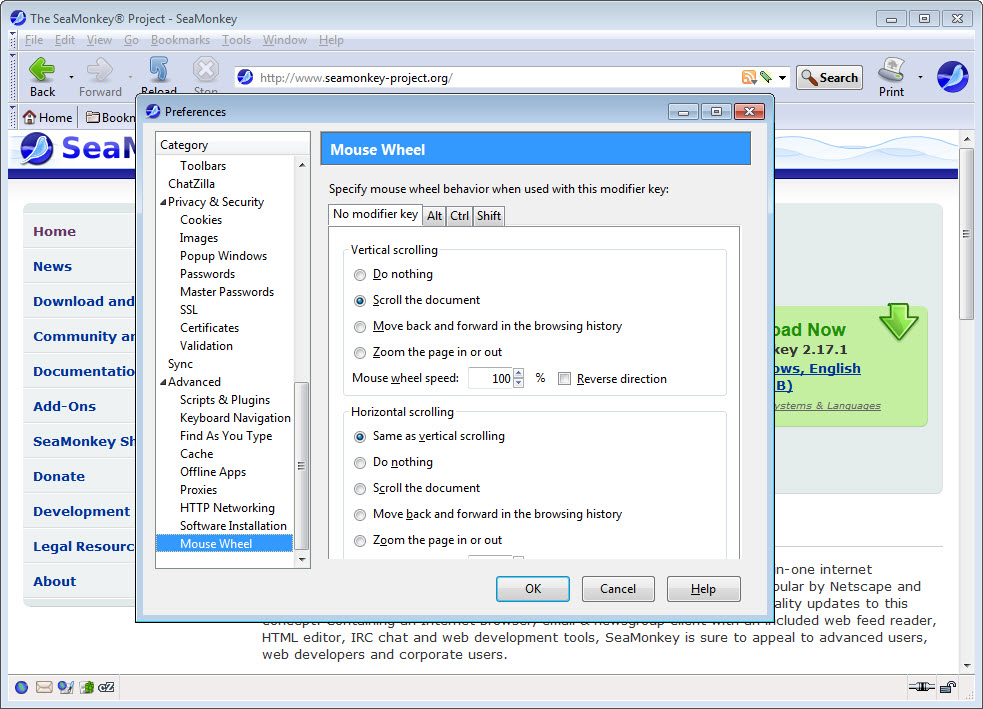
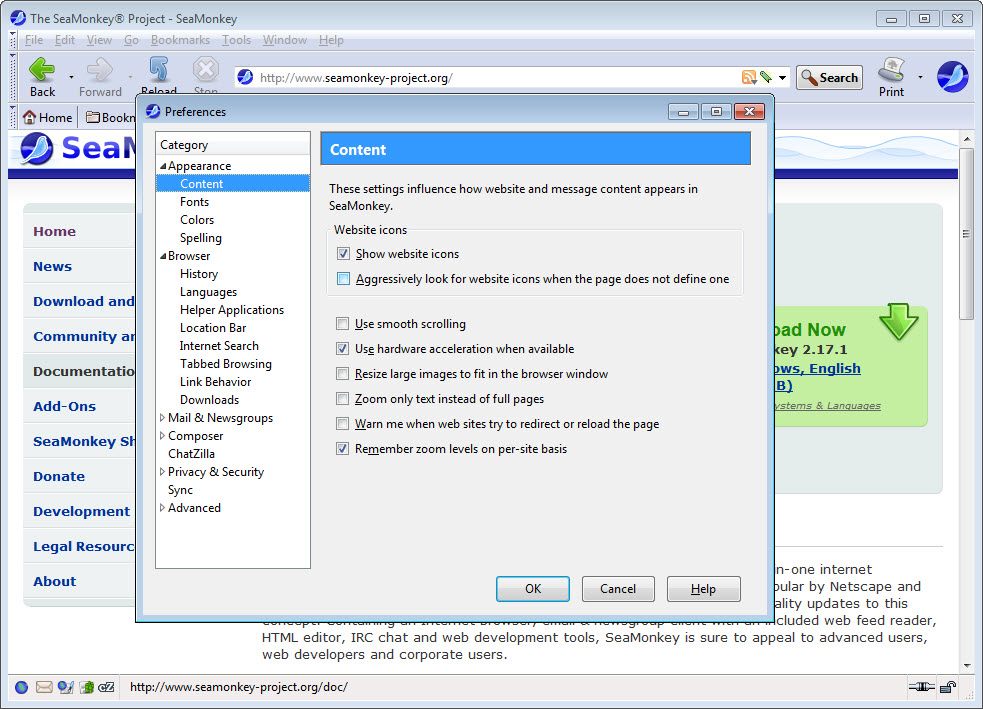
The older interface customisation survives in ways the mainstream browser abandoned, which is part of why the people who use this use it. Sidebars, toolbars, the general arrangement all remain adjustable to a degree that has otherwise disappeared.
Who it is for
The SeaMonkey audience is specific and knows itself, which is true of every surviving product from a category that ended.
Somebody who wants one program holding their browsing, mail and address book, with a page editor to hand, and who prefers an interface they can rearrange to one designed for them. That description fits fewer people than it did and it fits some people exactly.
The other survivor is worth comparing directly, and BriskBard takes the same idea considerably further, packing ten clients into one window rather than four.
Conclusion
SeaMonkey is a survivor from a category the industry abandoned, kept going by people who thought the abandonment was a mistake. The shared address book, the single profile and the page editor nobody else includes are real advantages for the specific person who wants them.
Approach the browser side with open eyes. A small team tracking a fast-moving engine means security and rendering updates arrive later, and that is the honest cost of the arrangement rather than a detail. Use it for the mail, the newsgroups and the page editor with enthusiasm, and think about whether your daily browsing belongs in something kept current by rather more people.
Features & benefits
Pros & Cons
- Browser, mail, newsgroups, address book and a page editor in one program
- A visual page editor almost nothing else still includes
- Address book shared between the mail client and the browser rather than duplicated
- Mail component properly capable, with filters and learning junk classification
- Interface customisation of a kind the mainstream browsers abandoned
- Built on a major engine, so sites render as they do elsewhere in principle
- Engine updates and security fixes arrive later than in the mainstream browser
- The page editor produces dated markup, unsuitable for professional work
- Extension catalogue is much smaller, so essential add-ons may be missing
- The mail client is outdone by the dedicated client from the same tradition
- A suite means one program's problem affects everything it contains
Frequently asked questions
A web browser, an email and newsgroup client, an address book and a visual page editor, sharing one window and one profile. A chat client for the older text networks comes with it.
For a simple personal page, yes, and it is one of very few programs that still does this at all. The markup it produces is dated in style, so anything a professional will maintain afterwards belongs in current tools.
Weigh that carefully. It is built on a major engine and maintained by a small volunteer team, so rendering and security updates arrive later than in the mainstream browser. That matters more for a browser than for anything else in the suite.
Some will. The catalogue is considerably smaller than the mainstream one, so checking for the specific extensions you depend on before committing is sensible rather than optional.
For shared components and one window. An address book both the mail and the browser reach, one profile, one set of settings, and no switching between applications, which separate programs handle less gracefully than they might.


