

Sculptris
About Sculptris
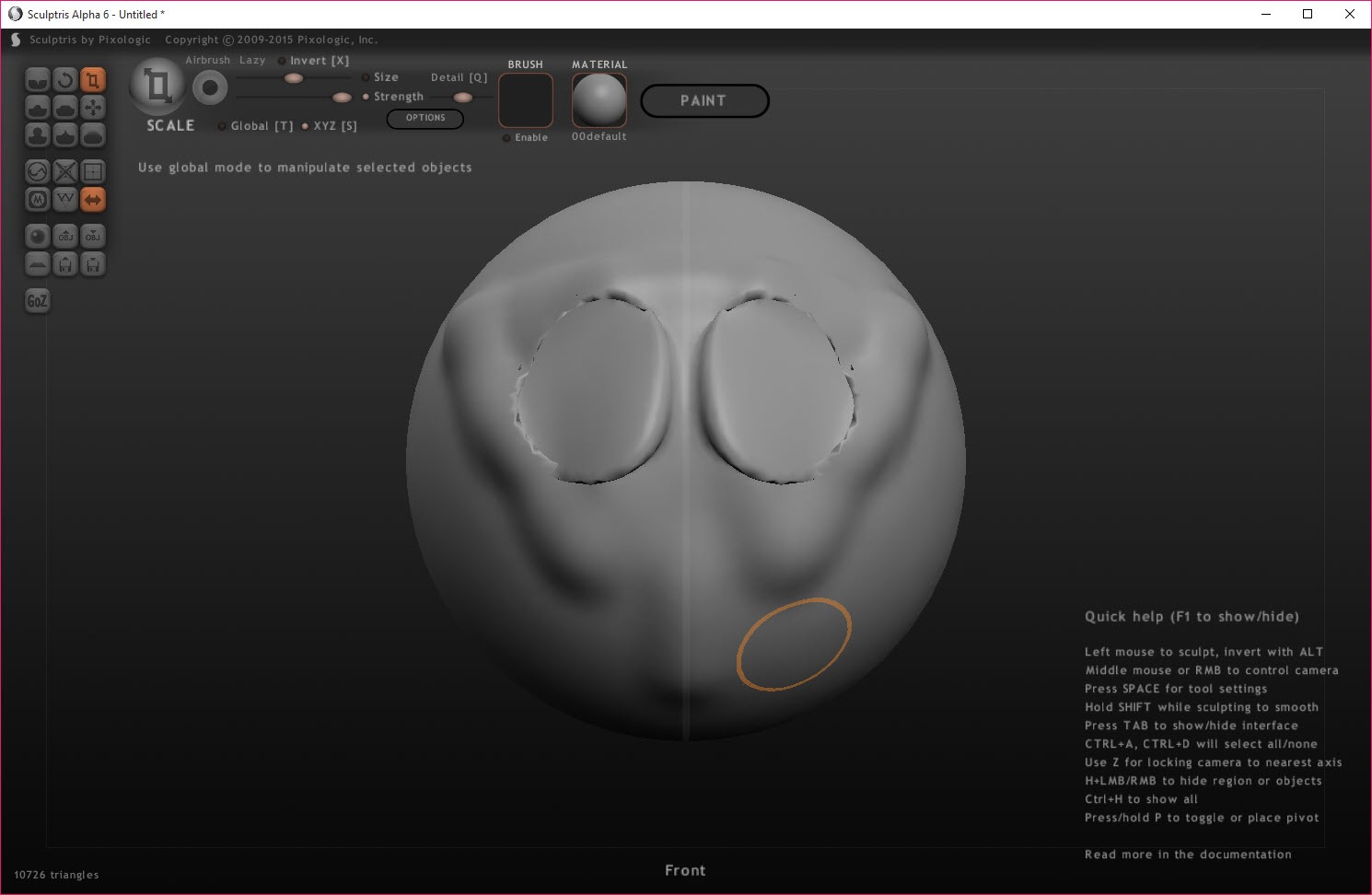
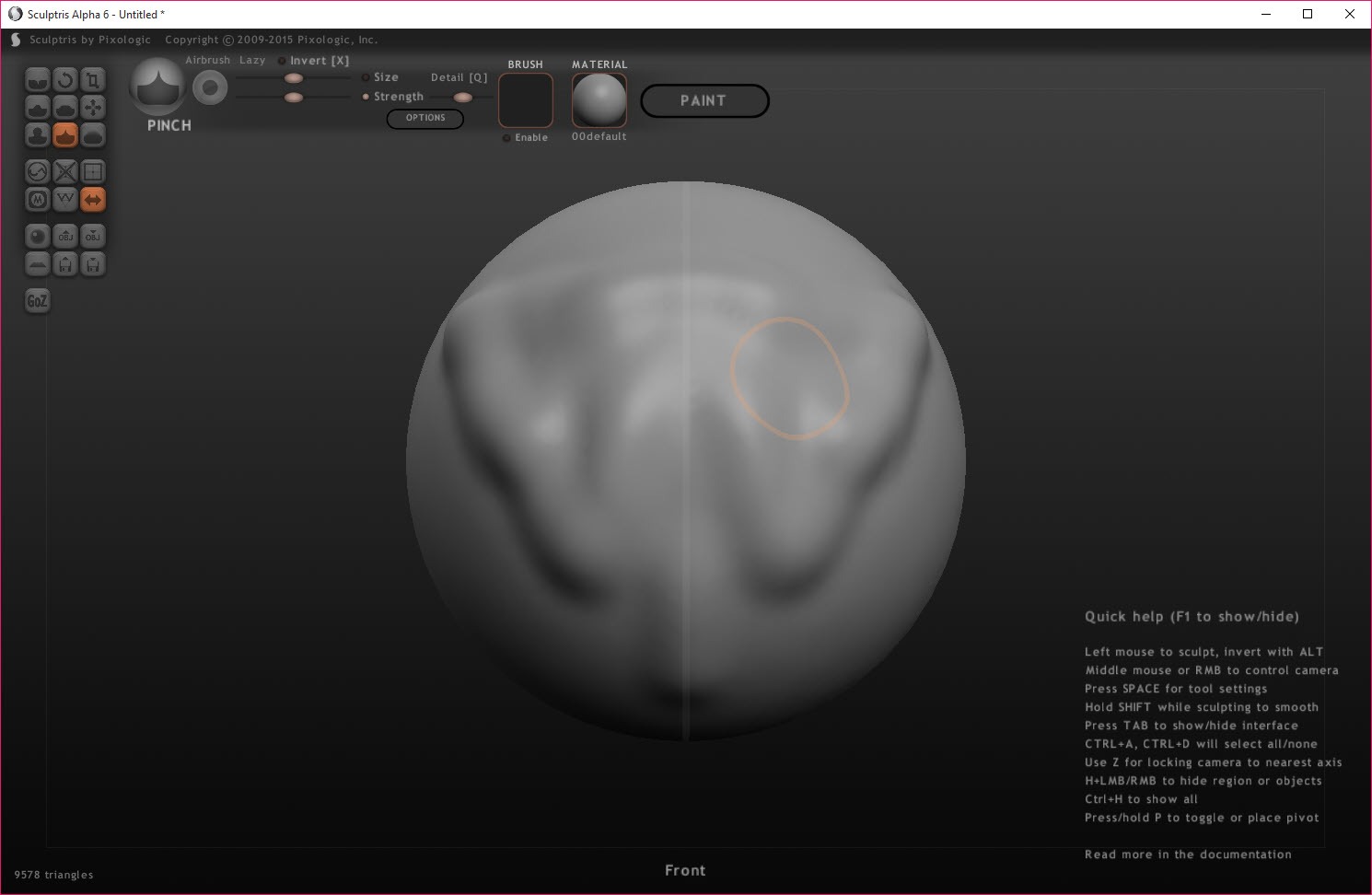
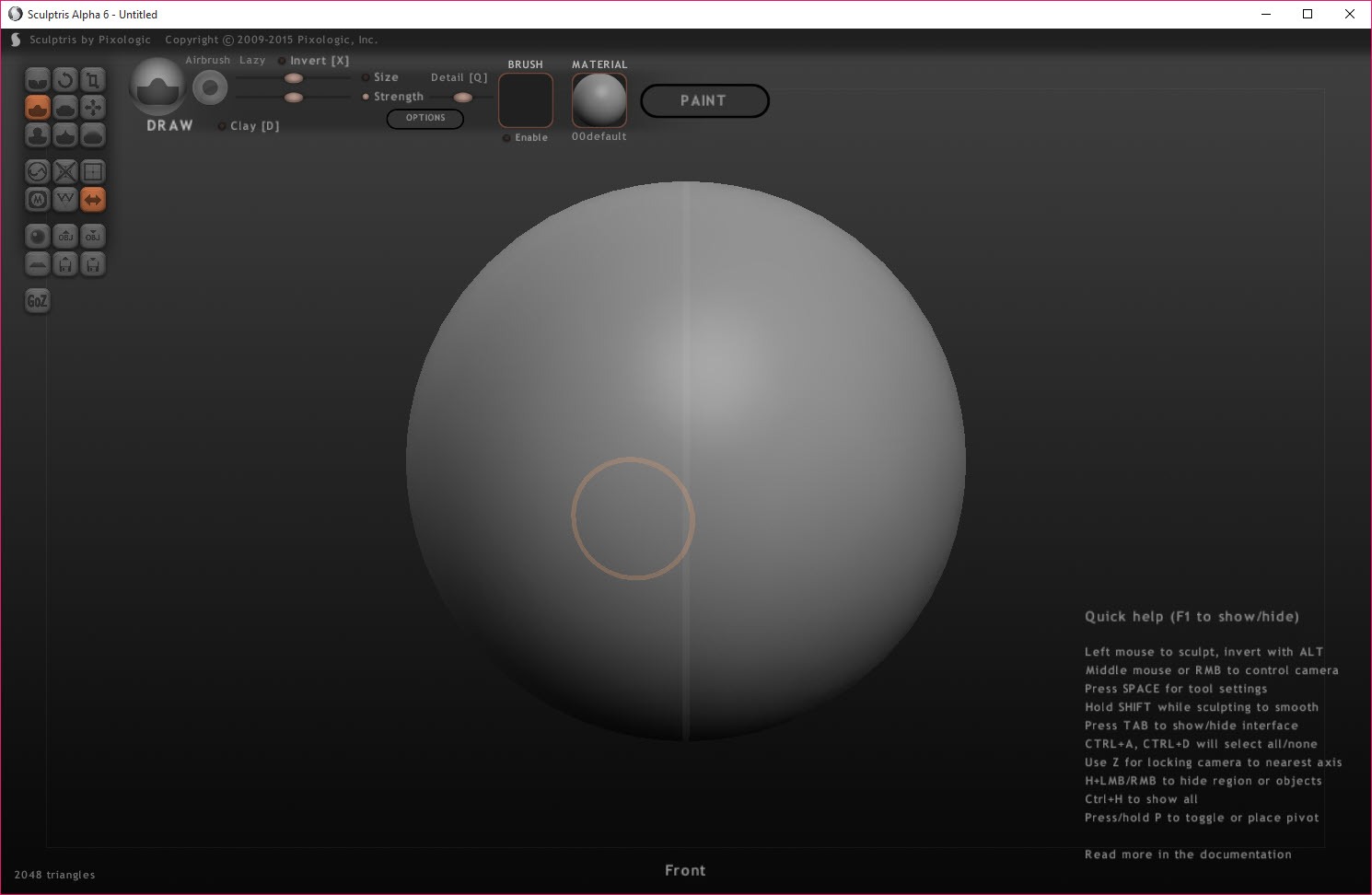
Sculptris lets you sculpt a 3D model the way you would push clay. Start with a ball, drag a brush across it, and the surface swells, creases or flattens under the stroke. Where you add detail, the mesh adds triangles by itself. Where the surface stays smooth, it stays sparse.
You never choose a polygon count, never subdivide by hand and never think about edge flow, because the program handles the geometry while you handle the shape. That is dynamic tessellation, and this was the program that showed a generation of hobbyists what it felt like before the big sculpting suites borrowed the idea.
It is finished software, and that needs saying plainly. Sculptris was left at an alpha release and never finished. Its ideas were folded into a professional suite and later into a cut-down edition that has itself been retired, and the support page now calls it a legacy application that is no longer developed.
It still runs, as a 32-bit program, on current machines. The sections below cover the sculpting, the brushes and symmetry, the painting mode and its one-way door, the exchange with other programs, and what it is honestly still good for.
Sculpting without counting polygons
In Sculptris the mesh grows where the brush touches. Pull out a nose and the triangles multiply around it to carry the detail. Leave the back of the head alone and it stays a few hundred faces. A detail slider on each brush decides how fine the new geometry gets, and a Reduce brush thins a region that has grown too dense, with a global reduce for the whole model.
The result is a model that is detailed where it matters and light where it does not, without a single manual subdivision.
A mask protects parts of the surface from the brushes, so a finished eye is not smeared while the brow is worked. Alphas, small greyscale patterns, give brushes a texture, so a stroke leaves scales or pores rather than a smooth dent.
Several objects can share a scene, imported one at a time and positioned, and a new scene starts from a sphere or a plane.
Brushes and symmetry
The Sculptris brush set is short and covers what clay needs. Draw adds or removes volume along the stroke, Grab pulls a region as if pinching clay, Inflate swells, Crease cuts a sharp line, Flatten planes a surface, Pinch gathers it and Smooth evens everything out. Each has size and strength, plus a detail setting, and most invert with a key for the opposite effect. A tablet’s pressure drives strength and size, which is where the program feels most like sculpture.
Symmetry mirrors every stroke across an axis, so a face or a creature is sculpted on one side and appears whole. Imported models may need symmetry switched on by hand, since the program cannot assume where their centre lies.
The interface is a ring of large illustrated buttons that reviewers of the time described as closer to a game than a design program, and it is still the reason the program is easy to start.
Paint mode, and the door that only opens one way
A second Sculptris mode paints the model. Switch to it and the program unwraps the surface automatically, builds a texture map, and lets you paint colour and materials directly onto the model in three dimensions with the same brushes. Bump painting adds fine detail through the texture alone, and projection painting takes an image edited elsewhere and projects it onto the surface. The texture exports as an image for use anywhere.
The door only opens one way. Once a model enters paint mode, it cannot go back to sculpting, because the texture mapping depends on the point structure staying fixed. That is the single most important thing to know before the first project.
Finish the shape, save a copy, and only then paint. For sculpting and painting in a program that lets you go back and forth, Blender does both with far more depth and far more to learn.
Moving models in and out
Sculptris models import and export as OBJ, the plain format every 3D program reads, with an option to include vertex normals. A model sculpted here opens in a modelling program, a renderer or a slicer, and a model made elsewhere can be imported and sculpted, with its UV mapping kept for painting or stripped for sculpting. Textures travel as images, and the program’s own format saves a scene with everything intact.
A one-button exchange sends a model to the professional suite the program grew into and brings it back, which only works for owners of that suite. For repairing a sculpt before it goes to a printer, closing holes and thickening thin walls, a mesh repair tool is the classic companion.
What it is still good for
Here is the plain answer about Sculptris. It is still good for learning what digital sculpting feels like, in an afternoon, with nothing to configure and a brush set small enough to understand at once. It is still good for quick organic shapes, a creature, a bust, a prop, that will be finished elsewhere or printed as they are.
It is still good as a 3D printing sketchpad, since an OBJ goes straight into a slicer. And it is still good for a classroom or a child, where the game-like interface and the forgiving mesh are advantages rather than limits.
It is not good for production work. It has had no fixes for a very long time, and it runs as a 32-bit program with the memory limits that implies. It has no undo history to speak of beyond the basics, and its paint mode is a one-way trip.
A serious sculptor outgrows it in weeks, which was always the point, and the program it leads to is a different conversation.
Conclusion
Sculptris suits beginners who want to feel what digital sculpting is like without a week of tutorials, plus teachers and children, and anyone who wants a quick organic shape for a print or a scene. The dynamic mesh, the clay-like brushes and the instant interface are why it is still remembered and still installed.
It is finished, 32-bit and limited, and its paint mode is a one-way door. Sculpt first, save before painting, export as OBJ, and move to a full program when the shapes outgrow it.
Pros & Cons
- Dynamic tessellation that adds detail where the brush works and nowhere else
- A short, clay-like brush set with masks and alphas, plus symmetry
- Tablet pressure driving brush strength and size
- Paint mode with automatic unwrapping and bump and projection painting
- OBJ import and export that connects to every modelling program and slicer
- Game-like interface that a beginner understands in minutes
- No longer developed and left at an alpha release
- Paint mode cannot return to sculpting
- 32-bit only, with its memory limits
- Minimal undo and no production features
Frequently asked questions
Paint mode fixes the mesh so the texture map stays valid, and sculpting would break it. Finish the shape and save a copy before painting.
Yes. Pen pressure drives brush strength and size, which is where the program feels most like real clay.
Yes. Export it as OBJ, repair it if needed in a mesh tool, and open it in a slicer.
No. It was left at an alpha release, and the support page calls it a legacy application. It still runs on current machines.


