

Samsung Smart Switch
About Samsung Smart Switch
Getting a new phone means facing the question of what comes across from the old one, and the answer varies enormously depending on where you are moving from. Samsung Smart Switch handles that transfer when the destination is a Samsung device, and it accepts a source of almost any kind.
The old phone can be another Samsung, an Android device from a different manufacturer, or an iPhone. That last one is the interesting case, since moving between platforms is where the arrangements stop corresponding and people lose things.
Samsung Smart Switch offers three routes. The phones talk to each other wirelessly, they connect directly by cable, or the computer sits in the middle holding a backup.
What actually crosses over, and what does not
Here is the part that decides whether a Samsung Smart Switch transfer meets your expectations, and no product description states it plainly.
Contacts, messages, call history, photographs, video, music, calendar entries and most settings transfer reliably. That covers what most people mean when they say everything.
Applications are different. What transfers is the list of which applications you had, and the new phone downloads them fresh. The applications arrive and the data inside them mostly does not.
That distinction matters more than it sounds. Game progress, notes held inside an application, login sessions, offline downloads and anything an application stored privately generally start empty on the new device. Some applications sync their own data through an account and reappear complete, and those are the ones that survive, not because of this software but because they were built that way.
Moving from another platform narrows it further, since the two sides organise messages and contacts differently and the conversion is approximate.
So the honest expectation is that the phone will feel familiar and several applications will want signing into again.
The desktop side is more useful than people realise
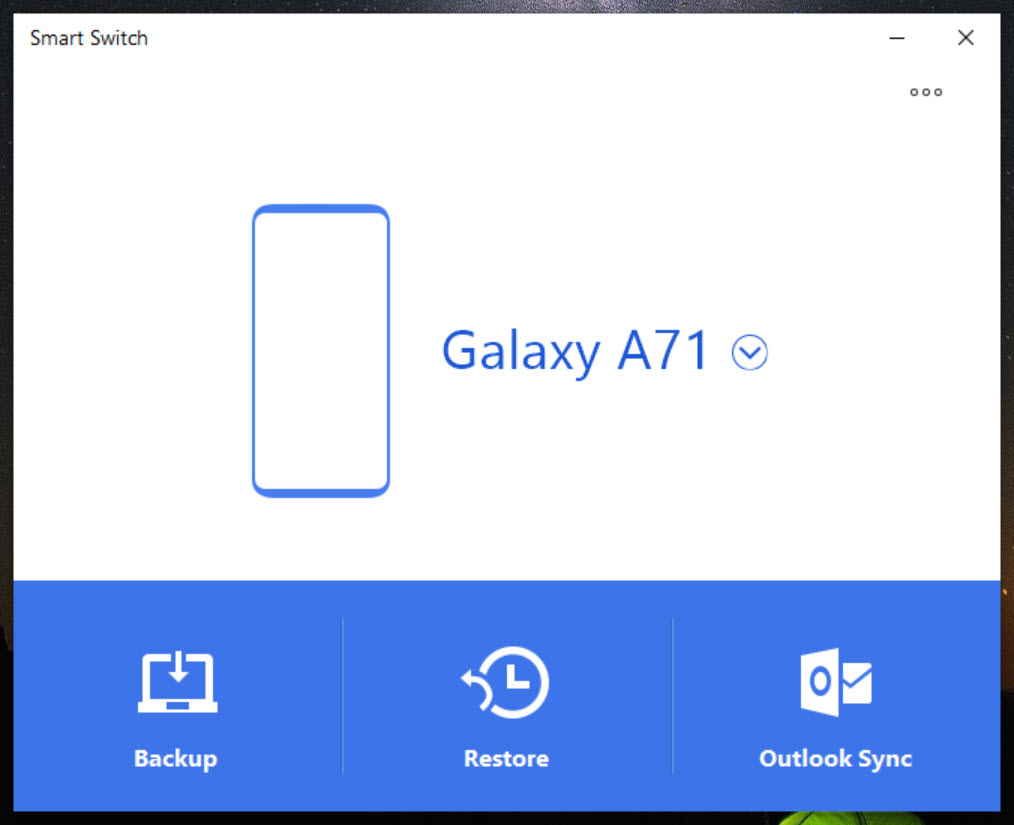
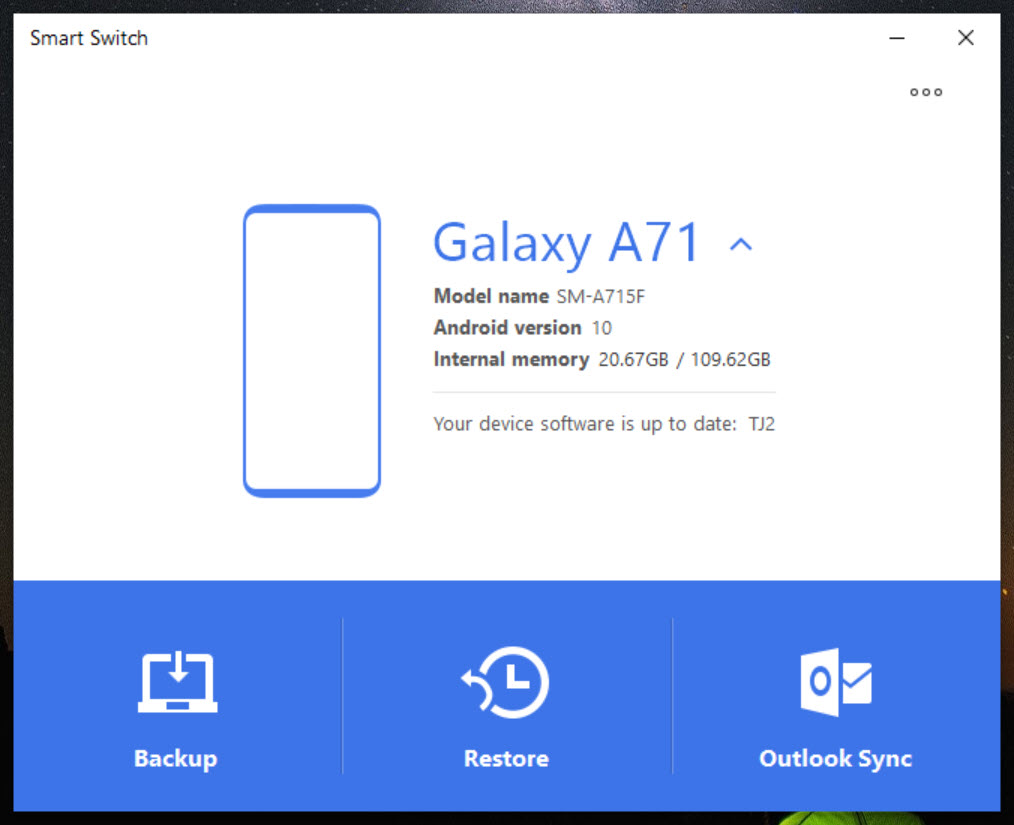
Beyond the phone-to-phone transfer, Samsung Smart Switch has a computer application doing two things people overlook.
The first is a local backup. The whole device copies to your own computer, held as files you control rather than in an account, and restores to the same phone or a replacement later.
That is properly valuable and underused. Cloud backups depend on an account, a subscription tier and a connection, and a local copy depends on none of those. Anybody about to attempt something risky with a phone should make one first.
The second is restoring from the other platform’s backup. If an iPhone was backed up to the computer previously, that backup can be read and its contents moved across, which covers the case where the old phone is already gone.
For that original backup to exist in the first place, iTunes is what produced it on the computer.
The recovery function nobody knows about
One Samsung Smart Switch capability sits quietly in the desktop application and matters enormously on the day you need it.
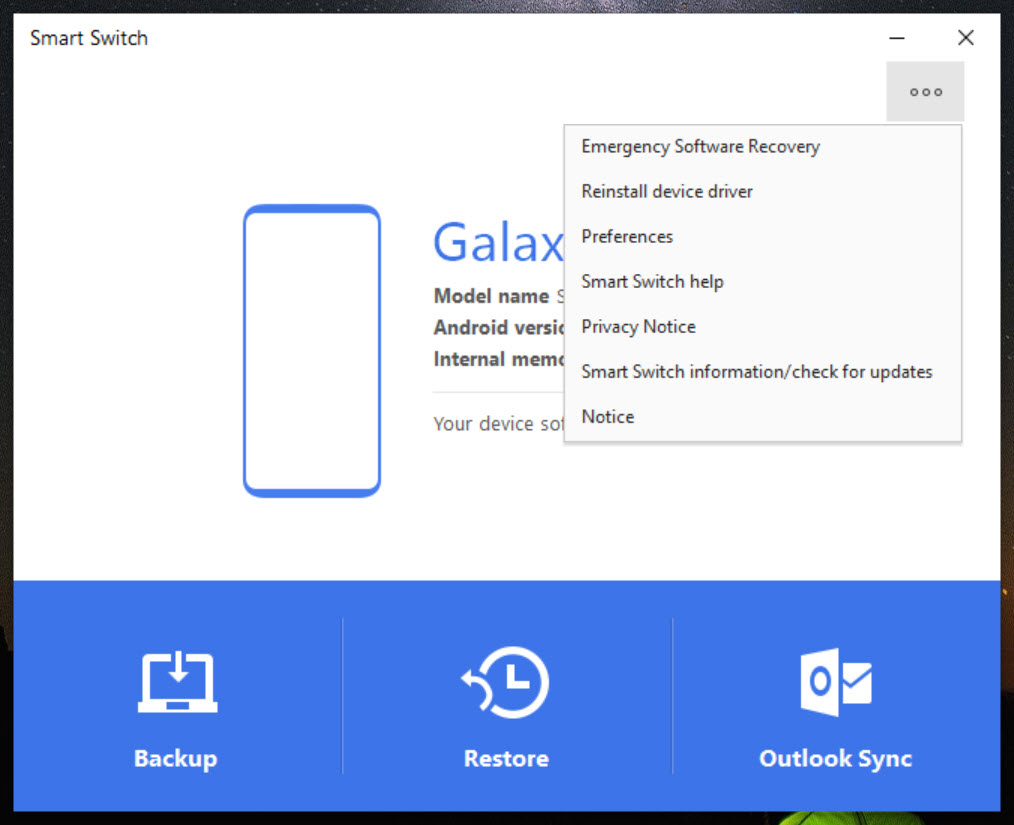
A Samsung phone that will not start properly, that is stuck during boot or that failed partway through an update can have its software reinstalled from the computer.
That turns a phone somebody would otherwise take to a shop into a phone that works again in twenty minutes. It requires the device model and a working cable, and it is the sort of thing worth remembering exists rather than discovering afterwards.
It moves you in one direction
Being clear about the Samsung Smart Switch design, because it shapes what the software is for.
The destination is always a Samsung device. Transferring from a Samsung phone to a phone from another manufacturer is not the job, and the tool is not built to help you leave.
That is unsurprising and it is worth stating, since people occasionally install it hoping for the reverse. Moving away means using whatever the new manufacturer provides, and each maker supplies its own equivalent.
For general file movement between a phone and a computer, a tool that moves files and notifications over the network does that for devices of any brand.
The older Samsung tools it replaced
Anybody with an older Samsung phone may remember different software doing what Samsung Smart Switch does now.
The desktop tools that came before covered screen mirroring, file transfer and synchronisation in various combinations, and SideSync was one of them, retired along with the rest when management moved to a phone application and this transfer tool.
What remains supported is this, which does the transfer and backup part and leaves mirroring to other software.
Conclusion
Samsung Smart Switch does the job it was built for competently, and accepting a source from any platform makes it more useful than the equivalents from most manufacturers. Contacts, messages, photographs and settings arrive intact, and the phone feels familiar within an hour.
Set expectations about applications, because that is where the disappointment lives. They reinstall without their contents unless they sync through an account, so expect an evening of signing back into things. And remember the desktop version exists, since a local backup you hold yourself and the ability to revive a phone that will not start are both worth more than the transfer people install it for.
Pros & Cons
- Accepts a source device of almost any kind, including from another platform
- Three transfer routes covering wireless, cable and via a computer
- Local backup to your own computer, independent of any account
- Reads a backup left by the other platform's desktop software
- Reinstalls device software on a phone that will not start properly
- Free, from the same source as the hardware
- Applications reinstall without their data in most cases
- Cross-platform transfers convert messages and contacts approximately
- The destination must be a Samsung device, so it will not help you leave
- Screen mirroring and remote access are not part of it
- Several applications will need signing into again afterwards
Frequently asked questions
It transfers the list of applications and the new phone downloads them fresh. The data inside them mostly does not come across, except where an application syncs its own data through an account.
Yes, either directly from the device or by reading a backup left on your computer by the other platform's software. Messages and contacts convert approximately, since the two sides organise them differently.
A local backup you hold as files rather than in an account, restoring from that backup later, and reinstalling device software on a phone that will not start properly.
No. The destination is always a Samsung device, and moving away means using whatever the new manufacturer provides.
Because login sessions live inside application data, which mostly does not transfer. The applications arrive, and their contents start fresh unless the application restores them from its own account.


