

RogueKiller
About RogueKiller
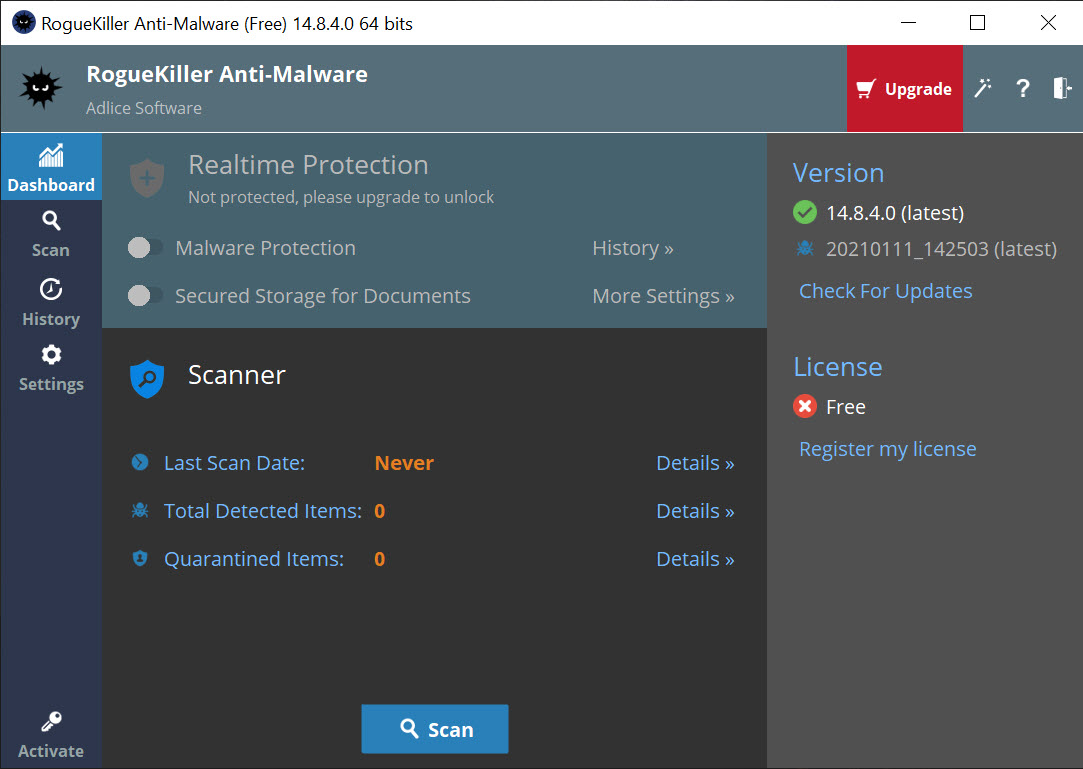
RogueKiller hunts the malware your regular antivirus tends to miss. It’s an on-demand scanner built specifically for the stealthy, deeply embedded threats, rootkits, rogues, and infections that bury themselves in system processes and the registry to dodge ordinary protection. Point it at a machine you suspect is compromised, run a scan, and it digs into the places malware actually hides rather than just sweeping the obvious files.
The thinking behind it is simple and worth understanding. Your main antivirus is good at catching known threats in real time, but advanced malware is designed to evade exactly that kind of detection.
It hooks into the operating system, fakes legitimate processes, and rewrites the bits of the system that decide what runs at startup. RogueKiller goes after those specific tricks. It examines running processes and memory, the registry, scheduled tasks, the HOSTS file, the Master Boot Record, and your browsers, the technical hiding spots where a clever infection sets up shop.
That makes it a second-opinion scanner, the tool you reach for when something feels wrong but your usual protection says everything’s fine. It runs alongside what you already have rather than replacing it, and for catching what slipped through, that’s exactly the role it plays best.
What does it actually scan for?
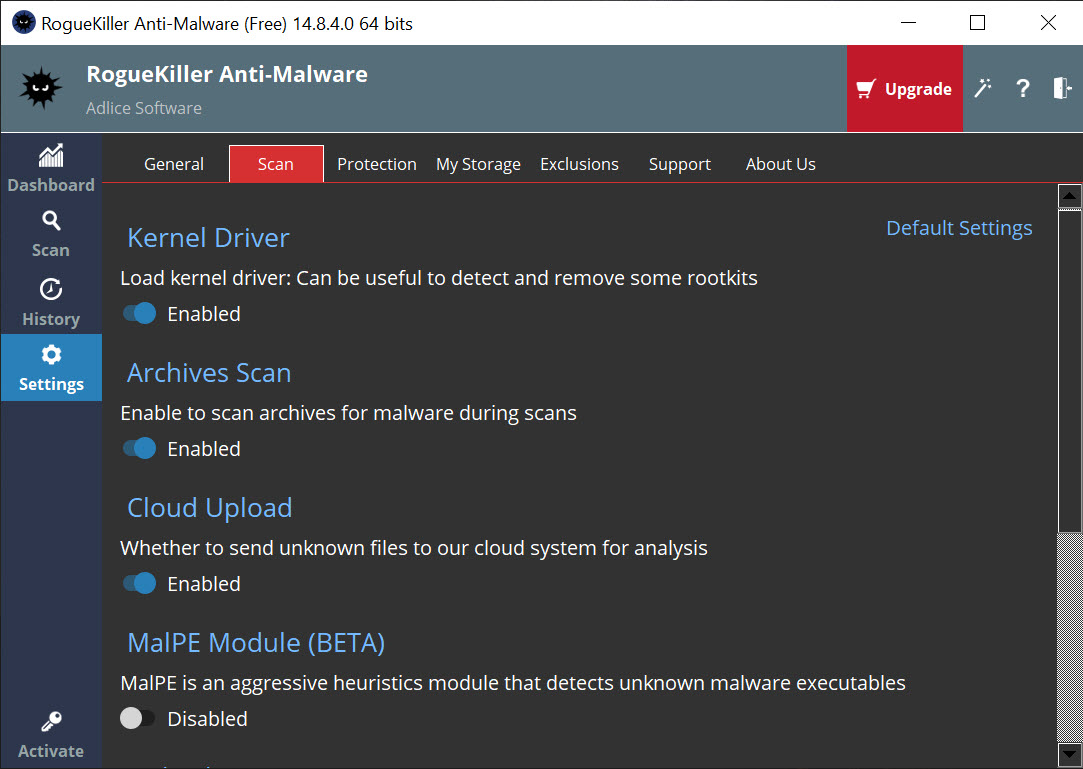
The detection engine combines two approaches. Heuristics flag behavior and patterns that look malicious even for threats it’s never seen before, while signature matching catches known malware. Together they let it spot both established infections and newer variants that haven’t been catalogued yet.
What sets it apart is where it looks. It finds and removes malicious autostart entries across registry run keys, the task scheduler, and startup folders, the persistence tricks malware uses to survive a reboot. It hunts registry hijacks like shell and load entries, file-extension association hijacks, and DLL hijacks.
It checks the HOSTS file for hijacked DNS entries that silently redirect your traffic, inspects the Master Boot Record for rootkit symptoms, and can restore system files that a rootkit has patched or faked. This is surgical, low-level stuff that a general-purpose scanner rarely touches.
A dedicated rootkit tool like TDSSKiller tackles a slice of this, but RogueKiller covers a much wider spread of hiding places in one pass.
The color-coded results and what they mean
When a scan finishes, you get a list sorted into clear categories. These cover Processes, Registry, Tasks, Hosts, Antirootkit, Files, MBR, and Web Browsers. Each finding is color-coded so you can read the severity at a glance. Red marks confirmed malware, orange flags likely PUPs (potentially unwanted programs), gray means suspicious and worth a closer look, and green indicates something known to be safe.
That system helps a lot, but it’s also where you need to pay attention. RogueKiller is an aggressive scanner by design, and aggression cuts both ways. It surfaces borderline items that a gentler tool would ignore, which is great for thoroughness but means you can’t just hit delete on everything it flags. The red entries are usually safe to remove.
The gray and orange ones deserve a careful look first, because legitimate software sometimes trips the same wires as malware. If you’re unsure, the smart move is to leave a questionable entry alone rather than break something. This is a tool that rewards a little knowledge.
Tools for fixing an active infection
Detection is only half the fight. Live malware actively resists removal, and the tool comes armed for that. The built-in process killer terminates malicious processes that are running right now, including hidden ones, so they can’t keep regenerating the files you’re trying to delete. It can stop malware services, unload infected DLLs from otherwise legitimate processes, and clear out the autorun entries that would otherwise bring the infection back on the next boot.
There are targeted repair functions too. It can fix a hijacked HOSTS file, undo proxy-server hijacks that route your traffic through an attacker, and restore shortcuts that certain rogue programs hide to convince you your files have vanished.
For a machine that’s already actively infected and fighting back, having a process killer like RKill folded into the same scanner that does the cleanup is a real convenience. You disarm the threat and remove it from the same window.
Cross-checking and customizing your scans
One smart feature is the ability to upload a suspicious object to VirusTotal, which checks it against a large set of antivirus engines at once. When RogueKiller flags something and you’re not sure, that cross-check gives you a second, broader read before you decide what to do with it. It’s a sensible safety net for the borderline cases.
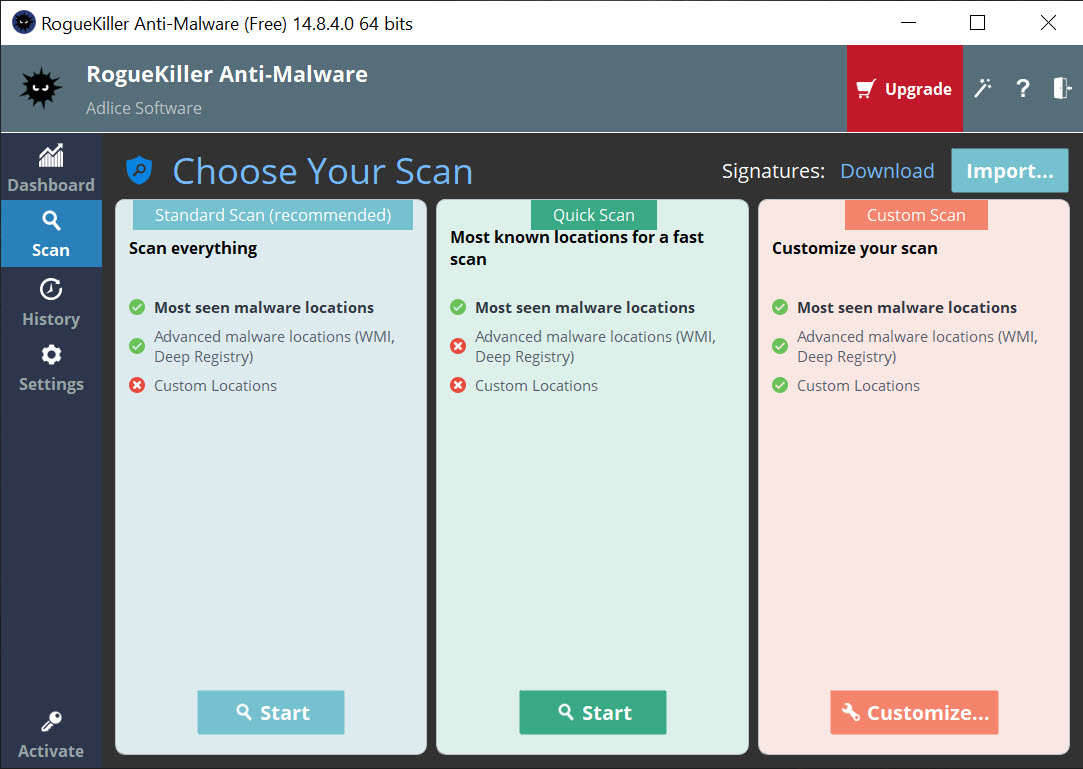
You can also shape how it scans. Quick, full, and custom modes let you choose between a fast pass and a deep inspection, and the custom option lets you target specific areas like just the registry or a particular folder. Scans can be set to run automatically at startup or on a schedule, so you can keep a periodic check running in the background.
Throughout all this it stays light on system resources, which matters when you might be running it on a machine that’s already struggling under an infection. If you want a broader on-demand cleaner to pair with it, Malwarebytes and AdwCleaner make natural companions.
Conclusion
RogueKiller is a specialist’s tool that does one job extremely well, digging out the advanced, hidden malware that ordinary antivirus leaves behind. Its strength is reach, scanning the registry, memory, boot record, and other low-level corners where rootkits and persistent infections hide, then giving you the process killer and repair tools to actually remove them. As a second opinion when something feels off, it’s hard to beat.
The trade-off is that it asks something of you in return. The aggressive scanning and low-level results mean it suits a curious, careful user more than someone who wants a one-click fix, and deleting findings blindly can cause problems.
But if you’re comfortable reading a scan log and you want a tool that catches what your antivirus doesn’t, this is one of the sharpest options around. Keep it on hand, run it when you’re suspicious, and it’ll find things you’d never have spotted otherwise.
Features & benefits
Pros & Cons
- Targets advanced threats like rootkits and registry hijacks that regular antivirus misses
- Scans low-level hiding spots including memory, MBR, HOSTS file, and the registry
- Heuristics plus signature detection catch both known and brand-new variants
- Color-coded results make threat severity easy to read at a glance
- Process killer terminates active and hidden malware so cleanup can finish
- Repairs hijacked HOSTS files, proxy settings, and rootkit-patched system files
- VirusTotal upload gives a multi-engine second opinion on borderline finds
- Runs light and works as a second-opinion scanner alongside your main antivirus
- Aggressive scanning surfaces borderline items that need user judgment before deleting
- Novices risk deleting legitimate entries flagged as suspicious without checking first
- The base scanner is on-demand rather than always-on real-time protection
- Some advanced options are reserved for the upgraded tier
- The low-level results can look intimidating if you're not familiar with system internals
Frequently asked questions
It's an on-demand anti-malware scanner that targets advanced threats like rootkits, rogues, and registry hijacks that traditional antivirus often misses. It scans deep system areas to find and remove infections that hide in processes, the registry, and boot records.
It's designed to complement rather than replace your main antivirus. The base scanner works on-demand as a second opinion, catching stealthy threats your always-on protection might overlook, so running both together gives you better coverage.
Red marks confirmed malware, orange indicates likely potentially unwanted programs, gray means suspicious items worth a closer look, and green is something known to be safe. The colors help you judge severity before deciding what to remove.
It works, but it's an aggressive scanner that can flag borderline items, so some care is needed. Removing red entries is usually fine, while gray and orange ones deserve a closer look so you don't delete legitimate software by mistake.
Yes, that's one of its core strengths. It inspects the Master Boot Record, system memory, and kernel-level hooks for rootkit symptoms, and it can restore system files that a rootkit has patched or faked to hide itself.
It's a tool you run alongside your main antivirus to double-check for threats the primary protection missed. RogueKiller fills this role well, since it targets the advanced, hidden infections that everyday antivirus engines tend to overlook.


