

Roboget
About Roboget
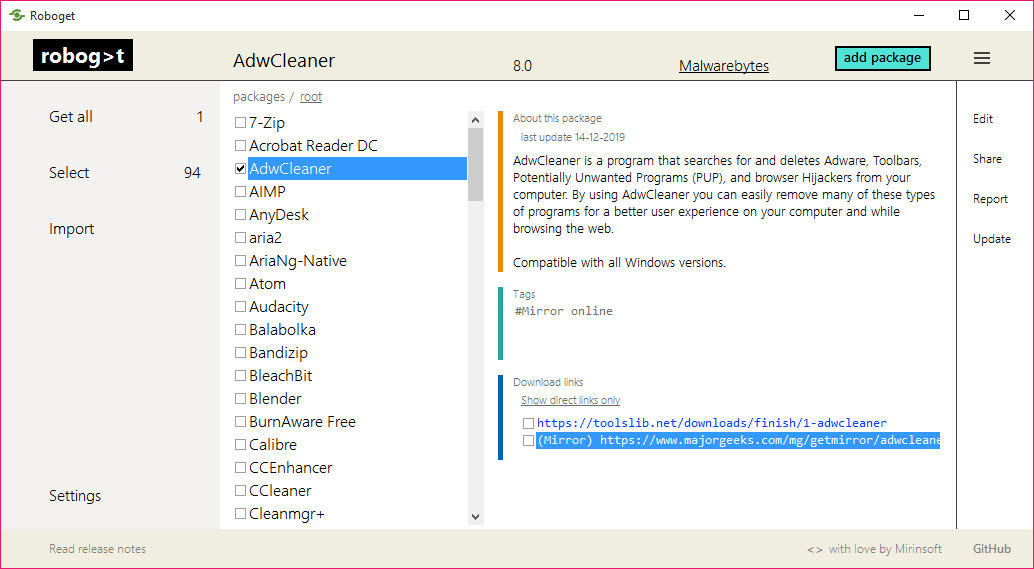
Roboget is a small portable downloader with a built-in list of commonly used programs, where you tick what you want, press one button, and the current installers land in a folder, ready to run. The catalogue is a curated set of a hundred or so familiar titles, archive tools, image viewers, media players, meeting clients and the like, and each entry opens to a short description, compatibility notes, tags and the download links themselves. Think of it as a shopping list for setting up a machine, rather than as a package manager.
That distinction matters, because the catalogue subtitle people attach to this tool, keeping installed apps current, oversells it. Roboget fetches installers. It shows whether a program from its list is already present on the machine, and it can be pointed at that list again when new versions appear, but it does not scan the system for everything installed, it does not patch anything silently, and it does not run the installers for you.
Anyone expecting Patch My PC will be disappointed within a minute, and anyone who wanted a tidy way to collect twelve installers for a fresh setup will be done within five.
A list, a basket, a folder
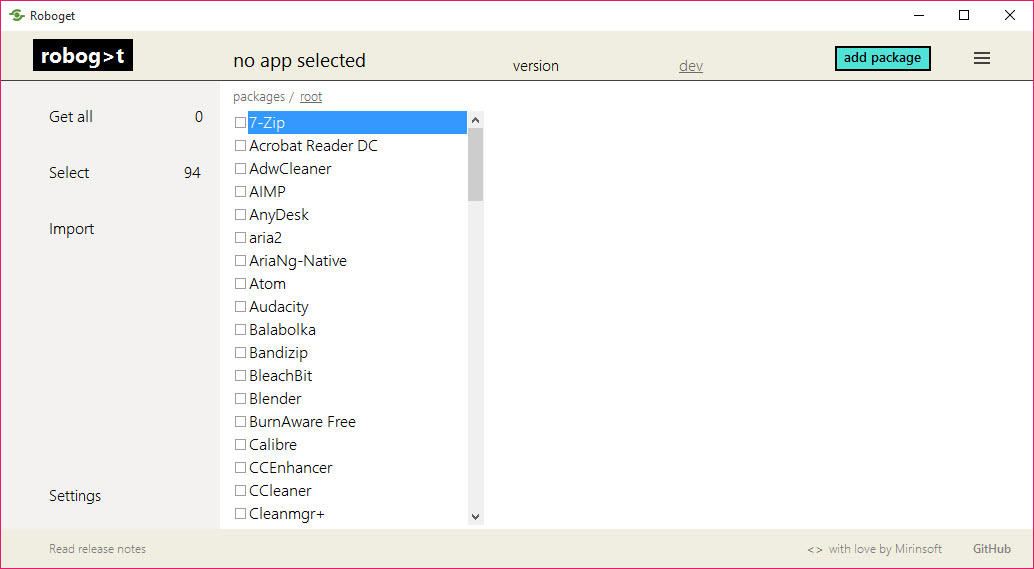
The main window is the package list, in alphabetical order with no categories, which is fine at a hundred entries and would not be at a thousand. Ticking entries adds them to a download basket, and a Get All button runs the basket in one go.
Each download runs through a command-line fetcher in its own small window that closes when the file arrives, which looks alarming the first time and is harmless. The installers save to the tool’s own folder, so a stick with the tool on it comes home carrying the installers too.
A summary tab records what was fetched and when, and the per-program page can send the download links by email, which is a strange feature until you need to tell a relative exactly what to install.
What the list tells you before you download
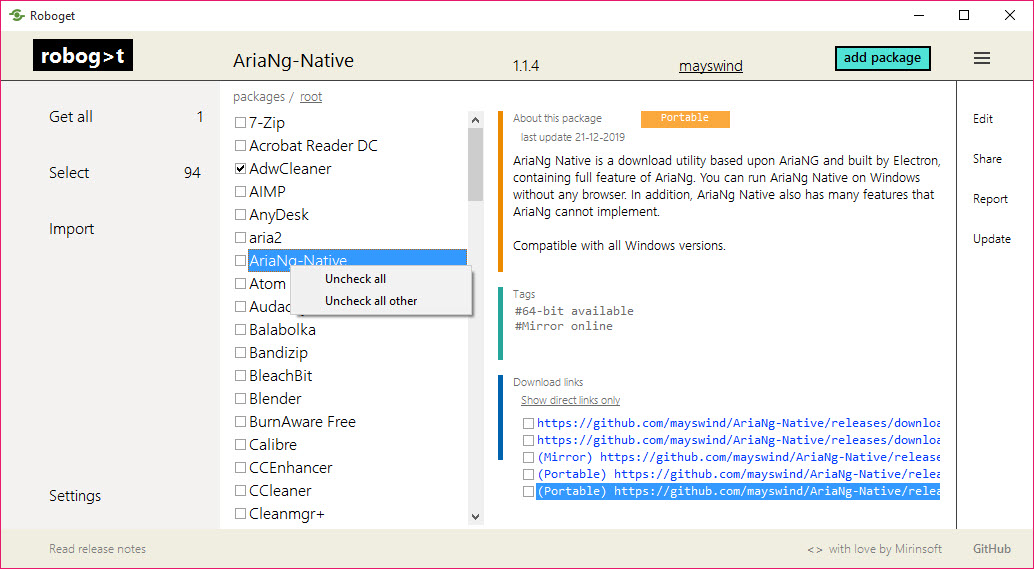
Each Roboget entry shows which systems the program supports, whether a portable build exists, and tags that describe the category the catalogue otherwise lacks. The installed marker is the useful one. Open the list on a machine and it flags the programs from its catalogue that are already there, so a setup session skips what the previous person installed. That is as close as the tool gets to update checking, and it is honest about the gap. A flagged program is present, not necessarily current.
Sizes, fetchers and an external manager
What the Roboget list does not show is size. There is no per-file or total figure, so a basket of twenty entries is a surprise on a slow connection. The fetcher can be switched between two command-line downloaders in the settings, and a third option hands the links to an external download manager, which at least lets a better tool handle the bandwidth.
Where the limits are
Downloads are fetched from the links in the catalogue and nothing is verified afterwards. No checksum, no signature check, no comparison with a known-good hash. For familiar programs from well-known projects that is the same risk as fetching them by hand, and no worse, but the tool adds no safety on top.
It also depends on the catalogue being maintained, and a stale entry points at a build that may be several versions behind or at a link that no longer resolves. The tool itself has needed fixes when the server hosting the catalogue moved, which tells you how thin the layer between you and that server is.
And it is a beta that has stayed a beta. The interface has rough corners, the select-all button serves no purpose anyone has found, and a crash on an entry with a broken link is not unknown. Roboget works, in the sense that the basket fills a folder with installers, and it has never pretended to do more.
Conclusion
Roboget is for the person who sets up machines occasionally and wants a dozen familiar installers collected in one folder without visiting a dozen pages, and who is happy to run them afterwards. For that short job it is quicker than the alternative and asks for nothing.
Anyone who wants installed programs kept current, silent installs, or any kind of verification is in the wrong place and should take a real updater. This is a basket, not a butler.
Pros & Cons
- Curated list of common programs with one-button batch download
- Runs from a folder with no installation, and keeps the installers beside it
- Flags which catalogue programs are already on the machine
- Per-program compatibility, portability and tag information before downloading
- Downloads only, with no silent install and no real update checking
- No categories, no search and no download sizes
- Nothing is verified after download
- Beta quality, dependent on a catalogue that can go stale
Frequently asked questions
No. It flags programs from its catalogue that are present, but it does not check their versions or install anything. You download the new installer and run it yourself.
No. The installers are saved to its folder and you run them by hand. There is no silent install option.
Not through the interface. The catalogue is fixed, and anything not on it has to be fetched the usual way.


