

Resonic Player
About Resonic Player
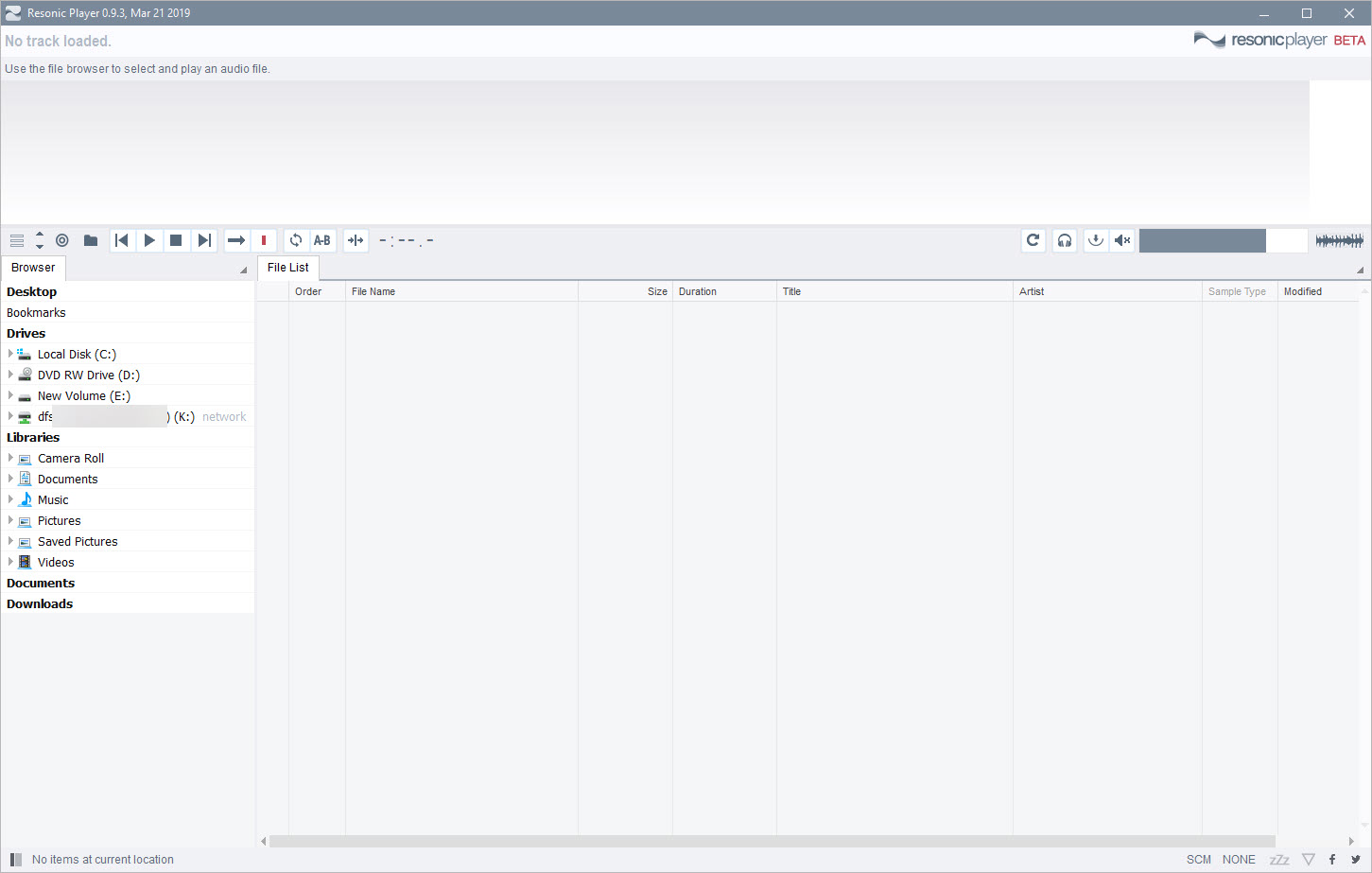
Resonic Player is an audio player built for people who listen to files, not libraries. There’s no database to build, no importing, no tagging session before the music starts. Point it at a folder and it plays, with a file browser down one side and an enormous waveform stretched across the window, click anywhere on the shape and playback jumps there instantly.
Arrow through a directory and each file starts playing the moment it’s selected, which turns auditioning a folder of five hundred files from an evening into a coffee break.
That describes the audience precisely. Producers digging through sample packs, sound designers hunting one hit among thousands, archivists sorting decades of recordings, and anyone whose audio lives in folders rather than in a curated collection.
For them, the standard library players solve the wrong problem, and Resonic Player solves the right one with almost aggressive directness.
The waveform is the interface
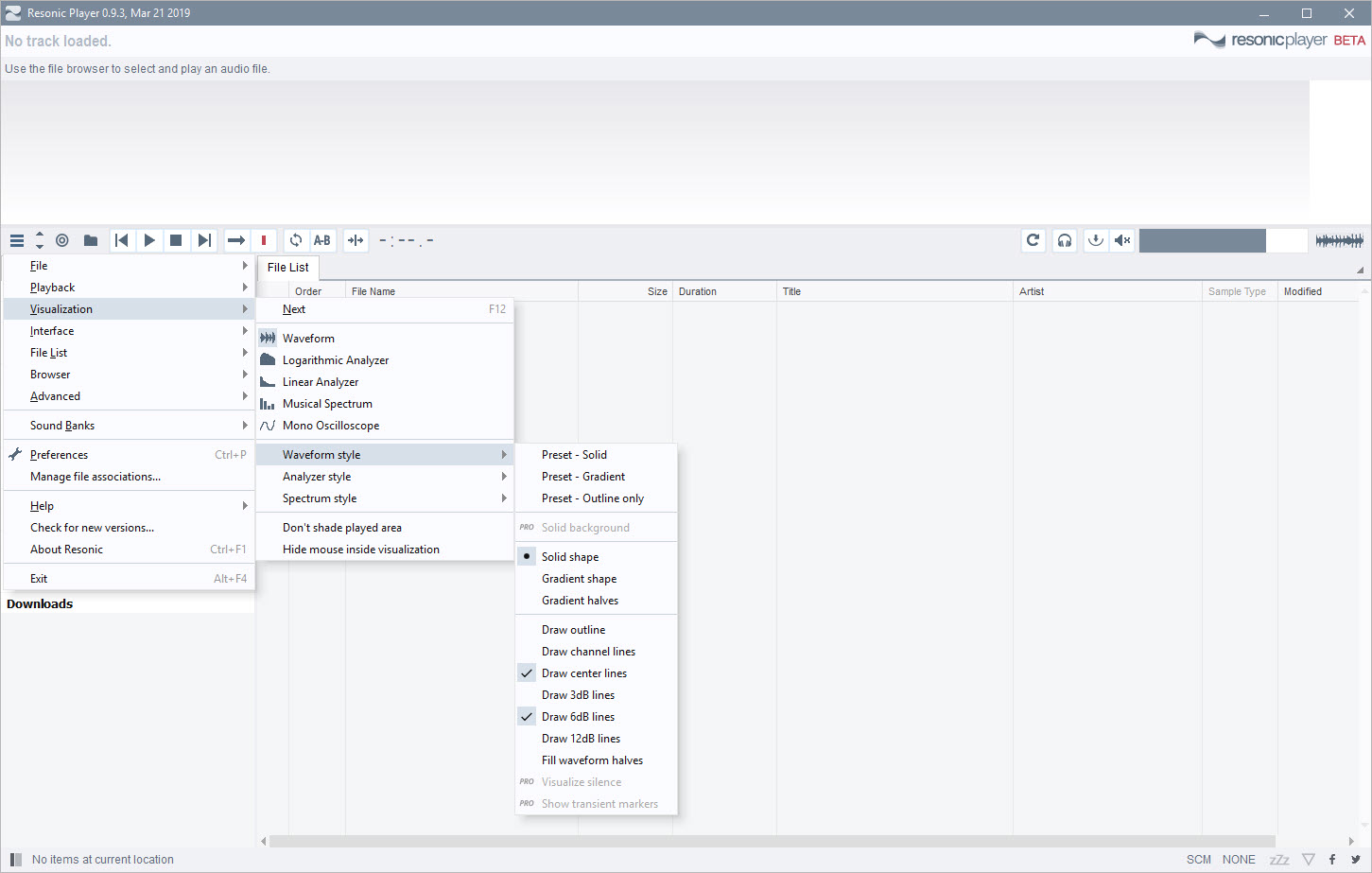
The waveform display isn’t decoration, it’s the primary control. The full file’s shape spans the window, loud sections visibly loud, silences visibly silent, and clicking any point plays that point with no buffering pause. Finding the drop, the chorus, the one usable second in a field recording, becomes visual, since the eye reads the shape faster than any amount of scrub-and-listen.
Playback itself is engineered for the browsing rhythm. Files start in milliseconds, keyboard navigation moves through directories at typing speed, and the player never interrupts the flow with dialogs or loading states.
It feels less like operating a media player and more like flipping through paper, which is exactly the sensation rapid audition work needs.
Formats from FLAC to tracker modules
The format list runs deep past the everyday MP3, FLAC, and WAV territory into professional and historical corners, multichannel files, obscure codecs, and, unusually, the classic tracker module formats, MOD, XM, IT, S3M, the composition files of the demoscene era. That inclusion says a lot about who built this, and module collectors get a modern, fast player for a catalog most software forgot, a torch carried since the days when Winamp ruled that world.
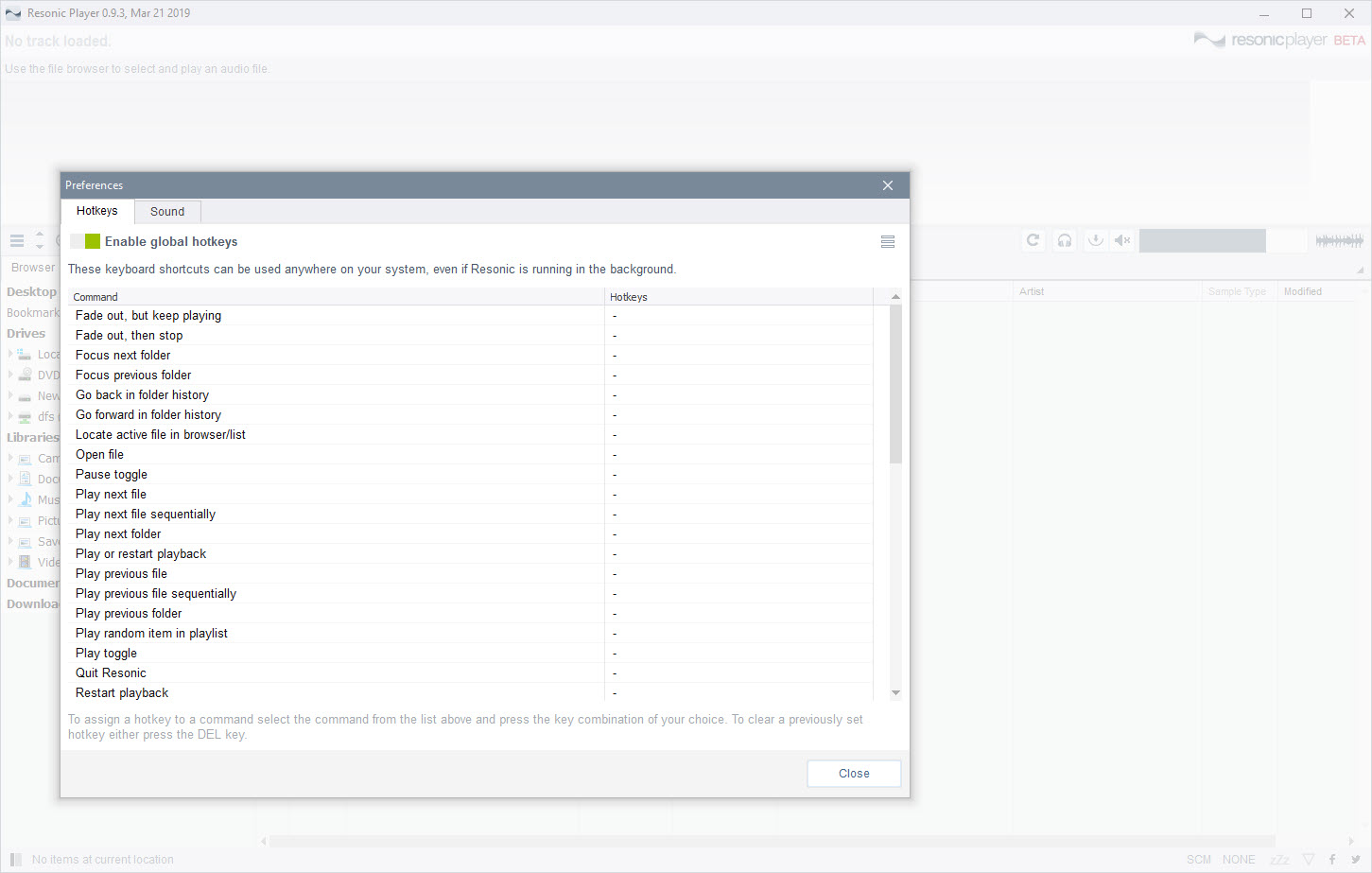
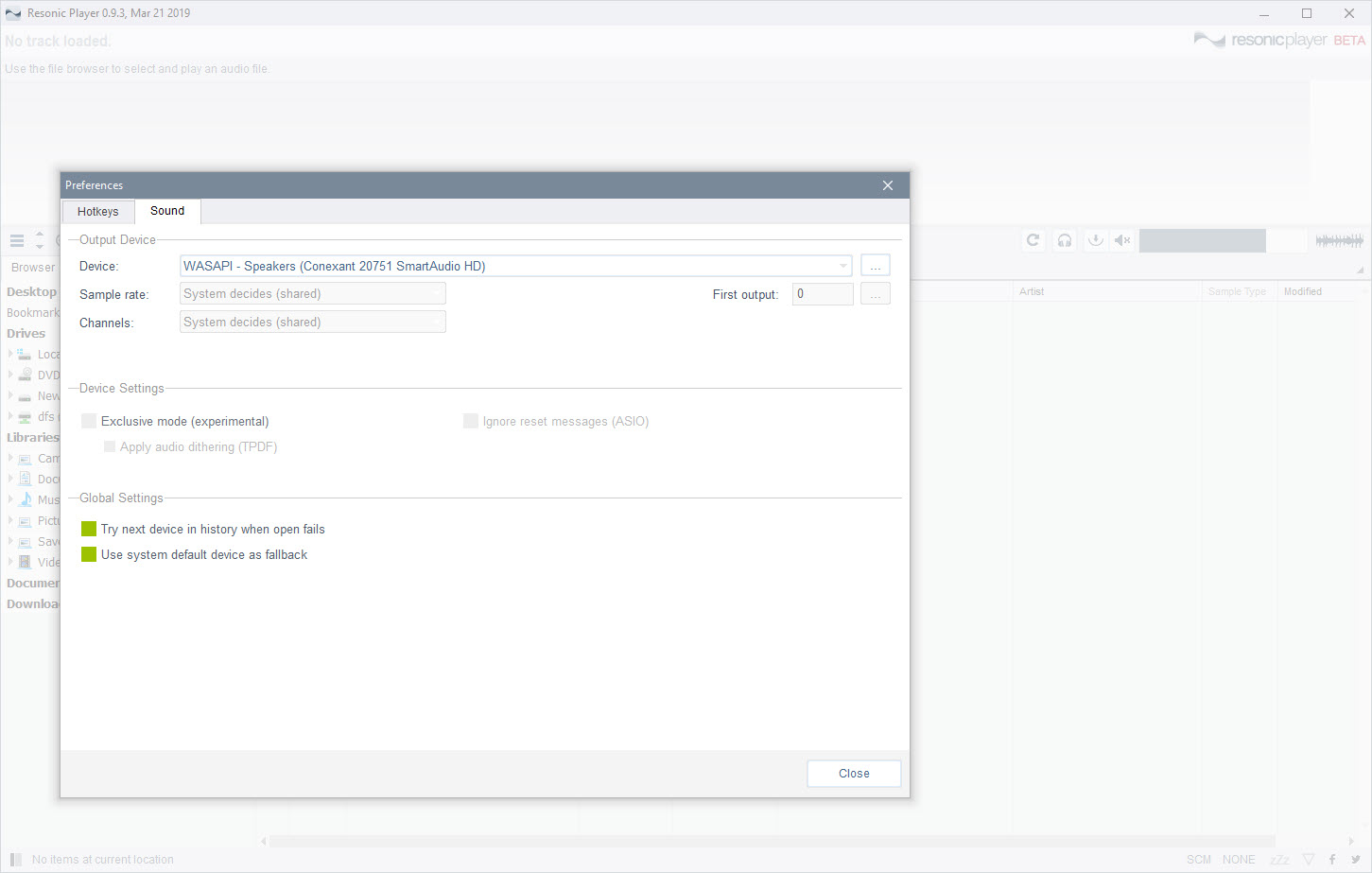
Sample rates and bit depths pass through respectfully, and output goes through the system or through exclusive modes for the listeners who care. The Pro edition extends the analytical side with spectrum and phase views and finer audio inspection tools, the additions aimed squarely at the production crowd, while the base player keeps the browsing core complete.
What it deliberately refuses to be
There are no playlists to speak of, no smart collections, no album-art grid, no podcast machinery. The folder structure is the organization, full stop, and people whose music lives in a tagged, rated library will find the philosophy spartan. That crowd is better served by a library engine like foobar2000, which represents the opposite worldview executed equally well.
The other boundary is editing. The player finds, auditions, and inspects, and the moment a file needs trimming or processing it hands off to an editor, with Audacity as the natural next stop. Keeping those jobs separate is part of why the browsing stays instant, and the design never pretends otherwise.
The honest rough edge is pace of change, since updates arrive slowly and the feature set moves at a glacier’s speed. For a tool this focused, that matters less than it would elsewhere, and what’s there is stable, but wishlist items stay wished.
Conclusion
Resonic Player belongs on the machines of producers auditioning sample packs, sound designers mining recordings, and collectors of formats the mainstream forgot, anyone whose relationship with audio is folders of files and the need to hear them now. The instant playback and the waveform-as-interface make it the fastest way through a large directory that exists.
Listeners who live in tagged libraries and playlists are the wrong audience and have excellent tools of their own. For the folder people, this player is quietly close to perfect at its one job.
Pros & Cons
- Plays files instantly while arrowing through folders, no library required
- The full-window waveform makes seeking and finding moments visual
- Deep format support including classic tracker modules
- Keyboard-driven browsing moves at the speed of thought
- Pro edition adds spectrum and phase analysis for production work
- No playlists, tagging, or library management of any kind
- Editing and processing require a separate application
- Development moves slowly, and requested features arrive rarely
- Library-minded listeners will find the folder philosophy limiting
Frequently asked questions
It skips libraries entirely and plays folders directly, starting each file the instant it's selected, with a full-window waveform for visual seeking. It's built for auditioning many files fast, not for managing a collection.
Yes, MOD, XM, IT, S3M and related formats play natively alongside the modern codecs, which makes it a favorite among demoscene and module music collectors.
No, the folder structure is the organization. People who need playlists and smart collections should pair it with, or choose, a library-based player instead.
Analytical tools aimed at producers, spectrum and phase displays and finer inspection features. The free player keeps the complete fast-browsing core.


