

Rejbrand Text Editor
About Rejbrand Text Editor
Rejbrand Text Editor is a free, advanced Unicode text editor designed for users who need a powerful yet easy-to-use tool for text editing and programming.
This lightweight editor offers a clean interface, robust text manipulation features, and syntax highlighting for multiple languages.
Whether you are a casual user, student, or programmer, Rejbrand Text Editor provides an efficient solution for handling diverse text-based tasks.
Comprehensive Unicode Support
A standout feature of Rejbrand Text Editor is its robust support for Unicode.
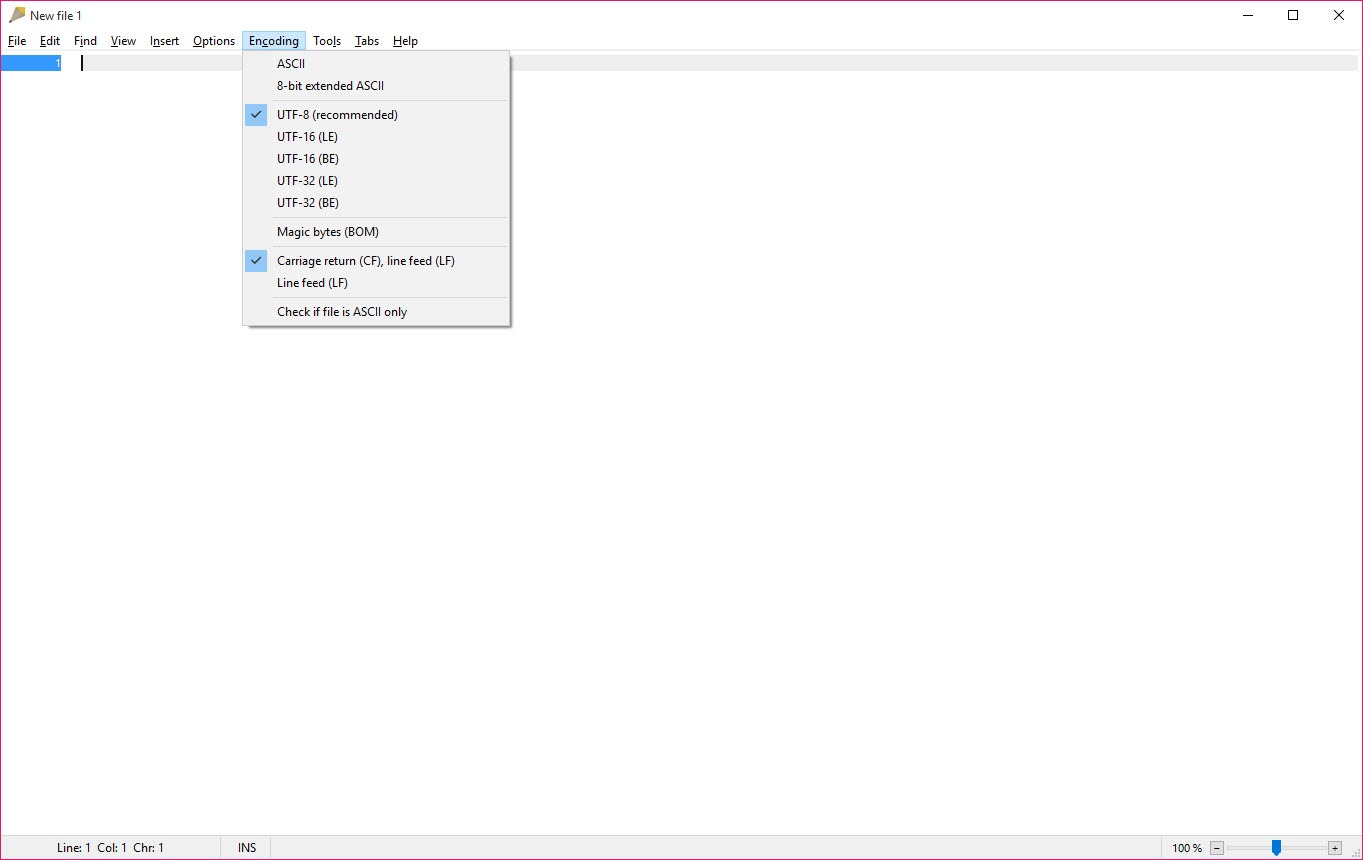
It can handle multiple text encodings, including Windows ANSI, UTF-8, and UTF-16. This ensures that users can work with a variety of text files without encountering compatibility issues.
It also supports different line break formats, such as LF and CRLF, making it versatile for various operating systems and applications.
Intuitive User Interface
The editor features a clean, user-friendly interface that strikes a balance between simplicity and functionality.
The layout is designed to make navigation straightforward, allowing users to focus on their work without unnecessary distractions. Beginners will appreciate the intuitive design, while advanced users will find the interface efficient for rapid text manipulation.
Syntax Highlighting for Code Readability
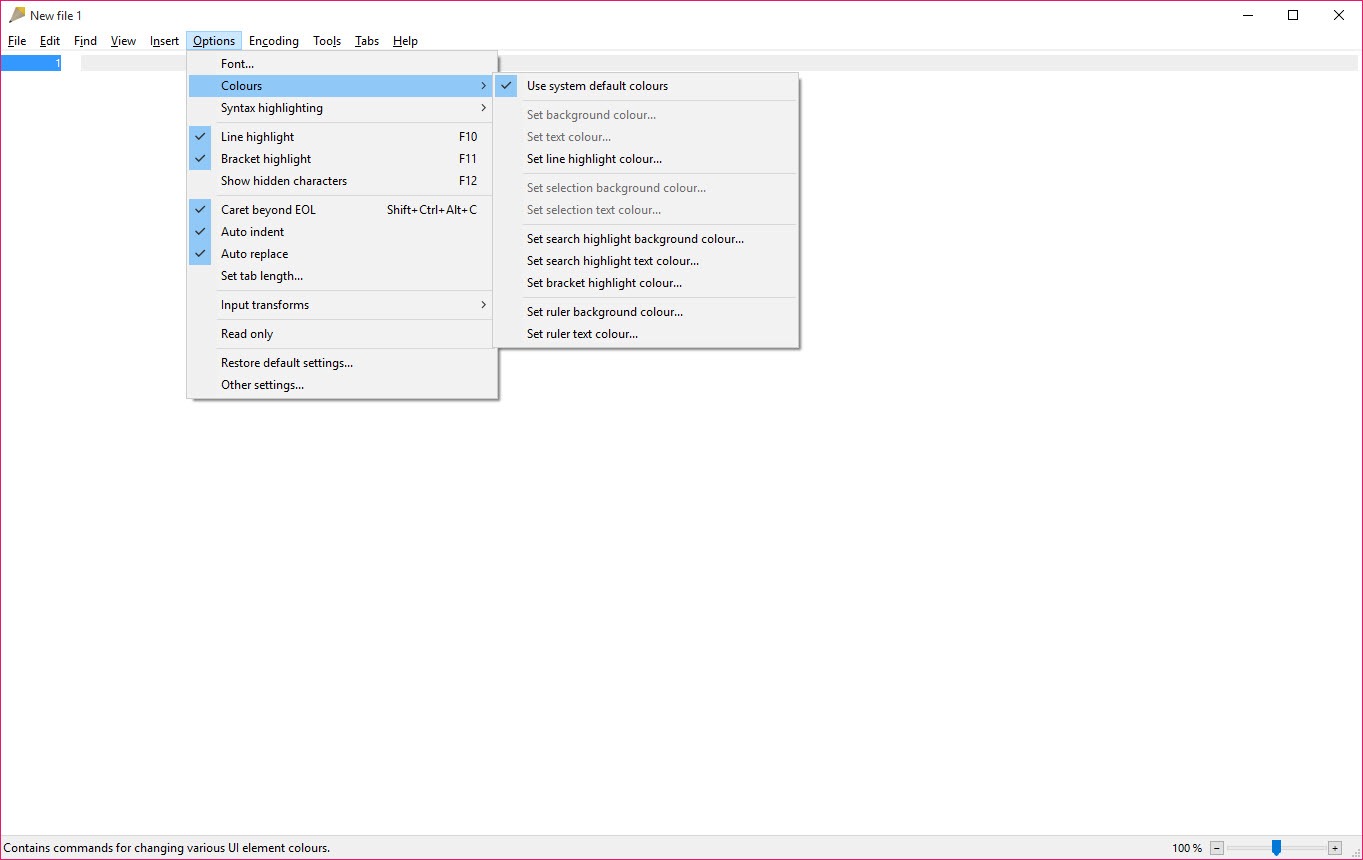
Rejbrand Text Editor includes syntax highlighting for several programming and markup languages, such as XML, Object Pascal/Delphi, AlgoSim, and INI files.
This feature improves code readability, helps identify syntax errors quickly, and enhances the overall coding experience.
For programmers, this makes it easier to write, review, and debug code efficiently.
Advanced Text Manipulation Tools
The editor provides a variety of powerful text manipulation features. Users can perform fast search and replace operations, highlight specific lines, and utilize bracket matching with optional auto-close functionality.
Additionally, Rejbrand Text Editor supports an unlimited undo history, making it easy to revert changes and correct mistakes without hassle.
Integrated Unicode Character Map
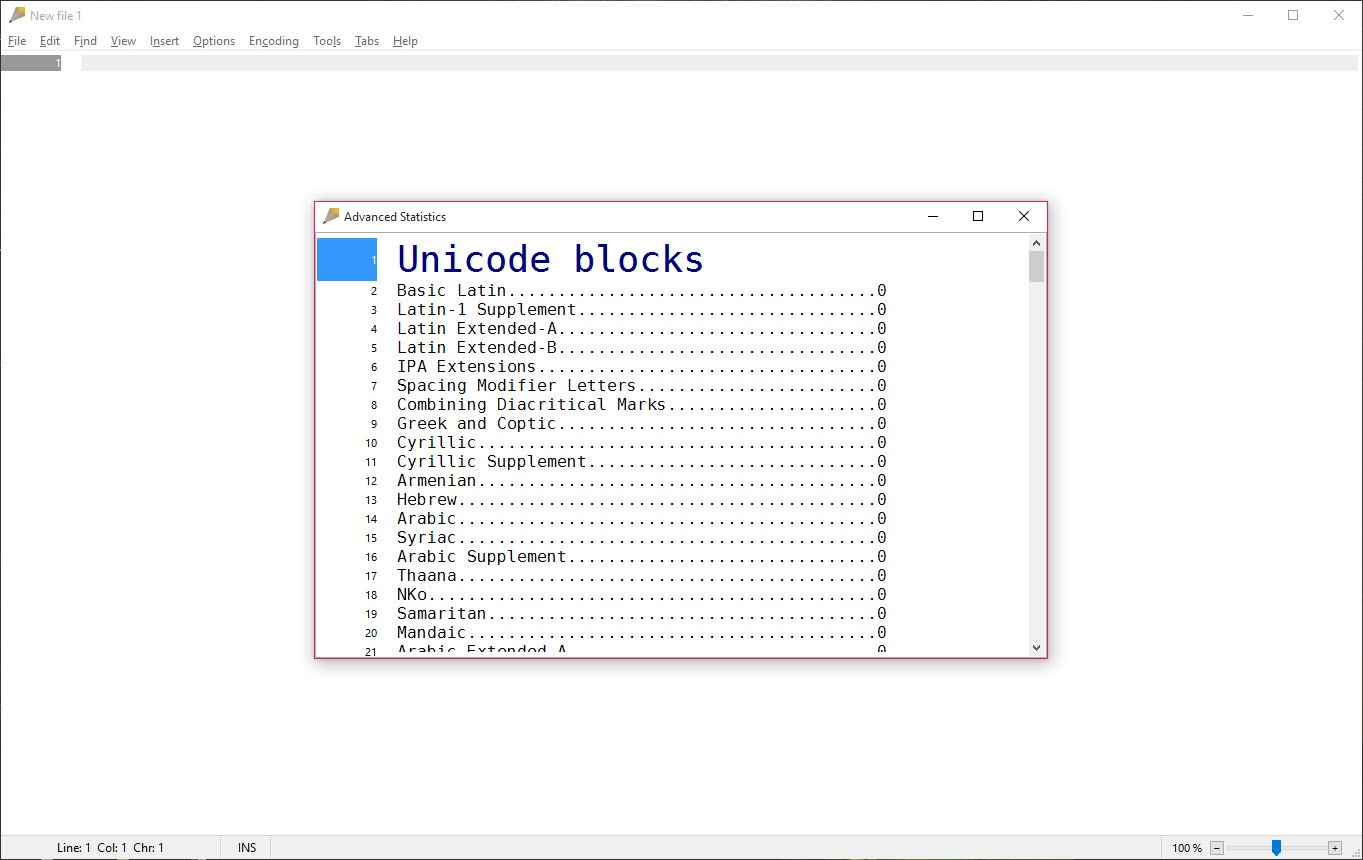
For users who frequently work with special characters, the integrated Unicode character map is a valuable tool.
It allows users to browse, search, and insert Unicode characters effortlessly. This feature is especially useful for tasks that involve diverse character sets, such as multilingual text or specialized symbols.
Additional Functionalities
Rejbrand Text Editor comes with several additional features to enhance productivity.
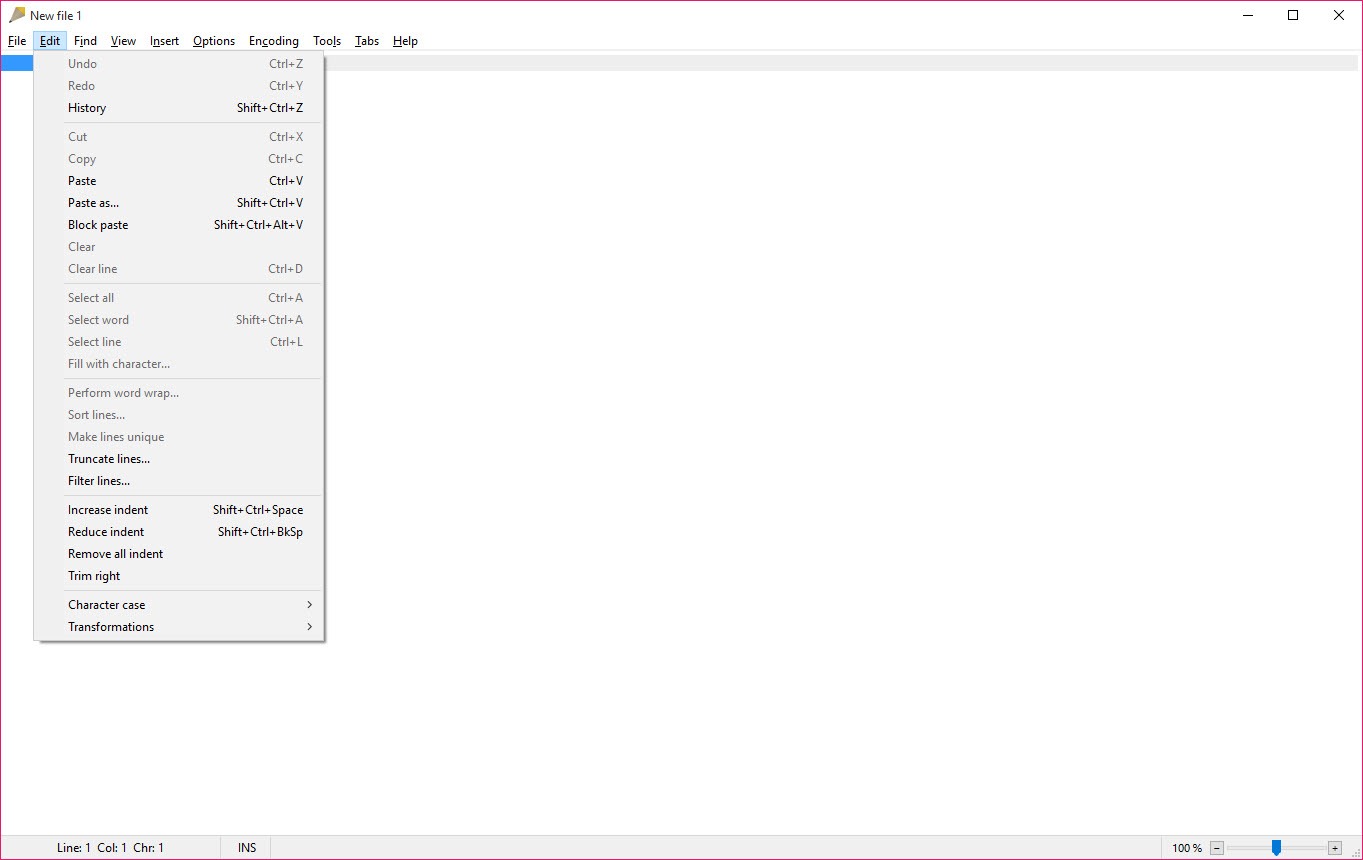
These include automatic text replacement, auto-indentation, and text transformation functions like case changes and ROT13 encoding.
The ability to sort lines and manage text formatting efficiently adds to the editor’s versatility.
Conclusion
Rejbrand Text Editor is a versatile and efficient tool for text editing and programming. With features like comprehensive Unicode support, syntax highlighting, advanced text manipulation, and a user-friendly interface, it provides a robust solution for handling diverse text-related tasks.
Whether you’re a student, casual user, or programmer, Rejbrand Text Editor simplifies text editing and enhances productivity with its practical and efficient design.
Pros & Cons
- Comprehensive Unicode support for various text encodings.
- Clean, user-friendly interface for easy navigation.
- Syntax highlighting for multiple programming languages.
- Advanced text manipulation tools, including fast search and replace.
- Integrated Unicode character map for inserting special characters.
- Lightweight and portable, with no installation required.
- Lacks some advanced features found in full-fledged IDEs.
- Customization options for syntax highlighting are limited.
Frequently asked questions
It is used for editing text, programming, and handling files with various text encodings. It's ideal for general text editing, code writing, and Unicode text manipulation.
Yes, it supports syntax highlighting for languages such as XML, Object Pascal/Delphi, AlgoSim, and INI files.
Yes, the editor is optimized to handle large text files efficiently.
It supports encodings like Windows ANSI, UTF-8, and UTF-16, ensuring compatibility with various text file formats.
Yes, it includes a Unicode character map for inserting special characters easily.


