

RegCool
About RegCool
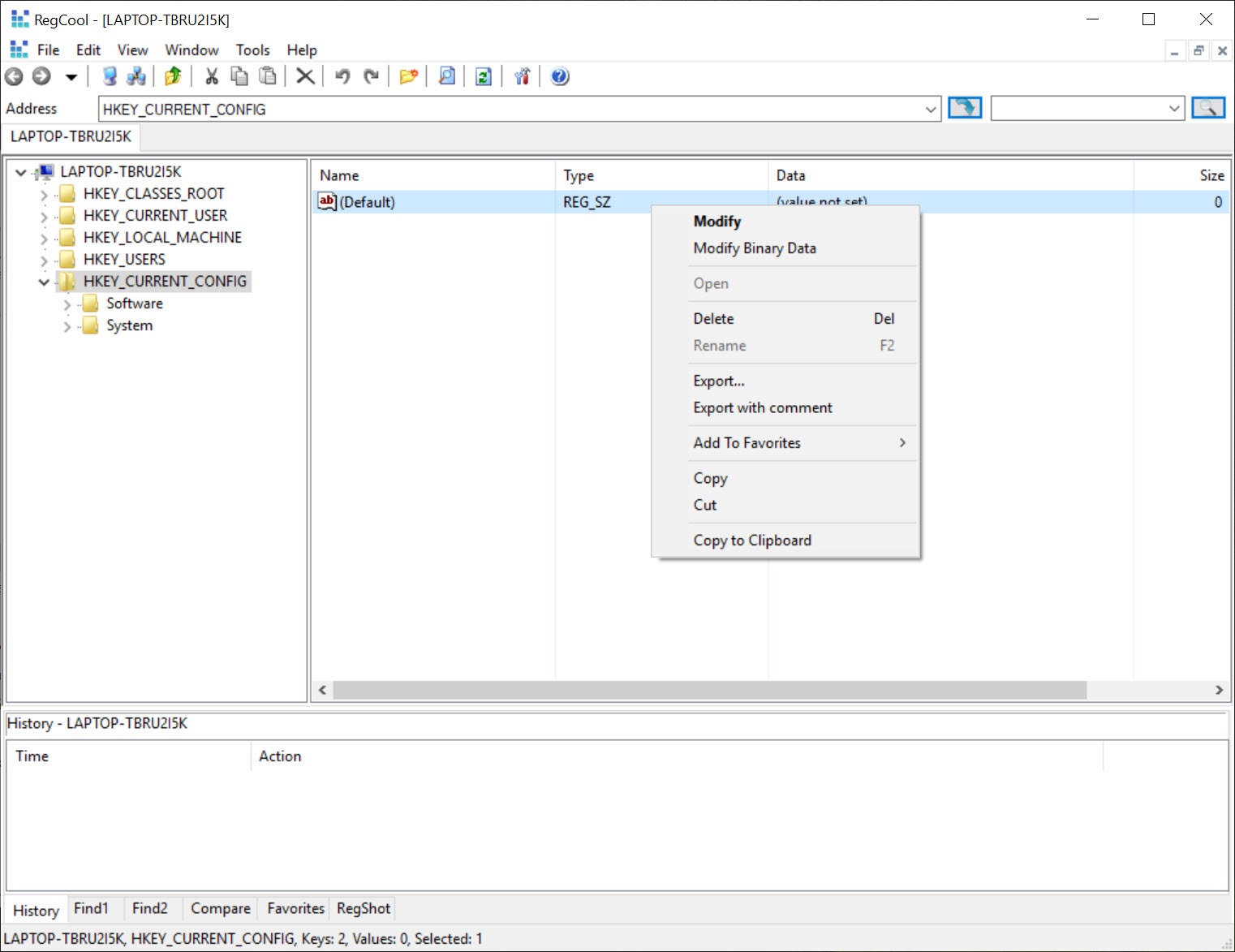
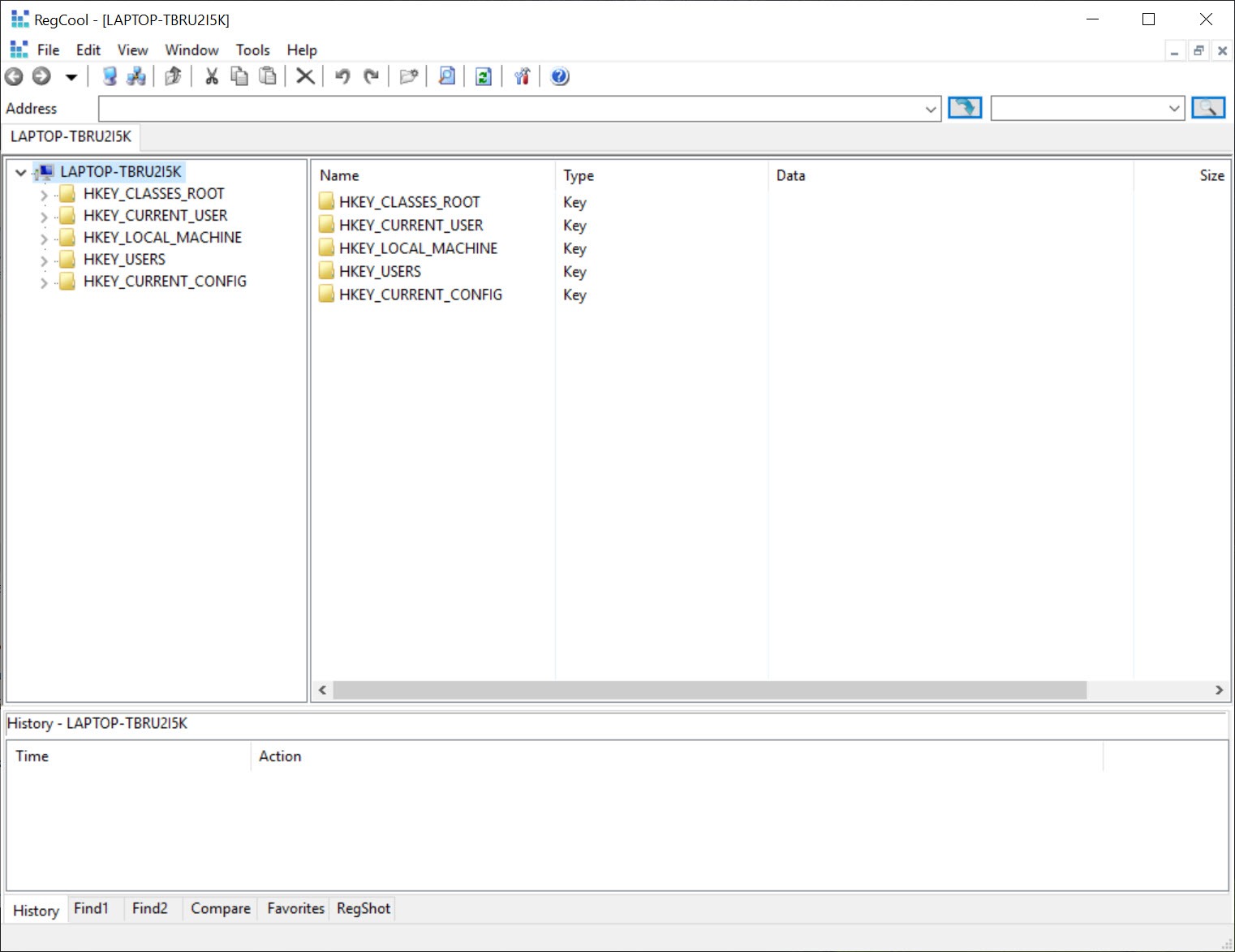
RegCool is a registry editor for people who find the built-in one primitive, replacing the bare tree-and-values view with tools any modern editor takes for granted, tabs, undo, real search, and the ability to compare two registry states and see exactly what changed.
The built-in editor lets you make changes but never lets you take them back, offers no tabs, and searches at a crawl. This one fixes every one of those gaps, which is why it lives on the machines of technicians and tweakers who spend real time in the registry.
The plain warning belongs first, because the registry is the machine’s nervous system and a careless edit there breaks things in ways that aren’t always obvious until the next reboot.
What makes this tool safer than the default is precisely the undo and backup features it adds, but the power to reach deep into the system is exactly the power to damage it, so this is a tool for people who know what a given key does, or are prepared to back up before finding out.
Undo, tabs, and the conveniences the default lacks
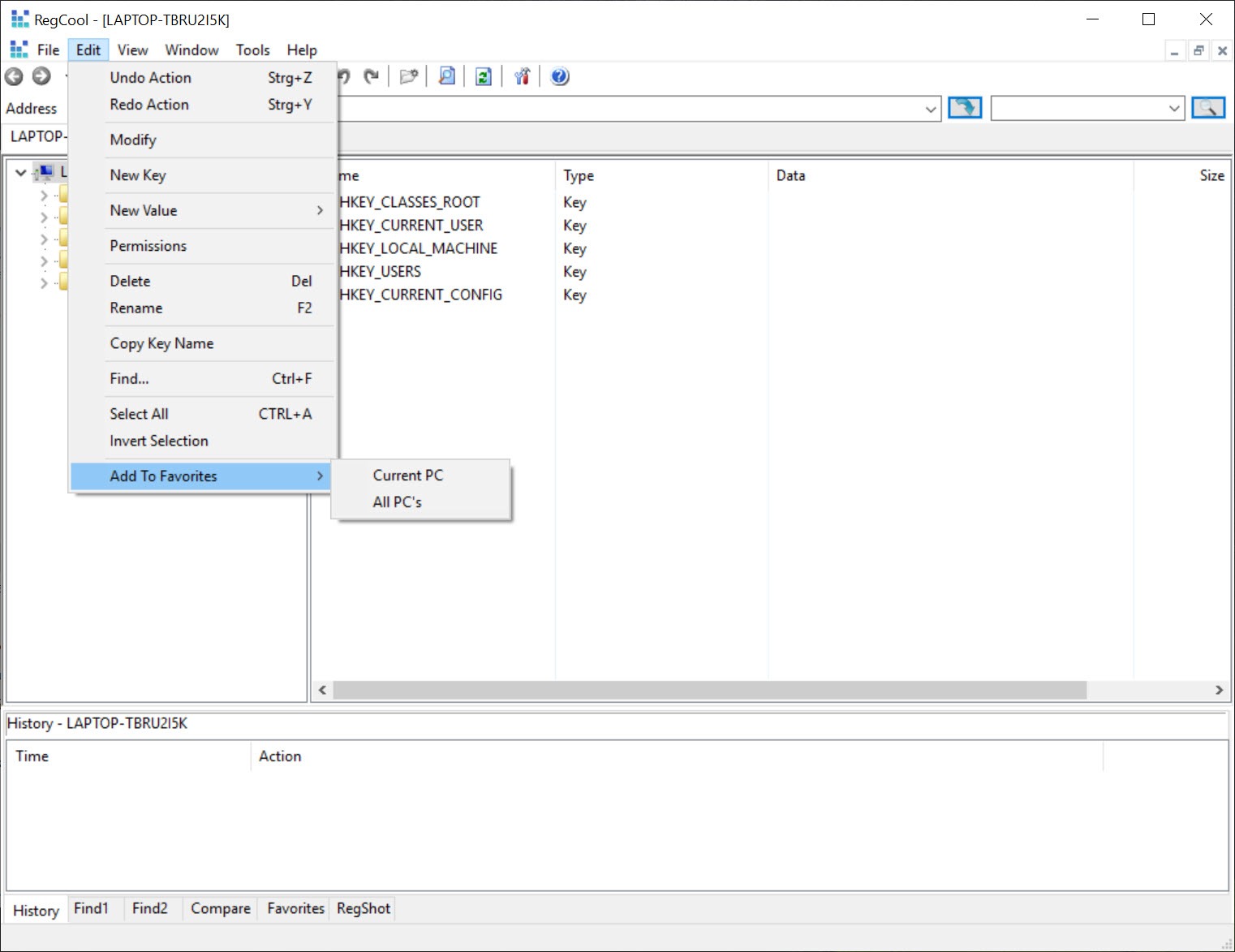
The single most valuable addition in RegCool is undo and redo. The built-in editor commits every change instantly and permanently, so a mistyped value or a wrongly deleted key is simply gone, while here a multi-level undo history lets you step back out of a mistake the way you would in any text editor. That safety net alone changes how confidently you can work.
Tabbed browsing is the next relief. Instead of one window crawling through the tree, you keep several registry locations open across tabs and jump between them, which matters enormously when a task involves comparing or editing related keys scattered across the hierarchy.
Bookmarks pin the locations you return to often, and a fast search tears through keys, values, and data far quicker than the default’s plodding find, with search-and-replace for changing many entries at once.
Comparing snapshots, the detective tool
The feature that earns RegCool its keep among power users is registry comparison. Take a snapshot of the registry, install a program or change a setting, take a second snapshot, and the tool shows you every key and value that differed between them. Suddenly the question of what a piece of software actually changed has a precise answer instead of a guess.
This turns invisible behavior visible. Tracking down what a stubborn application scattered across the registry, understanding why a setting won’t stick, or building a clean removal for something a normal uninstall left behind all become methodical instead of speculative.
For the everyday leftovers a sloppy uninstall leaves, a per-program tool like Geek Uninstaller catches most of them, but when you need to know exactly what touched the registry and where, snapshot comparison is the only honest answer.
Editing, permissions, and the deep operations
Beyond browsing, the editing toolkit in RegCool runs deep. You can defragment the registry to compact its files, edit the permissions on keys that block access even to administrators, and operate on the registry of an offline system by loading its hives, the trick that rescues a machine that won’t boot. Drag-and-drop moves keys around, and the tool handles the .reg import and export that scripts and backups rely on.
That permissions editing deserves a note, since keys locked against administrators are a common wall, and being able to take ownership and open them is what separates a real registry tool from a viewer.
For the connected question of what launches at startup, much of which lives in registry run keys, a focused tool like AutoRuns lays out every auto-starting entry more clearly than raw key-browsing does, and the two complement each other on a cleanup job.
Where it fits, and the honest cautions
The audience is narrow and specific. This is not a registry cleaner that promises to speed up a machine by deleting entries, and treating it as one misreads it entirely, since a maintenance cleaner like CCleaner handles the cautious automated tidying that most users actually want. This is a precision instrument for deliberate, manual work, and its whole value is control, not automation.
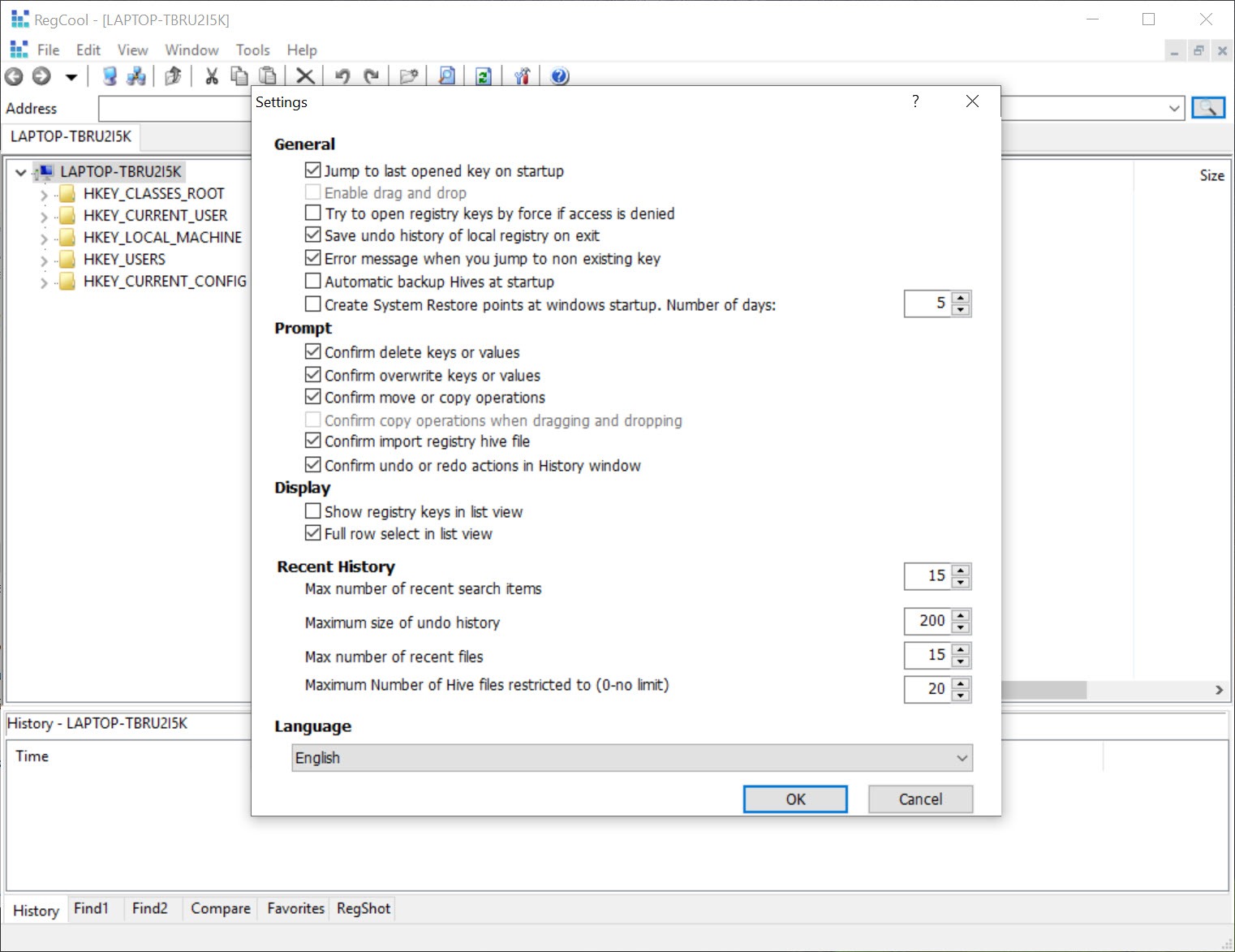
The cautions are the ones that come with any sharp tool. The depth that makes it powerful makes it dangerous in unsure hands, and the undo history, valuable as it is, only reaches back within a session, so a proper backup before major surgery remains non-negotiable. And for those who mostly want to flip documented system settings rather than edit raw keys, a tweaking front-end like Winaero Tweaker exposes the common ones safely without ever opening the registry directly.
Used for what it is, though, this is simply the registry editor the system should have shipped with.
Conclusion
RegCool belongs to technicians, advanced tweakers, and anyone who already opens the registry often enough to resent how little the built-in editor gives them. The undo history, the snapshot comparison, and the permission editing turn tense, irreversible registry work into something methodical and recoverable, which is a real upgrade for the people who live in there.
Casual users hoping for a speed-boosting cleaner are looking at the wrong kind of tool, and those who only want documented settings changed have safer front-ends. For deliberate, hands-on registry work, though, this is the editor the system always should have included.
Pros & Cons
- Multi-level undo and redo the built-in editor completely lacks
- Registry snapshot comparison reveals exactly what a change altered
- Tabbed browsing, bookmarks, and fast search with replace
- Permission editing opens keys locked even against administrators
- Works on offline systems by loading their hives, rescuing unbootable machines
- The power to reach deep into the system is equally the power to damage it
- Not an automated cleaner, and useless to those wanting one-click maintenance
- Undo history only reaches back within the current session
- Assumes real knowledge of what registry keys actually do
Frequently asked questions
It adds multi-level undo, tabbed browsing, fast search with replace, bookmarks, and snapshot comparison, plus permission editing and offline hive loading. The default editor offers none of these.
Take a snapshot, make a change or install something, take a second snapshot, and the tool lists every key and value that differed. It's the precise way to see what software actually altered.
It's safer than the default thanks to undo and backups, but the registry itself is delicate. Know what a key does before changing it, and back up before any major edit, since undo only covers the current session.
Yes, it can load the registry hives of an offline system, which lets you repair the settings keeping a machine from starting without booting into it first.
No, it's a precision editor for manual work, not an automated cleaner. For cautious one-click tidying, a maintenance tool is the right choice instead.


