

Realtek AC97 Driver
About Realtek AC97 Driver
Realtek AC97 Driver is the official software package created for Realtek’s older generation of audio chipsets, commonly found in legacy desktops and laptops. This driver ensures proper communication between the operating system and the integrated AC’97 audio hardware, restoring essential playback and recording functionality for systems that still rely on this standard.
It’s a must-have for reviving audio on machines that don’t support newer High Definition Audio formats.
Full Legacy Audio Activation
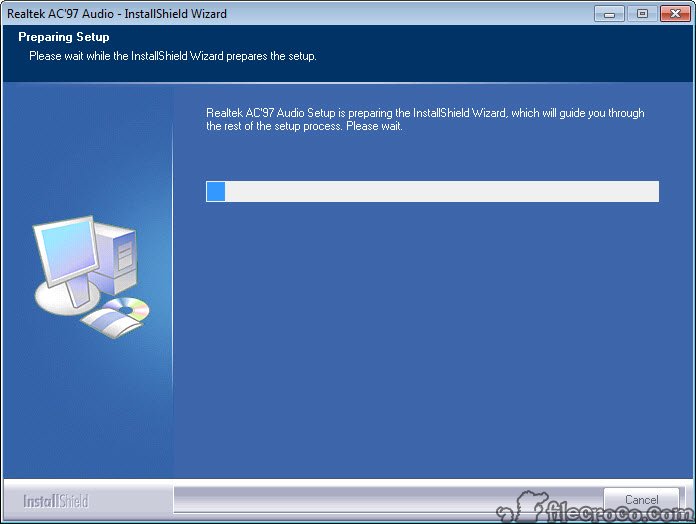
Once installed, Realtek AC97 Driver unlocks audio capabilities on systems using embedded AC’97 sound controllers. These are often built directly into the motherboard. The installation is quick, and in most cases, the driver automatically recognizes the hardware and applies the correct configuration.
A system reboot may be necessary for the changes to take full effect. Afterward, users can enjoy immediate access to standard sound features, including playback through speakers or headphones and basic microphone input.
Enhanced Audio Control and Effects
Beyond enabling sound, this driver suite includes additional tools to help you manage your audio. It comes with codecs for standard file playback and an application that lets you control volume levels, adjust the equalizer, and apply basic sound effects.
The package also includes an updated Realtek 3D sound engine for spatial audio simulation, offering a more immersive experience, especially for media playback and older 3D games.
Some systems may also benefit from special custom settings available through their motherboard manufacturer. These can add extended control options or tailored performance enhancements.
Broad Compatibility with Old Systems
Designed with compatibility in mind, Realtek AC97 Driver supports a wide range of older operating systems. It is best suited for legacy setups, ensuring users can continue using their hardware without forced upgrades or compatibility issues.
Whether you’re maintaining an older PC or reviving a second-hand system, this driver is crucial for enabling full audio functionality.
Conclusion
Realtek AC97 Driver offers a reliable and straightforward solution for users with older audio hardware. By restoring sound functionality and adding essential controls, it gives life to legacy systems without requiring costly upgrades.
If you rely on an AC’97 chipset, this driver is the key to stable, efficient audio performance tailored for vintage computing environments.
Pros & Cons
- Restores audio playback and recording on AC'97-based systems
- Includes volume control, equalizer, and sound effect manager
- Supports Realtek's updated 3D engine for enhanced audio
- Compatible with a wide range of older operating systems
- Automatically detects hardware for simple installation
- Limited to basic audio functions without modern enhancements
- Not compatible with modern High Definition Audio chipsets
- System reboot often required after setup
- Customization options may vary based on motherboard brand


