

PowerArchiver
About PowerArchiver
PowerArchiver is an archiver built around its own compression format, and the format is the reason to look at it. The PA format does not treat every file the same. It recognises PDFs, Word documents, PNG and JPEG images and MP3 files, and runs each through an encoder made for that type.
It re-packs a PDF’s internal structure or recompresses the zip layer inside a document, so the files people actually send come out far smaller than in a plain ZIP. A deduplication filter finds repeated content across files and stores it once, which shrinks backup-style archives where the same material appears again and again.
Around that format sits a full archiver. It opens more than sixty formats, from ZIP and 7Z to RAR, ISO and the encrypted ZIP variants that business partners send, and it writes ZIP, ZIPX, 7Z, TAR and its own PA. PowerArchiver is also a commercial suite sold in tiers, and the tier decides what you get.
The archiver, the PA format and the encryption sit in the base edition. Cloud access, a secure FTP client, OpenPGP signing, office add-ins and a scheduled backup join further up, and disc burning and the PA format’s advanced tuning sit at the top.
The sections below cover the PA format, the archiver itself, encryption, the queue, the extras and where it is heavier than it needs to be.
The PA format, and what it does to real files
Most archivers apply one general method to everything, which PowerArchiver deliberately does not, which works well on text and poorly on files that are already compressed inside. The PA format splits files by type and sends each to its own encoder. A PDF is re-streamed so its internal objects pack tighter, which the program puts at around forty percent smaller than ZIP. A Word or other office document has its inner zip layer recompressed at a higher ratio. Images and music get encoders that squeeze them losslessly where a general method gives up.
On those everyday formats the program reports PA archives thirty to seventy percent smaller than ZIP and somewhat smaller than 7Z. That is the difference between a set of PDFs fitting under an email limit or not. The catch is the obvious one. PA is the program’s own format, so the person receiving a PA archive needs a program that reads it. For anything sent to an unknown recipient, ZIP or 7Z remains the sound choice, and PA is for your own storage and for people you know have the tool.
For the widest-compatibility open format, the open-source archiver most recipients already have reads and writes 7Z.
The archiver itself
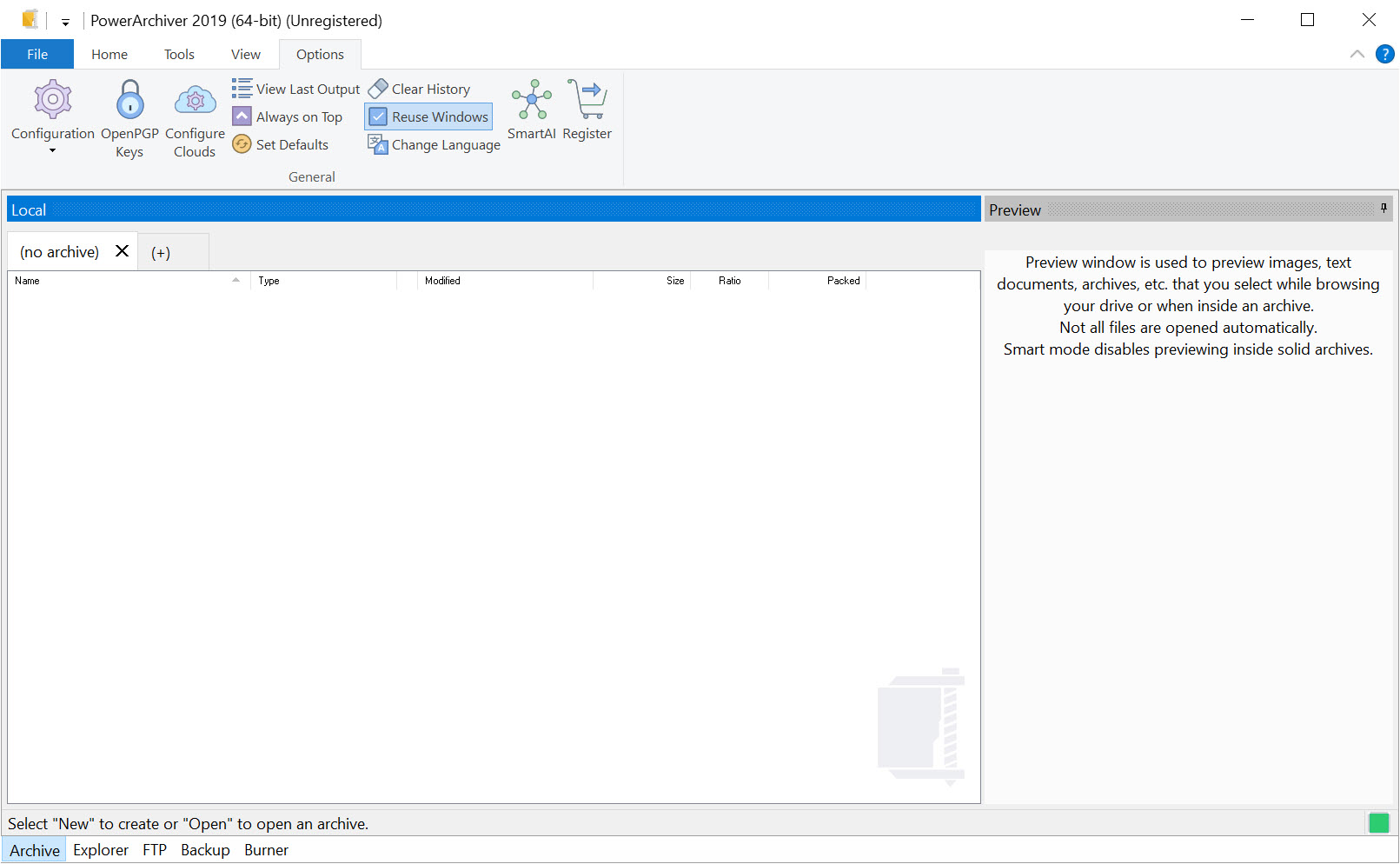
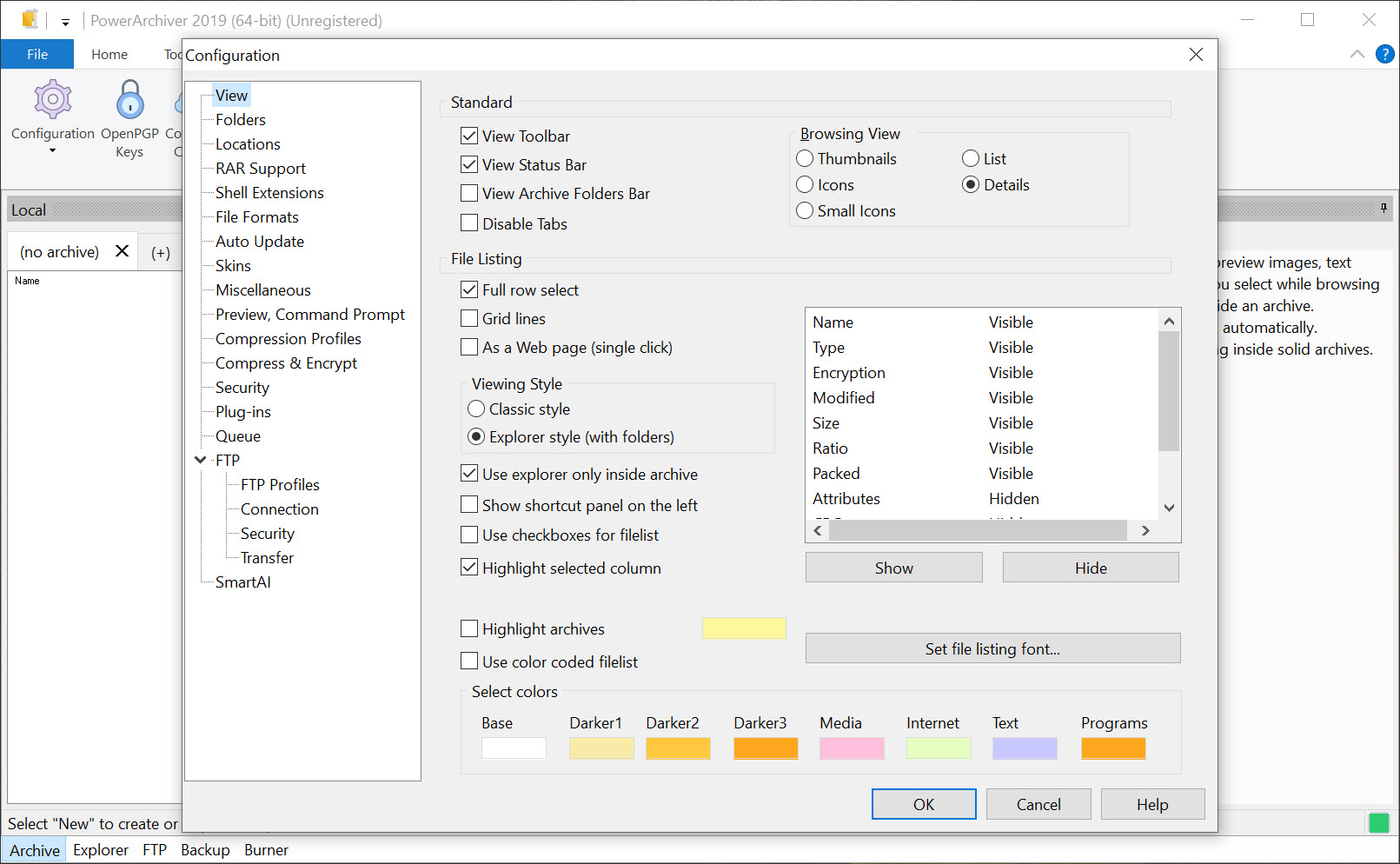
Beyond the format, PowerArchiver is a capable everyday archiver. A dual-panel view shows the archive beside a folder, so files drag between them, and archives open in tabs, so several are handled at once. Extract, add, delete, test and repair work as expected, and the program converts between ZIP, 7Z, TAR.GZ and PA without unpacking and repacking by hand. Multi-core compression speeds up ZIPX on a modern processor, and the 64-bit build is the one to use for large PA archives.
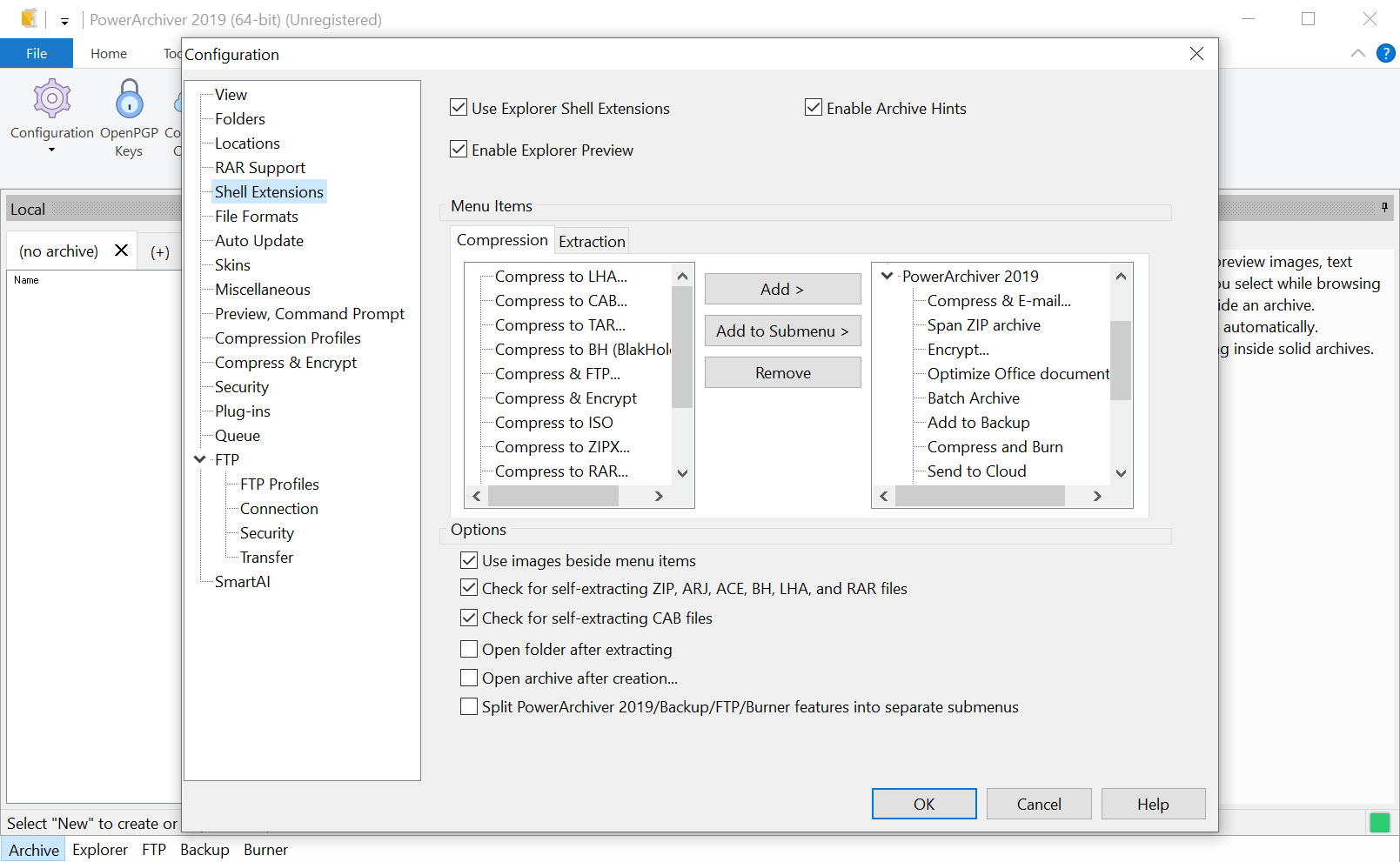
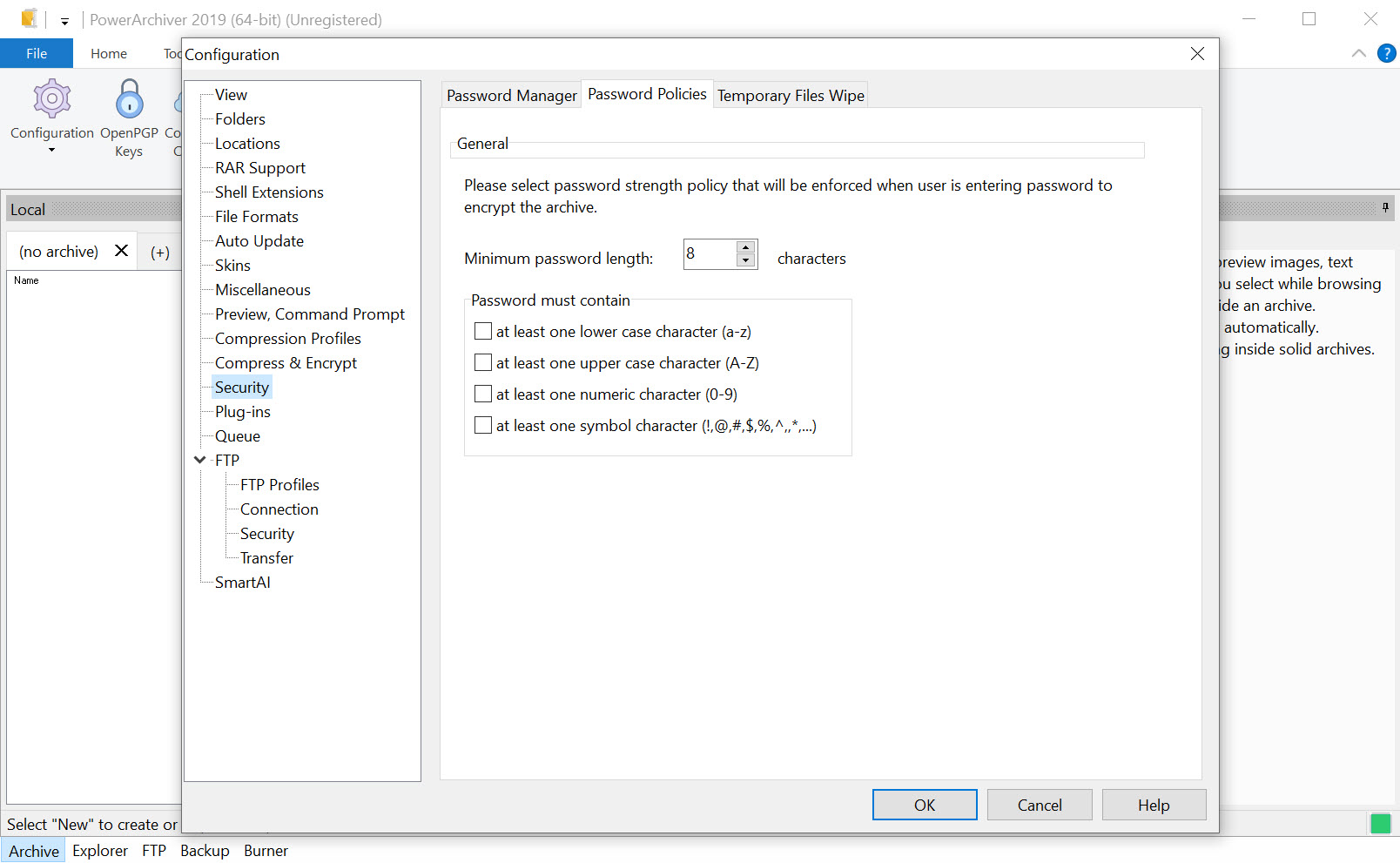
Archives integrate with the file manager’s right-click menu, with the common actions a click away, and a password manager stores the passwords for archives you open often. For a fast, focused archiver without a suite around it, Bandizip covers the daily work in a lighter window.
Encryption and signing
PowerArchiver archives encrypt with AES-256, in both ZIP and PA, and the encryption module is validated to the FIPS 140-2 standard, which matters to organisations that must use certified cryptography. The program opens the encrypted ZIP variants that other commercial archivers produce, which keeps a business able to read whatever its partners send.
Higher tiers add an encryption suite with OpenPGP, so files can be encrypted to a recipient’s public key and signed so the recipient can verify who sent them and that nothing changed in transit. That is the stronger model for sending to someone you cannot hand a password to in person.
For the standalone OpenPGP tools, a dedicated key manager does the same job outside an archiver.
The queue, and running jobs in the background
Heavy compression ties up an ordinary archiver until it finishes, which PowerArchiver avoids. Here jobs go into a queue that runs them one after another in the background, so a large PA archive builds while you keep working, and several jobs line up without waiting at each dialog. A small tray application manages the queue and lists recent archives and backups for reopening.
The queue is the feature that matters most to someone who compresses big sets regularly, since PA’s thorough encoders are slower than a quick ZIP and are best left to run unattended.
Cloud, FTP, backup and discs
The higher PowerArchiver tiers turn the archiver into a file toolkit. Cloud integration reaches several storage services from inside the program without installing their own software. A secure FTP client uploads and reads remote archives as folders without downloading them whole, and office add-ins compress and encrypt attachments from the mail client. A backup module runs scheduled, encrypted backups with shadow copies, so files that are open still get copied. For a dedicated FTP client, FileZilla is the standalone choice.
The top tier adds a virtual drive that mounts ISO images, a disc burner and the PA format’s advanced settings. Those expose more than twenty options, from the dictionary size to the codec used for each file type. Most users never need that last layer.
Where it is heavier than it needs to be
The PowerArchiver suite is broad, and reviewers note that so many features can make the interface overwhelming for someone who only wants to unzip a file. The tiers spread features in a way that takes reading to understand, and the most interesting capabilities sit above the base edition. The PA format’s advantage is real but only pays off where the recipient has the program. And for basic archiving, open-source tools do the common jobs well.
Against that, nothing else combines a type-aware compression format with certified encryption, OpenPGP signing, cloud and FTP access and scheduled backup in one program. For a business that shares large documents and must meet an encryption standard, that combination is the case for it.
Conclusion
PowerArchiver suits businesses and individuals who compress large sets of documents and images, who need certified encryption, and who want archiving, secure transfer and backup in one program. The PA format’s type-aware encoders are its standout, turning a folder of PDFs into an archive that fits where a ZIP would not.
It is a commercial suite whose best features sit in its higher tiers, and its format only helps where the recipient has the tool. Use PA for your own storage and for people who share the program, ZIP for everyone else, and let the queue handle the slow jobs.
Pros & Cons
- PA format with type-aware encoders that shrink PDFs, office files, images and MP3s well below ZIP
- Deduplication for archives where content repeats
- Opens more than sixty formats, including the encrypted ZIP variants partners send
- AES-256 encryption validated to FIPS 140-2, plus OpenPGP signing in higher tiers
- Dual-panel view, tabs, format conversion and a background queue for heavy jobs
- Cloud, secure FTP, office add-ins and scheduled backup in the higher tiers
- PA archives need the program to open them
- The most interesting features sit above the base edition
- Broad feature set can overwhelm someone who only wants to unzip
- Open-source tools cover basic archiving well
Frequently asked questions
It sends each file type to its own encoder, re-packing PDFs and recompressing the inner layer of office documents, and it removes repeated content with deduplication. On everyday document and image formats it reports archives thirty to seventy percent smaller than ZIP.
No, PA needs a program that reads it. For unknown recipients, use ZIP or 7Z instead.
Yes. Its AES-256 encryption module is validated to FIPS 140-2, and higher tiers add OpenPGP encryption and signing.
Yes. Jobs go into a queue that runs them one after another while you keep working, managed from a tray application.


