

Pinta
About Pinta
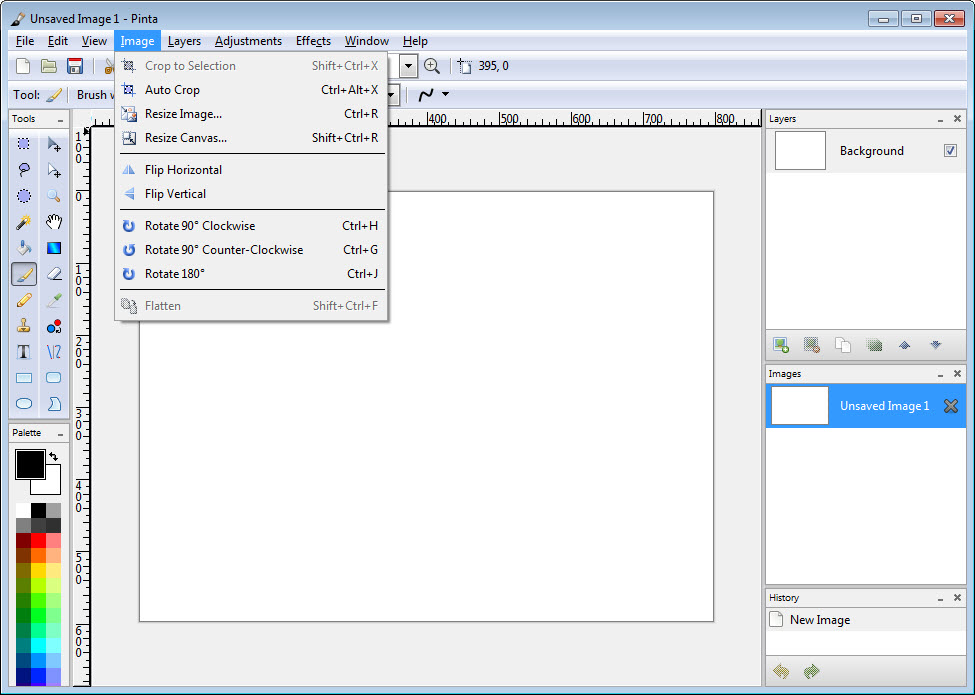
Pinta is a lightweight, open source image editor that brings painting and photo touch ups to an accessible level. It focuses on a clean workspace, fast tools, and an intuitive workflow so you can sketch, retouch, or annotate without getting lost in complex menus.
Separate and regroup sections of your image quickly, experiment freely, and keep moving with a toolset designed for speed and clarity.
Drawing tools and intuitive workflow
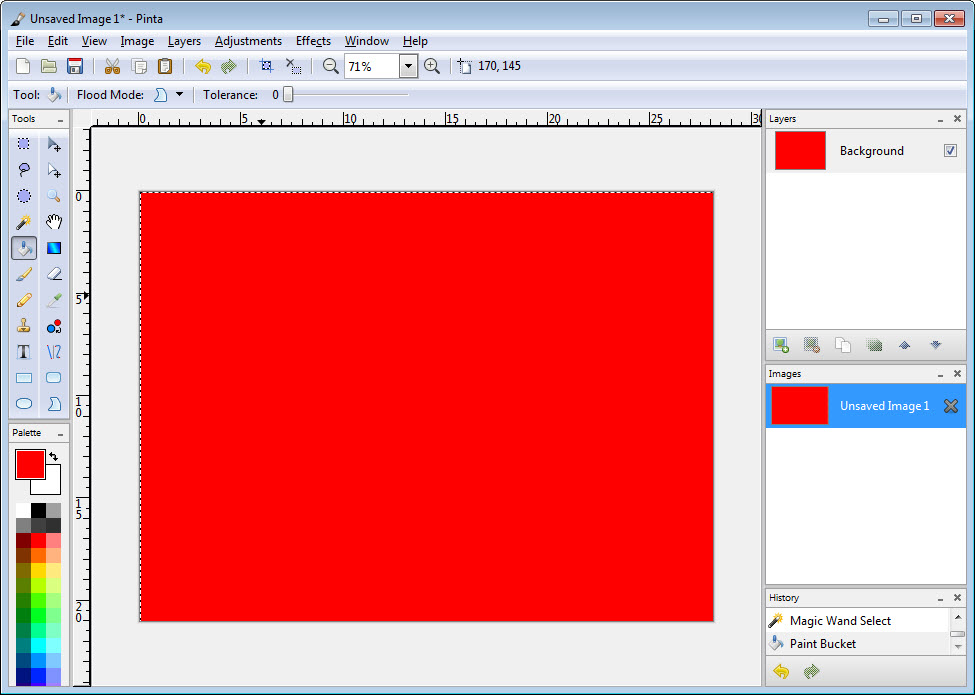
At its core, Pinta provides the essentials you need to create and refine images. You get freehand brush, line, rectangle, ellipse, and fill tools, along with color pickers and selection tools for isolating areas.
The interface keeps tools close at hand and out of the way, which makes common actions like outlining, blocking in shapes, or filling regions feel immediate and predictable.
Layers, unlimited undo, and fast experimentation
Pinta supports an unlimited number of layers, giving you non destructive control over complex compositions. You can build up artwork, try alternate versions on separate layers, and toggle visibility to compare approaches.
If experimentation defines your process, unlimited undo lets you roll back any misstep instantly, so you can push ideas further without fear.
Effects, adjustments, and language coverage
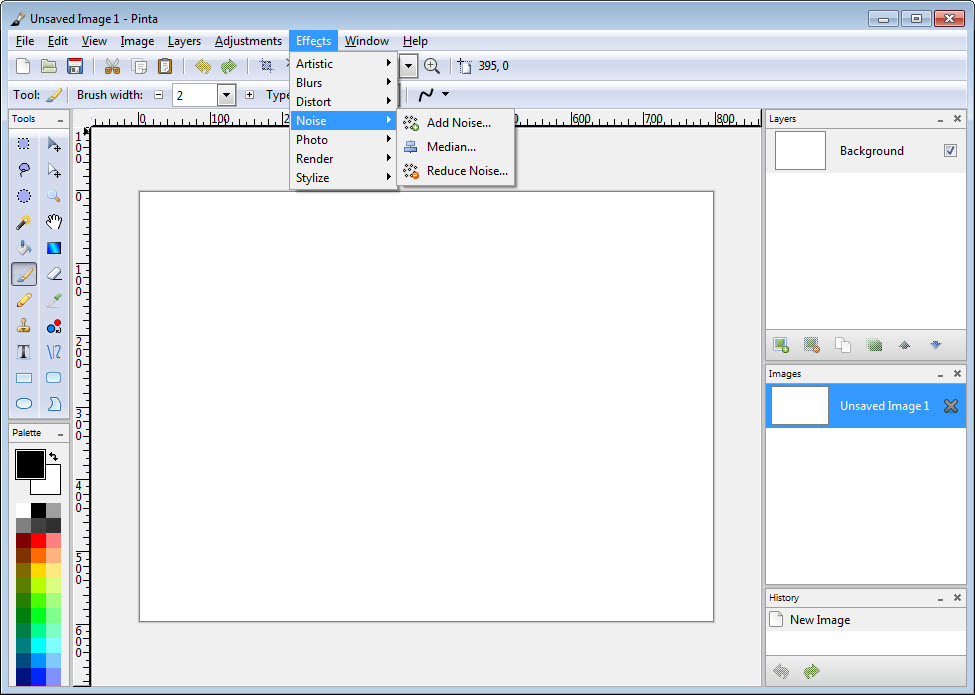
Beyond basic drawing, Pinta includes more than 35 image adjustments and effects. You can sharpen, blur, adjust hue and saturation, tweak brightness and contrast, reduce noise, and apply artistic effects that change the mood of a piece in seconds.
With over 55 language interfaces, the editor adapts to your preferred locale and keeps the learning curve shallow.
Customization, add ins, and workspace control
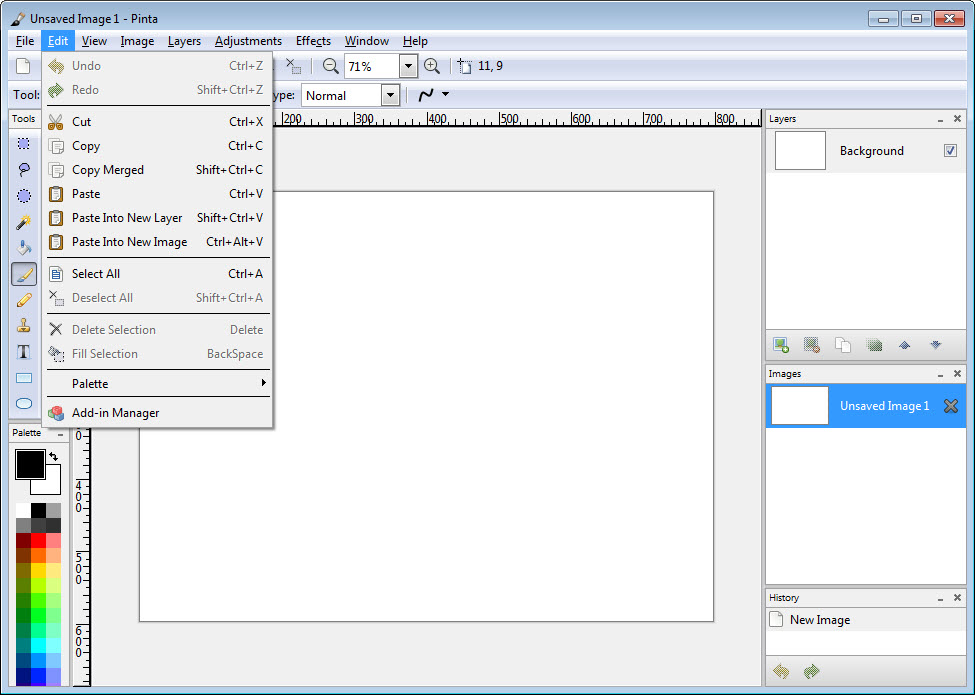
Pinta allows you to reorganize the workspace to suit your habits. Dock or float panels, resize tool windows, and save layouts that match your task.
Add ins expand capabilities further, from new brushes to specialized tools, so the program grows with your needs without becoming heavy or complex.
Performance and everyday reliability
The application stays light on resources and responds quickly even on large canvases. Opening, saving, switching tools, and transforming selections feel immediate, which keeps you focused on creative choices rather than waiting on the software.
Conclusion
Pinta strikes a practical balance between simplicity and capability. With essential drawing tools, unlimited layers, generous undo, and a solid library of effects, it becomes a nimble canvas for sketching, retouching, and everyday image work.
If you want an editor that stays out of your way while still delivering the control you need, this open source option is an easy recommendation.
Pros & Cons
- Familiar tools with a clear and approachable interface
- Unlimited layers and unlimited undo for non destructive editing
- More than 35 built in adjustments and effects
- Workspace customization and add ins for extensibility
- Over 55 language interfaces and a lightweight footprint
- Lacks advanced features such as vector drawing and high end masking
- Interface is functional and may feel simple to power users
- Plugin ecosystem is smaller than that of heavyweight editors
Frequently asked questions
Yes. It supports unlimited layers so you can build and adjust complex images safely.
Yes. It offers straightforward tools like brush, lines, rectangles, and ellipses with a simple workflow.
Yes. It provides more than 35 adjustments and filters for quick enhancement and creative looks.
Yes. Panels can be docked or floated, and add ins can extend functionality as needed.


