

Pinegrow Web Editor
About Pinegrow Web Editor
Pinegrow Web Editor builds websites visually without hiding the code that results. Open an ordinary HTML file, and the page appears as a live, editable canvas beside its source. Drag an element and the markup moves. Change a CSS rule in the styling panel and the page updates while the stylesheet changes under it. Type in the code editor and the canvas follows. Nothing is converted into a proprietary project format along the way, so the files you save are the same plain HTML, CSS and JavaScript that any other editor or a web server would read.
That two-way link between picture and code is the whole design. Most visual builders produce markup you would rather not look at and lock it inside their own system, while code editors give you no picture at all. Pinegrow Web Editor sits between them, and it is built for people who understand HTML and CSS and want to work faster rather than for people who want to avoid learning them. Around the editor sit framework tools for Bootstrap and Tailwind CSS, a CSS Grid editor, multi-page editing, a timeline for animations and a builder that turns a finished HTML page into a working WordPress theme.
Visual editing with the code open beside it
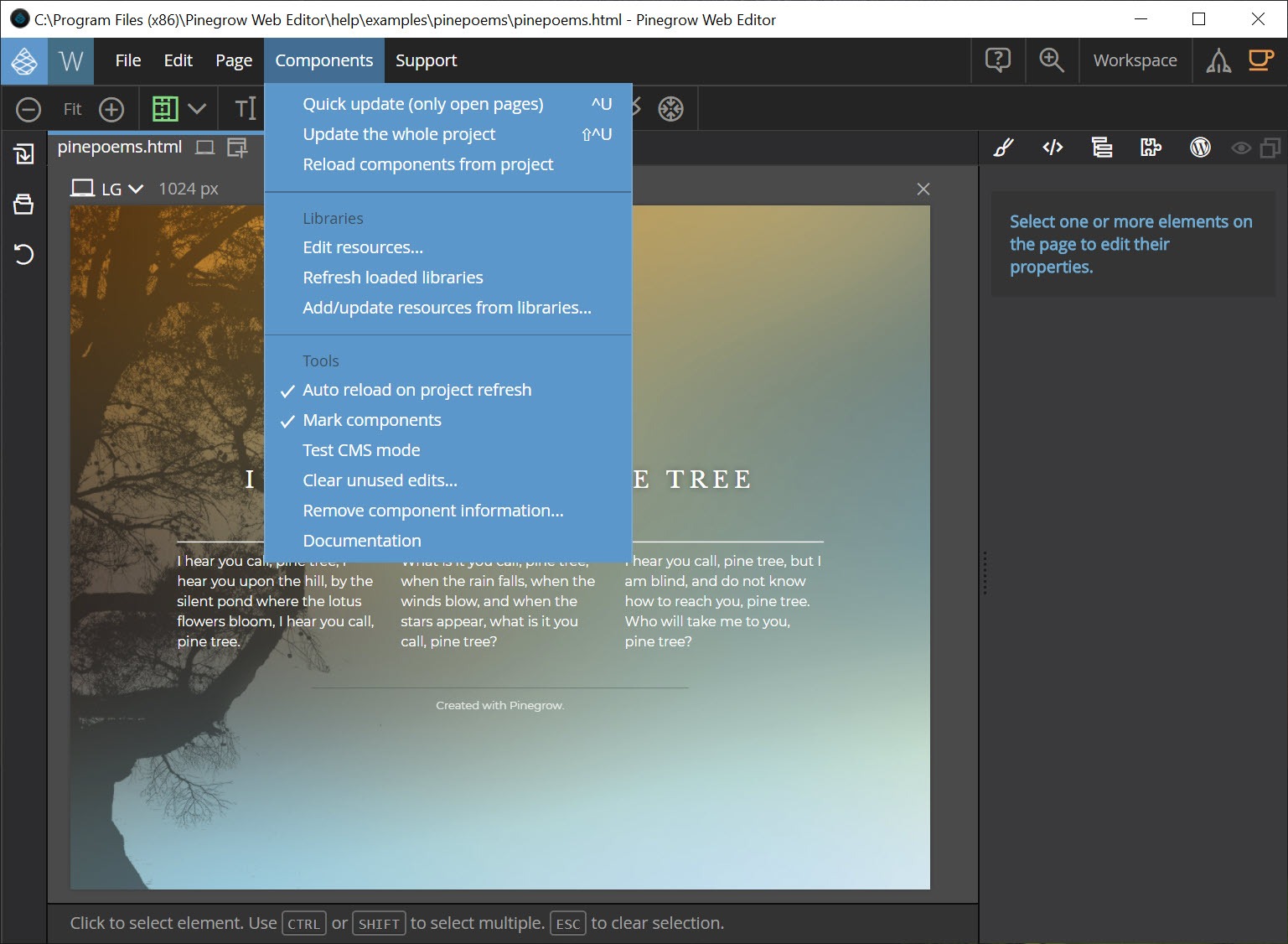
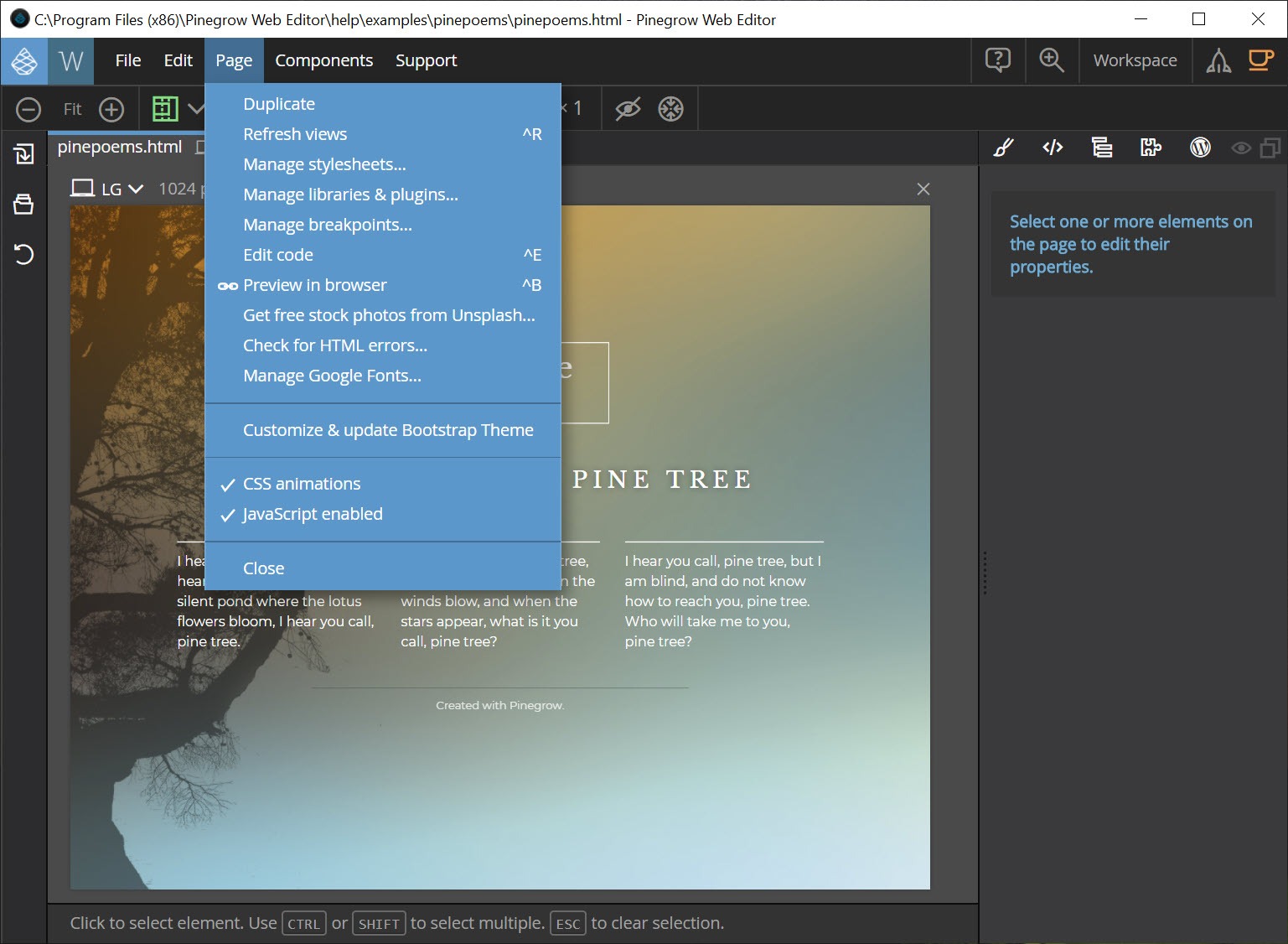
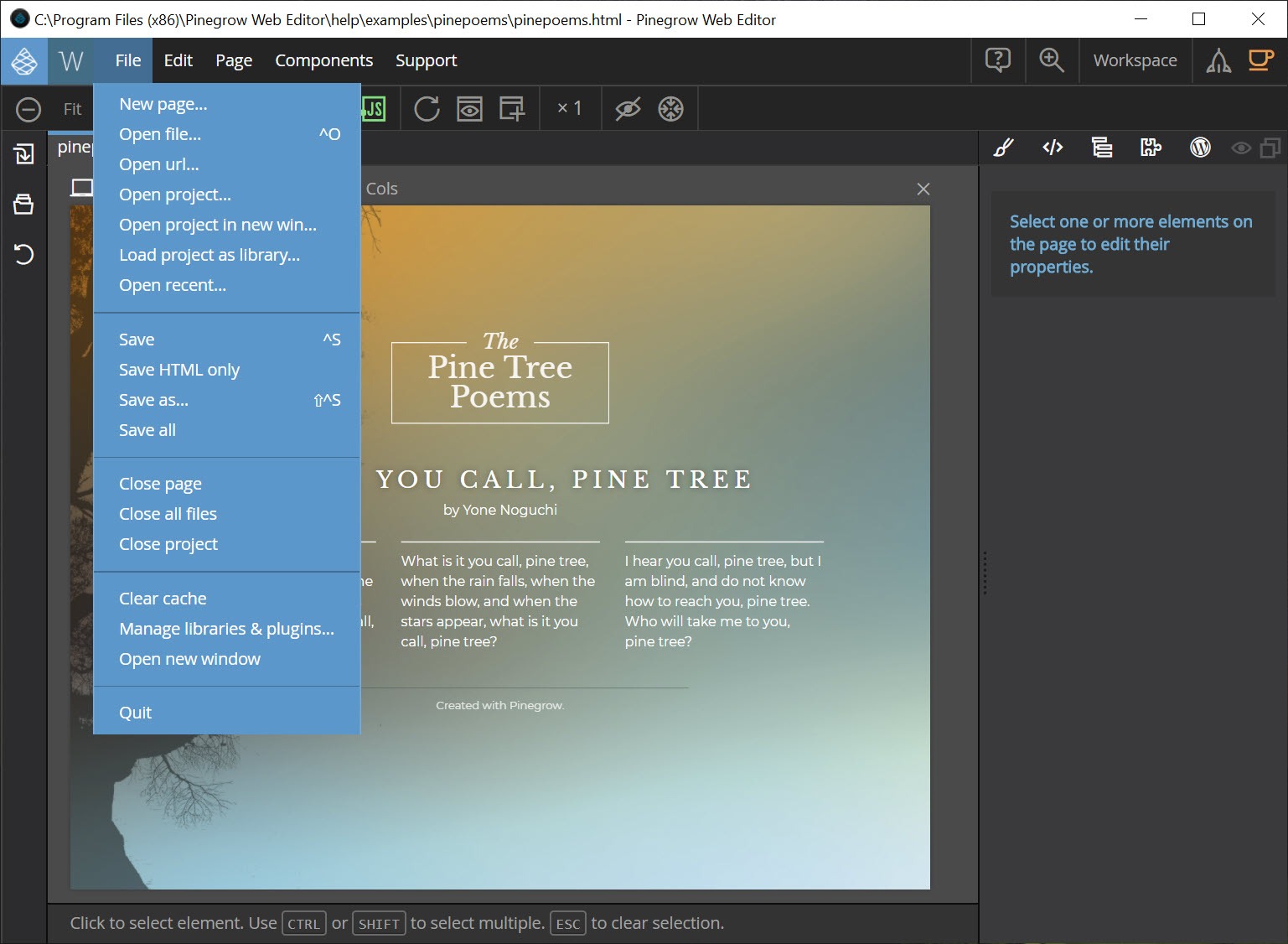
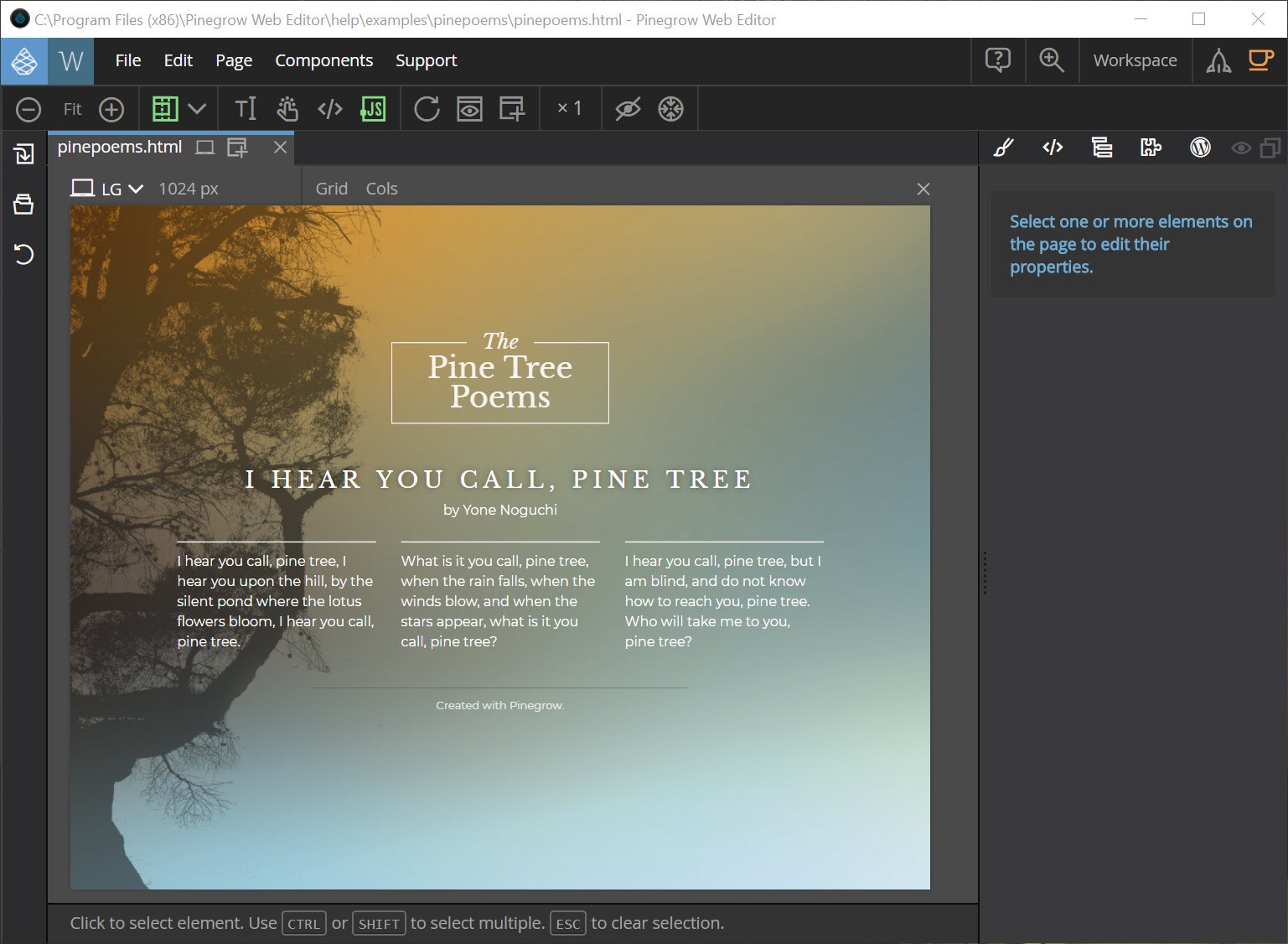
The Pinegrow Web Editor workspace shows the page, a tree of its elements, a library of components to drag in, a styling panel and, when you want it, the code. Select an element on the page and the tree highlights it, the styling panel shows the CSS rules that apply to it in the order the browser applies them, and the code view scrolls to its markup. That inspection of active rules works the way a browser’s inspector does, except that the edits are saved to the real stylesheet rather than lost on reload.
Several pages open at once and edit together, which is how a header change propagates across a site. Master pages define shared regions that child pages inherit, and components created from any element can be reused and updated in one place, a step beyond what BlueGriffon and the older visual editors manage. The result is a static site workflow that behaves a little like a content system.
Styling, SASS and the CSS Grid editor
The Pinegrow Web Editor styling panel edits rules with visual controls for spacing and typography, colour and backgrounds, and layout, and a code box for anything the controls do not cover. Media queries are created and switched from the same panel, with the page shown at each breakpoint, so responsive layouts are built by resizing the canvas and adding the rule for that width. SASS and LESS files compile live, so a project built on preprocessor source edits exactly as a plain CSS project does.
The CSS Grid editor draws the grid over the page, with handles to add tracks, set sizes and place elements by dragging, and it writes the grid-template rules as you go. Flexbox has its own controls, too. For anyone who has counted grid lines by hand, the visual version is the fastest way to get a complex layout right and then read the clean CSS it produced.
Bootstrap, Tailwind and the framework tools
In Pinegrow Web Editor, Bootstrap and Foundation components come as a library of ready blocks with the framework’s own options exposed as controls, so a card, a navbar or a grid column is configured with dropdowns rather than by remembering class names. The classes still land in the markup where you can see and edit them. That halves the lookups on a framework site.
Tailwind CSS is handled by a separate add-on, the Tailwind Visual Editor, which exposes the utility classes as visual controls and compiles the stylesheet. It comes alongside the main editor rather than included, which matters to anyone whose projects are all Tailwind. Plain HTML and CSS with no framework is fully supported, and nothing pushes a framework on a project that does not want one. Those who prefer to hand-code and preview separately will find a programmer’s text editor lighter.
Interactions and animation on a timeline
Interactions adds a timeline editor to Pinegrow Web Editor for animations and scroll scenes, driven by the GreenSock animation library. Pick an element, add a tween, set its properties along the timeline and scrub to preview, and the result exports as code that runs in any browser. Scroll scenes tie animations to the scroll position, which is how parallax effects and elements that animate into view are built without a line of script. It is an add-on like the Tailwind editor, and capable rather than a toy, since the library beneath it is the one professional animators use.
Turning a page into a WordPress theme
The Pinegrow Web Editor WordPress builder is the feature that draws many people in. Design a page as plain HTML, then assign WordPress actions to its elements, telling the editor that this block is the post loop, this element is the title, this one the featured image, and this region a menu. Export, and the editor writes the PHP template files a theme needs, splitting the page into a header and footer, and template parts, according to the structure you defined. Custom blocks are built the same way.
The output is standard theme code that runs without the editor installed anywhere and passes the theme checks. The limit is that it needs an understanding of how WordPress assembles a page, so someone who does not know what the loop is will be learning two things at once. For running a local copy of the site to test the theme, a local web server stack is the usual companion.
Where it asks care
The learning curve is real, because the editor assumes you can read the code it shows you. Beginners expecting a builder that hides everything find the panels dense. The Tailwind editor, the WordPress builder and Interactions are separate add-ons to the main editor, so the full toolkit is several products. There is no hosting and no deployment beyond saving files, which is right for professionals and a gap for anyone who wanted the whole path to a live site. The interface is busy, and the first week goes on learning which panel does what.
Conclusion
Pinegrow Web Editor suits web designers and front-end coders who know their HTML and CSS and want a canvas that speeds them up without producing markup they would be ashamed of. The two-way sync, the rule inspector and the grid editor make layout work faster, and the WordPress builder turns a static design into a theme without hand-writing templates.
It is the wrong tool for someone who wants to avoid code or who expects hosting and publishing in the box, and the full kit is assembled from several add-ons. Start with the core editor on a plain HTML project, learn the styling panel, and add the framework or WordPress pieces when a project needs them.
Pros & Cons
- Visual editing and code stay in sync, both directions, on plain HTML and CSS files
- Styling panel shows active rules like a browser inspector and saves the edits
- CSS Grid editor draws layouts visually and writes clean grid rules
- Bootstrap and Foundation components with their options as controls
- Multi-page editing, master pages and reusable components
- WordPress builder exports standard theme files from an HTML page
- Assumes working knowledge of HTML and CSS
- Tailwind editor, WordPress builder and Interactions are separate add-ons
- No hosting or deployment, only files saved to disk
- Dense interface with a steep first week
Frequently asked questions
No. It edits standard HTML, CSS and JavaScript files directly, and the saved files open in any other editor or on any web server.
Yes, with the WordPress builder add-on. Assign WordPress actions to the elements of an HTML page and the editor exports standard PHP theme files.
Yes, through the Tailwind Visual Editor add-on, which exposes utility classes as visual controls and compiles the stylesheet.
It suits people who already understand HTML and CSS and want to work faster. Beginners expecting a builder that hides the code will find it demanding.


