

PenguinProxy
About PenguinProxy
PenguinProxy hides your IP address by routing browser traffic through other people running the same program, and in return it routes some of their traffic through you. That exchange is the whole model. There is no advertising to keep the lights on, because much of the network is made of its users’ own connections. Pick a country or region and connect, and websites see an address belonging to another member of the network or to one of the service’s servers rather than your own.
It works as a desktop client paired with a browser extension. The client joins the network and does the routing, and the extensions for Chrome and Firefox send that browser’s traffic through it, adding WebRTC and DNS leak protection so the real address does not slip out by another route.
PenguinProxy describes itself as a VPN, but in practice it behaves like an encrypted proxy for the browser, and understanding that difference, and what sharing your connection means, matters more than any setting in the window.
Choosing a location and connecting
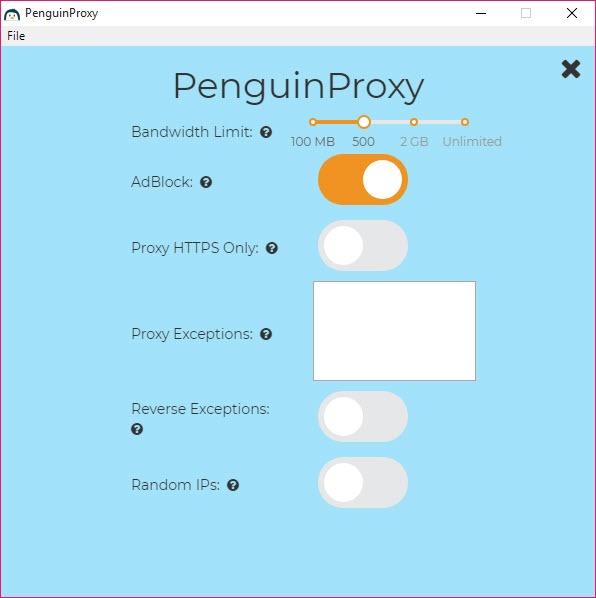
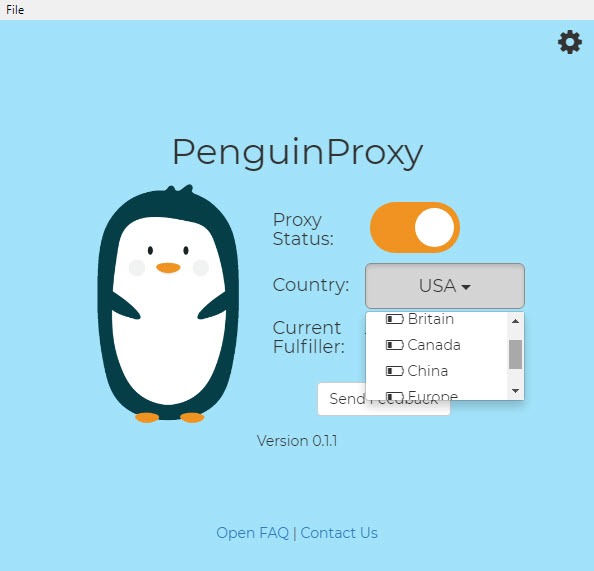
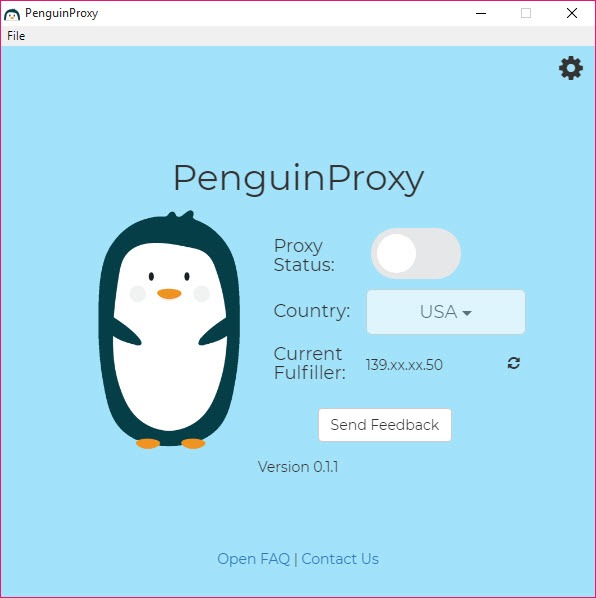
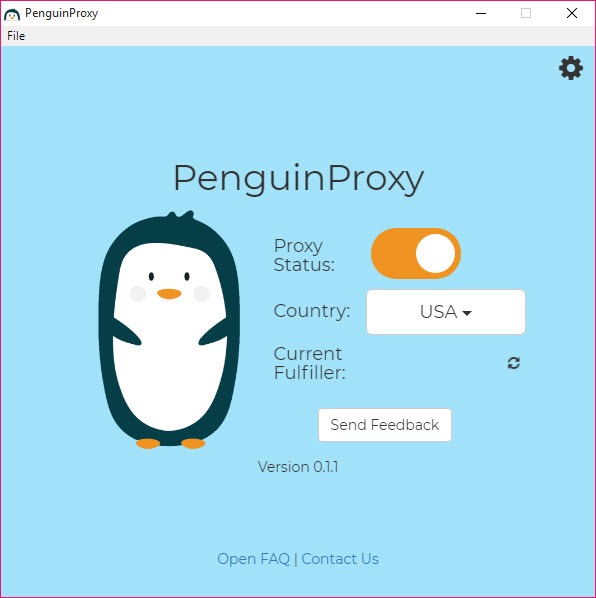
The main window holds a region selector and a connect button. Choose a country or let the client pick, then connect, and the window shows part of the address you now appear from. An option assigns a random address on each connection, which makes it harder for sites to link your visits together, and exceptions let chosen sites bypass the proxy, or the list can be reversed so only listed sites go through it.
A built-in ad blocker is on by default and can be turned off, and an option limits proxying to HTTPS connections so unencrypted pages are left alone. The client can start with the system.
Websites can still often tell that a proxy is in use, so the main gain is a different apparent location and a hidden home address, not invisibility.
Sharing your connection with other users
What you give in return is bandwidth, and this is the part to read carefully. When PenguinProxy runs, other members’ web requests can leave the internet through your connection, so to the outside world those requests come from your address. A daily contribution limit controls how much, from a small cap up to an unlimited allowance, and setting it to the minimum is the sensible starting point on a metered or slow line.
The risk is that someone else’s activity appears to come from you. The service routes connections through its own servers and encrypts them, which keeps your traffic hidden from the peer handling it and the peer’s traffic hidden from you, but it cannot change whose address the destination site records.
Anyone uncomfortable with that should use a service where exit traffic leaves from the provider’s own servers, such as an audited VPN with no peer exits.
Security and what it does not protect
Requests are encrypted between you and the network, and the leak protection in the extensions closes the WebRTC and DNS gaps that often expose a real address. Because traffic can pass through another user’s machine, the maker itself compares the arrangement to using a public Wi-Fi hotspot, and recommends keeping sites on HTTPS so their contents stay encrypted end to end. That advice should be followed.
Protection stops at the browser. Other programs on the computer, from mail clients to games, use the normal connection, so this is not a way to cover the whole machine.
For that, a system-wide tunnel such as an open-source VPN client is the right tool.
Speed and the beta label
Speed depends on the members available at any moment, so it varies from quick to sluggish with no warning, and a connection can drop when the peer handling it goes offline. The service has carried a beta label for a long time, its client updates infrequently, and the number of active peers in any region is unknown, which makes it a tool to try rather than to depend on.
For evading heavy censorship, a dedicated circumvention tool is built for the job.
Conclusion
PenguinProxy suits someone who wants to change their apparent location in a browser now and then, without subscribing to anything, and who understands and accepts that their connection will carry other members’ traffic in return. For casual unblocking and hiding a home address from websites, it does that simply.
It is the wrong choice for protecting the whole computer, for anyone who cannot accept others’ activity leaving from their address, and for work that needs a dependable connection. Set the contribution limit low, keep sites on HTTPS, and choose a proper VPN when privacy actually matters.
Pros & Cons
- Hides the home IP address in the browser with one click
- WebRTC and DNS leak protection in the extensions
- Region selection and optional random address on each connection
- Site exceptions, an HTTPS-only option and a built-in ad blocker
- No advertising in the client
- Other users' traffic leaves through your connection and address
- Covers the browser only, not other programs
- Speed and reliability depend on available peers
- Long-running beta with infrequent updates
- Sites can often detect that a proxy is in use
Frequently asked questions
No. It routes browser traffic through its extensions. Other programs use the normal connection.
Yes. Members' requests can leave through your connection, up to the daily contribution limit you set. Keep the limit low if that concerns you.
It calls itself one, but it works more like an encrypted proxy for the browser, with leak protection added by the extensions.
Speed depends on the peers available in your chosen region. Switching region or reconnecting often helps.


