

PCSX Reloaded
About PCSX Reloaded
Running PlayStation discs on a computer means picking an emulator, and the ones built around swappable plugins still give you the most control over how the result looks. PCSX Reloaded is one of those. Graphics, sound, controller input and CD access are each handled by a separate module you choose and configure yourself, through the old PSEmu plugin interface that a whole generation of PS1 tools was written against.
The practical payoff is resolution. The console rendered at 320×240 and the plugins will happily push that up to whatever your monitor does, with texture filtering the original hardware never had.
There is also an internal HLE BIOS, a reimplementation of the console’s boot firmware good enough that a large share of the library runs on it untouched, so a game boots without you supplying a console image first.
The catch is that PCSX Reloaded hands you the whole toolbox and expects you to know which spanner to reach for. Nothing here is automatic. If you would rather not spend an evening in plugin dialogs, DuckStation does the same job with sane defaults.
The plugins decide almost everything
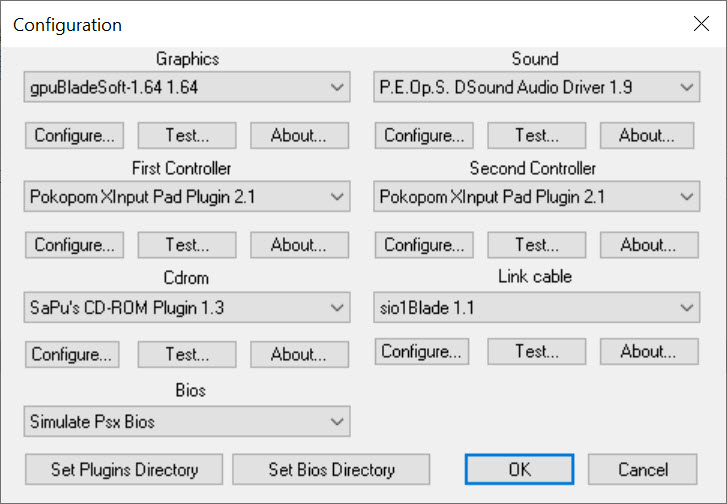
Video, audio, controller and CD-ROM each load as a separate module, and the quality of your experience is really the quality of your plugin choices. Higher internal resolutions, texture quality settings, filtering modes, none of that lives in the emulator itself. It lives in whichever GPU plugin you point it at.
Here is the part nobody puts on a feature list. The GPU plugin that comes bundled mostly does not work, so your first job after unpacking is replacing it, usually with Pete’s OpenGL2 renderer or Edgbla’s gpuBladeSoft.
Until you do, expect a black screen or a mess of garbage triangles and no obvious explanation. ePSXe has the same architecture and the same learning curve, so anyone arriving from there will feel at home immediately.
Getting rid of the wobbly polygons
PS1 hardware calculated vertex positions with integers, which is why characters in PCSX Reloaded and every other emulator shimmer and jitter as they move. There are real fixes for this, and they are scattered across the plugins rather than collected in one settings page. Pete’s OpenGL renderer has a GTE accuracy option. gpuBladeSoft calls its version Improved coordinate accuracy. PeteOpenGL2Tweak layers further corrections on top.
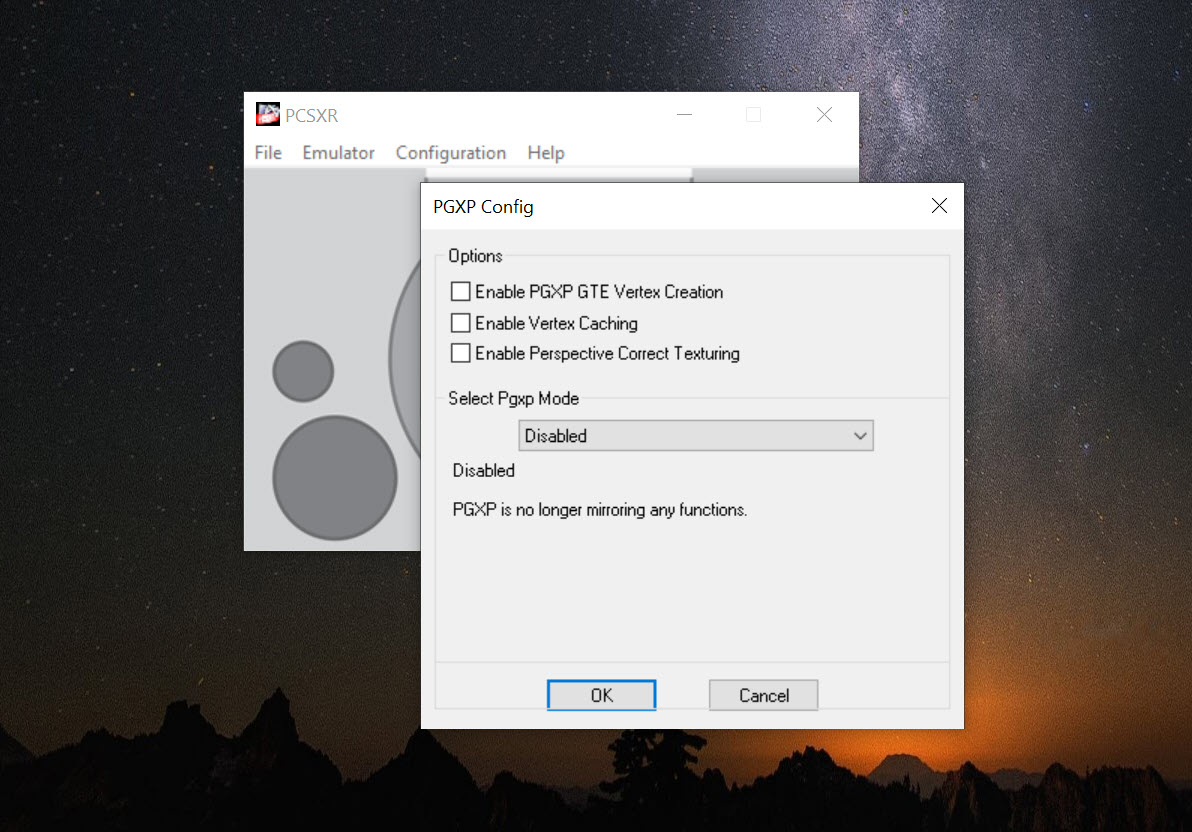
Then there is the PGXP fork, which is where this gets interesting. It adds proper perspective correction so textures stop swimming across surfaces, cuts down polygon culling at screen edges, and goes considerably further on jitter than the mainline GTE hack does.
The fork also fixes something that has annoyed people for ages. Mainline carries a timing hack written specifically for WipeOut, and that hack quietly slows down a long list of unrelated games.
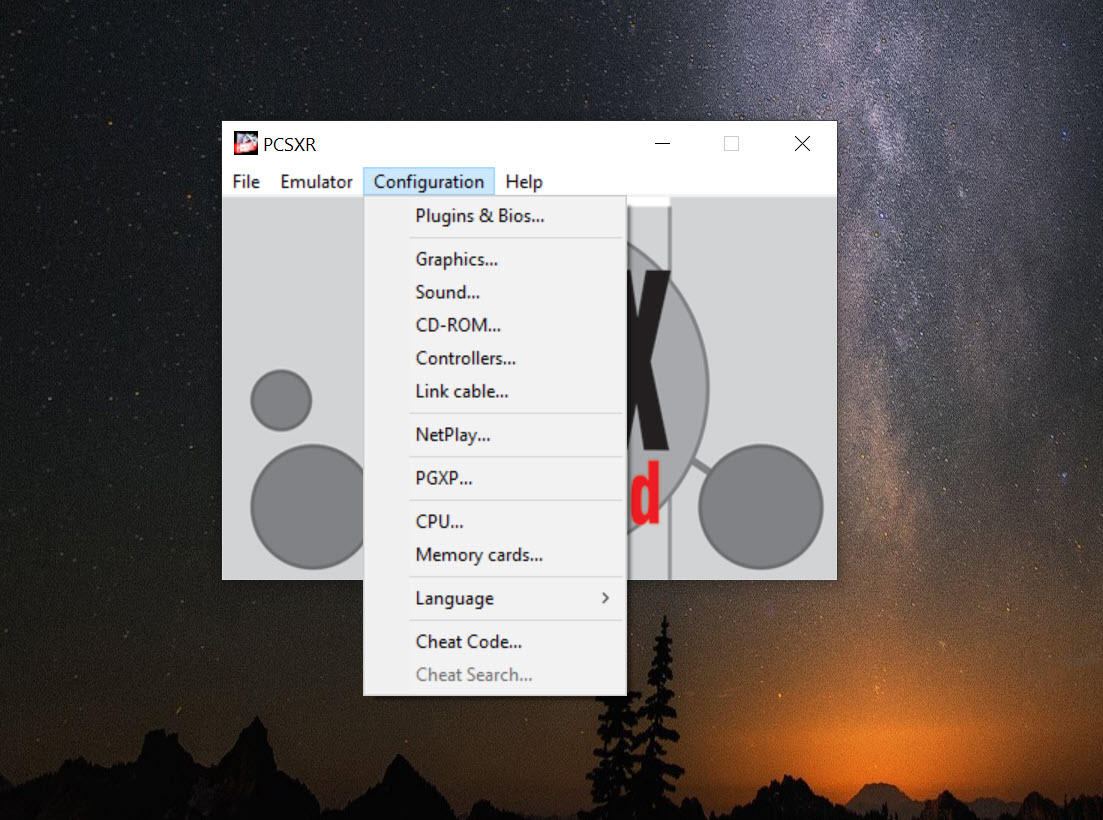
The fork demotes it to an optional checkbox in the CPU settings, off by default, and throws in CPU overclocking while it is there. If you are choosing between builds, choose that one.
Discs, images and swapping mid-game
Multitrack cue sheets load natively in PCSX Reloaded, which matters more than it sounds, because plenty of PS1 games keep their soundtrack on separate CD audio tracks and a single-track rip silently loses the music. Plain BIN and CUE pairs work, ISO works. Creating images from your own discs is a job for a proper disc-imaging tool, which produces cue sheets the emulator reads without complaint.
Compressed formats are where the gaps show. ECM handling and libarchive support exist in other builds of this same emulator but never arrived in this one, and CHD, the compression format that has become standard elsewhere in retro emulation, is not supported at all. Your disc images stay full size.
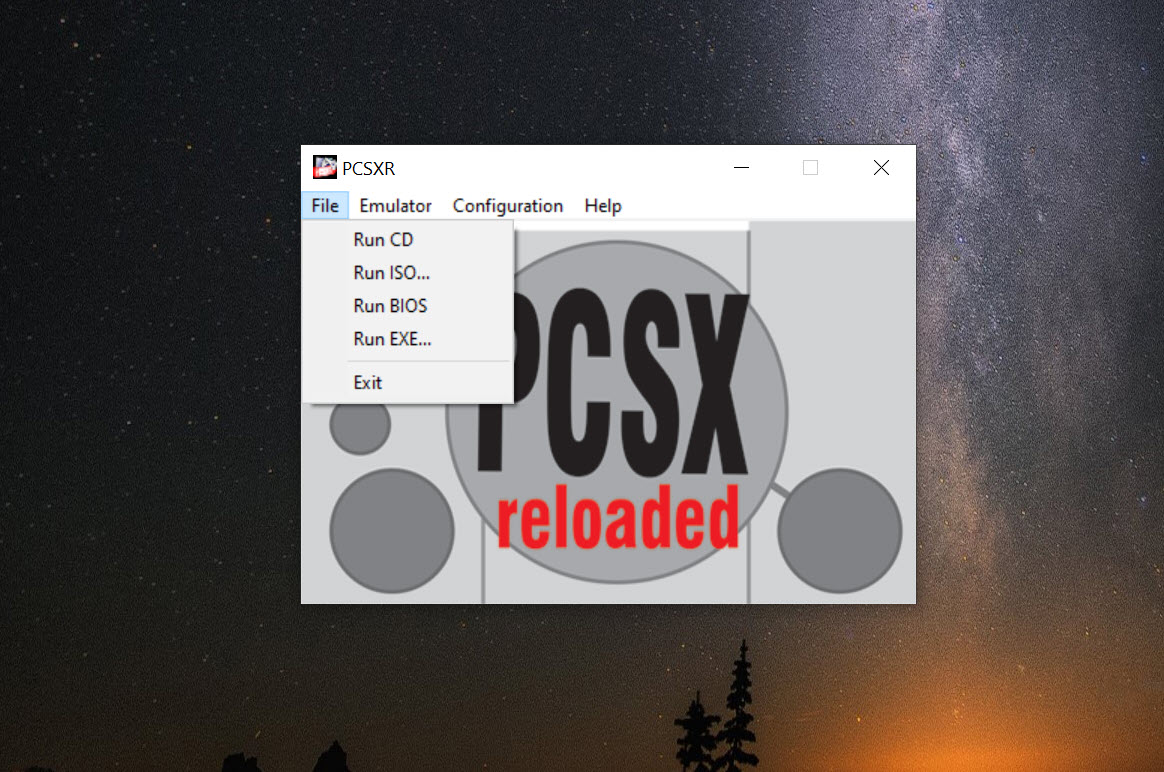
Multi-disc games get proper tray emulation. F9 opens the tray, F10 closes it, and titles like Final Fantasy that expect a real disc swap behave correctly. For games that check more aggressively, Metal Gear Solid being the famous case, the sequence is F9, then Esc to reach the menu, then Emulator and Switch ISO, then Run, then F10. Clunky, and it works every time once you memorise it.
Save states, screenshots and the odd toggles
PCSX Reloaded gives you five state slots, reachable directly with Ctrl plus 1 through 5 to save and Alt plus the same digits to load. F1 and F3 do the current slot, F2 cycles slots, and F4 shows you the screenshot attached to a state so you are not loading blind. Alt plus 0 restores whatever was running when you last quit with Esc, which has saved me more than once after closing the emulator by reflex.
Three toggles in the function row look cryptic and repay a minute of attention. F5 flips SIO IRQ handling, F6 switches the black and white decoders, and F7 turns XA audio on or off. Each one fixes a specific class of broken game, and knowing they exist turns an unplayable title into a playable one. F8 grabs a game screenshot.
Save Rewind, the feature that lets you scrub backwards a few seconds after a mistake, is absent here. Other builds of the same emulator have it. This one does not.
Controllers and multitap
Input in PCSX Reloaded goes through a plugin like everything else, so anything the plugin recognises works, including two ports plus multitap expansion for the four-player games. A ScpToolkit setup with an actual DualShock is the closest you will get to the original feel, and the rumble even carries through in games that used it.
Conclusion
This suits the person who enjoys the configuration as much as the games, or who is running hardware old enough that a modern emulator’s rendering backend is out of reach. On an aging integrated GPU with nothing but OpenGL to work with, PCSX Reloaded still turns in playable framerates where newer options stutter, and the plugin ecosystem around it is deep enough to tune almost any specific problem away.
For accuracy, Mednafen is the more faithful choice, particularly for 2D games where pixel-exact output matters. And if you want to double-click an image and start playing, this is not that emulator and never pretended to be. Take the PGXP fork, budget an evening for plugin settings, and it repays the effort.
Pros & Cons
- Plugin architecture means internal resolution and texture quality far beyond the original hardware.
- Native multitrack cue sheet support keeps CD audio soundtracks intact.
- Internal HLE BIOS gets many games running without a console image.
- Full tray emulation and Switch ISO make multi-disc games workable.
- Five save state slots with screenshot previews and a recover-last-session shortcut.
- The bundled GPU plugin barely functions, so setup starts with replacing it.
- No CHD support, and ECM handling never made it into this build.
- The mainline WipeOut timing hack slows unrelated games unless you use the PGXP fork.
- Anti-jitter settings are scattered across plugin dialogs instead of one page.
- Memory cards misbehave under the internal BIOS.
Frequently asked questions
The console stored vertex coordinates as integers, so geometry snaps between whole pixels. Turn on GTE accuracy in Pete's OpenGL plugin or Improved coordinate accuracy in gpuBladeSoft, and use the PGXP fork if you want the problem mostly gone rather than reduced.
No, the internal HLE BIOS boots a large part of the library on its own. A real console image raises compatibility noticeably though, especially for memory card reliability, and a known set of titles will not behave properly without one.
Press F9 to open the tray, Esc to reach the menu, then Emulator and Switch ISO to pick the next image, Run to resume, and F10 to close the tray. Games that let you swap from their own disc change screen need only F9 and F10.
Because LilyPad is intercepting them. Open the controller plugin options and set the keyboard input API to raw input, and the hotkeys start working again.
Neither. Stick to BIN and CUE pairs or ISO files, and keep multitrack cue sheets intact so you do not lose the CD audio tracks.


