

PaintTool SAI
About PaintTool SAI
PaintTool SAI is the digital painting application that built a cult following among illustrators, anime artists, and manga creators through a single defining quality, the most natural-feeling pen pressure response in the consumer painting software space. Drawing with a graphics tablet in PaintTool SAI feels closer to actual ink on paper than most heavier alternatives manage, and that responsiveness is the reason the software has held its audience for years despite the broader market moving toward subscription pricing and feature bloat.
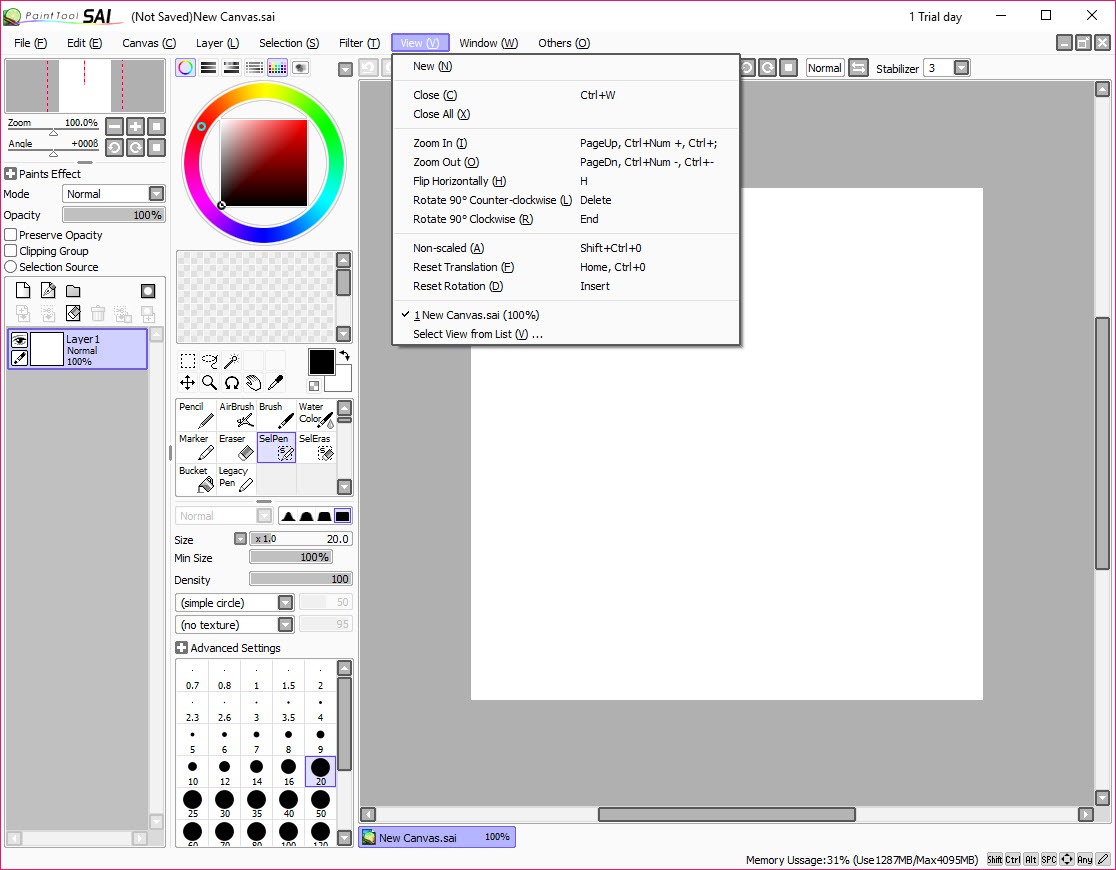
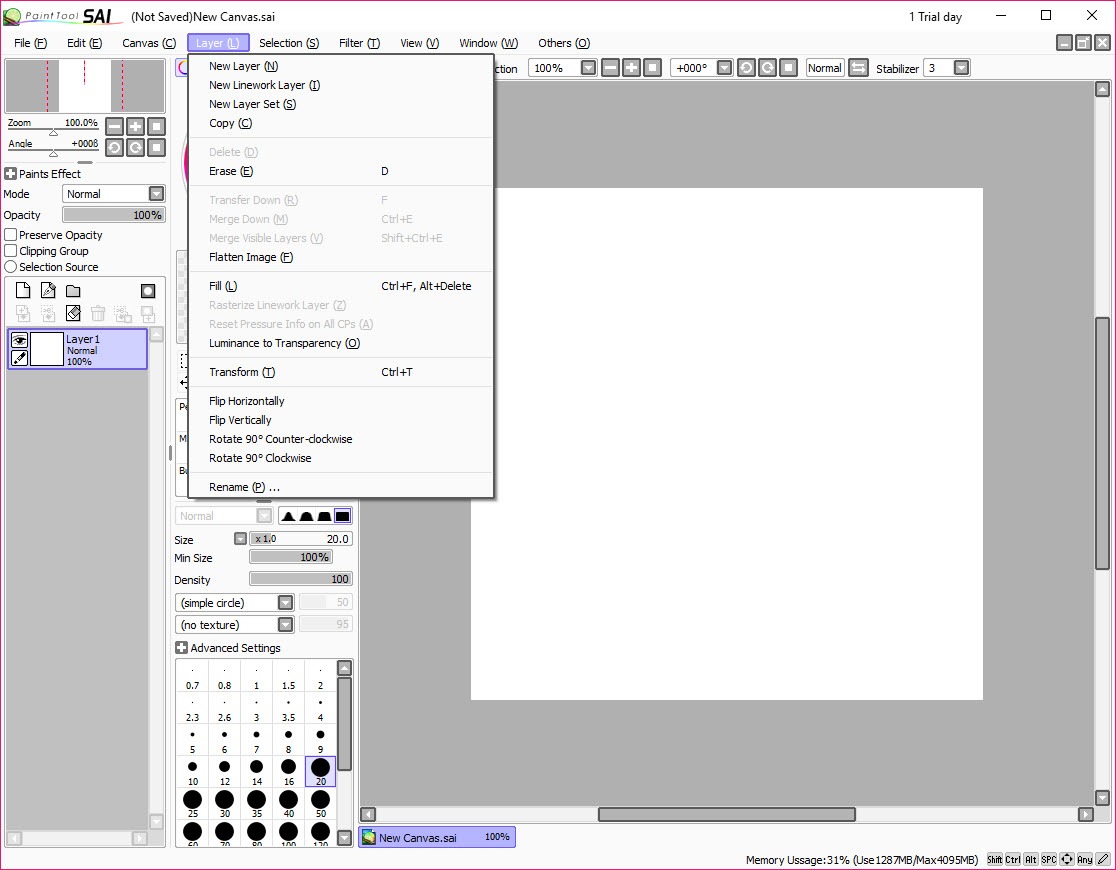
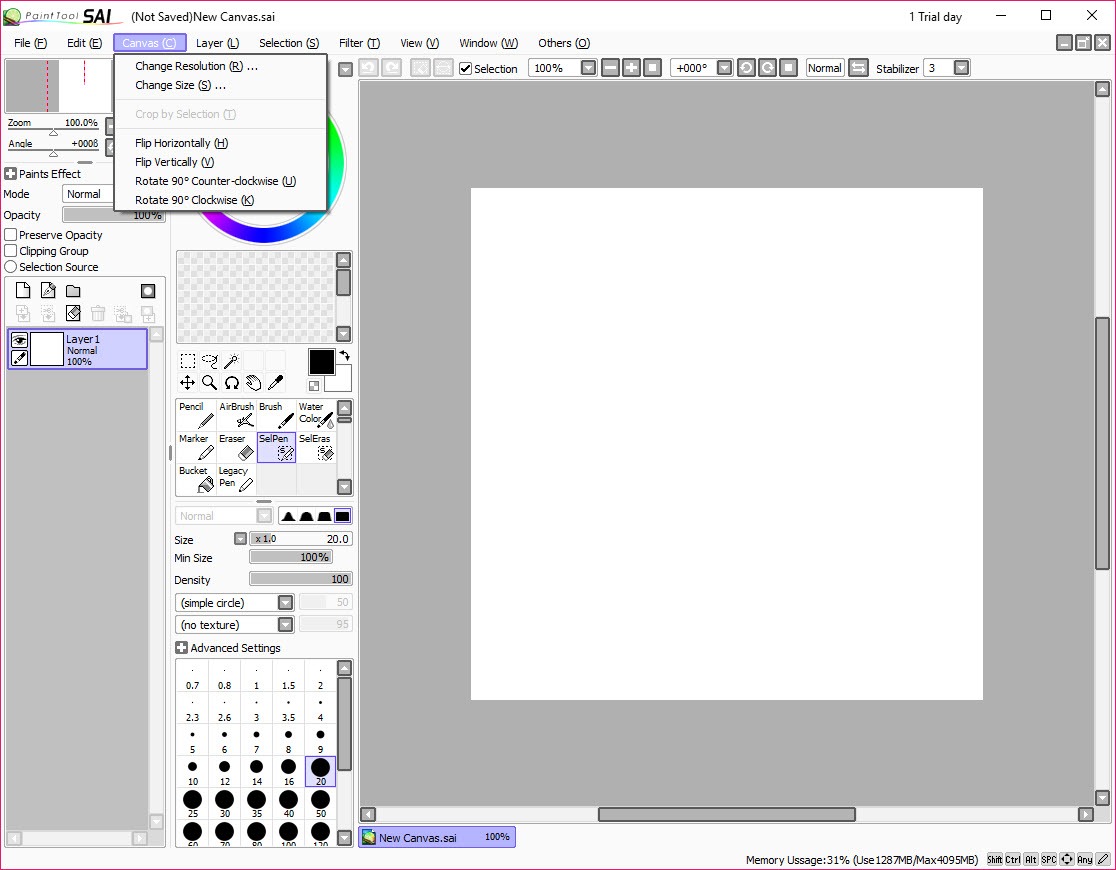
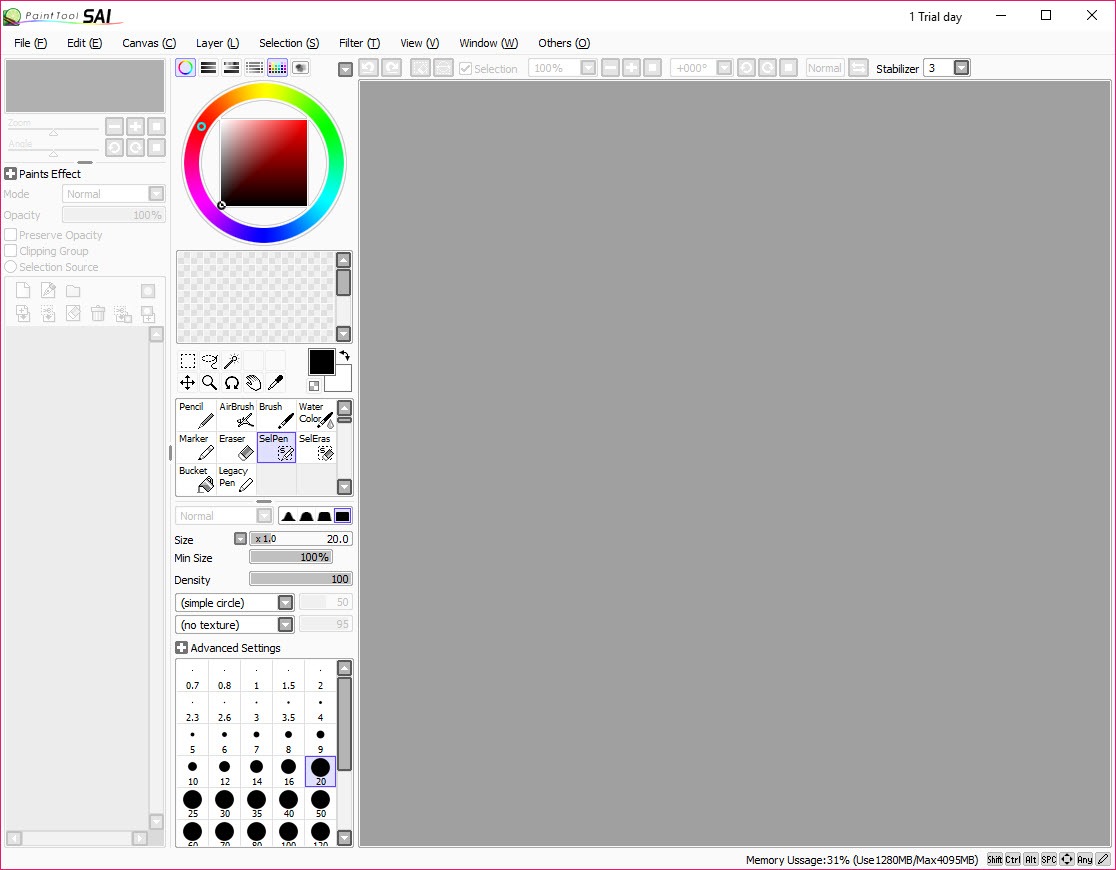
The application is deliberately focused. It does not try to be a photo editor, a layout tool, a print publishing suite, or a 3D painter. It paints. Brushes, layers, basic selection, color management, and the specific line tools that illustration work depends on. The interface is small enough to fit comfortably on any reasonable monitor, the file sizes stay sane even with complex multi-layer documents, and the performance feels light because the application is light.
Where Photoshop and Clip Studio chase feature parity with every adjacent discipline, PaintTool SAI chases the specific use case of someone with a tablet drawing illustrations.
Brush engine and the pressure response that defines the software
This is the feature that needs explaining first because it is the actual selling point. Tablet pen input includes pressure data (how hard you press), tilt data (the angle of the pen), and rotation data (the spin of the pen around its axis) depending on the hardware. Software then has to translate those inputs into brush strokes that feel like drawing rather than feel like dragging a mouse cursor.
PaintTool SAI handles this translation in a way that consistently gets praised over heavier competitors. The pressure response is direct and immediate, the brushes do not lag behind the stylus, and the curve from light press to heavy press feels intuitive on the first stroke rather than requiring per-brush configuration to feel right. This is a difficult problem to solve technically and the application solves it well.
The brush engine itself is straightforward. Each brush has size, density, blending, persistence, smoothing, and a small set of texture and shape options. The brushes are not as customizable as Photoshop’s hundreds of parameters or as procedurally rich as Krita’s pixel brushes, but the defaults are tuned for illustration work and most artists settle into a few brushes they use for everything.
For users who want a deeper procedural brush engine with extensive customization, Krita provides a more comprehensive system with hundreds of preset brushes and full engine configuration.
Line stabilization and the unsteady-hand fix
One of the application’s most copied features is line stabilization. Drawing freehand straight lines or smooth curves with a stylus is hard, even for experienced artists. The hand wobbles, the wrist gets tired, and the resulting strokes have small jitter that makes finished line art look amateur. Stabilization counteracts this by averaging the stroke direction over a configurable distance, producing smoother lines than the actual hand motion produces.
The stabilization slider has a range from off to maximum. Low values clean up small wobble without changing the stroke significantly. High values produce remarkably smooth lines but introduce noticeable lag between the stylus motion and the visible stroke, which takes adjustment to use effectively. Most users settle on a mid-range value that fixes wobble without making the brush feel disconnected.
This feature is now standard across modern painting applications, but PaintTool SAI popularized it for the consumer audience. Other applications like MediBang Paint Pro and FireAlpaca implement similar stabilization with their own variants, and the comparison between implementations is a common topic in the illustration community.
Linework layers and the vector-raster hybrid approach
This is where the application gets genuinely interesting. Standard layers are raster, like in any painting program. A separate layer type called Linework lets you draw lines that remain editable as vectors even after they are placed. You can adjust the curve of a stroke after drawing it, change its pressure profile retroactively, taper the ends differently, or move control points to reshape the line.
This is essentially a vector drawing system embedded inside a raster painting application. It is purpose-built for inking work, the stage in illustration where you go from rough sketches to clean final lines. Artists can ink with full freedom, then refine each stroke without redrawing it from scratch. The lines export cleanly to raster output when the layer is flattened, but the editable state can be preserved in the .sai file for later revisions.
The implementation is not as comprehensive as a dedicated vector application would offer. There is no boolean operations, no path effects, no advanced bezier manipulation beyond the basics. What it is, however, is enough for the specific use case of clean inking with the ability to revise.
For broader vector illustration work outside the painting context, dedicated tools serve those needs better.
SAI 1 versus SAI 2 and the version question
A specific source of confusion for new users is the two version branches. SAI 1 is the original application, with the smaller feature set and the brush engine that built the initial reputation. SAI 2 is the newer version with additional features, expanded brush engine capabilities, improved file format, and various interface refinements. Both are actively used.
The reason SAI 1 has not been retired is genuine. Some users specifically prefer the older brush engine feel, the simpler interface, and the lower system overhead. SAI 1 runs on lower-spec hardware than SAI 2 expects, and for users with established workflows the older version remains the right tool for their work.
SAI 2 has the better long-term trajectory and is the recommendation for new users without specific preference. The brush engine refinements, the additional layer features, the improved file format compatibility, and the cleaner interface design all favor the newer version. Existing SAI 1 users can stay where they are or migrate when ready. Files can move between the versions with some compatibility caveats around newer features that SAI 1 does not understand.
Comparison with Krita and Clip Studio Paint
Anyone researching digital painting software runs into the comparison between PaintTool SAI, Krita, and Clip Studio Paint. The three cover similar ground from genuinely different angles.
Krita is the open-source maximalist option. Hundreds of brush presets, comprehensive procedural brush engine, animation support, vector layers, full color management, and a feature set that spans illustration, comics, and concept art. The cost is interface complexity and heavier resource use. For artists who want the most capability at no purchase cost, Krita is the established choice.
Clip Studio Paint is the manga and comic-focused option. Comic page templates, panel layout tools, screentone generation, perspective rulers, and a brush engine tuned for comic work. The pricing model has shifted toward subscription for some tiers, which is a sticking point for users who prefer perpetual licenses. The application is denser than PaintTool SAI but offers tools that the simpler app does not include.
PaintTool SAI is the minimal-friction option for pure illustration. Less to learn, less to configure, smaller install, and the brush response that the broader scene still references as a benchmark. The price is a one-time purchase that costs less than a year of most subscription alternatives.
For artists who do illustration as their primary work and do not need the surrounding ecosystem features, this is the focused choice. Lighter alternatives like MyPaint take the minimalism even further but lose some of the polish that PaintTool brings to its brush handling.
Color management and the simple palette approach
Color tools in PaintTool SAI are deliberately straightforward. The color wheel, RGB sliders, HSV sliders, and a swatch grid handle most needs. There is no advanced color management with ICC profiles, no spot color support, no print-focused color tools. The application is designed for screen output, and the color tools reflect that focus.
Custom palettes can be saved and loaded, which is useful for artists who develop consistent color schemes for specific projects. The eyedropper picks up colors from anywhere on the canvas, the color memory remembers recently used colors for quick access, and the swatch grid is large enough to hold a working palette for a complete illustration.
What the application does not do is more important than what it does in terms of color. There is no automatic color correction, no white balance adjustment, no exposure control. These are photo editing functions that have no place in a painting application focused on creating original work.
For photo manipulation, retouching, or color correction of existing images, GIMP and dedicated photo editors handle those workflows separately.
File format and the SAI workflow
Native files use the .sai format, which preserves all layers, layer types, blend modes, and brush information in a single file. This is the format to use for ongoing work because it preserves every editable property. The format is PaintTool SAI specific, and other applications generally cannot open it, so for collaboration or version compatibility, export to PSD when sharing files with users on different software.
PSD export preserves most layer information, though specific PaintTool SAI features like linework layers convert to raster on export. This means a file shared as PSD loses some editability when reopened in PaintTool SAI later. For finished work, JPG and PNG export handle the standard output formats with no functional differences from other applications.
Save states and document history are preserved within a session. Undo depth is configurable, though deep undo history consumes more memory. The application handles large canvases well within the limits of available RAM, with 4K and 8K canvases possible on modern hardware without significant slowdown.
Real limitations
The application is not the universal painting tool. It does not handle animation work, which is becoming standard in modern painting applications. It does not include the panel and page layout tools that comic artists increasingly expect. It does not have advanced text handling, with typography essentially limited to basic placement and styling. Users who need any of these workflows need other tools alongside.
The brush engine, while excellent for what it does, is less powerful than dedicated alternatives. Texture brushes are limited, scattering brushes do not match what Photoshop or Krita can produce, and procedural brush effects (water, oil, smudge with specific physics) are simpler than what painters using Painter or Photoshop’s specialized brushes can produce. For pure ink-style illustration this does not matter. For specific painterly styles requiring complex brushes, the application is the wrong tool.
There is also no plugin ecosystem worth mentioning. The application does not support third-party extensions, brush packs are limited to what the brush engine natively supports, and there is no scripting or automation API. The feature set is what the developers ship, with no community-driven expansion.
This is intentional and keeps the application small, but it is a real limitation compared to alternatives with rich plugin ecosystems.
Conclusion
PaintTool SAI is the right choice for illustrators and digital artists who want a focused, responsive, lightweight painting application without the surrounding feature complexity of larger alternatives. The brush engine response and the line stabilization combine into a drawing experience that consistently ranks high among artists who have tried multiple options. For pure illustration work where photo editing, animation, and layout features are not needed, this is one of the most refined tools available.
The application is not the universal solution. Animation, comic layout, advanced typography, and procedural brush work all happen better in other tools. What PaintTool SAI does, however, it does with a polish that the broader market has not matched even with decades of competitive development.
For the audience that wants tablet-to-pixel responsiveness above all else, the application remains the answer it has been for years, and the perpetual license model means the investment pays off across years of use rather than recurring monthly.
Pros & Cons
- Pen pressure response is consistently praised as the most natural-feeling in consumer painting software
- Lightweight installation and resource use, running smoothly on older hardware than most alternatives
- Line stabilization handles freehand wobble cleanly, with adjustable strength per stroke
- Linework layers provide vector-like editing for ink work within a raster painting environment
- One-time perpetual license at a price lower than subscription alternatives for many years of use
- Native .sai file format preserves all layer types and brush information for ongoing work
- No animation support, which is becoming standard in competing painting applications
- Brush engine is less powerful than dedicated procedural alternatives for specific painterly effects
- No plugin ecosystem, third-party extensions, or scripting API for automation
- Limited text and typography tools compared to broader illustration or comic-focused software
- Native .sai format is not readable by most other applications, requiring PSD export for sharing
- Color management lacks ICC profile support and advanced print-focused color tools
Frequently asked questions
The application is specifically designed for illustration with a focus on pen pressure response, line stabilization, and linework layers. Photoshop handles a wider range of tasks including photo editing, design, and 3D work, but the dedicated painting experience in PaintTool SAI feels more natural for tablet illustration.
Yes. The application reads PSD files with most layer types, blend modes, and metadata preserved. Some Photoshop-specific features like adjustment layers and smart objects do not translate, but standard raster and text layers come through cleanly.
The application supports the Wintab driver standard used by Wacom and most other tablet manufacturers. Pressure, tilt, and basic stylus data work natively. Some newer tablet brands use the Microsoft Pointer API instead, which may require configuration to expose pressure data correctly.
This is usually the line stabilization setting at too high a value. Lower the stabilization slider in the brush settings until the stroke feels responsive again. The stabilization adds intentional lag to smooth out the line, and finding the right value is per-artist.
Yes, with the caveat that the application does not include dedicated comic layout features. Many manga artists use PaintTool SAI for the actual illustration and panel art, then import to Clip Studio Paint or another tool for page layout, dialogue, and screentone work.
The application uses a one-time perpetual license model with a single purchase price. This compares favorably to subscription alternatives over a multi-year period, and the license includes free updates within the major version.
Yes. The eraser tool responds to pen pressure the same way the brush tools do, with light pressure producing partial erasing and heavy pressure removing more aggressively. Tablet buttons can be configured to switch between brush and eraser without selecting the tool through the interface.


