

OrangeCD Player
About OrangeCD Player
OrangeCD Player is a lightweight, free software designed to play audio CDs on Windows systems. It offers a clean and intuitive interface, allowing users to enjoy their music without unnecessary distractions.
Unlike many modern music players focusing on digital files and streaming, OrangeCD Player provides an optimized experience for physical audio CDs, making it a valuable tool for users who prefer traditional media.
Seamless Audio CD Playback
The core function of OrangeCD Player is straightforward: it enables users to play audio CDs on their Windows computers. The software automatically detects inserted CDs, displays track listings, and offers basic playback controls, such as play, pause, stop, and skip.
Its simplicity and reliability make it a great choice for users looking for an easy-to-use tool to enjoy their CD collection.
CD Information Retrieval
OrangeCD Player integrates with the FreeDB database to automatically retrieve album information, such as track names, artist details, and album titles. This feature eliminates the need for manual data entry and enhances the listening experience by providing context about the music.
Even for older or obscure CDs, the software attempts to fetch relevant metadata, making it a useful tool for music enthusiasts.
Customization Options
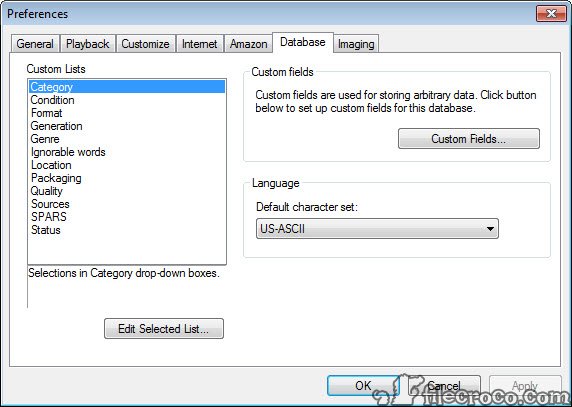
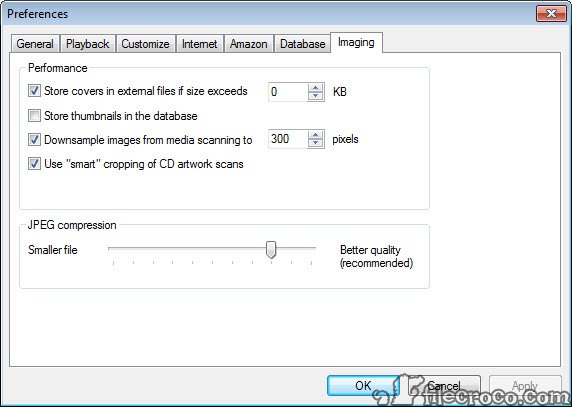
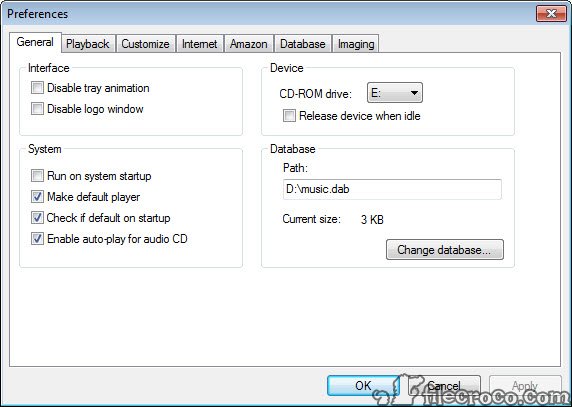
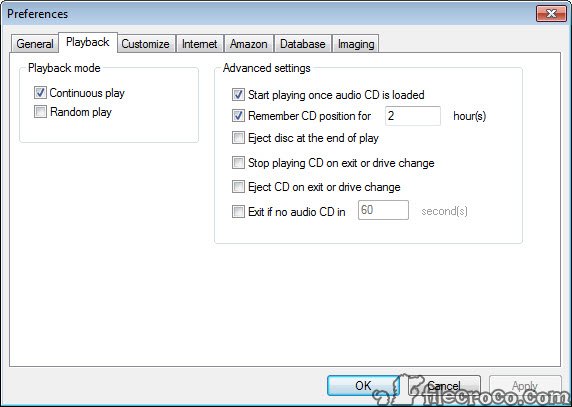
For users who prefer a personalized experience, OrangeCD Player offers basic customization options. Users can adjust playback settings, create playlists, and configure the software’s interface to suit their preferences.
While it doesn’t boast advanced features like equalizers or audio effects, its simplicity ensures a clutter-free experience for straightforward CD playback.
Integration with OrangeCD Catalog
OrangeCD Player integrates seamlessly with OrangeCD Catalog, a companion software for organizing and managing music collections. These tools allow users to catalog their audio CDs, create detailed databases, and manage digital music libraries.
This integration makes it an excellent choice for users who are serious about maintaining an organized and comprehensive music collection.
Conclusion
OrangeCD Player is a straightforward and reliable tool for audio CD enthusiasts. Its ability to play CDs seamlessly, retrieve metadata, and integrate with OrangeCD Catalog makes it a valuable choice for those who still cherish physical media.
While it lacks advanced features and digital audio support, its simplicity and lightweight design ensure a hassle-free experience.
For users seeking a dedicated CD player for their Windows system, OrangeCD Player delivers exactly what’s needed without unnecessary complexity.
Features & benefits
Pros & Cons
- Focused on audio CD playback with an intuitive interface.
- Automatically retrieves album and track information from FreeDB.
- Integrates with OrangeCD Catalog for collection management.
- Lightweight and efficient, suitable for older systems.
- Completely free to use, with no hidden costs.
- Limited to CD playback; lacks support for digital audio files or streaming.
- No advanced features like equalizers or audio enhancements.
- Relatively basic design compared to modern music players.
Frequently asked questions
No, the software is designed specifically for audio CD playback and does not support digital files like MP3 or FLAC.
Yes, but album information retrieval and FreeDB integration require an active internet connection.
Yes, the software includes basic playlist functionality, allowing users to customize playback order.
Yes, it works seamlessly with OrangeCD Catalog, enabling users to manage their music collections efficiently.
No, the software is focused on straightforward CD playback without advanced audio processing features.
Yes, its lightweight design makes it ideal for older systems with limited resources.


