

Opera
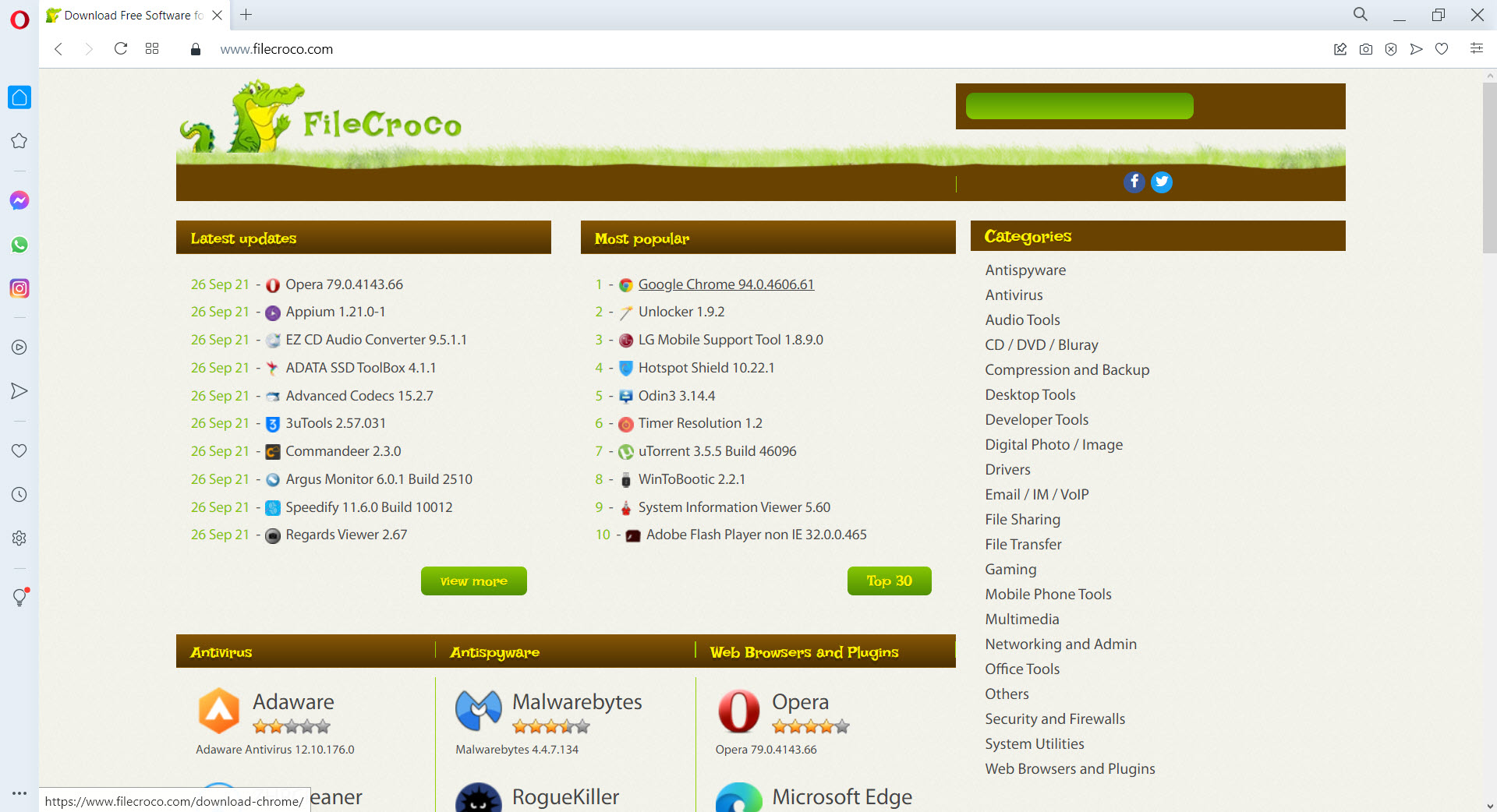
About Opera
Opera is a Chromium-based web browser that ships with features other browsers expect you to install separately. Free built-in VPN. An ad blocker that runs at the browser level rather than as an extension. Messenger panels for WhatsApp, Telegram, Facebook Messenger, Discord, and Instagram embedded directly in the sidebar.
The Aria AI assistant integrated into the interface. A music player that connects to Spotify, Apple Music, and YouTube Music. Workspaces for separating different contexts. None of these are revolutionary on their own, but having them all in one browser without hunting for extensions is genuinely different from how Chrome, Edge, or Firefox approach the same problem.
The browser runs the same Blink engine as Chrome, which means web compatibility is essentially identical and Chrome extensions install through the integration with the Chrome Web Store. Where the experience diverges is in the interface choices. The sidebar holds messenger panels and quick-access tools that Chrome treats as separate tabs or external applications. The address bar includes search shortcuts that work without leaving the page you’re on.
The bookmarking and tab management systems offer alternatives to the default Chrome workflow that some users prefer substantially. For users tired of stripped-down browsers that need extensions to feel complete, Opera is built around the assumption that you want features available by default rather than added later.
The built-in VPN that’s actually free
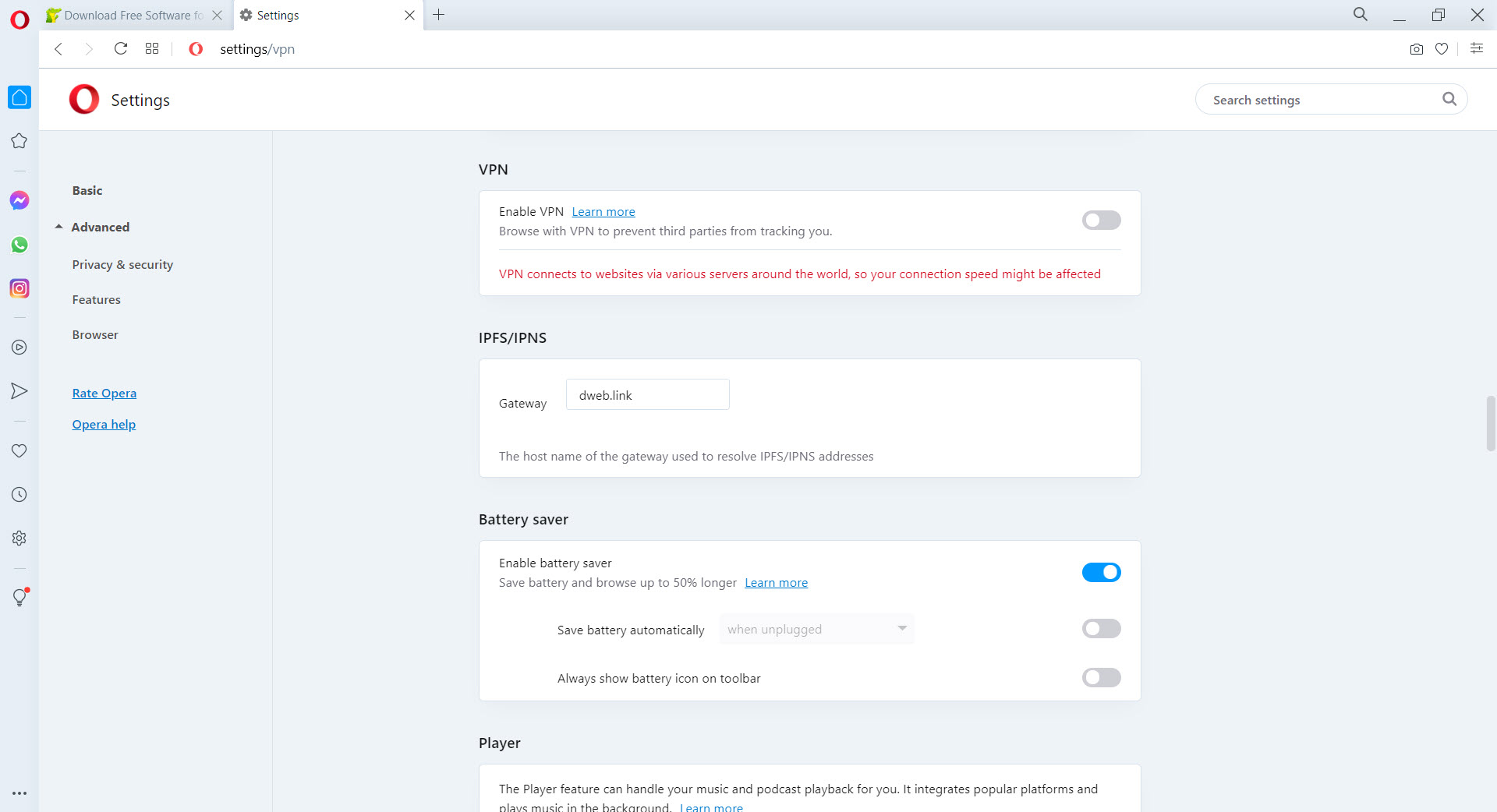
The free VPN is the most prominent feature for new users, and it works closer to what people expect than the typical “free VPN” experience. Click the VPN button in the address bar, choose a region (Europe, Americas, or Asia), and your traffic routes through that region’s servers. There’s no signup, no account creation, no data cap, no payment required. The VPN runs as long as you have the browser open.
The qualification worth understanding: this is browser-level VPN, not system-level VPN. Only traffic from within the browser routes through the VPN servers. Other applications on your computer (email clients, games, system services, other browsers) keep using your direct connection. For users who want VPN protection for browser activity specifically, this fits the use case. For users wanting comprehensive system-wide VPN coverage, dedicated VPN applications like NordVPN or ExpressVPN serve that purpose better.
Aria AI and conversational browsing
Aria is Opera‘s built-in AI assistant, integrated through partnerships with OpenAI and Google. The assistant appears in the sidebar and can summarize web pages you’re viewing, answer questions about content on the current page, generate text, explain code, translate languages, and handle the various other tasks that AI assistants handle in current implementations.
The integration with the browser context is the part that genuinely matters. Other AI tools require copying content from your browser into a separate chat window, then copying responses back. Aria has direct access to the page content through the browser, so you can ask “summarize this article” without manually pasting text. For research, comparison shopping, or working through long technical documentation, this saves substantial friction.
The AI is free to use without account requirements for basic functions. Some advanced capabilities require an Opera account, which is also free to create. Comparing Aria to standalone tools like ChatGPT, Claude, or Gemini, the integration depth is the main competitive advantage rather than raw AI capability.
The underlying models are similar to what you’d access through dedicated AI applications, with the browser context making them more practical for browsing-related tasks.
Sidebar messengers and unified communications
The messenger panels in the sidebar embed full web versions of WhatsApp Web, Telegram Web, Facebook Messenger, Instagram, Discord, and several others directly into the browser interface. Click the WhatsApp icon, the panel slides out with your conversations. Reply to messages without switching tabs, leaving the page you were actually working on visible behind the panel.
For users who use multiple messengers daily, this consolidation matters substantially. Instead of having WhatsApp Web in one tab, Telegram in another, Discord in a third, all of them live in the sidebar accessible through one-click panel switching. The messenger panels persist between sessions, so your conversations stay logged in across browser restarts.
The trade-off is that browser memory consumption increases substantially when multiple messenger panels are active. Each one is essentially a separate web application running alongside your normal browsing, with all the JavaScript, image loading, and notification systems that web apps need.
Users on memory-constrained systems can disable individual panels, with the convenience available when needed and the resource cost avoided when not.
Ad blocking, tracker protection, and security
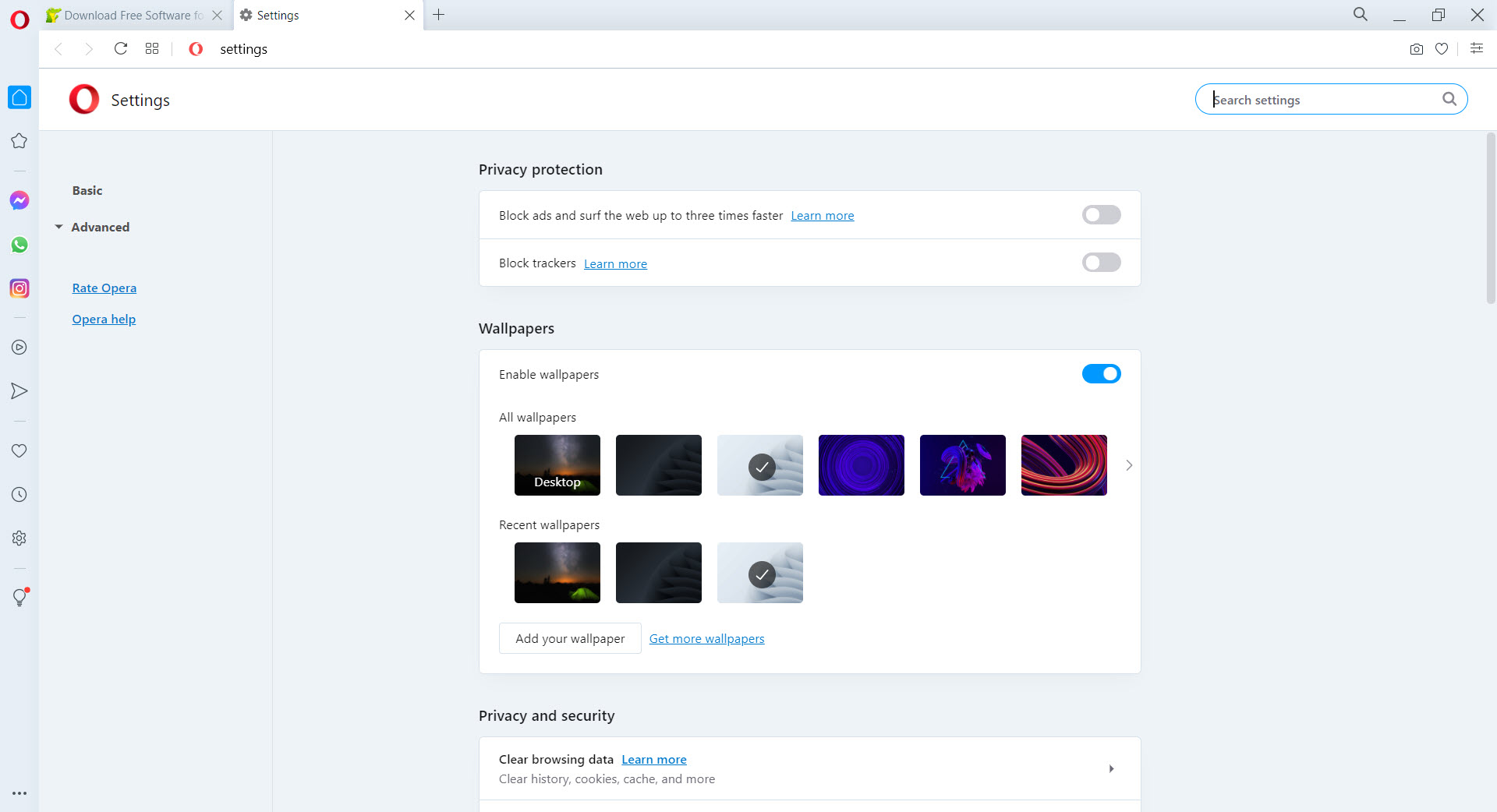
The built-in ad blocker runs at the browser level, processing content before it loads rather than blocking already-downloaded ads through extensions. The implementation is faster than extension-based blockers like uBlock Origin in terms of page load improvement, since blocked content never gets requested at all. The blocking is enabled by default with reasonable defaults, with site-specific exceptions configurable through the address bar.
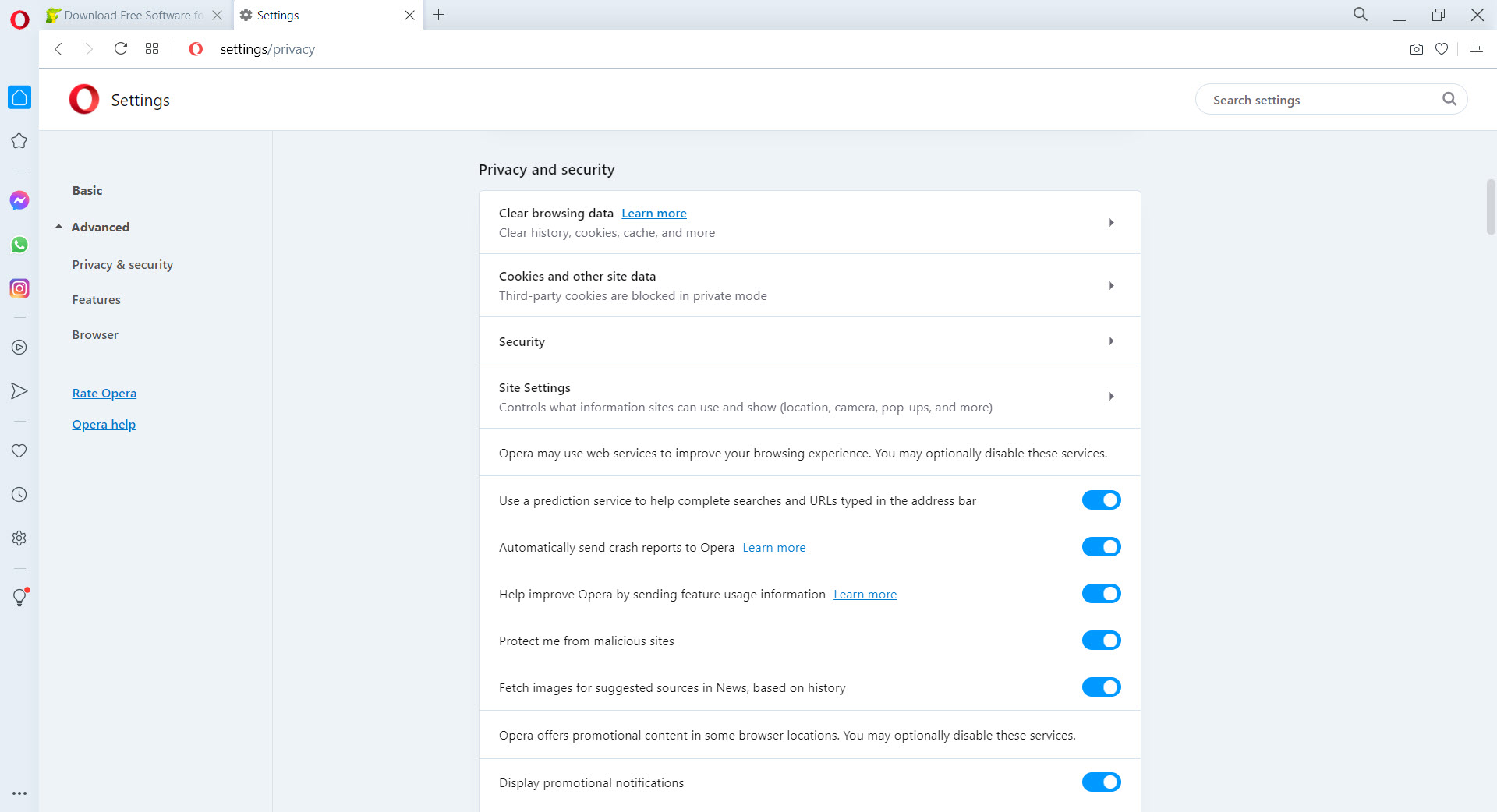
Tracker blocking handles the various analytics and advertising trackers that follow users across websites. The default settings block most common trackers without breaking functionality on legitimate sites. Aggressive tracker blocking is available as an option for users who want more protection at the cost of occasional site compatibility issues.
Cryptojacking protection blocks websites that try to use your CPU for cryptocurrency mining without consent, which became a real concern in the late 2010s and remains relevant for some malicious sites today. The protection is automatic and doesn’t require configuration, with the practical effect being that you don’t notice it working until you would have been affected.
Workspaces, Tab Islands, and tab management
Workspaces let you separate your browsing into different contexts, each with its own set of tabs, bookmarks shortcuts, and visual identity. Work workspace, personal workspace, research workspace, gaming workspace, each with its own collection of tabs. Switching between workspaces happens through icons in the sidebar, with the entire tab bar updating to show only the tabs for the active workspace.
For users who do substantially different kinds of browsing across the day, this separation prevents the typical chaos of having dozens of tabs from various contexts mixed together. Work browsing stays separate from personal browsing. Research projects don’t get interleaved with random reading. The mental load of tab management decreases substantially for users who actually adopt the workflow.
Tab Islands group related tabs together visually, similar to Chrome’s tab groups but with some interface differences. Tabs opened from the same source automatically join the same island, with manual grouping available for tabs you want to organize together.
The grouping helps with keeping context together among large numbers of open tabs, which most browser users have despite intentions otherwise.
Crypto wallet and Web3 integration
A built-in cryptocurrency wallet supports Ethereum and various other blockchain networks for users involved in Web3 applications, NFT trading, or decentralized finance. The wallet handles connections to dApps without requiring separate extensions like MetaMask, with the integration native to the browser rather than added through third-party software.
For users who don’t engage with cryptocurrency, this feature is invisible and doesn’t affect normal browsing. For users who do, having the wallet integrated removes some friction from interacting with Web3 sites.
Whether this matters depends entirely on whether you participate in those ecosystems, with most browser users unlikely to notice the feature exists.
Opera GX, the gaming-focused alternative
The company also produces Opera GX, a separate browser variant targeted specifically at gamers. The gaming version adds CPU, RAM, and network bandwidth limiters that prevent the browser from consuming resources gaming applications need. A gamer hub aggregates news from gaming sources, deals, and release calendars. The interface uses bolder colors and customizable theming aimed at the gaming aesthetic.
For users whose main browser concern is keeping resources available for games, this version provides controls that the standard Opera browser doesn’t include. For users who don’t game heavily, the standard version covers the same general use cases without the gaming-specific overhead.
Cross-device sync and Opera account features
Opera account integration enables syncing bookmarks, saved passwords, browsing history, and various other browser data across devices. Sign in on your desktop, laptop, and phone, and your browser state stays consistent across all of them. The sync is optional and the account is free to create, with the data encrypted in transit and at rest.
For users in multi-device workflows, this matters more than it sounds like it should. Bookmarks created on your desktop appear on your phone within minutes. Login sessions persist across devices for sites you frequently visit. The annoyance of manually replicating browser state when switching devices simply doesn’t happen with sync configured properly.
Considerations and limitations
Memory consumption is moderate-to-high depending on which features you actively use. The built-in features that make the browser appealing also use memory. Multiple messenger panels, the AI assistant, the VPN, all consume additional resources beyond the base browser. Users on memory-constrained systems should be selective about which built-in features they actively enable.
Some users prefer minimalism in their browsers. Opera is decidedly maximalist, with features visible throughout the interface rather than tucked away. For users who want a stripped-down browsing experience, alternatives like Firefox or Brave provide that approach more directly than this software’s feature-rich design.
The ownership situation has produced ongoing debate. Opera Software, the Norwegian company that develops the browser, was acquired in 2016 by a Chinese consortium led by Kunlun Tech and Qihoo 360. Some users have privacy concerns specifically related to Chinese ownership, though the development team remains based in Norway and Poland with European data protection regulations applying to user data. Each user weighs these considerations against the features and competence of the product.
Browser fingerprinting protection is less aggressive than what Brave or Firefox with privacy extensions provides. The default tracker blocking handles common trackers well, but advanced fingerprinting techniques used by sophisticated adtech can identify users despite the protections. For users with strong fingerprinting concerns, dedicated privacy browsers serve those needs better.
Conclusion
For users who want their browser to come with features built in rather than assembled through extensions, Opera delivers exactly that. The combination of free VPN, AI assistant, messenger panels, ad blocker, workspaces, and various other tools produces a browsing experience that requires substantially less external configuration than Chrome or Firefox to feel complete.
The reasons to look at alternatives are mostly about preferences. Users who want stripped-down minimalism find this software’s feature density overwhelming. Users with strong privacy requirements may prefer Brave or Firefox with hardening.
Users committed to Google’s ecosystem benefit from Chrome’s integration with other Google services. But for users whose priorities align with the all-in-one approach, this browser remains one of the more interesting options in a category dominated by Chromium variants that mostly differentiate themselves through small interface tweaks.
Features & benefits
Pros & Cons
- Free built-in VPN with no signup, account, or data cap requirements
- Aria AI assistant with direct access to current page content
- Sidebar messenger panels for WhatsApp, Telegram, Discord, and others without separate apps
- Built-in ad blocker that runs at browser level for faster blocking than extensions
- Workspaces feature separates browsing contexts with their own tabs and bookmarks
- Tab Islands group related tabs together for managing large numbers of open tabs
- Chromium-based engine ensures essentially identical web compatibility to Chrome
- Cross-device sync through optional free Opera account
- Memory consumption increases substantially when multiple built-in features are active
- Maximalist interface design feels cluttered to users who prefer minimalism
- Built-in VPN works at browser level only, not system-wide
- Chinese ownership produces privacy concerns for some users despite European development
- Less aggressive fingerprinting protection than dedicated privacy browsers
Frequently asked questions
This software is a Chromium-based web browser that ships with built-in features other browsers require extensions for, including a free VPN, ad blocker, messenger panels for WhatsApp and Telegram and others, the Aria AI assistant, workspaces for separating browsing contexts, tab grouping, and a cryptocurrency wallet. It uses the same web engine as Chrome, which means full web compatibility and Chrome extension support.
Yes, the browser includes a free built-in VPN with no signup, no account, no data cap, and no payment required. Click the VPN button in the address bar, choose a region, and browser traffic routes through that region's servers. The VPN works at browser level, meaning only traffic from within the browser is protected. Other applications on your computer continue using your direct connection. For comprehensive system-wide VPN coverage, dedicated VPN applications work better.
Both browsers use the Chromium engine, which means web compatibility is essentially identical. The differences come from interface choices and built-in features. Opera includes a VPN, ad blocker, messenger panels, AI assistant, and various other tools that Chrome treats as separate or extension-only. Chrome has tighter Google service integration and stronger market dominance with Chrome-specific features. The choice often comes down to whether you prefer features built in (this software) or extensions and Google integration (Chrome).
This is a separate browser variant from the same developer, targeted specifically at gamers. The gaming version adds CPU, RAM, and bandwidth limiters that prevent the browser from consuming resources gaming applications need, plus a gamer hub with gaming news and deals, and customizable gaming-themed visual styling. For users whose main browser concern is preserving resources for games, this version provides controls the standard browser doesn't include.
Yes, Chrome Web Store extensions install through built-in integration. Most Chrome extensions work without modification, with rare exceptions for extensions that depend on Chrome-specific APIs. The compatibility comes from sharing the underlying Chromium engine, which means the extension architecture is essentially identical between the two browsers.
Open the browser settings, navigate to the Browser section, and click "Make default." This opens the Windows default applications panel where you can confirm the change. The same flow works through Windows Settings directly: Settings, Apps, Default apps, then change the web browser association. After setting it as default, all clicked links from email and other applications open in this browser.
Aria is an AI assistant integrated into the sidebar, powered through partnerships with OpenAI and Google. It can summarize web pages you're viewing, answer questions about page content, generate text, explain code, and handle other AI tasks. The integration with browser context lets you reference what you're looking at without copying content into a separate chat window. Basic functions are free without account requirements, with some advanced features requiring a free Opera account.


