

Octoparse
About Octoparse
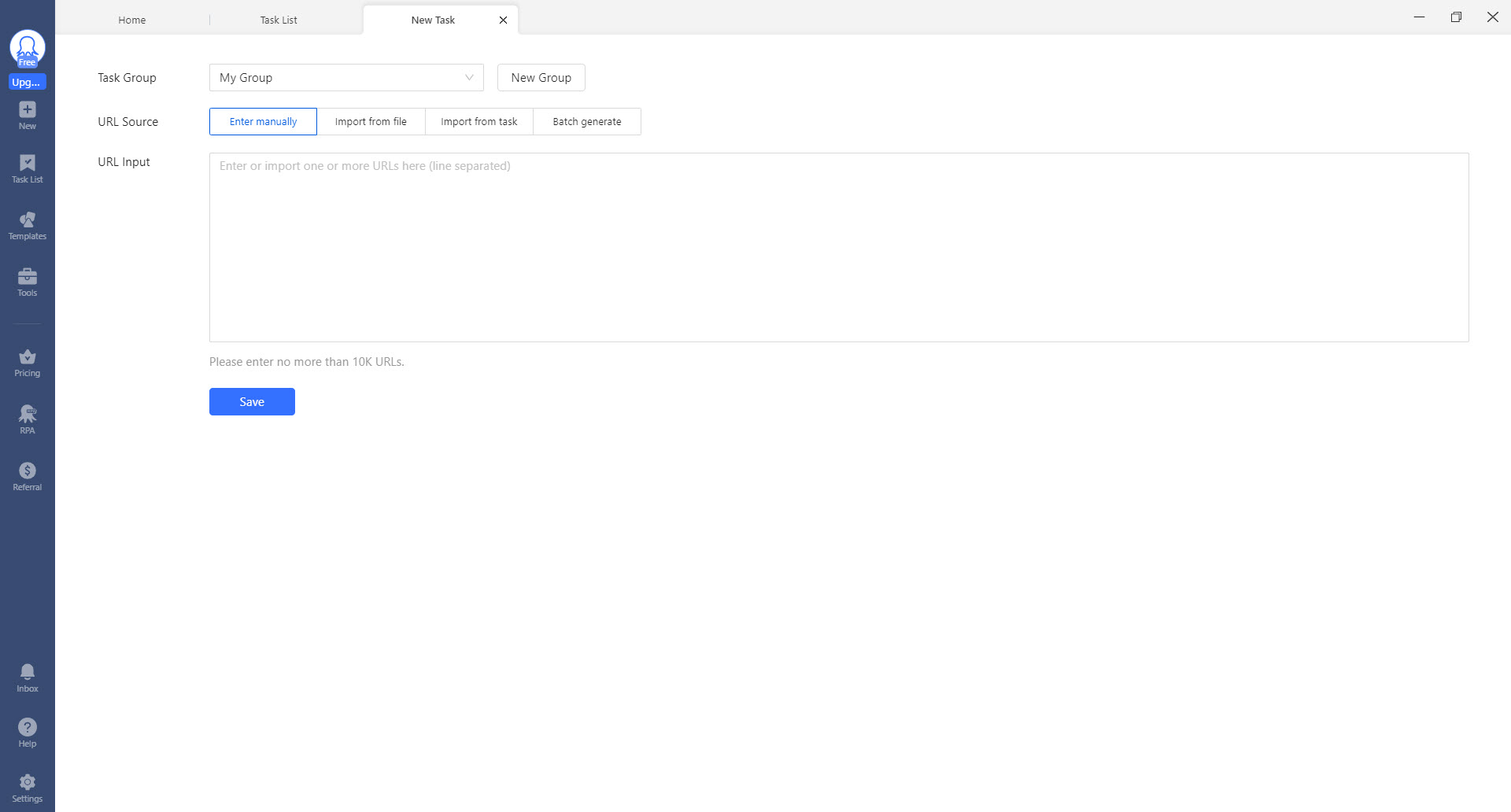
Copying a few hundred rows off a website by hand is how people end up learning to program. Octoparse offers the shortcut. Paste a URL, click the pieces of the page you want, and it assembles the extraction logic behind the scenes, producing a spreadsheet at the end without a line of code anywhere in the process.
The interface is built around a workflow that mirrors how a person browses. Open a page, click a link, scroll, click the next page, read the fields. Each of those becomes a step you can see and reorder, which is what makes the thing debuggable when a site does something unexpected halfway through a run.
There are really three ways to use it, and the difference decides how much of your evening disappears. Pick a ready-made template, let the automatic detection build a first draft, or construct the workflow yourself.
Most people end up doing the second and then fixing what it got wrong.
Templates cover more sites than you would expect
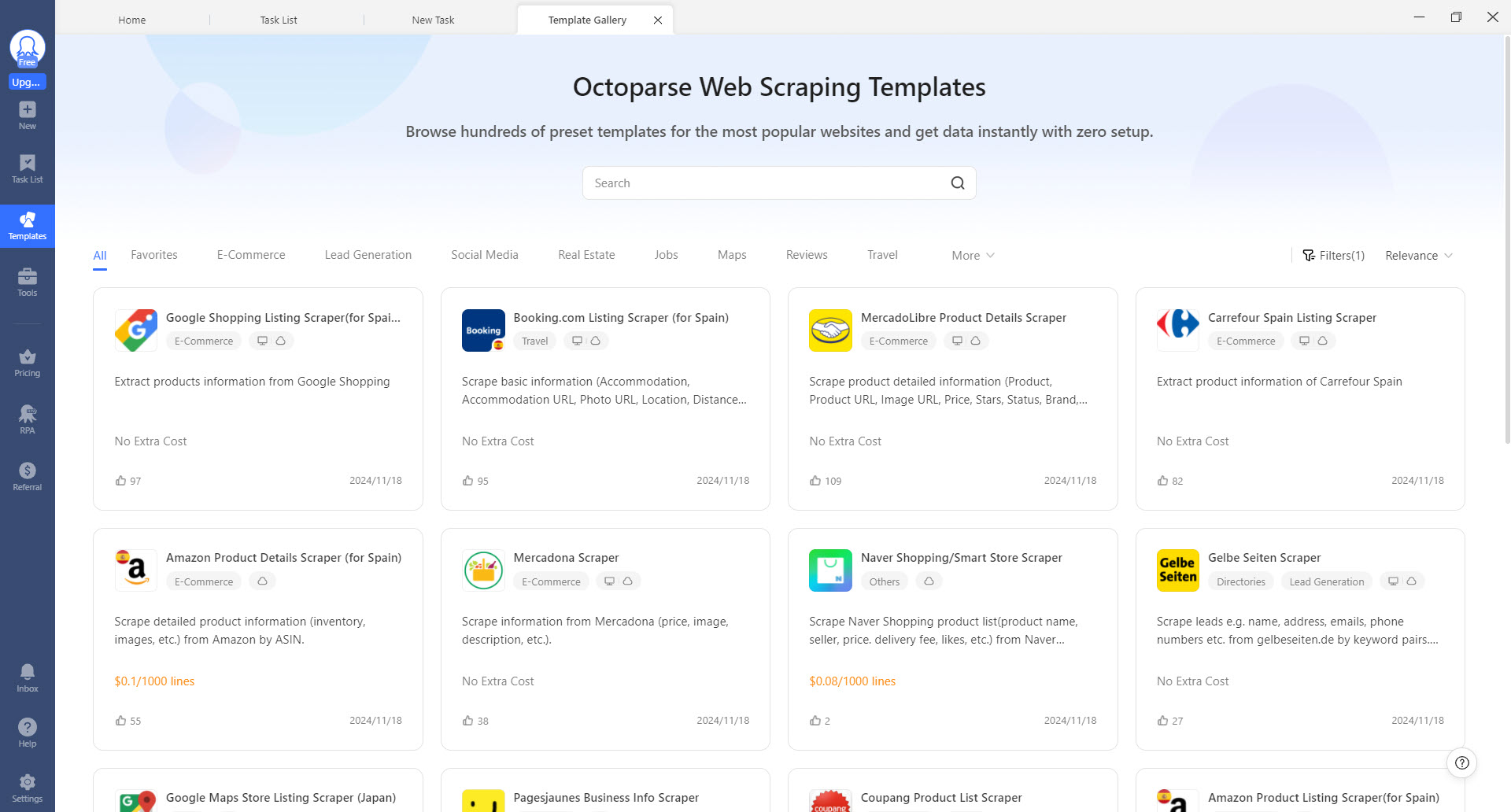
The template gallery holds several hundred pre-built scrapers aimed at commonly targeted sites, and using one means filling in parameters rather than building anything. A search term, a location, a number of pages, and it runs.
This is the fastest path to a result and the one most reviews undersell. If your target is a large marketplace, a job board or a directory, the odds of a template existing are good, and the template already accounts for the site’s quirks.
Customised versions can be saved into a favourites tab, and a useful wrinkle lets you feed the output of a template task into a custom task, so a template that collects listing URLs becomes the input for your own scraper that visits each one.
Auto-detect gets you most of the way, not all of it
For anything without a template, Octoparse scans the page and proposes a set of fields on its own. On standard listing and product layouts this works well, and independent testing puts it at roughly seven pages in ten mapped correctly on the first pass.
Treat that as a head start rather than an answer. The visual editor then lets you rename fields into something meaningful, delete the columns it grabbed that you do not want, and add whatever it missed. That editing pass is where the actual work happens, and it is far quicker than building from an empty workflow.
Where detection falls apart is on layouts that do not repeat cleanly. A page mixing several kinds of content, or one built with unusual markup, produces a proposal that is more confusing than starting fresh.
Recognising that quickly saves time.
What the workflow builder can handle
The step list handles the awkward realities of modern pages. Pagination, infinite scroll, clicking through into detail pages and coming back, dropdown selections, and login sequences all exist as configurable actions. Sites that render their content with JavaScript are handled too, since the tool loads pages the way a browser does rather than fetching raw markup.
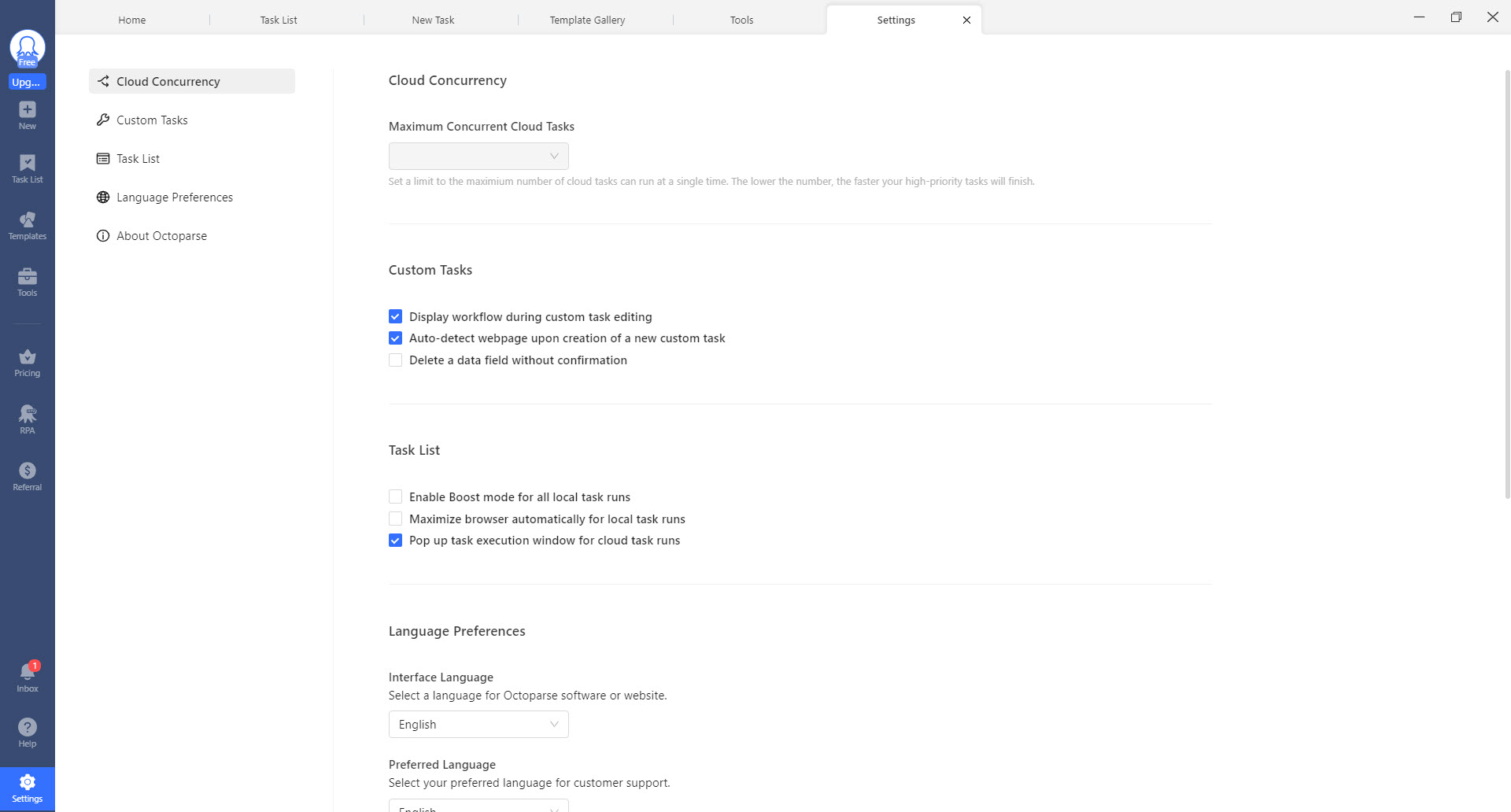
One setting deserves particular attention. Octoparse can insert a randomised wait of a few seconds before actions, which makes a run less obviously mechanical and, more importantly, stops you hammering someone else’s server at machine speed. Turn it on as a matter of course.
The honest caveat is that complexity compounds. A task with a login, three levels of click-through and conditional pagination becomes something you maintain rather than something you set up, and the visual editor gets busy enough that following the logic takes real attention.
XPath, for when clicking is not enough
Under the point-and-click layer sits selector editing, and you will end up there eventually. Octoparse accepts XPath expressions, including node-level precision such as pulling a specific text node from inside an element rather than the whole element’s contents.
That capability rescues the cases where visual selection cannot express what you mean, a figure sitting in the same tag as its currency label being the classic example. It also marks the point where the no-code promise quietly ends, and if you find yourself writing selectors regularly, a Python distribution that bundles the scraping and data libraries may be the shorter road to where you are going.
Local runs and cloud runs are for different stages
Tasks execute either on your own machine or on remote infrastructure, and the split is more useful than it first appears. Local runs are the feedback loop while you are building, since you watch the browser work through your steps and see immediately where a selector missed.
Cloud runs are what you switch to once a task is stable. They continue without your machine being on, they can be scheduled at whatever frequency the job needs, and run logs record what happened on each execution. For anything recurring, a weekly listing sweep for instance, that handoff from local to cloud is the whole point of the product.
The gating is worth understanding before you commit. The entry tier runs a couple of local tasks with a cap of ten thousand records per export and no cloud at all, which makes scheduling and rotation unavailable.
It is enough to learn the product and finish a one-off job, and not enough for anything that needs to run itself.
Anti-blocking, and the part reviews skip
Sites defend themselves, so Octoparse ships countermeasures. Proxy support with IP rotation, configurable user agents, login handling, and a credit-based system for dealing with challenge pages. Resource logs highlight how much of that consumption you are racking up, which is a sensible bit of transparency.
Now the part that belongs in a review and rarely appears in one. Those features exist because you are working against a site’s wishes, and being technically able to collect something is separate from being entitled to.
Terms of service, the directives in a site’s robots file, and data protection law where personal information is involved all apply regardless of what the software makes possible. Public product prices are not the same as a directory of people’s contact details.
The practical version of that is simple enough. Rate-limit yourself with the random wait, take what you need rather than the whole site, and check whether the data you are after is published through an API that would save everyone the trouble.
Where the data ends up
Exports cover CSV, Excel and JSON as standard, with Google Sheets available and an auto-export option that writes to a local folder, creating the folder if it does not exist. That last detail sounds trivial until you are running a scheduled job into a dated directory structure.
The more interesting destination is a database. Octoparse writes directly into the mainstream engines, so scraped rows can land in a MySQL table without a manual import step, and the same applies to the other common server databases. For an analytics pipeline that is the difference between a tool and a data source.
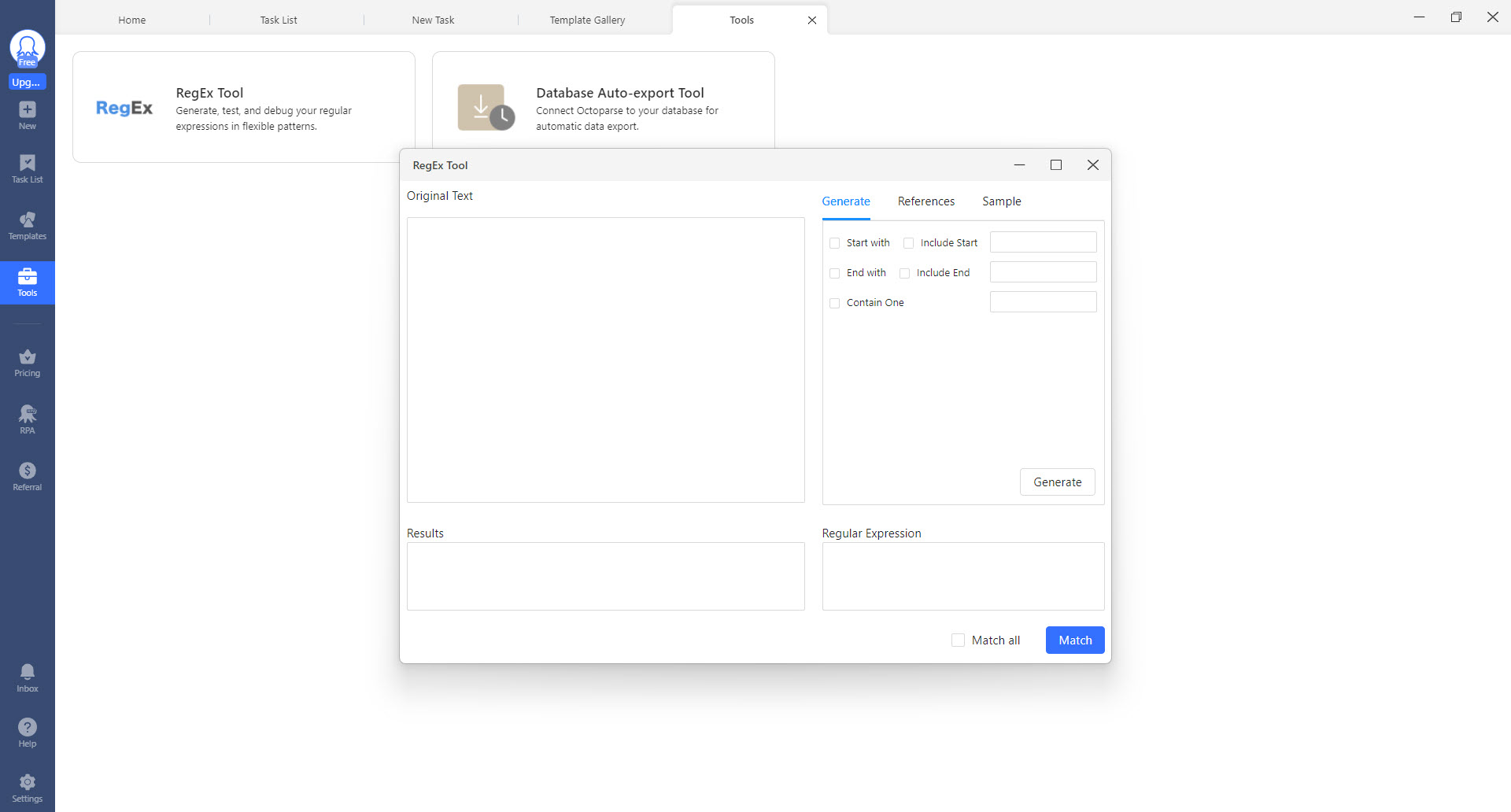
Expect to clean whatever arrives, though. Scraped text carries stray whitespace, currency symbols, inconsistent date formats and the occasional row where the page structure shifted mid-run, and none of that is the scraper’s fault.
An add-in built for bulk spreadsheet tidying removes a good deal of the tedium if the destination is a sheet rather than a database.
Conclusion
Octoparse earns its place for people who need web data regularly and have no intention of becoming programmers. Analysts monitoring a rival’s catalogue, recruiters building lists, researchers collecting listings, anyone whose alternative is an afternoon of copying and pasting will get a working result faster here than anywhere else that does not involve a text editor.
The reservations are structural rather than about quality. Everything that makes a scraper actually useful, meaning it runs by itself on a schedule without your machine involved, sits on the paid side, and the no-code promise has a ceiling you will meet as soon as a page gets awkward.
Add the maintenance that any scraper carries, plus the legal and courtesy questions that come with taking data from other people’s servers, and this is a tool that rewards knowing what you are doing rather than one that removes the need to.
Pros & Cons
- Several hundred templates mean common targets need parameters rather than a build
- Auto-detect produces a working first draft on standard listing and product pages
- Workflow steps cover pagination, infinite scroll, logins and click-through into detail pages
- JavaScript-rendered pages work, because it loads them the way a browser does
- Randomised waits before actions keep runs gentler on the target site
- Cloud runs continue on a schedule with your machine switched off
- Direct export into the mainstream databases removes the manual import step
- Auto-detect misjudges pages that mix content types or use unusual markup
- Complex tasks become maintenance work rather than one-time setup
- Selector editing is unavoidable for precise extraction, which undercuts the no-code framing
- Cloud runs, scheduling and IP rotation are all absent from the entry tier
- Per-export record caps on the entry tier rule out anything at volume
- Tasks break when a target site is redesigned, with no warning until a run returns nothing
Frequently asked questions
Not for straightforward extraction. Templates and point-and-click selection cover most listing, product and directory pages. Precise work eventually needs XPath expressions, which is not programming but is not codeless either.
Yes. Infinite scroll is a configurable action in the workflow, as are pagination links and clicking into detail pages and returning. Content rendered by JavaScript is handled because pages load in a real browser context.
Run a couple of tasks on your own machine, export up to ten thousand records at a time, and use the full visual builder and template gallery. Cloud execution, scheduling and IP rotation all sit on paid tiers.
CSV, Excel and JSON files, Google Sheets, or directly into a database such as MySQL and the other common server engines. Auto-export can write to a local folder on a schedule, and higher tiers add API access.
Only through cloud execution, which is where scheduling lives. Local tasks need the machine awake and the application running, which is why stable recurring jobs get pushed to the cloud side.
No. Selectors depend on a page's structure, so a site redesign breaks the task, usually silently. Recurring jobs need someone checking that the output still looks like data rather than an empty file.


