

NoxPlayer
About NoxPlayer
Android emulators split roughly into two camps. Some are built for testing software, and some are built for playing games with a keyboard. NoxPlayer belongs firmly in the second, and everything distinctive about it follows from that, from the multi-instance manager to the macro recorder to the key mapping presets organised by game genre.
It competes directly with BlueStacks, and the comparison is worth making honestly. The rival is generally quicker to support current Android releases and smoother on modest hardware. This one answers with deeper automation and instance management, which for a particular kind of player matters more than raw frame rate.
There is also one substantial limitation that decides whether any of it is relevant to you, and it appears near the end rather than being buried.
The multi-instance manager
Several independent instances run side by side, each with its own Android environment, its own installed applications and its own accounts. The manager lists them, starts them, stops them, and clones an existing one so a configured instance becomes the template for the next five rather than something you set up repeatedly.
Two details in that manager save real time. A settings button presets the rendering mode and resolution that new instances inherit, so you configure once rather than per instance. A separate backup function saves an instance’s state, which matters when a game’s data lives inside the emulator rather than on a server.
This is the feature most people install NoxPlayer for. Whether the purpose is running a game on one account while chatting on another, or something less wholesome involving several accounts of the same game, the implementation is mature and it does not fall over with half a dozen instances open on adequate hardware.
Operation sync, which is the real engine
The manager does something more interesting than launching instances. Actions can be synchronised across them, so a click or a key press performed in one instance is repeated in the others.
For anyone maintaining multiple accounts in the same game, this changes the arithmetic entirely. Daily collection routines that would take twenty minutes per account happen once, across every instance, in the time it takes to do them in one. It is the single most powerful thing in the program and the reason it retains a devoted following.
It is also the feature that gets accounts banned. Games differ, some tolerate multiple accounts and forbid automation, others forbid both, and the emulator has no opinion on any of it. Read the rules of whatever you are playing before building a routine around this, because the software will happily let you break them.
Keyboard mapping, organised by genre
Mapping touch controls onto a keyboard is the whole point of playing mobile games on a desktop, and NoxPlayer treats it as a first-class feature. A key set editor assigns keys to screen positions, gestures, slides, zoom actions.
More useful than the editor is the documentation around it. Separate mapping guidance exists for shooters, for multiplayer battle arenas and for role-playing games, because the sensible layout differs enormously between them. A shooter wants movement keys and an aim mapping. A battle arena wants ability keys placed where the thumb icons sit on screen. Somebody worked out those defaults so you do not have to.
Gamepad support sits alongside the keyboard, and where a controller misbehaves rather than being recognised cleanly, a driver layer for a console controller usually resolves it before you start editing mappings.
The macro recorder
Recording in NoxPlayer is straightforward and better implemented than most attempts at this. Start it and the recorder minimises to the top of the window, capturing mouse clicks, slides, key presses as you perform them. Stop it and the sequence is saved into a list.
Individual scripts can then be chained into a playback order, each one added separately, with repeat counts set per script. During playback the recorder minimises again and displays a running count of executions, which is how you know at a glance whether a long routine is still going.
One quirk documented by the makers is worth reproducing. The shake action is not captured by clicking the on-screen button, so recording it requires the keyboard shortcut instead, and a script that mysteriously skips one step is usually this.
Per-instance performance tuning
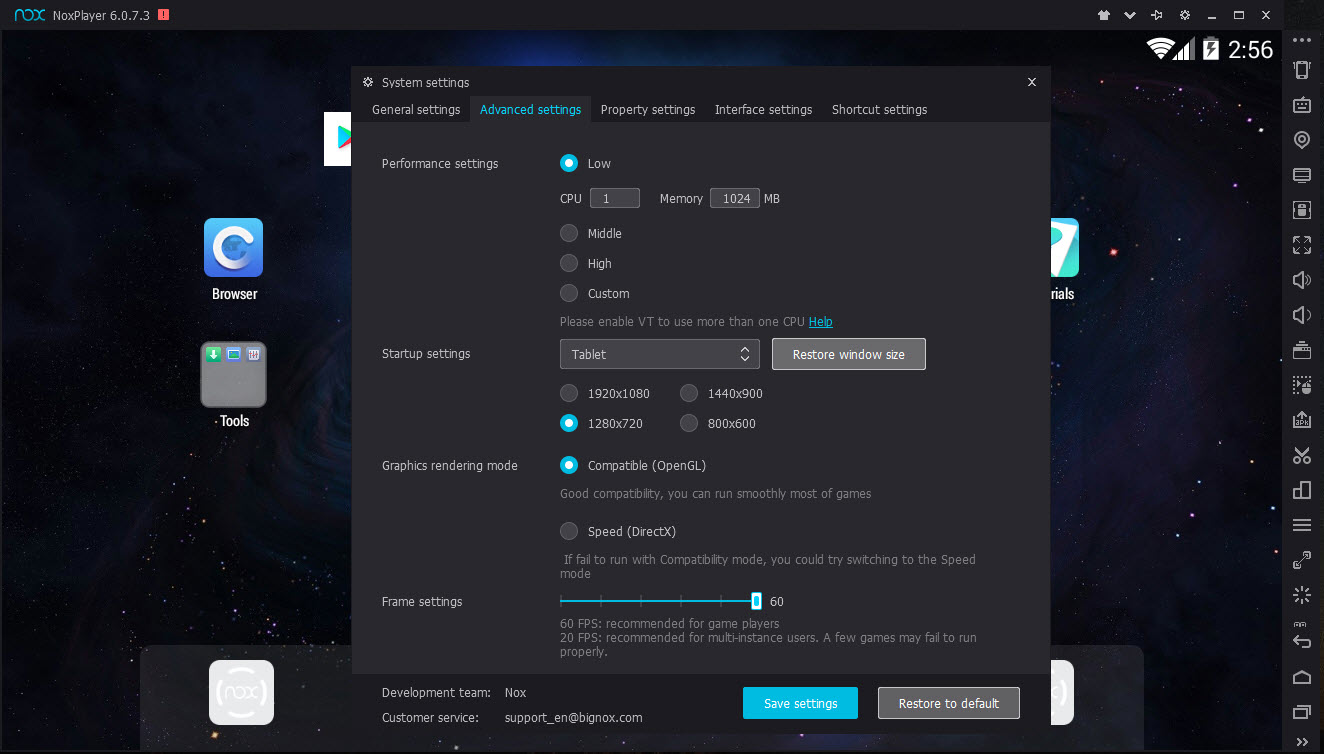
Each NoxPlayer instance gets its own allocation, so processor cores and memory are assigned individually rather than shared from one global setting. That is the correct arrangement when one instance is running a demanding game and three others are idling on a collection screen.
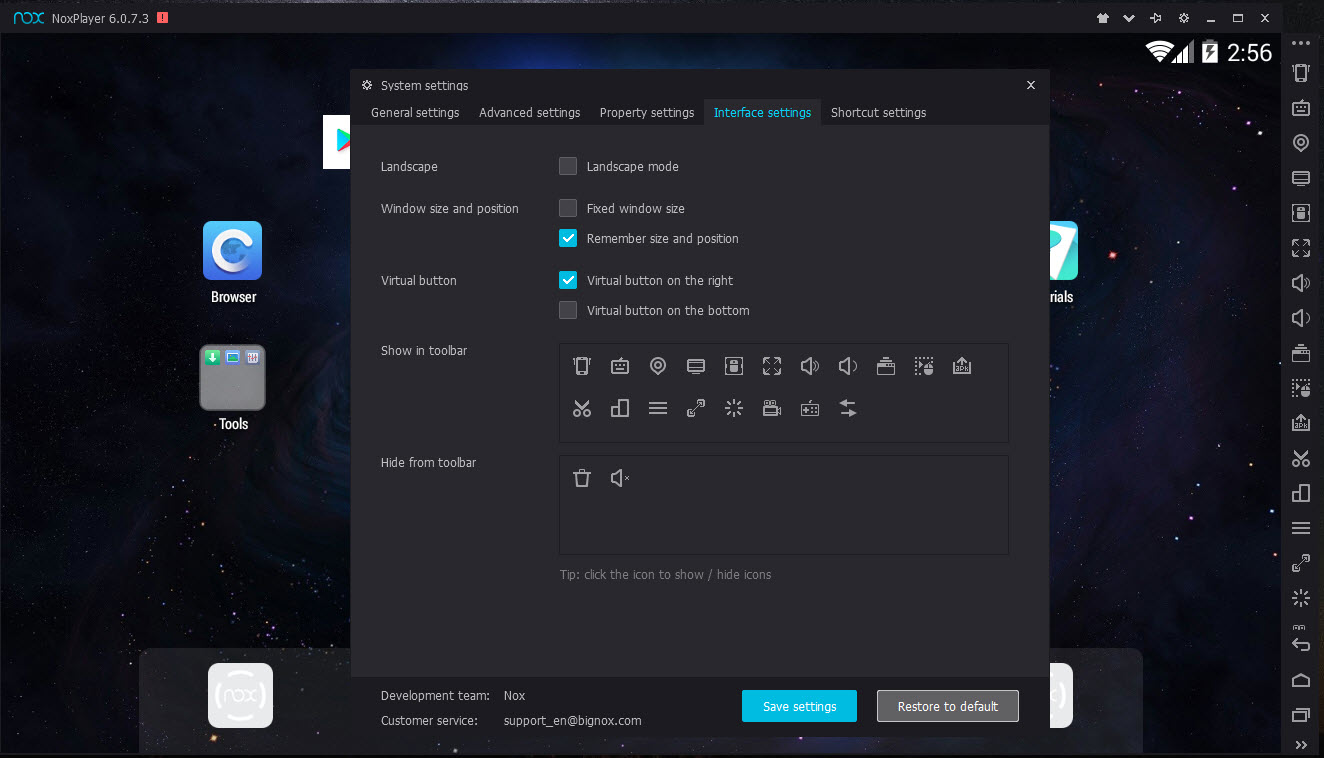
Beyond allocation, the renderer can be switched between two graphics interfaces, which is the first thing to change when a game displays incorrectly or performs badly. Resolution and pixel density are adjustable, and a frame rate cap keeps the machine from rendering three hundred frames nobody sees.
None of it works without hardware virtualisation enabled in the machine’s firmware, and that remains the most common reason an installation refuses to start. The same requirement applies across this whole category, in the way an acceleration layer other emulators depend on illustrates. Graphics driver versions matter almost as much, and updating them fixes a surprising share of the performance complaints.
Capture and the sidebar tools
Screenshots and video recording are built into NoxPlayer, along with a mode aimed at people streaming what they play, which removes the need for separate capture software for casual recording.
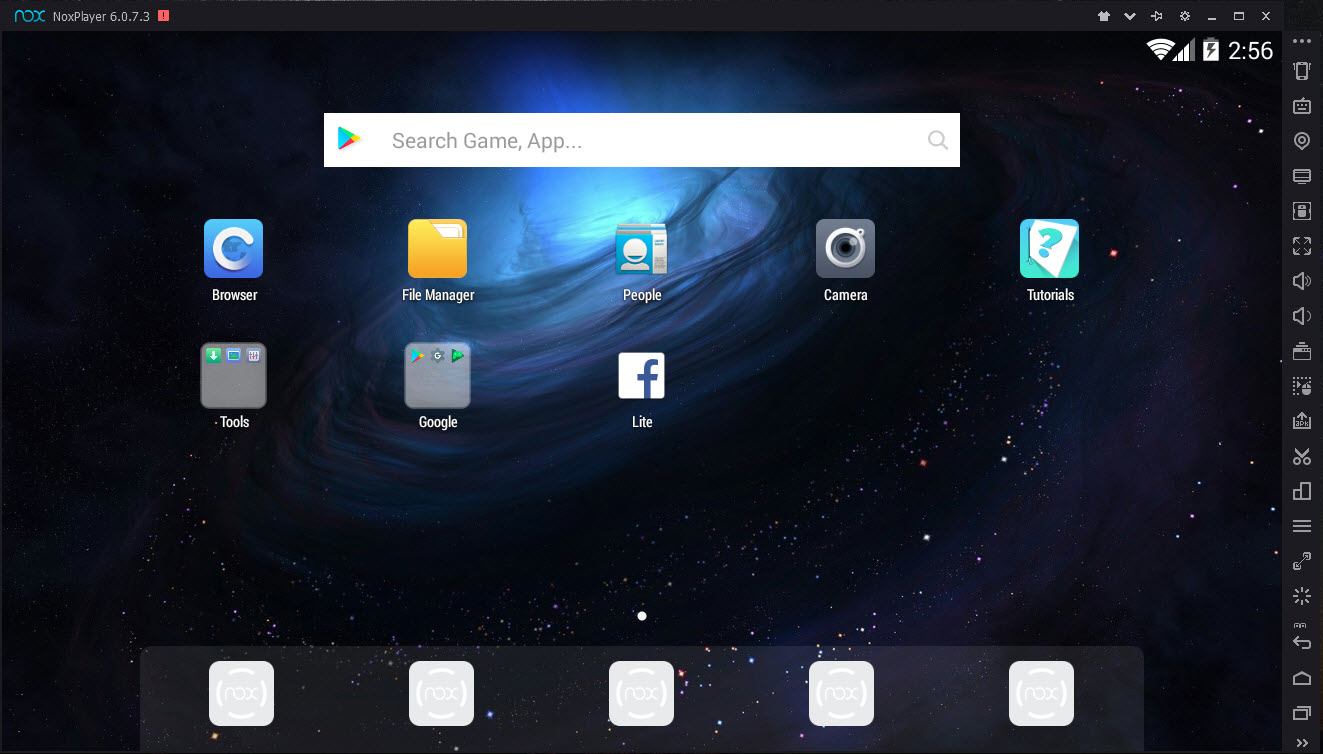
The sidebar carries the tools that make an emulator behave like a phone. A virtual location can be set, which some games use for regional content. A shake gesture is available as a button and a shortcut. Volume, rotation and back navigation are all there.
Practical file handling is handled by a shared folder visible to both sides, so dropping something into a folder on the desktop makes it available inside Android. Installation packages install by dragging them onto the window, which is how anything not available through the normal channel gets in.
The Android generation problem
Here is the limitation that decides everything, and it is not about performance. The stable build of NoxPlayer runs an older Android generation than its main rivals, and application compatibility follows from that.
Current games and applications increasingly specify a minimum system version above what this provides, and when they do, they simply refuse to install. That is not a bug to work around, it is a version requirement, and the library of things you can run shrinks as the gap widens. For a specific older game that this emulator handles well, none of that matters. For playing whatever released last month, it very much does.
Update pace is the underlying cause, and rivals have moved faster. LDPlayer occupies the same gaming-focused position with more current Android support.
And anyone whose interest is testing software rather than playing it should be looking at Genymotion and its selectable device profiles instead.
The last irritation is advertising. Recommended games and promotional panels appear in the interface, which is the arrangement that pays for the thing and is still noise you did not ask for.
Conclusion
NoxPlayer remains the strongest choice for one specific person, the player running several accounts in the same game who wants daily routines handled once rather than repeatedly. Instance cloning, synchronised operations, per-instance resource allocation and a macro recorder that chains scripts with repeat counts add up to an automation toolkit nothing else in this category matches quite as neatly.
Everyone else should check the compatibility question first, because it is decisive rather than cosmetic. An emulator running an older Android generation cannot install a growing share of what people want to play, and no amount of tuning changes that. Test that the game you actually care about installs, accept the advertising, read the rules before automating anything, and it earns its place.
Come to it expecting to play this month’s release and you may not get past the download screen inside the emulator.
Pros & Cons
- Multi-instance manager clones configured instances rather than making you rebuild them
- Operation sync repeats an action across every running instance simultaneously
- Processor and memory allocation are set per instance rather than globally
- Key mapping presets exist for shooters, battle arenas and role-playing games separately
- Macro recorder chains scripts with individual repeat counts and shows an execution count
- Renderer, resolution, pixel density and frame rate cap are all adjustable
- Screen recording and a streaming mode remove the need for separate capture software
- Shared folder and drag-and-drop package installation make file handling straightforward
- The stable build runs an older Android generation, so current titles often refuse to install
- Update pace lags behind rivals, and the compatibility gap widens over time
- Advertising and promoted games appear in the interface
- Automation features will happily break the rules of the games you use them on
- Requires hardware virtualisation enabled, which stops many installations before they start
- Performance depends heavily on graphics drivers rather than on the emulator alone
Frequently asked questions
Yes, and it is the main reason people choose it. Each instance is a separate Android environment with its own accounts, instances clone from a configured template, and actions can be synchronised so one input repeats across all of them.
Because the stable build runs an older Android generation than those applications require. It is a version requirement rather than a fault, so there is no setting that resolves it, and a more current emulator is the answer.
Hardware virtualisation in the firmware settings, which is the usual reason an installation will not start. Current graphics drivers matter almost as much, since a large share of performance complaints trace back to those rather than to the emulator.
Frequently, yes. Automation and multiple accounts are prohibited by many games, separately or together, and the emulator enforces nothing. Check what you are playing allows before automating anything you care about keeping.
Controllers are supported alongside keyboard mapping. Where one is recognised badly rather than not at all, a driver layer for that controller usually fixes it more reliably than remapping inside the emulator.


