

NifSkope
About NifSkope
A model file that looks wrong in a game is rarely wrong in the geometry. It is a texture path pointing somewhere that no longer exists, a shader flag set incorrectly, a node sitting at the wrong place in the hierarchy. NifSkope opens that file, shows you its entire internal structure, and lets you correct the offending value without going anywhere near a modelling application.
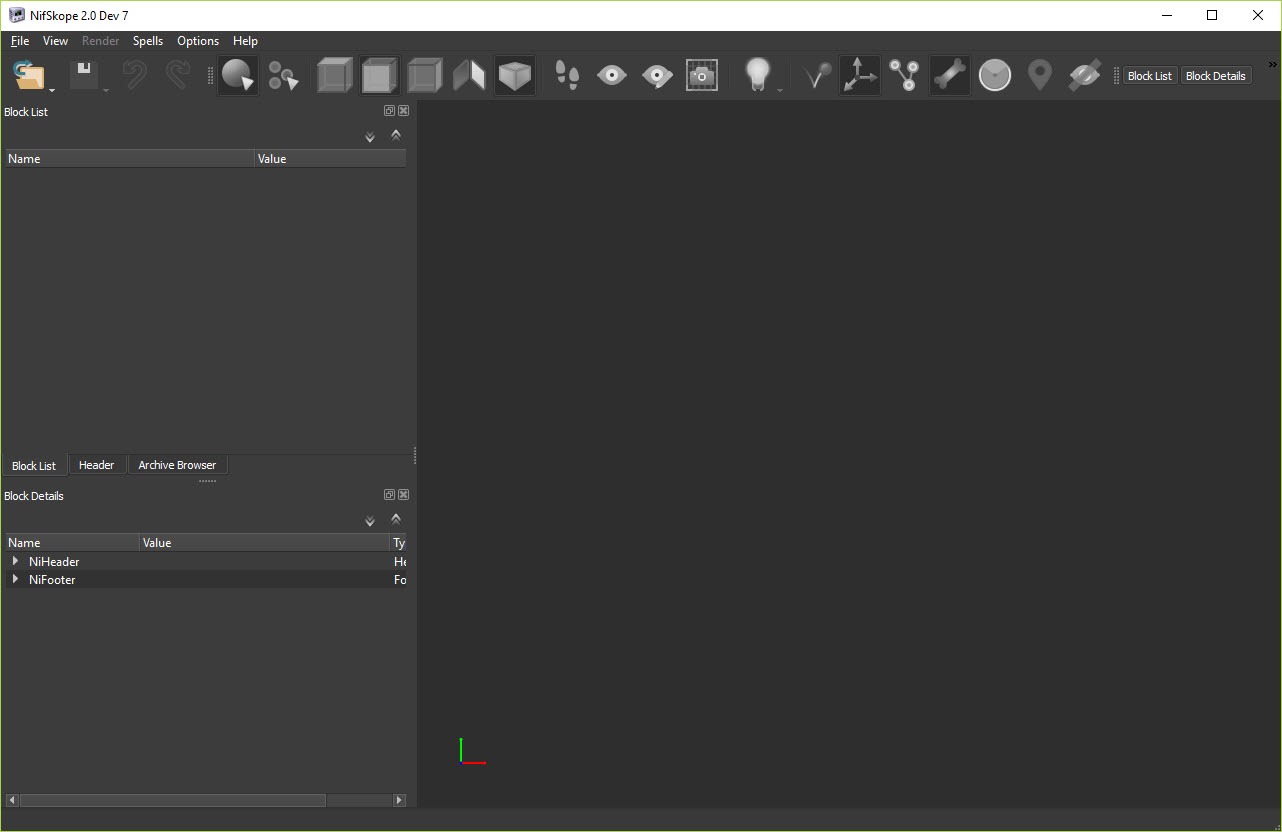
The window is split between a block list, which is the tree of every object inside the file, and a details pane listing every field of whichever block you select. You click a value and you change it. There is no abstraction layer deciding what you are allowed to see.
Alongside that sits a live render view, and this is where it stops being a hex editor with ambitions. The preview shows the model as the game would, so an edit and its consequence appear together.
The block list is the document
Everything in a NIF file is a block, and blocks reference each other. A node holds children, a shape holds geometry, a shader property holds material settings, a collision object holds physics data. NifSkope presents that graph exactly as it is stored.
Editing therefore means finding the right block and changing the right field, which sounds primitive and is precisely why the tool has lasted. Nothing is hidden behind a simplified interface, so anything the format can express can be edited here, including things no exporter will produce for you.
The trade is that you need to know what you are looking at. A field called Skyrim Shader Type means nothing until you have read what the values do, and the program offers no guidance whatsoever.
The render window is calibrated to the game
Preview quality is better than the interface suggests. The lighting calculations were deliberately matched to what the games themselves use for diffuse and specular response, rather than a generic preview shader, so a model that looks right here generally looks right in play.
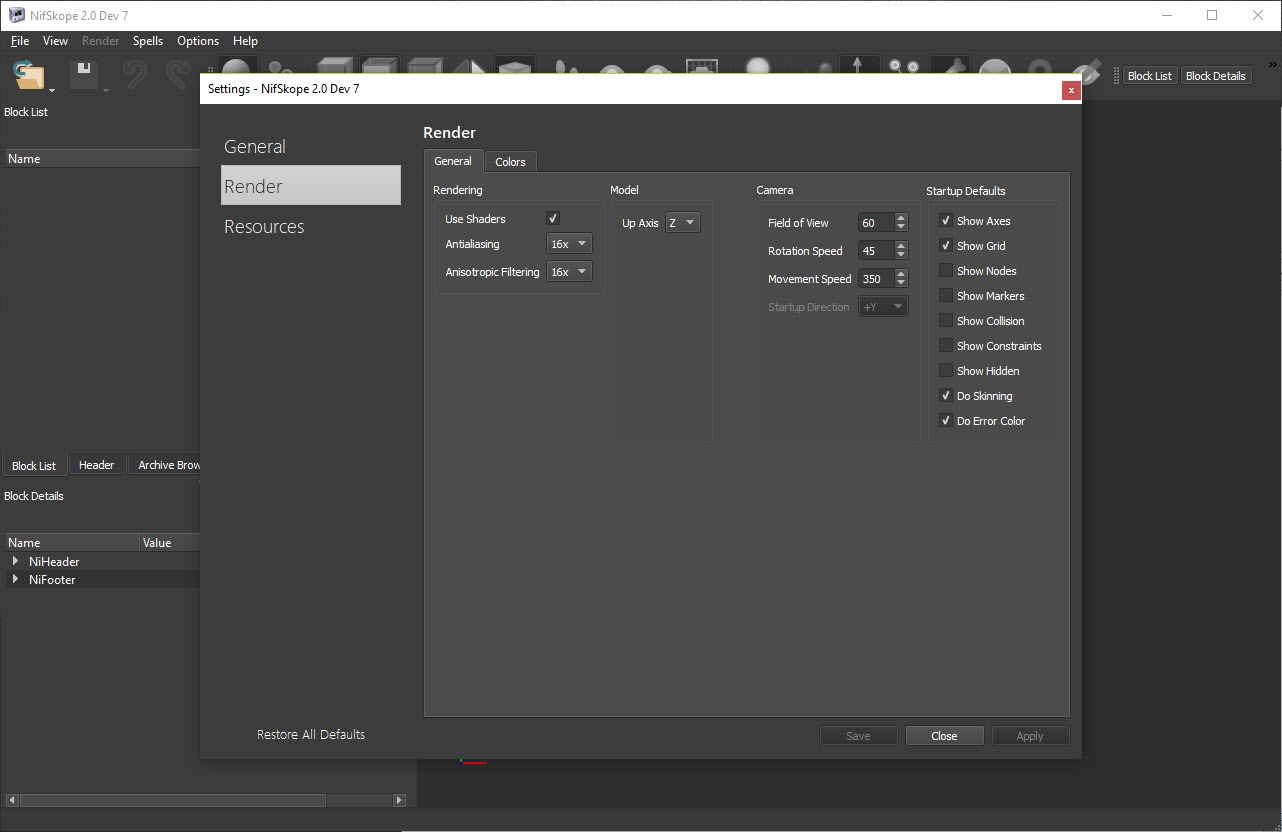
Render settings are extensive. Textures and shader effects each toggle independently, anti-aliasing can be enabled, the ambient, diffuse, specular light colours are adjustable through a colour wheel, and the up axis can be changed for formats that disagree about which direction is vertical.
Two culling options save real time on complicated scenes. Meshes with no texture can be hidden entirely, and nodes can be excluded by name suffix, which is how you stop a model’s collision shells and markers cluttering the view while you work on what is visible.
Finding the textures a model refers to
A NIF stores texture paths, not textures, which means NifSkope has to resolve those paths against your installed game before it can show anything. Resource folders and game archives are configured in settings, with auto-detection for installed titles, and lookup goes to loose folders first and then into registered archives.
An archive browser lets you look inside those packages directly, and a resource extraction operation pulls files out of them. There is also a fallback that hunts for a substitute when a referenced texture is missing entirely, which prevents an untextured grey mess from hiding the actual problem.
For quick experimentation, dragging a texture file from a folder onto a mesh in the render window applies it immediately. That only works when the shape is clickable, and shapes with alpha transparency are not clickable, which explains why the trick appears broken on exactly the models where you most want it.
Textures themselves are edited elsewhere, and GIMP handles the compressed formats these games use once the appropriate plug-in is installed.
When all you need is to confirm that a file exists and looks correct, a viewer that opens those formats without an editor is quicker than loading an editor at all.
Spells are the automation layer
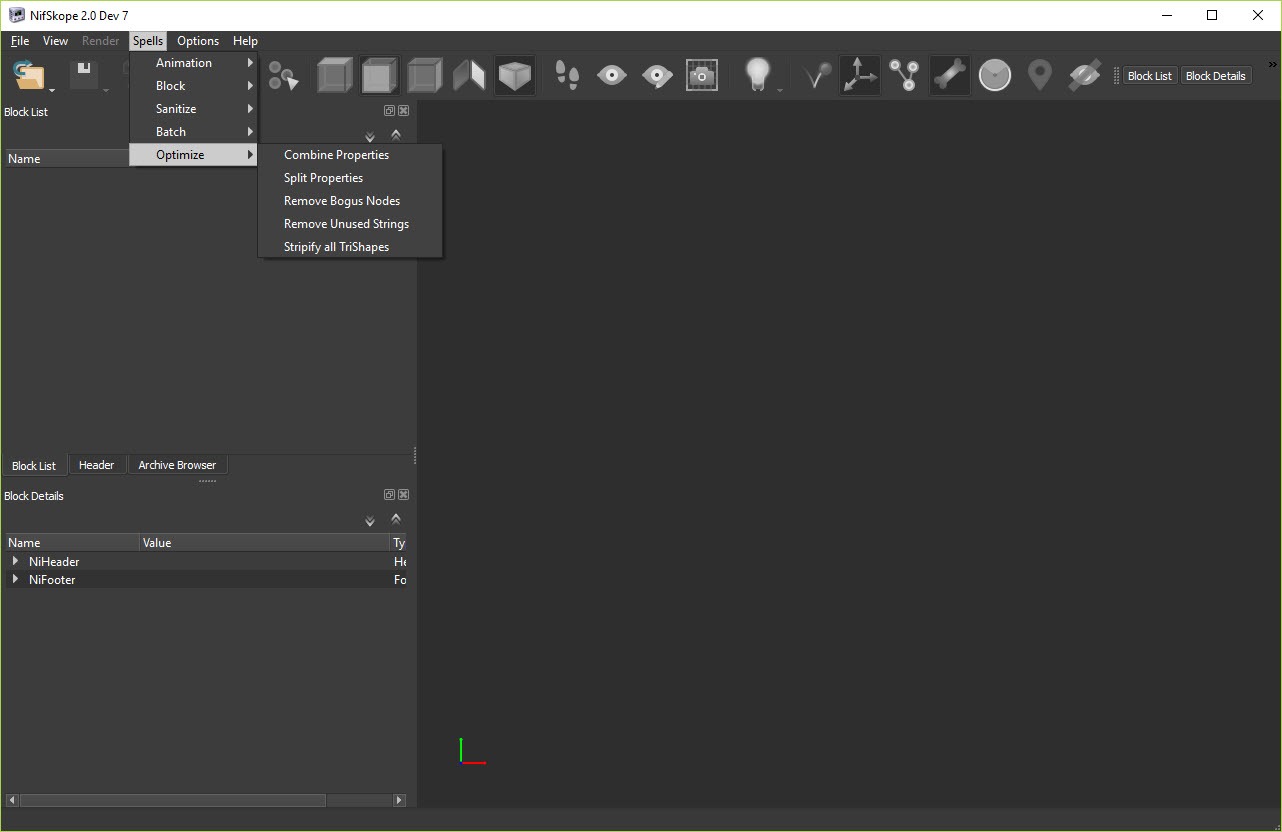
Scripted operations in NifSkope are called spells, grouped into block, texture, mesh, transform, sanitisation categories, and they are how repetitive fixes get done. Combining duplicate properties, removing duplicate or unused vertices, optimising index order, recalculating face or smoothed normals, stripping unused strings, all available as a menu item rather than a manual edit.
Better still, spells run in batch. Several files can be processed at once, and a whole folder tree can be walked recursively, which turns a tedious pass across two hundred meshes into one operation.
Now the honest caveat. Spell coverage across game generations is uneven, because each new title brought new block types and not every spell was updated for them. Some simply do not appear in the menu when a newer file is open, and a few appear and do the wrong thing. Test one file before running anything across a folder.
Flags are bitfields, and that catches everybody
This is the single most common source of confusion, so it belongs in its own section. Many fields called Flags are not a value, they are a sum of bits, each carrying separate meaning.
A collision node showing 3 is not the third kind of anything. It is 1 for hidden plus 2 for triangle collision, added together. Change it to 2 and the node stops being hidden, which may be exactly what you wanted or a mystery you spend an hour on.
NifSkope provides a checkbox editor for many block types, reached from an icon in the value column, and that makes the arithmetic invisible. It does not provide one for every block type, so some flags are still edited as raw numbers with a wiki page open beside you.
Moving pieces between files, and the save trap
Blocks and whole branches copy and paste between open files, which is how a working shader property from a functioning model gets transplanted into a broken one. It works only while the program stays open, since the clipboard holds structure rather than text.
Two other operations matter here. Deleting a node with the modifier key removes its children along with it rather than spilling them loose into the file, and applying a transform bakes the current position, rotation, scale into the geometry, which is what you do after editing something in a modelling program and finding the game ignores the change.
Embedded physics data can be exported to a separate file and imported back afterwards, so collision blocks can be edited in a specialist tool and returned.
Then the trap. NifSkope sanitises files automatically when saving, which is helpful on older formats and destructive on the newest ones. Switch automatic sanitising off before saving anything from a recent title, because the checks predate those formats and will damage a file that was perfectly valid.
What it deliberately does not do
There is no modelling in NifSkope, and import of general model formats is switched off on purpose rather than being missing. You cannot add a vertex, reshape a surface or build anything from scratch, and no amount of digging in the menus will change that.
Geometry work happens in Blender with the appropriate import and export plug-ins, and the sensible division of labour is to shape the mesh there and then bring the result here to fix paths, flags and hierarchy problems before it goes into the game.
One instability to know about. Editing shader flags on a lighting shader property has a long history of crashing at random, and it has never been reliably reproduced or fixed. Save before you touch them. Once the file is correct, Vortex Mod Manager handles getting it into the game without hand-copying files into a data folder.
Conclusion
NifSkope is indispensable to anyone modifying models for the games built on this engine family, and it earns that by refusing to simplify anything. Every field is visible, every value is editable, the preview tells the truth about how something will look, and the spells turn a hundred identical corrections into one menu click.
It asks a lot in return. You need to understand what the fields mean, remember that flags are sums rather than values, switch off automatic sanitising for newer formats, and accept that shader flag editing occasionally takes the program down with it. Learn those four things and it will fix problems no other tool can reach. Open it expecting a friendly model editor and you will close it again within ten minutes.
Pros & Cons
- Shows the complete internal structure of a model file with every field editable
- Render preview uses the same lighting response as the games, so previews are trustworthy
- Resource paths and game archives resolve texture references automatically
- Archive browsing and resource extraction work without a separate unpacking tool
- Spells automate repetitive fixes and run in batch across folders recursively
- Flag editors turn bitfield arithmetic into checkboxes for most block types
- Blocks and branches copy between open files, which is how broken models get repaired
- Embedded physics data exports and reimports for editing in specialist tools
- Automatic sanitising on save damages files from the newest supported titles
- Editing shader flags on lighting properties has a long-standing random crash
- Spell coverage is uneven across game generations, with some missing or misbehaving
- No modelling capability at all, and general model import is disabled by design
- Assumes you already know what each field and flag means, with no guidance offered
- Alpha-transparent shapes cannot be clicked, so drag-and-drop texture preview fails on them
Frequently asked questions
No. It edits the structure, the material properties, the paths and the flags, but not geometry. Import of general model formats is disabled deliberately, so shaping a mesh happens in a modelling application and the result comes back here for correction.
Because the texture paths inside the file cannot be resolved. Configure the resource folders and game archives in settings so it knows where to look, and enable the fallback that searches for a substitute when a referenced file is missing.
Scripted operations grouped by what they act on, covering blocks, textures, meshes, transforms and data sanitisation. They handle repetitive corrections such as removing unused vertices or recalculating normals, and they can run across many files at once.
Because automatic sanitising runs on save and its checks were written for older formats. Switch that option off before working with files from the newest supported titles, and the file will save unaltered.
It is a known fault with lighting shader properties specifically, never reliably reproduced and never fixed. Save the file immediately before editing those flags and treat a crash there as expected rather than as something you caused.


